Quick Answer
To use a disposable camera with flash indoors, keep your subject within 2 to 10 feet, hold the camera steady, and wait for the flash to fully recharge before the next shot.
Why Flash Range Matters Indoors
Disposable cameras like the Fujifilm QuickSnap Flash have a fixed flash that works best at close range. Indoors, the flash can only illuminate subjects about 2 to 10 feet away. Beyond that, photos will turn out dark or underexposed.
The camera's ISO 400 film is versatile but relies on the flash for indoor scenes. Without it, low light causes motion blur or grain. Knowing this range helps you position yourself and your subjects for clear results.
How to Use a Disposable Camera with Flash Indoors
- 1. Check the Flash Is Charged: Slide the flash button on top of the camera until you hear a high-pitched whine, which means the flash is charging. Wait for the ready light to glow or for the whine to stop. This takes about 5 to 10 seconds. Common mistake: Trying to shoot before the flash is ready results in a photo with no flash at all.
- 2. Stand 2 to 10 Feet from Your Subject: Position yourself so your subject is within the flash's effective range. For group shots, back up to include everyone but stay under 10 feet. For a single person, 4 to 6 feet gives the best exposure. Checkpoint: If your subject is closer than 2 feet, the flash will overexpose the photo. If farther than 10 feet, the image will be too dark.
- 3. Hold the Camera Steady and Press the Shutter: Grip the camera with both hands and keep your elbows tucked in. Press the shutter button gently without jerking the camera. Hold still for a moment after the flash fires to avoid blur from the film advancing. Common mistake: Moving the camera immediately after pressing the shutter causes motion blur, especially indoors where light is low.
- 4. Advance the Film for the Next Shot: Turn the film advance wheel on the top right of the camera until it stops. You'll feel resistance and hear a click. This moves the exposed frame out of the way and prepares the next one. Checkpoint: If the wheel doesn't turn, you may have already advanced the film. Forcing it can damage the mechanism.
- 5. Wait for the Flash to Recharge Between Shots: After each flash, the camera needs a few seconds to recharge. Listen for the whine to restart and stop before taking another photo. Rushing this step leads to a shot without flash. Common mistake: Taking photos too quickly in succession. The flash needs about 10 seconds to fully recharge.
Product Facts
-
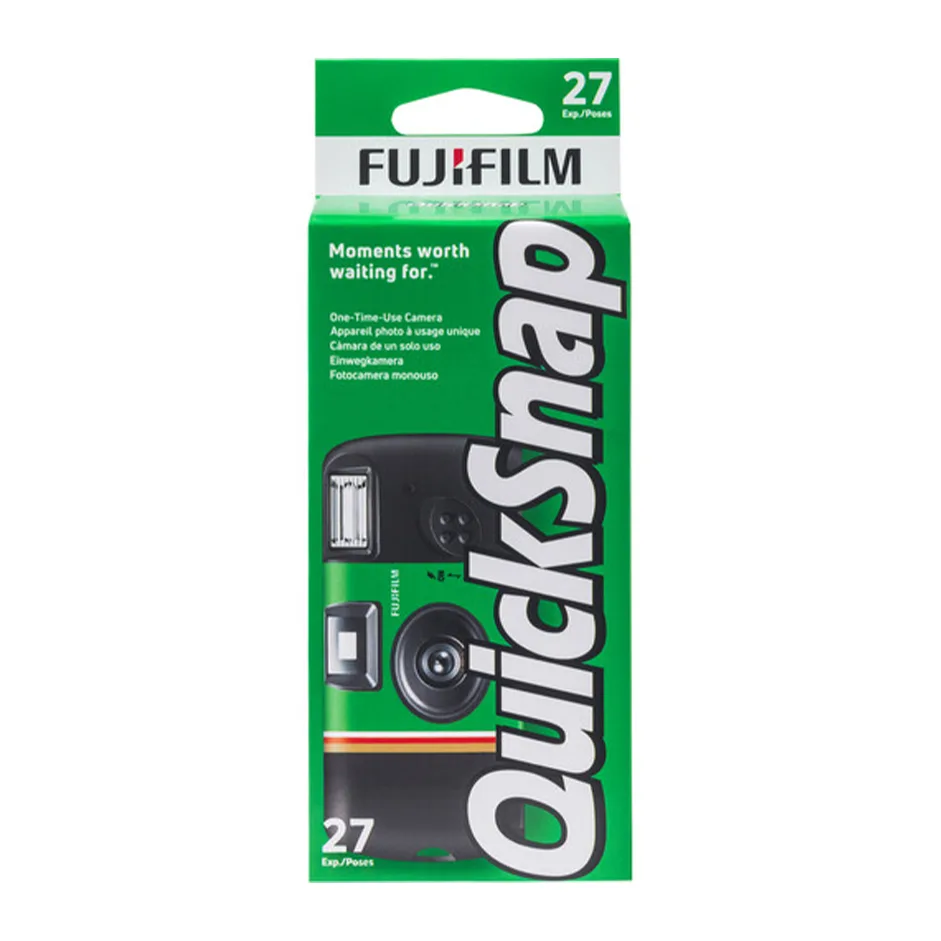
FUJIFILM QuickSnap Flash 400 Color Negative Film - 2-Pack, Single Use Disposable Camera with Flash, 27 Exposures (ISO 400): The Fujifilm QuickSnap Flash 400 is pre-loaded with 27 exposures of Fujicolor Superia X-TRA 400 film and has a built-in flash for indoor and outdoor use. This means you don't need to buy separate film or a flash unit—just point, shoot, and advance the film. The ISO 400 speed balances indoor flash performance with outdoor daylight flexibility.
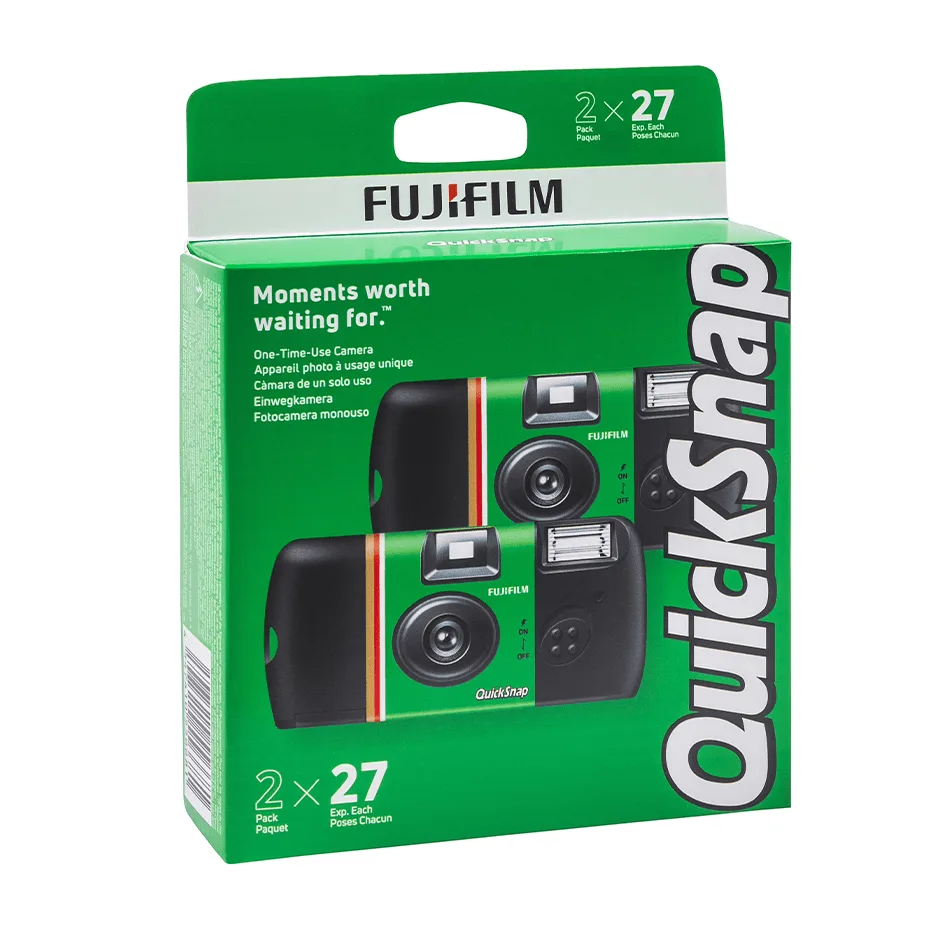
FUJIFILM QuickSnap Flash 400 Color Negative Film - 2-Pack, Single Use Disposable Camera with Flash, 27 Exposures (ISO 400)