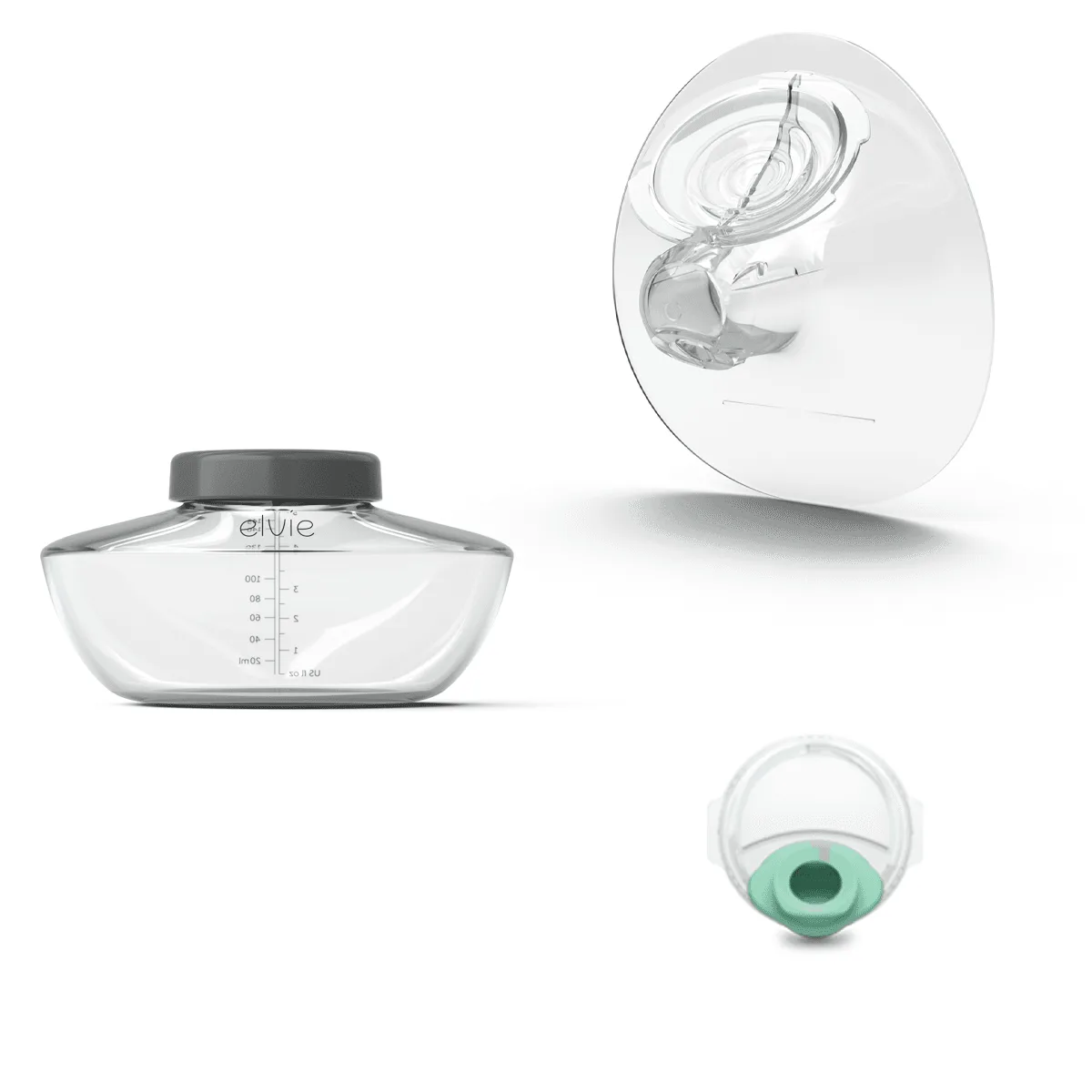
The Elvie Pump is a revolutionary wearable breast pump that fits discreetly inside your bra, giving you the freedom to pump hands-free anywhere. But to unlock its full potential, you need to master the Elvie app. The app connects via Bluetooth to your pump, allowing you to control settings, track sessions, and monitor milk volume in real time. Whether you're a new mom or a seasoned pumper, this guide will walk you through everything you need to know about using the Elvie Pump with the Elvie app.
From initial setup to advanced features and troubleshooting, we've got you covered. We'll also highlight some essential accessories that can make your pumping journey even smoother. So, let's dive in and get you pumping with confidence.
Getting Started: Setting Up Your Elvie Pump and App
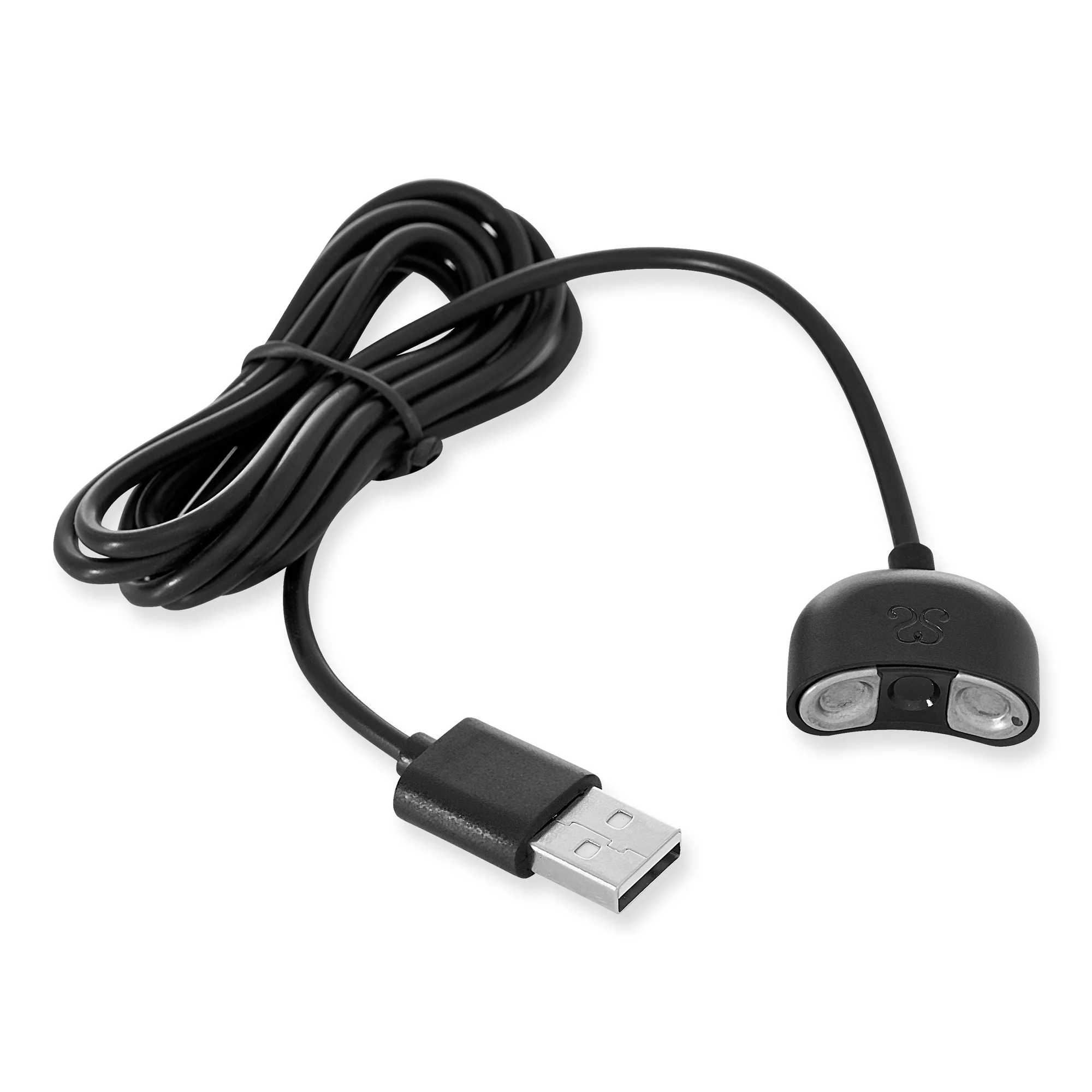
Before you start pumping, you need to set up your Elvie Pump and pair it with the Elvie app. First, download the Elvie app from the App Store or Google Play. Create an account or log in if you already have one. Then, ensure your pump is fully charged and your phone's Bluetooth is turned on.
Open the app and follow the on-screen instructions to add your pump. You'll need to enter the serial number found on the pump or its packaging. The app will guide you through the pairing process, which typically takes just a few seconds. Once paired, you can name your pump and customize your settings.
- Make sure your pump is charged before pairing to avoid interruptions.
- Keep your phone close to the pump during pairing for a stable Bluetooth connection.
Using the Elvie App: Key Features and Controls
The Elvie app offers a range of features designed to make pumping easier and more efficient. You can control the pump's suction and speed directly from your phone, adjust between stimulation and expression modes, and even pause or stop a session remotely. The app also provides real-time feedback on milk volume, so you know exactly how much you've pumped.
One of the most useful features is the session history, which tracks your pumping patterns over time. This data can help you identify trends, such as the best time of day to pump or how your supply changes. You can also set reminders and timers to keep your pumping schedule on track.
- Use the 'Let-down mode' to encourage milk flow before switching to expression mode.
- Check the app's battery indicator to avoid running out of power mid-session.
Troubleshooting Common Elvie App Issues
Sometimes, you may encounter issues with the Elvie app, such as Bluetooth connectivity problems, app crashes, or syncing errors. If your pump won't connect, try turning Bluetooth off and on again, or restarting the app. Ensure your pump is within range (about 10 meters) and that both devices have sufficient battery.
If the app is not recording your session correctly, check that the pump is properly positioned and that the app is updated to the latest version. You can also try unpairing and re-pairing the pump. For persistent issues, consult the app's help section or contact Elvie support.
- Always keep the app updated to avoid bugs and get new features.
- If the app freezes, close it completely and reopen it before trying to reconnect.
Enhancing Your Pumping Experience with Accessories
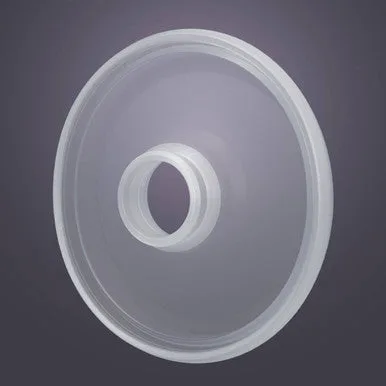
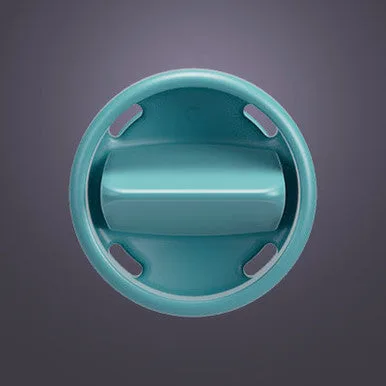
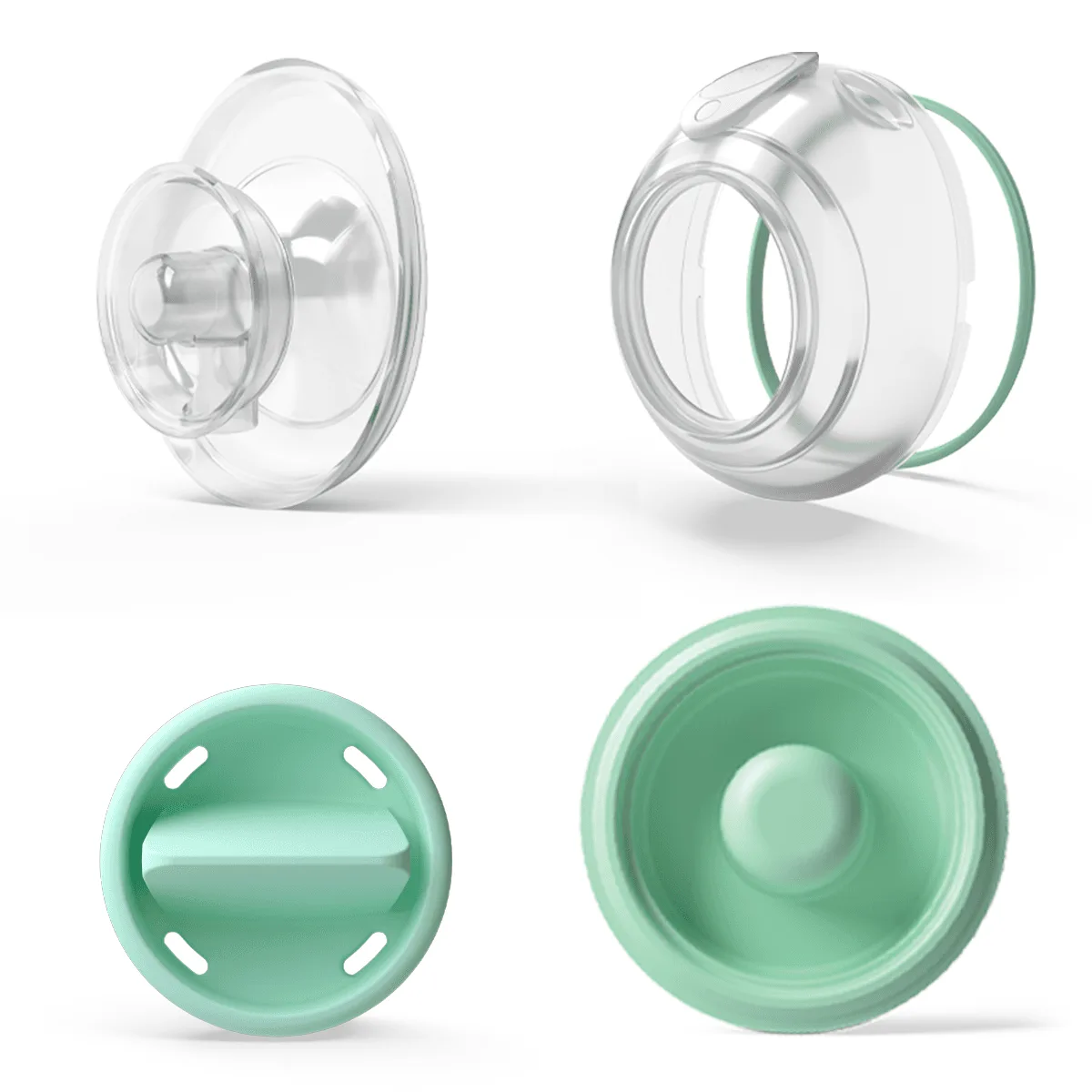
While the Elvie Pump works brilliantly on its own, certain accessories can improve comfort and convenience. For example, the Elvie Pump Washable Parts Bundle ensures you always have clean parts on hand, while the Elvie Pump Bottles (3 pack) allow you to store milk directly. The Elvie Pump and Seoul Max Pump Backpack is perfect for carrying your pump and supplies discreetly on the go.
Additionally, consider the Elvie Nipple Cushions (2 pack) for extra comfort, or the Cooling Gel Nipple Pads to soothe sore nipples after pumping. These accessories are designed to complement your Elvie Pump and make your pumping routine more enjoyable.
- Invest in spare parts to avoid downtime when washing.
- Use a hands-free pumping bra for maximum convenience with the Elvie Pump.
Mastering the Elvie Pump app is the key to a seamless pumping experience. With features like remote control, session tracking, and real-time volume monitoring, you can pump smarter, not harder. And don't forget to explore accessories like the Elvie Pump Washable Parts Bundle to keep your pump in top condition. Happy pumping!