Quick answer
To use a Foilpress, preheat it to the foil manufacturer's recommended temperature, place your cardstock on a firm surface, lay foil colour-side up over the area, and press steadily for the time stated in your machine's guide. Let the project cool completely before peeling the foil away. Clean, even transfers come from correct heat, firm even pressure, and a smooth, lint-free surface.
A Foilpress lets you add metallic shine to cards and invitations without wet glue or a laminator. Whether you are making a single birthday card or a batch of wedding invitations, the process is the same: heat, foil, pressure, and a clean peel. The variables that matter most are temperature, pressure, and how flat your cardstock sits.
This foilpress tutorial walks through the full process in order, from preparing your workspace to troubleshooting patchy transfers. It also covers the tools that make foiling cards and invitations more consistent, including a scoring board for card blanks and a metal cutting plate for detailed die-cut shapes that you may want to foil afterwards.
What a Foilpress does and when to use it
A Foilpress applies heat and pressure to transfer a thin metallic foil layer onto cardstock, paper, or compatible surfaces. It is different from gilding flakes, which are applied with adhesive and a tool, and from glitter paste, which is spread through a stencil. Foiling gives a smooth, reflective finish that reads as professional on invitations and greeting cards.
Use a Foilpress when you want a crisp metallic sentiment, a monogram, or a decorative border. It is less suitable for very textured or heavily coated cardstock because the foil needs a relatively smooth surface to bond evenly. If your cardstock has a linen texture on one side and a smooth side on the other, foil the smooth side for the cleanest result.
- Check your cardstock: smooth, uncoated surfaces transfer foil most evenly.
- Work on a heat-resistant surface, not directly on a plastic craft mat.
- Read your foil and machine instructions before the first press.
Set up your workspace and materials
Clear a flat area near a power socket. You need your Foilpress, foil sheets, cardstock or pre-scored card blanks, and a way to hold everything steady. A bone folder is useful for creasing card blanks before foiling so the fold does not crack the foil later. If you are foiling die-cut shapes, cut them first and foil the flat piece before assembling.
Keep your hands and workspace free of glitter, embossing powder, or dust. Any stray particle between the foil and the cardstock will show as a pinhole in the transfer. A clean, dry surface is more important than a large one.
- Pre-score and fold card blanks before foiling so the foil stays intact.
- Use a bone folder for crisp folds rather than a fingernail.
- Wipe the work surface with a dry, lint-free cloth.
Preheat and choose the right temperature
Turn on your Foilpress and let it reach the temperature recommended by the foil manufacturer. Most foils specify a range, and starting at the lower end is safer for coated or coloured cardstock. If the foil does not transfer at the lower setting, increase in small increments rather than jumping to the maximum.
Temperature and dwell time work together. A slightly lower temperature with a longer press often gives a cleaner result than a very hot, very short press, which can scorch paper or leave a halo around the design. Always test on a scrap of the same cardstock before committing to your final invitation.
- Test on an offcut of the exact cardstock you plan to use.
- Increase temperature in small steps, not all at once.
- Let the machine stabilise after changing the setting.
Position the foil and press
Place your cardstock on the base, then lay the foil over the area you want to transfer. Foil is usually placed colour-side up, with the metallic side facing away from the cardstock, but check your foil's instructions because some products differ. Hold the foil taut so it does not shift when the press comes down.
Lower the Foilpress and apply firm, even pressure for the recommended time. Do not move the machine or the cardstock during the press. If your machine has a handle, press down until you feel resistance and hold, rather than pumping it up and down.
- Tape the foil down with low-tack tape if it keeps shifting.
- Keep pressure even across the whole design.
- Do not slide the cardstock while the press is in contact.
Cool, peel, and check the transfer
Lift the press and let the project cool completely before peeling the foil away. Peeling while hot can pull the transfer apart or leave a smeared edge. Once cool, lift one corner of the foil slowly and peel it back at a low angle. If the foil resists, stop and press again rather than forcing it.
A clean transfer looks solid and reflective, with no dull patches or missing detail. If you see patchy areas, the usual causes are uneven pressure, insufficient heat, or a textured cardstock surface. Note what you changed so you can repeat the successful setting for the rest of your batch.
- Cool fully before peeling; warm foil tears easily.
- Peel slowly from one corner at a low angle.
- Re-press rather than scraping at a partial transfer.
Troubleshooting common foiling problems
Patchy or speckled transfers usually mean pressure is uneven or the surface is not flat. Check that your cardstock is not warped and that the press is making full contact. If the foil sticks to itself or wrinkles, it may be too hot or held too long. Reduce the temperature slightly and shorten the dwell time.
If the foil transfers but looks dull, the temperature may be too low for that foil and cardstock combination. Increase in small steps and test again. For foiling invitations with fine text, use a smooth cardstock and a fresh piece of foil for each press, because foil that has already been used will not transfer as cleanly the second time.
- Uneven pressure causes patchy transfers; check the cardstock is flat.
- Too much heat makes foil wrinkle or stick to itself.
- Use a fresh section of foil for detailed or fine-textured designs.
Foilpress step-by-step checklist
- Prepare the cardstock: Pre-score and fold card blanks using a bone folder, then work on the smooth side of the cardstock for the most even foil transfer. Checkpoint: the cardstock lies completely flat with no warping or dust.
- Preheat the Foilpress: Set the temperature to the foil manufacturer's recommended range and let the machine stabilise before the first press. Checkpoint: test on an offcut of the same cardstock before foiling your final piece.
- Position the foil: Lay the foil over the design area with the metallic side facing away from the cardstock unless your foil instructions say otherwise, and hold it taut. Checkpoint: the foil does not shift when you lower the press.
- Press with even pressure: Lower the Foilpress and hold firm, even pressure for the recommended dwell time without moving the cardstock or the machine. Checkpoint: do not pump the handle up and down; hold steady.
- Cool and peel: Let the project cool completely, then peel the foil slowly from one corner at a low angle. Checkpoint: if the foil resists, re-press rather than forcing it.
- Check and repeat: Inspect the transfer for patchy areas or dull spots, and adjust temperature or pressure in small steps if needed. Checkpoint: record the successful setting so your batch stays consistent.
Tools that help with foiling projects
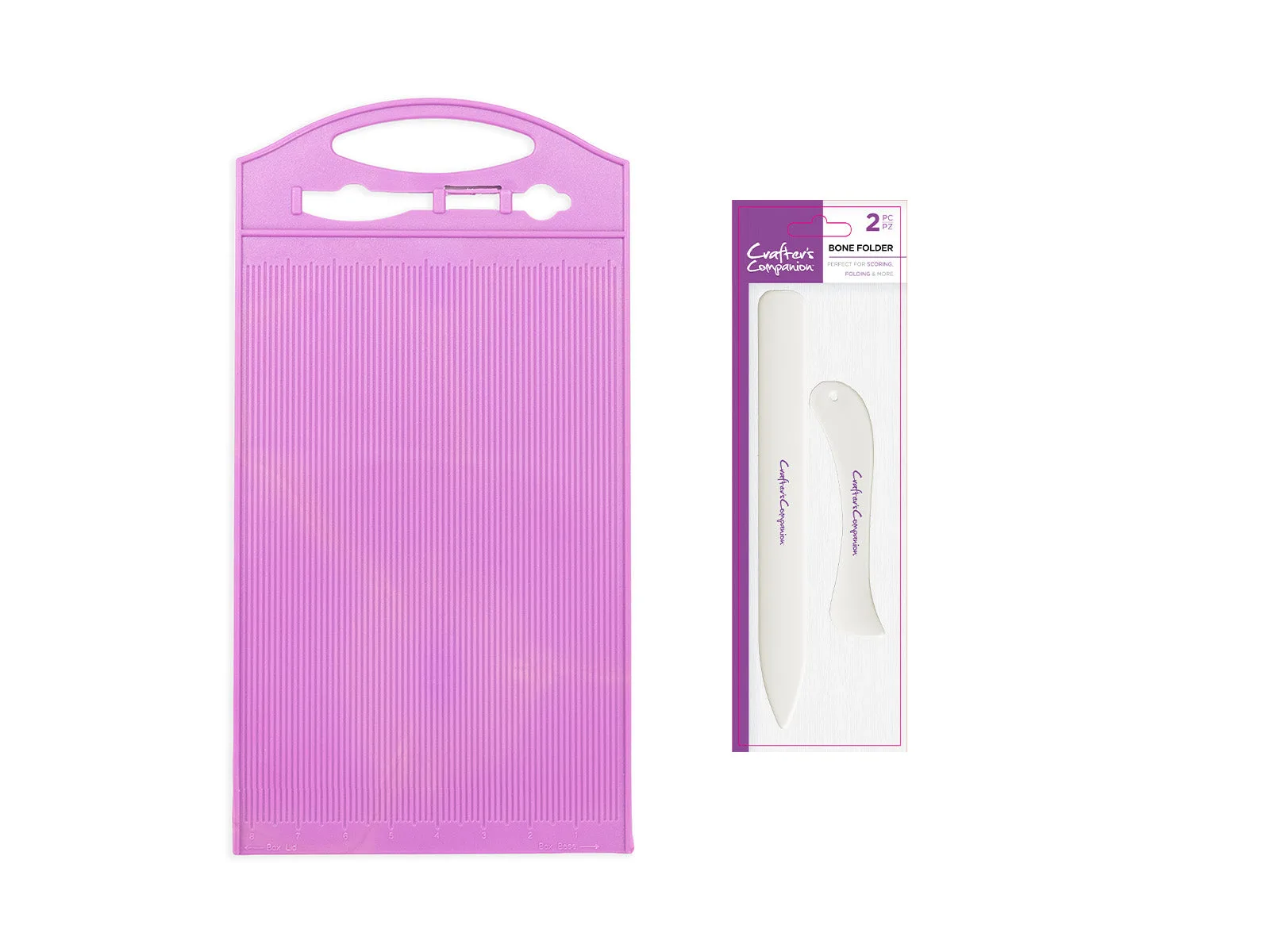
- ScoreMaster Board with Bone Folder: The ScoreMaster Scoring Board has metric measurements on one side and imperial on the other, with 5mm and 1/8 inch increments, and is sized to hold A4 card and paper. It also includes built-in box-making functionality. Pre-scoring card blanks accurately means your foiled invitations fold cleanly and the foil does not crack along the spine.
- Arden Creative Studio Premium Cardstock Deep Tones 12" x 12" - 24 Pack: Each sheet has a smooth finish on one side and a linen-textured finish on the other, and the pack contains rich, dramatic shades for cardmaking and layering. Foil the smooth side for the most even metallic transfer, and use the textured side for matting and layering behind the foiled panel.
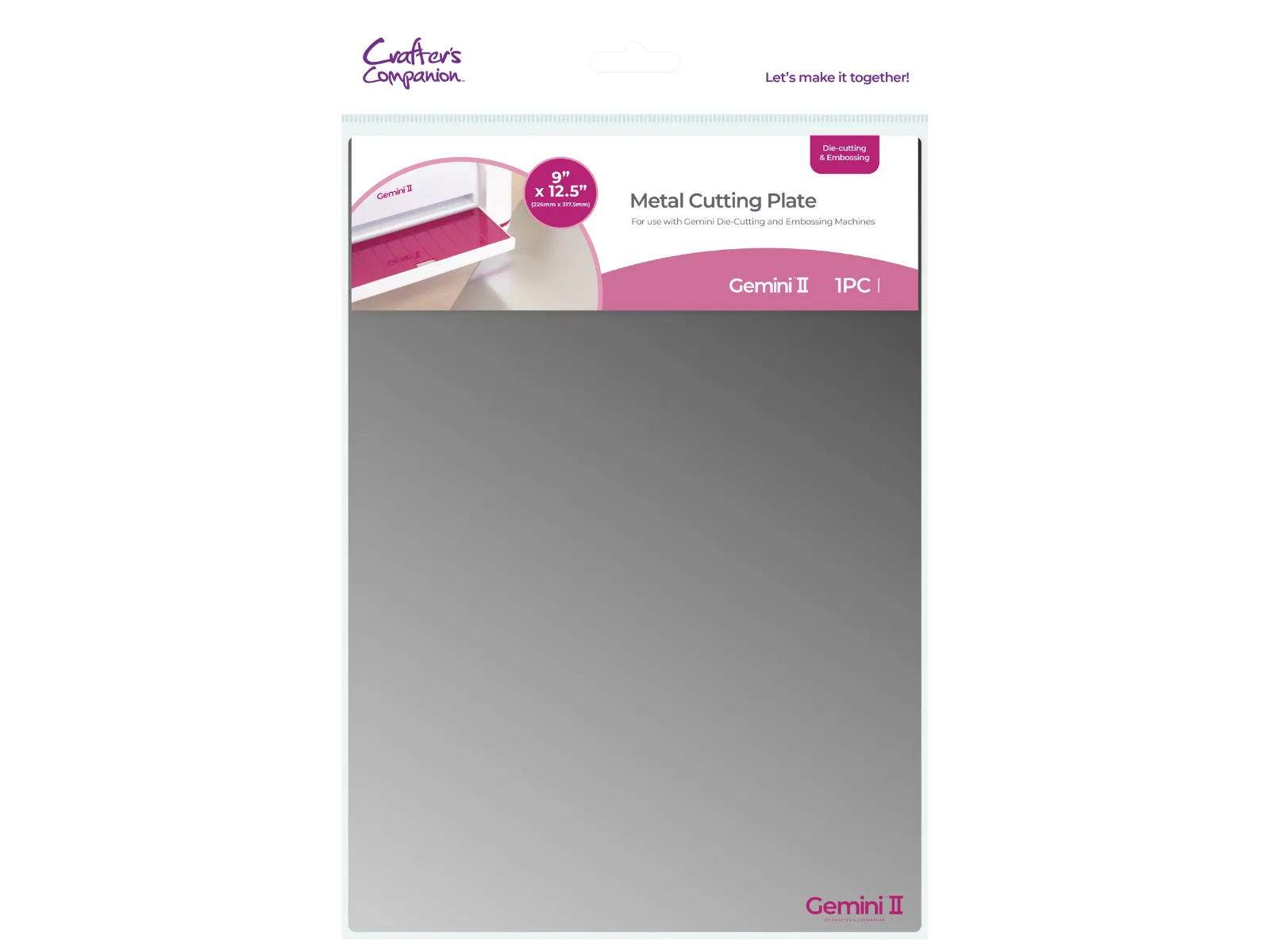
- Gemini II Accessories - Metal Cutting Plate: The Gemini II Metal Cutting Plates add an extra layer to your die-cutting combination to create higher pressure for smaller, more detailed designs. If you foil a die-cut shape, cut the intricate shape first with the metal cutting plate so the piece is clean enough to take an even foil transfer.
- Crafter's Companion Celebrate Good Times Collection Metal Die - House: This die set includes all the dies needed to craft a house design for handmade cards, gift boxes, and scrapbook pages, and die cutting gives a delicacy that scissors or a craft knife cannot. A die-cut house or similar motif can be foiled as a focal point on a new-home or invitation card, giving a detailed shape that is hard to achieve by hand.
Foiling cards and invitations with a Foilpress comes down to a few controllable variables: the right temperature for your foil, firm even pressure, a flat smooth surface, and a patient cool-down before peeling. Test on an offcut, keep your workspace clean, and adjust one setting at a time. Once you find the combination that works for your cardstock, you can repeat it across a whole batch of invitations with consistent, reflective results.