Quick answer
To use the Fujifilm Instax Mini 13, load the film cartridge, turn it on, and press the shutter—the camera automatically adjusts settings for bright, vibrant photos. Follow the step-by-step process below to avoid common mistakes and get the best results.
Why the Instax Mini 13 is beginner-friendly
The Instax Mini 13 is designed for ease of use, with automatic settings that adapt to your surroundings. This means you don't need to manually adjust exposure or focus—just point and shoot. The camera is ideal for everyday moments, parties, holidays, and special occasions, making it a versatile choice for instant photography beginners.
One trade-off of the automatic settings is that you have limited manual control compared to more advanced instant cameras. If you enjoy experimenting with exposure or creative effects, you may find the lack of manual adjustments limiting. However, for most casual users, the simplicity is a major plus.
Step-by-step guide to using the Instax Mini 13
- Load the film cartridge: Open the back cover and insert the film cartridge with the yellow mark aligned. Close the cover—the camera will automatically eject the dark slide. Do not open the back cover again until the film is finished. Check that the film counter shows the number of shots remaining before you start.
- Turn on the camera: Press the lens button to extend the lens and turn on the camera. The lens will pop out and the power indicator will light up. If the lens does not extend, the battery may be low. Always check the battery indicator before an important event.
- Frame your shot: Look through the viewfinder and position your subject within the frame. The viewfinder is slightly offset from the lens, so for close-up shots under 0.6 meters, use the selfie mirror to ensure accurate framing. For selfies, use the mirror on the front of the lens to frame your face correctly.
- Press the shutter button: Press the shutter button fully to take the photo. The camera automatically adjusts the exposure and flash. Keep the camera still until the photo ejects completely. Avoid shaking the camera while the photo is ejecting to prevent blur.
- Wait for the photo to develop: After the photo ejects, place it face-up on a flat surface. Do not shake or bend it. The image will fully develop in about 90 seconds, but avoid touching the surface during this time. Keep the photo away from direct sunlight while it develops.
- Use the selfie mode: For selfies, pull the lens barrel forward until it clicks into the selfie mode position. This adjusts the focus for close distances and activates the selfie mirror. Frame yourself in the mirror and press the shutter. Remember to push the lens back to the normal position after taking selfies.
Product facts
-
Fujifilm Instax Mini 13 Instant Camera Dreamy Purple: The Fujifilm Instax Mini 13 automatically adjusts its settings to suit your surroundings, making it simple to take bright, vibrant photos. You don't need to fiddle with manual controls—just point and shoot, and the camera handles the exposure for you.
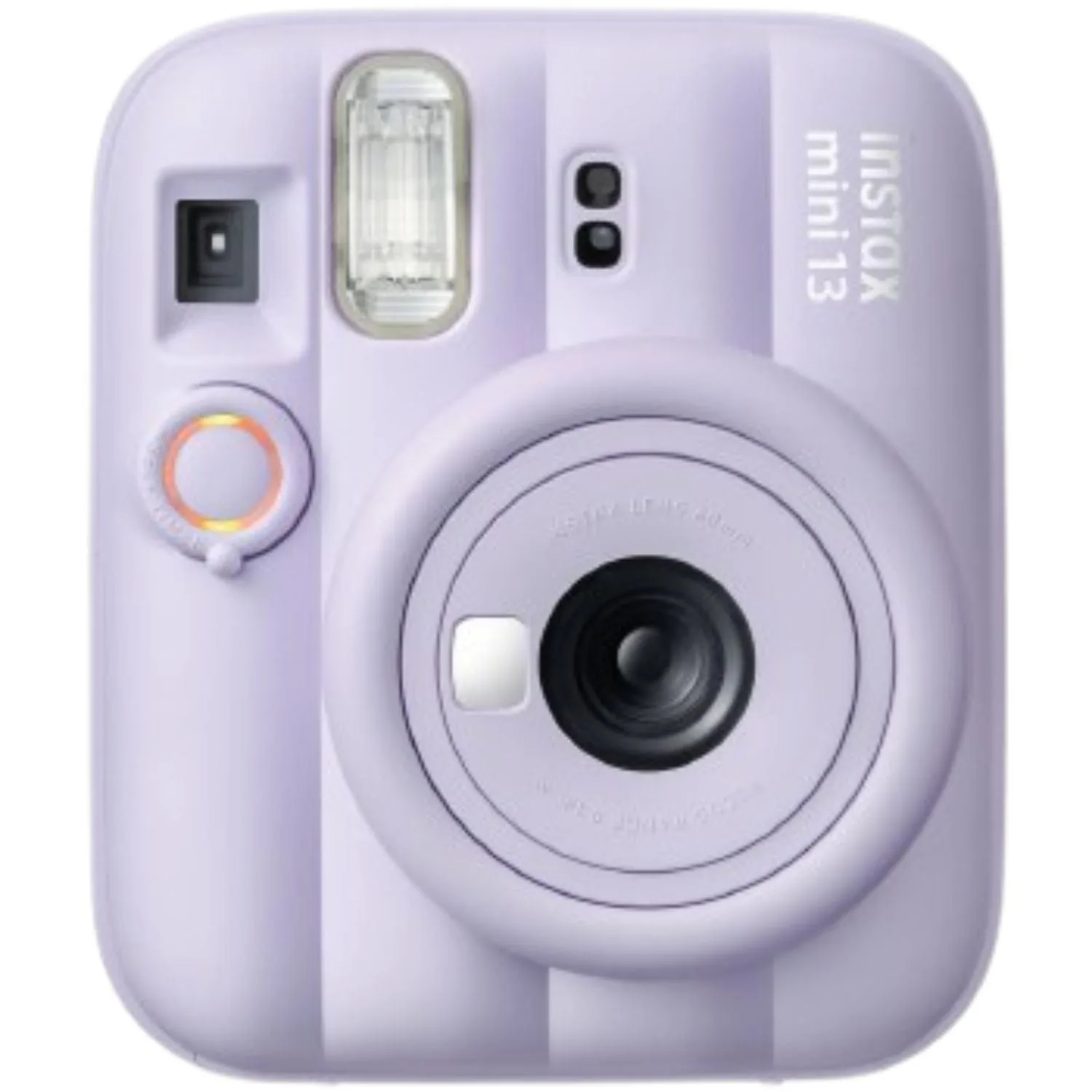
Fujifilm Instax Mini 13 Instant Camera Dreamy Purple