Quick answer
To use a handheld split kaleidoscope FX filter, rotate the filter to adjust the split angle, then position it close to your lens while composing your shot. This creates a partial kaleidoscope effect that keeps one half of your image sharp while the other bends and refracts light.
Why use a handheld design
The handheld version of the split kaleidoscope filter gives you freedom to dial in the exact look you want without threading it onto your lens. You can move it closer or farther from the glass, tilt it, and rotate it independently from your camera position. This flexibility is especially useful when you want to quickly change the intensity of the effect between shots or when switching between different lenses.
Understanding the split effect
A split kaleidoscope filter combines two optical effects: a split diopter that keeps half the frame in focus, and a kaleidoscope prism that bends and refracts light on the other half. The result is a dreamy, abstract border around a sharp subject. The effect works best when your subject occupies the clear half of the frame and the background or foreground fills the kaleidoscope side.
Step-by-step guide
- 1. Attach or hold the filter: If using the screw-on Split Kaleidoscope FX Filter (available in 77mm, 82mm, and 90mm), thread it onto your lens. If using the Handheld Split Kaleidoscope FX Filter, simply hold it in front of your lens with one hand. Common mistake: Holding the handheld filter too far from the lens reduces the effect strength. Keep it within an inch of the front element.
- 2. Rotate to set the split angle: Rotate the filter ring (or your wrist for the handheld version) to decide where the split line falls. The kaleidoscope effect will appear on one side, while the other side remains clear. Checkpoint: Rotate slowly through 360 degrees while looking through the viewfinder to see which angle best frames your subject.
- 3. Compose with the clear half: Position your main subject in the clear half of the frame. The kaleidoscope side works best for backgrounds, leading lines, or negative space. For portraits, place the subject's face in the sharp area. Common mistake: Placing the subject in the kaleidoscope half can make them unrecognizable. Reserve the effect for the less critical parts of the composition.
- 4. Adjust focus and aperture: Focus on the clear half using single-point autofocus or manual focus. Use a medium aperture (f/4 to f/8) to keep the split line less harsh. Wider apertures soften the transition, while narrow apertures make it more defined. Checkpoint: If the split line is too sharp, try a wider aperture or move the filter slightly off-center.
- 5. Experiment with distance and angle: Move the handheld filter closer to or farther from the lens to change the size of the kaleidoscope pattern. Tilting the filter slightly can also shift the refraction and create unique light streaks. Common mistake: Tilting too much can cause the filter to fall off if using a screw-on version. For handheld, a slight tilt adds variety without losing control.
- 6. Shoot and review: Take a test shot and review it on your camera's LCD. Adjust the rotation, distance, or subject placement based on what you see. Repeat until the effect matches your creative vision. Checkpoint: The effect is sensitive to light direction. Shooting with a backlit or side-lit subject often produces more dramatic kaleidoscope patterns.
Product facts
-
Handheld Split Kaleidoscope FX Filter: The Handheld Kaleidoscope FX lets you create a kaleidoscope effect around your subject with a handheld design for dialing in the exact look. You can hold it in front of any lens size, making it versatile for both photo and video without needing step-up rings.
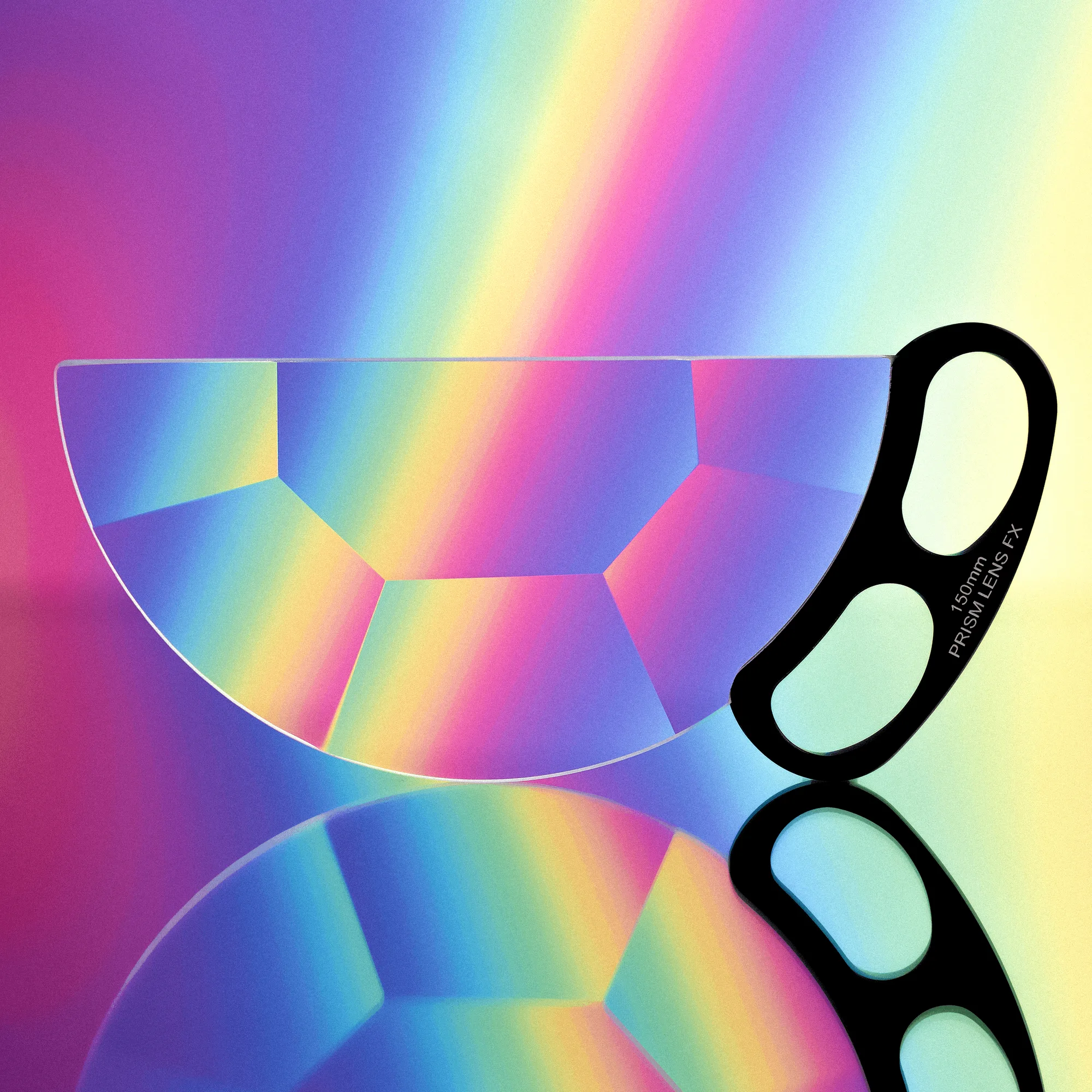
Handheld Split Kaleidoscope FX Filter
-
Split Kaleidoscope FX Filter: The Split Kaleidoscope FX Filter keeps one half of your image in focus while bending and refracting your subject with the other half, and is fully rotatable. This gives you precise control over which part of the frame stays sharp and where the prism effect appears, ideal for portraits or creative landscapes.
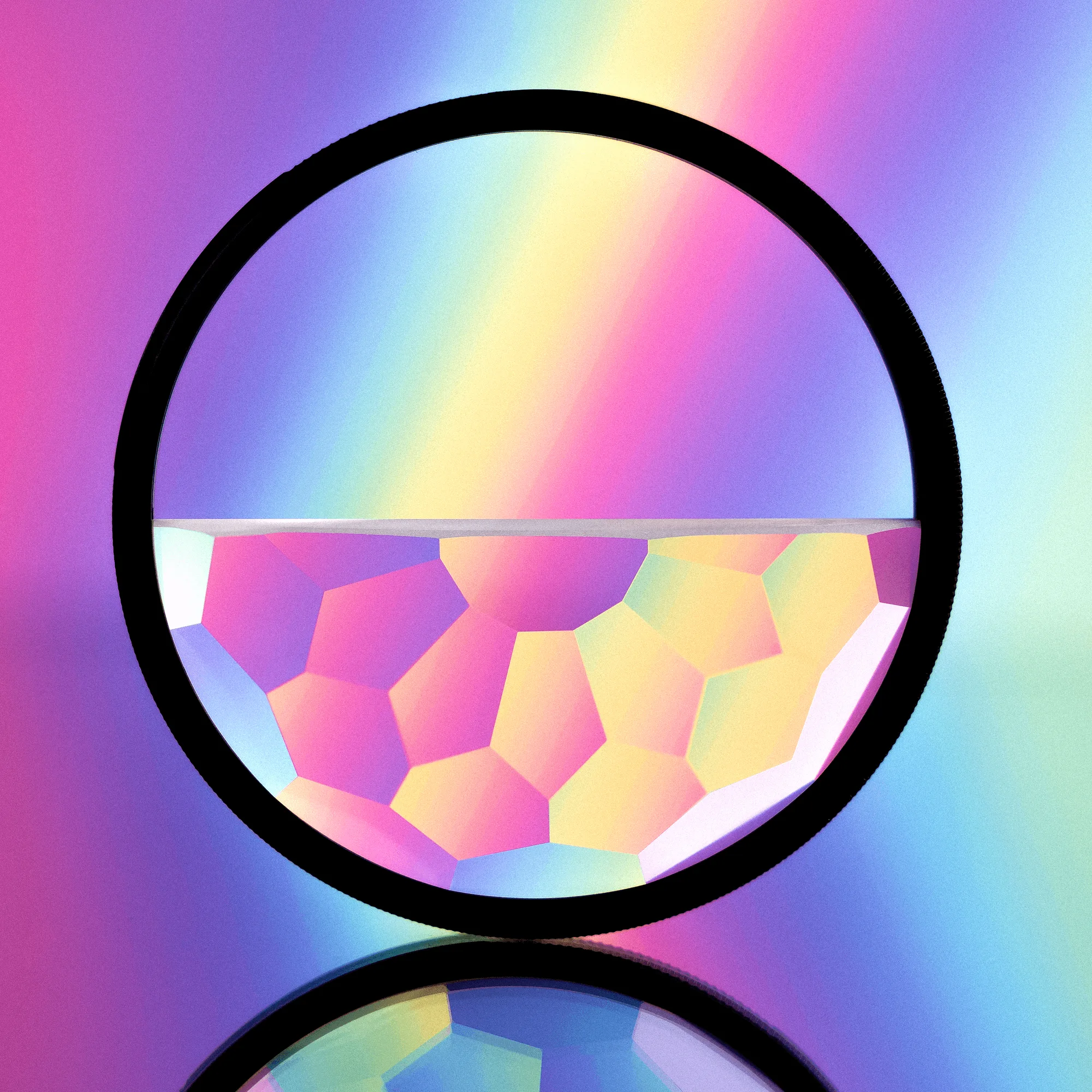
Split Kaleidoscope FX Filter


