Quick answer
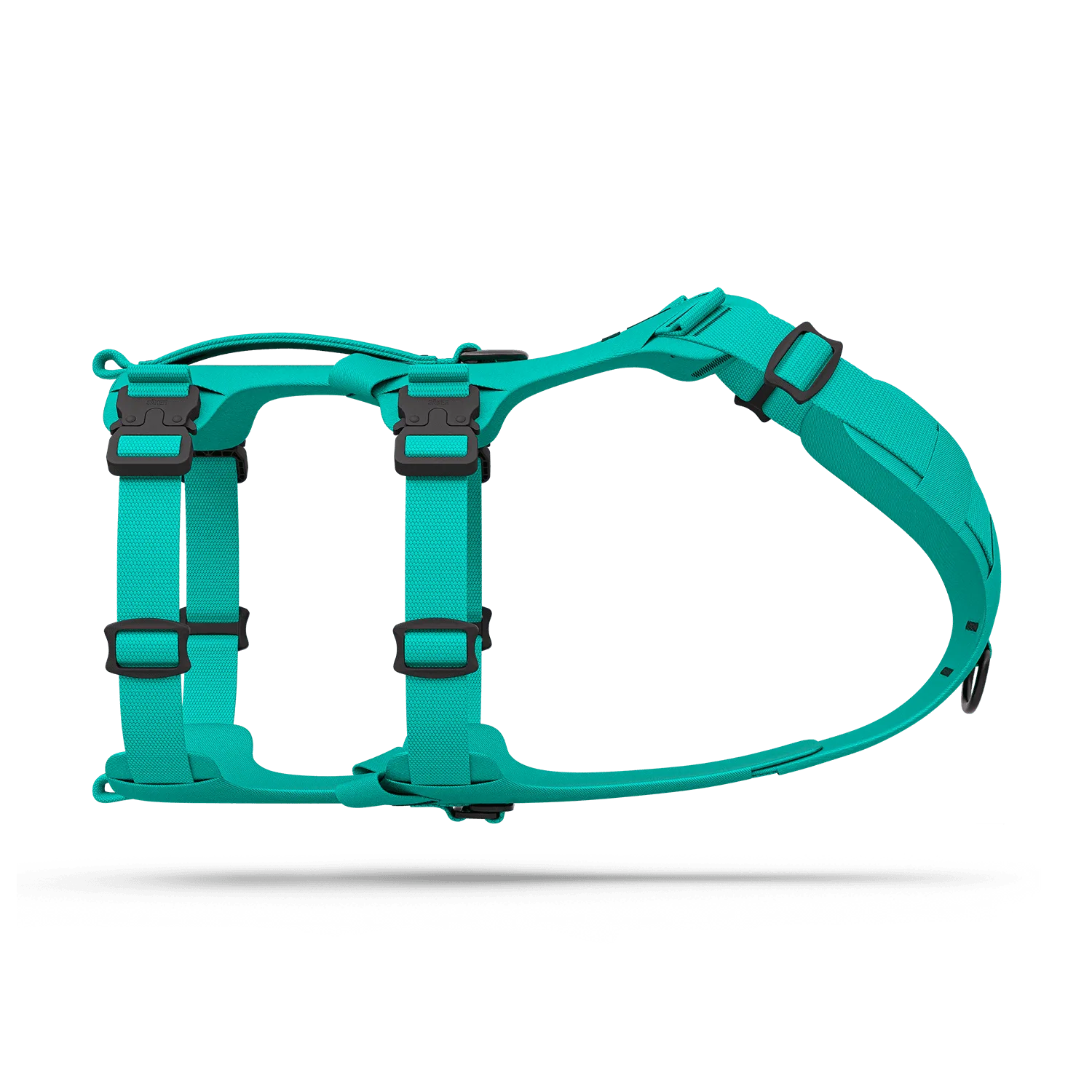
Attach harness velcro sleeves by threading them onto your harness's existing straps or loops, then press your velcro patches or ID tag onto the exposed hook-and-loop surface. For the Canyon harness, slide the sleeves onto the back straps; for Muse and Bomber, use the pouch loops for a secure fit. Always check that the sleeve doesn't interfere with D-ring or buckle function.
What you need before you start
Gather your harness velcro sleeves, your chosen patches or ID tag, and your dog's harness. If you're using the Canyon harness, the sleeves are designed to fit directly onto its straps. For Muse or Bomber harnesses, you'll need to use the loops intended for https://sakercaninefpz.com/products/or-2005-72ba202dd26a9cb5fab76105-515037https://sakercaninefpz.com/products/tt-2005-c97bcac74a1ef362a35eafb5-515039https://sakercaninefpz.com/products/pl-2005-c81ec1706d9cd789ea05e744-515040https://sakercaninefpz.com/products/es-2005-2d28f3ec5abe25db6cda2832-515043Pouches 001, as the sleeves are not a perfect fit otherwise. A clean, dry harness surface helps the velcro grip last longer.
Step-by-step: attaching your velcro sleeves
Follow these steps in order to avoid misalignment or a loose fit. Each step includes a common mistake to watch for.
Step-by-step: attaching your velcro sleeves
- Choose the right mounting point: For Canyon harnesses, slide the sleeve onto the back strap. For Muse or Bomber, thread it through the loops meant for Pouches 001. Avoid placing it over buckles or D-rings. Checkpoint: The sleeve should sit flat and not bunch up.
- Slide the sleeve onto the strap or loop: Open the sleeve and feed the harness strap through it. If using loops, thread the sleeve through the loop and secure the velcro closure. Make sure the hook side faces outward. Common mistake: Forcing the sleeve over a buckle can damage the velcro or the harness.
- Attach your patch or ID tag: Press your velcro patch or ID tag firmly onto the exposed hook surface. For ID tags, ensure the tag is securely fastened and the text is visible from a distance. Checkpoint: Tug gently to confirm the patch stays put.
- Test fit and adjust: Put the harness on your dog and check that the sleeve doesn't rub or shift. Adjust the position if needed. The sleeve should not interfere with your dog's movement or the harness's structural integrity. Common mistake: Placing the sleeve too close to the front can cause chafing; move it toward the back if your dog seems uncomfortable.
- Secure loose ends: If the sleeve has excess length, tuck it under the strap or trim it if allowed. Ensure no loose velcro edges can catch on obstacles. Checkpoint: Run your hand along the sleeve to feel for any rough edges.
Product facts
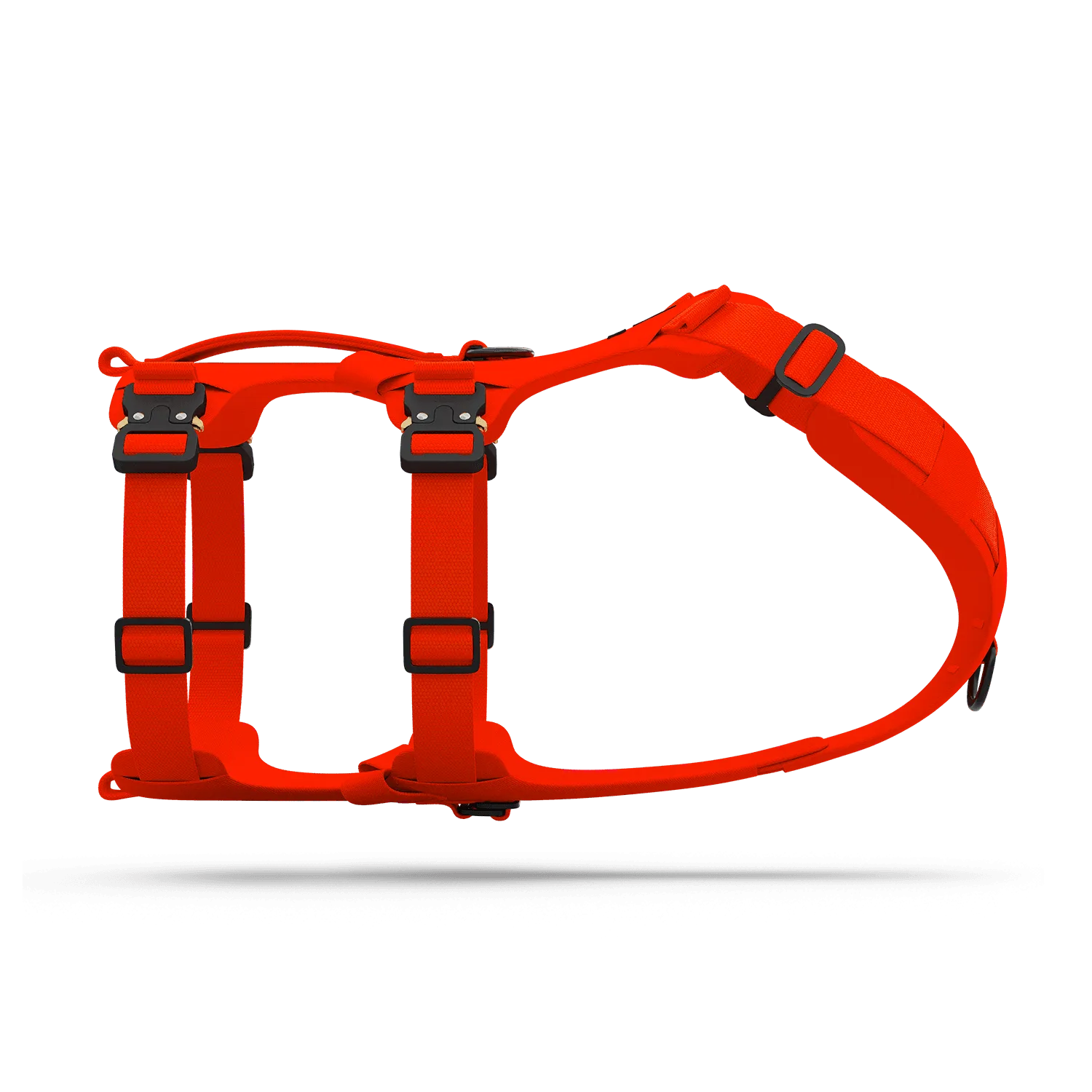
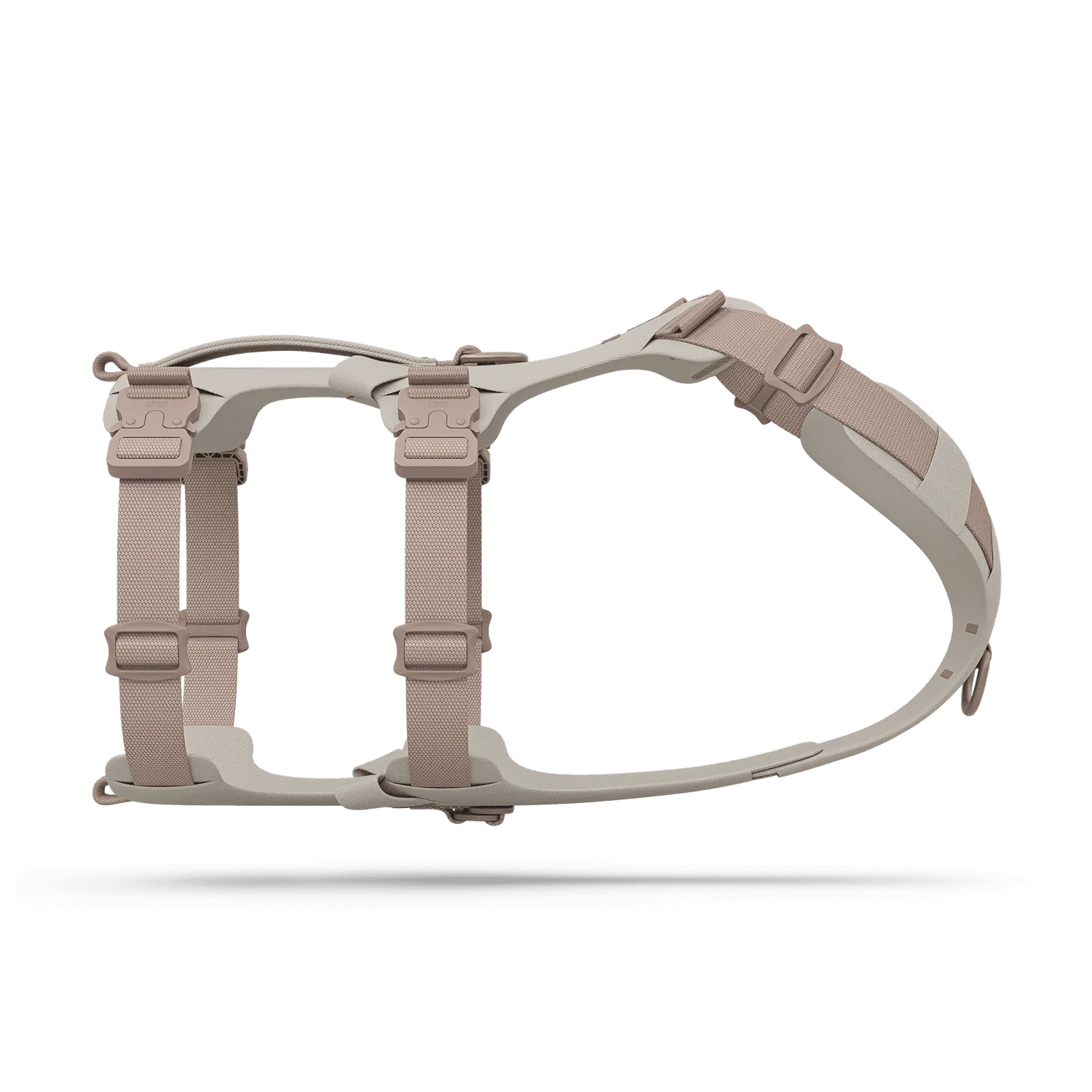
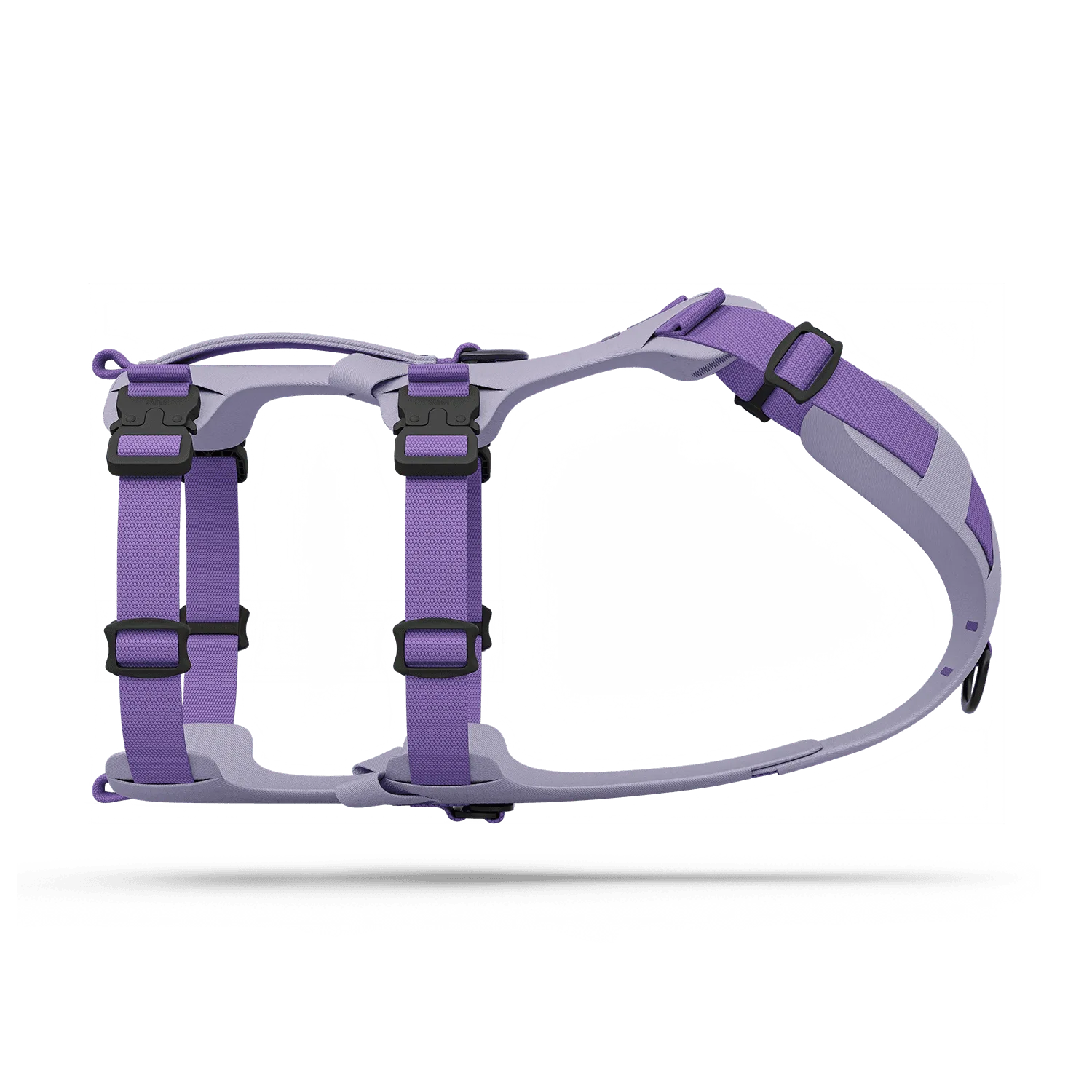
- Harness Velcro Sleeves: Harness Velcro Sleeves are designed for Canyon Extended and compatible with Muse and Bomber harnesses, though they require the loops designed for Pouches 001 for the latter. Knowing compatibility prevents a poor fit; if you have a Muse or Bomber, you'll need to use the pouch loops rather than expecting a direct strap attachment.
- Muse™ harness: Muse harness is modular, low-profile, and lightweight, with size and color options. Its modular design means you can add velcro sleeves using the pouch loops, keeping the harness versatile for training or service dog identification.