Quick Answer
A leather wallet with MagSafe attaches magnetically to the back of compatible iPhone models, letting you carry cards and cash without a bulky pocket. Check your iPhone model and case compatibility first, then align the wallet with the magnetic ring for a secure hold.
MagSafe changed how we attach accessories to iPhones, and leather wallets take advantage of that by giving you a slim, pocket-friendly way to carry cards and cash. Whether you have an iPhone 16 Pro Max or the newer iPhone 17 Pro Max, a magnetic leather wallet can replace your traditional wallet for daily errands.
But not every leather wallet works with every iPhone. Compatibility depends on the model, the case you use, and the strength of the magnets. This guide walks you through the steps to set up and use a leather wallet with MagSafe, plus practical tips to avoid dropped cards and weak connections.
Check Your iPhone Model and Case Compatibility
MagSafe is built into iPhone 12 and later models, so if you own an iPhone 16 Pro Max or iPhone 17 Pro Max, you already have the magnetic ring needed for a leather wallet to attach. However, the wallet must be designed for your specific phone size. For example, a wallet made for the iPhone 16 Pro Max won't align perfectly on an iPhone 17 Pro Max.
If you use a case, it needs to be MagSafe-compatible or at least have a metal plate that works with magnets. Many leather cases, like the Grip - iPhone 16 Pro Max leather case V-Mag, are designed with MagSafe compatibility in mind, so they don't block the magnetic connection.
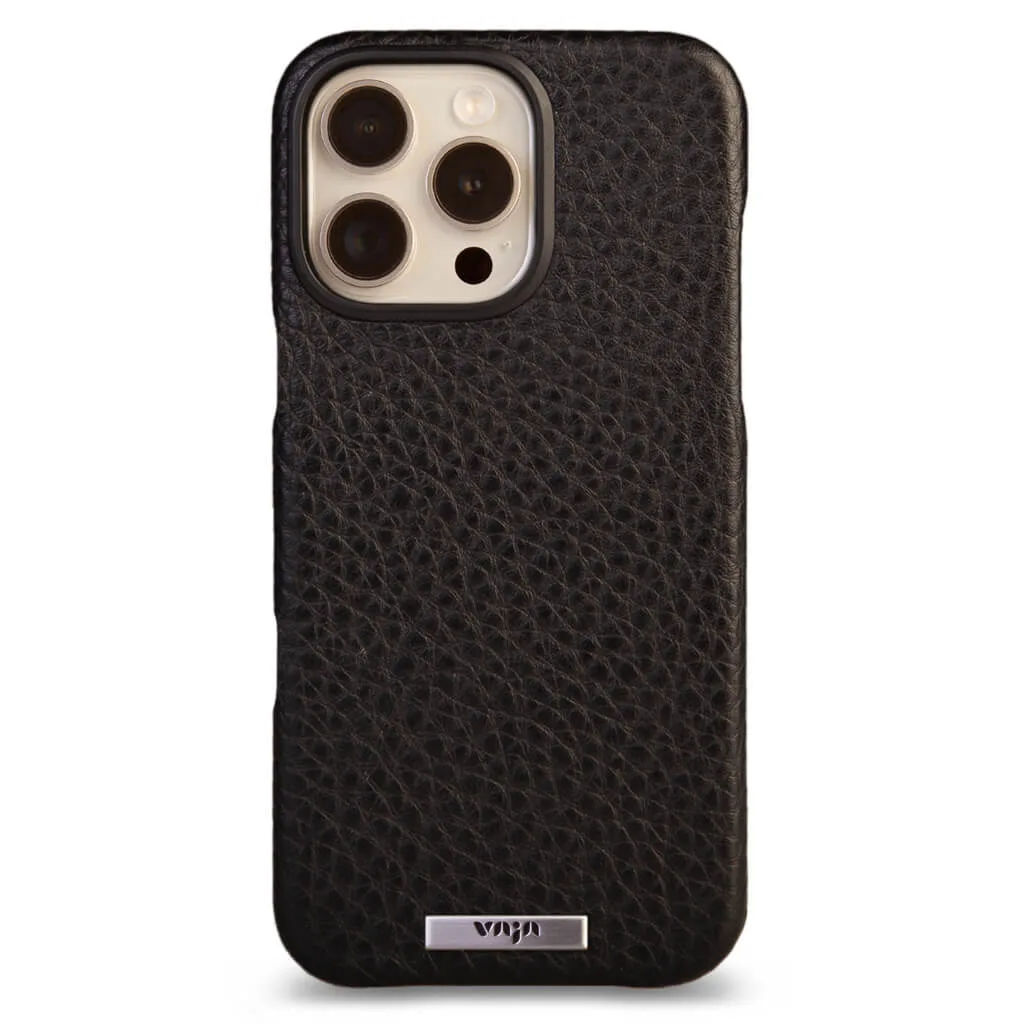
Grip - iPhone 16 Pro Max leather case V-Mag
Before buying, verify the wallet's compatibility with your phone model. The Wallet - iPhone 16 Pro Max leather case V-Mag, for instance, is built specifically for the iPhone 16 Pro Max, so it won't fit other sizes. Check the product description for model names to avoid a loose fit.
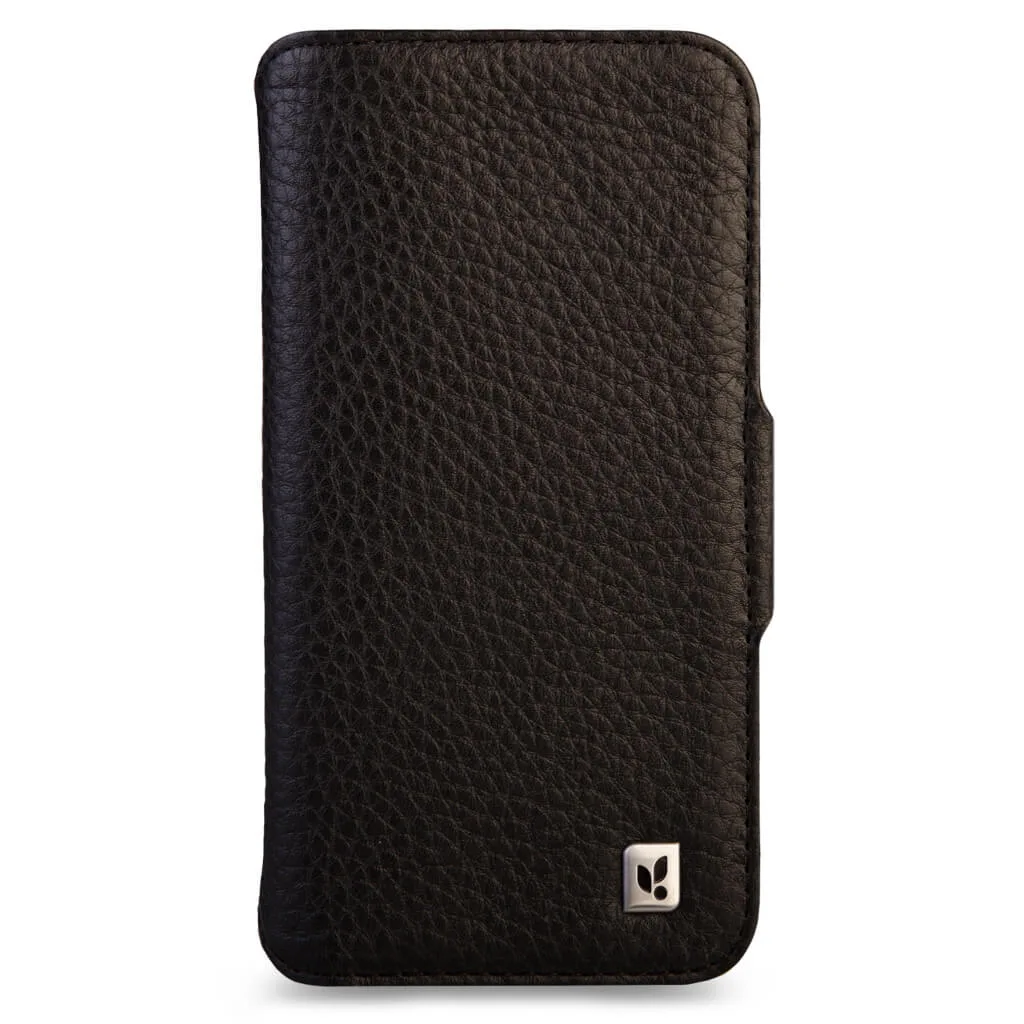
Wallet - iPhone 16 Pro Max leather case V-Mag
- Look for 'MagSafe-compatible' in the product specs to ensure strong magnetic attachment.
- If your case is thick or has a metal plate, test the wallet attachment before loading cards.
Attach the Wallet Correctly for a Secure Hold
Once you have a compatible wallet, attaching it is simple: place the wallet on the back of your iPhone or case, aligning the magnetic area with the ring on your device. You should feel a click when it locks into place. If the wallet slides or feels loose, it may not be aligned properly.
For wallets with a folio design, like the V-Mag Folio Wrap for iPhone 15 Pro Max, you'll wrap the cover around the phone and secure the closure. This type offers full coverage and protects the screen, but it adds a bit more bulk than a simple snap-on wallet.
A common mistake is attaching the wallet off-center, which weakens the magnetic hold. Take a moment to align it visually before pressing down. If your wallet has a card slot, insert cards after attaching to avoid interfering with the magnet's grip.
- Center the wallet on the magnetic ring for maximum hold.
- Avoid overloading the wallet with thick cards or cash, as this can reduce magnetic strength.
Use Your Wallet Daily Without Dropping Cards
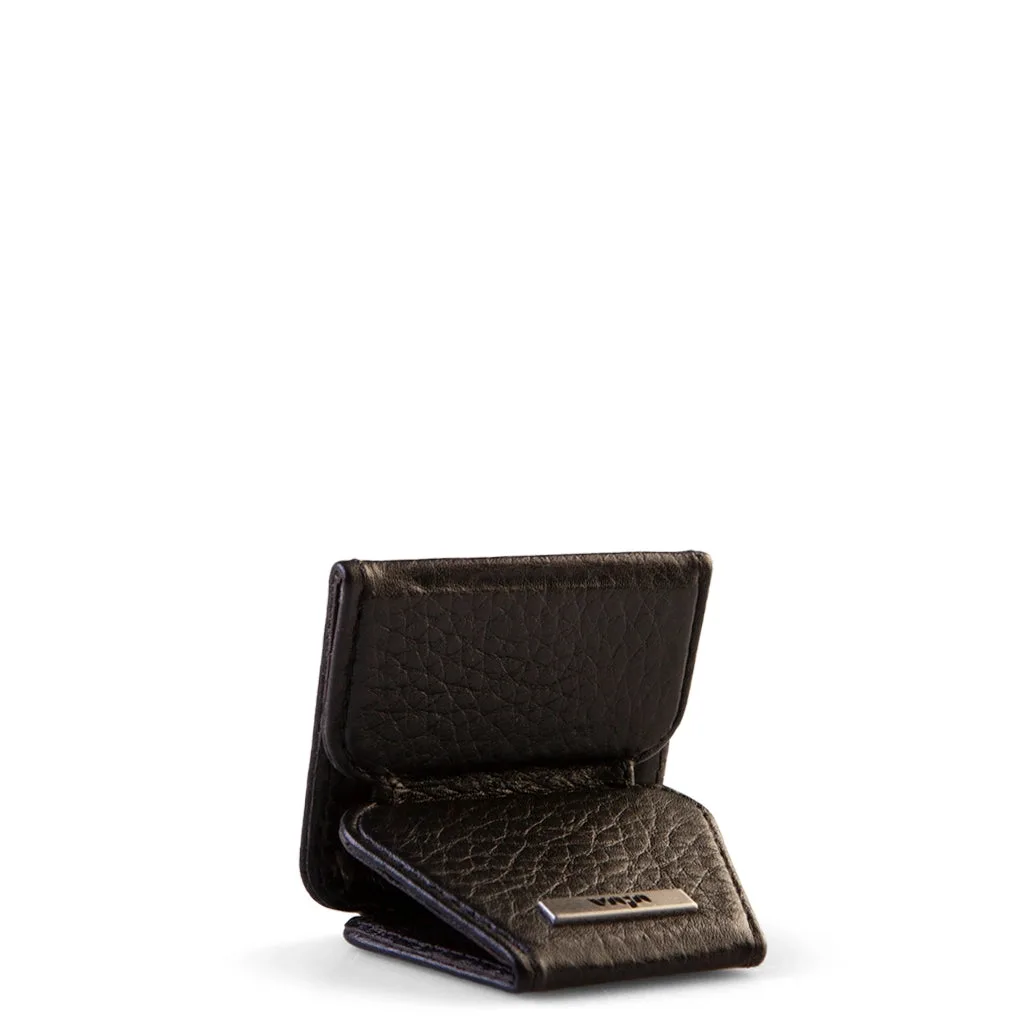
A leather wallet with MagSafe is great for quick access to your ID, credit cards, or transit pass. Keep it to two or three cards to maintain a slim profile and secure hold. The GTR V-Mag Mini Wallet is a compact option that holds just the essentials without adding bulk.
When you need to remove the wallet, slide it off rather than pulling from one corner. This reduces stress on the magnets and the leather. If you're using a wallet wrap add-on, like the Wallet wrap add-on for iPhone 17 Pro Max, you can detach it easily when you want to go wallet-free.
One checkpoint: always double-check that the wallet is securely attached before putting your phone in a bag or pocket. A quick press on the back confirms the magnetic connection is solid.
- Limit cards to two or three for a secure fit.
- Slide the wallet off horizontally to avoid damaging the magnets or leather.
Steps to Set Up and Use Your Leather Wallet with MagSafe
- Confirm your iPhone model and MagSafe support: Check that your iPhone is iPhone 12 or later. For newer models like the iPhone 16 Pro Max or iPhone 17 Pro Max, ensure the wallet is designed for that exact size. A wallet made for a different model may not align with the magnets.
- Choose a compatible leather wallet or case: Select a wallet that lists MagSafe compatibility. If you use a case, verify it doesn't block the magnetic connection. For example, the Wallet - iPhone 16 Pro Max leather case V-Mag combines a case and wallet in one. Compatibility is key to a secure attachment.
- Attach the wallet to the back of your phone: Align the wallet with the magnetic ring on your iPhone or case. Press gently until you feel a click. For folio styles, wrap the cover and secure the closure. Proper alignment prevents accidental detachment.
- Load cards and cash without overstuffing: Insert two or three cards into the wallet slot. Avoid thick or multiple folded bills that could stretch the leather or weaken the magnetic hold. A slim wallet stays secure and keeps your phone pocket-friendly.
- Test the hold and adjust as needed: Shake your phone gently to ensure the wallet stays attached. If it feels loose, reposition it or reduce the number of cards. A quick test prevents dropped cards during the day.
Product Facts
- Wallet - iPhone 16 Pro Max leather case V-Mag: This Wallet - iPhone 16 Pro Max leather case V-Mag from Vajacases combines a protective snap-on case with a convenient wallet design. Crafted for the iPhone 16 Pro Max, it offers a sleek leather finish that complements your device while keeping essentials close at hand. This all-in-one case and wallet is ideal if you want protection plus card storage without a separate accessory.
- Wallet wrap add-on - iPhone 17 Pro Max V-mag: This Wallet wrap add-on is designed for the iPhone 17 Pro Max V-mag, offering a practical way to keep your cards and cash close at hand while protecting your device. It pairs with your existing case to provide added convenience without adding unnecessary bulk. If you already have a V-mag case for the iPhone 17 Pro Max, this add-on gives you wallet functionality without replacing your case.
- GTR V-Mag Mini Wallet: Love the case awesome quality as always so good I decided to over the grip case same color for variety top shelf products!!! A compact magnetic wallet like this is perfect for minimalists who want to carry just a card or two.
Using a leather wallet with MagSafe is a practical way to streamline your carry. By checking compatibility, attaching it correctly, and keeping it slim, you can enjoy the convenience of a magnetic wallet without worrying about dropped cards. Whether you choose a snap-on case or a wallet wrap add-on, the right setup makes all the difference.