Quick answer
For studio flash portraits, use incident metering with a handheld flash meter: set your camera to its sync speed (often 1/125–1/200 sec), set the meter to your shooting ISO, place the meter's dome at your subject's face pointing toward the key light, fire a test pop, and adjust the flash power until the meter reads your target aperture. Then meter each light individually to set your lighting ratio.
Why a flash meter still earns its place in a digital studio
Your camera's histogram shows what the sensor recorded, but it cannot tell you the actual output of a strobe before you shoot. A flash meter measures the brief burst of light from a studio head and gives you an f-stop reading, so you can set exposure and ratios deliberately instead of guessing. That matters most when you are matching multiple heads, changing modifiers, or repeating a setup for a client across several sessions.
Set up your meter and camera before the first pop
Match the meter's ISO to your camera ISO, and set the meter's shutter speed to your camera's flash sync speed. In a studio with no ambient light, shutter speed does not change the flash exposure, but it must be at or below sync speed to avoid a dark band. Set your camera to manual mode and choose an aperture you are happy to work at, such as f/8 for a head-and-shoulders portrait. If your meter has a mode for cumulative or cordless flash, select the cordless mode so it waits for the flash rather than measuring ambient light.
Choose incident or reflective metering for the job
Incident metering reads the light falling on the subject and is the standard choice for studio portraits because it ignores the subject's skin tone and clothing. Hold the meter's white dome at the subject's face, aimed back toward the camera or the key light depending on your meter's instructions. Reflective metering reads light bouncing off the subject and is more useful when you cannot place a meter at the subject position, such as when photographing a reflective product or a distant subject. For portraits, start with incident and only switch to reflective if you need to check a specific tonal area.
Meter the key light, then the fill, then the background
Fire one flash at a time. Start with the key light only, and adjust its power until the meter reads your target aperture. Then turn off the key and meter the fill light alone; the difference in f-stops between key and fill is your lighting ratio. A one-stop difference gives a 2:1 ratio, two stops gives 4:1, and so on. Finally, meter the background separately if you want it lighter or darker than the subject. Write down the readings so you can rebuild the setup later.
Deal with tricky setups and avoid common traps
If your meter will not trigger the flash, check that the meter's cordless mode is active and that its sensor can see the flash head. For very short flash durations or high-speed sync, some meters may not read accurately; in that case, fall back to a test shot and histogram. When using a softbox or umbrella, aim the meter dome toward the modifier, not the camera, because the light direction changes the reading. If you are metering a subject on a stand or grip equipment, make sure the meter is not casting a shadow on the sensor.
Step-by-step: metering a studio flash portrait
- Set camera and meter to the same ISO and sync speed: Dial your camera to manual mode, set ISO to your working value (e.g., 100 or 200), and set shutter speed to your camera's flash sync speed. On the meter, enter the same ISO and set the shutter speed to match. Common mistake: leaving the meter on a different ISO than the camera, which throws off every subsequent reading. Checkpoint: both devices show the same ISO and a shutter speed at or below sync.
- Switch the meter to cordless flash mode: Most flash meters default to ambient mode. Select the cordless or non-cord flash mode so the meter waits for the strobe and ignores room light. Common mistake: firing the flash while the meter is still in ambient mode, which gives a meaningless reading. Checkpoint: the meter display shows a flash-ready icon or the word 'cord' or 'non-cord'.
- Place the meter dome at the subject's face for incident metering: Hold the meter so the white dome sits where the subject's cheek will be, and aim the dome toward the key light (or toward the camera, depending on your meter's design). Common mistake: pointing the dome at the camera when the key light is off to the side, which under-reads the key and leads to overexposure. Checkpoint: the dome is in the same position for every light you meter.
- Fire the key light alone and adjust power to your target aperture: Turn off all other flashes. Fire a test pop and read the f-stop on the meter. Adjust the key light's power until the meter reads your chosen aperture, such as f/8. Common mistake: trying to adjust the camera aperture instead of the light power, which changes depth of field and does not fix the ratio. Checkpoint: the meter reads your target aperture within one-third of a stop.
- Meter the fill light alone and calculate the ratio: Turn off the key, turn on the fill, and fire a test pop. Note the f-stop. The difference between key and fill readings is your ratio: one stop = 2:1, two stops = 4:1. Common mistake: metering both lights at once, which only gives a combined exposure and hides the ratio. Checkpoint: you have two separate f-stop numbers written down.
- Meter the background if you want it lighter or darker: Point the meter at the background from the subject's position, or use a reflective reading if you cannot place the meter there. Adjust the background light power until you get the desired separation. Common mistake: forgetting that a white background will reflect light back onto the subject, so re-check the key reading after changing background power. Checkpoint: background reading is within your intended range relative to the subject.
- Take a test shot and verify with the histogram: Shoot a frame and check the histogram for clipping in the highlights and shadows. If the meter and histogram disagree, trust the histogram for the final exposure but investigate the meter setup (ISO, mode, dome position). Common mistake: ignoring a consistent mismatch, which usually means the meter is in the wrong mode or the dome is aimed incorrectly. Next step: once the histogram matches your meter, lock in the settings and shoot the session.
Studio gear that supports accurate metering
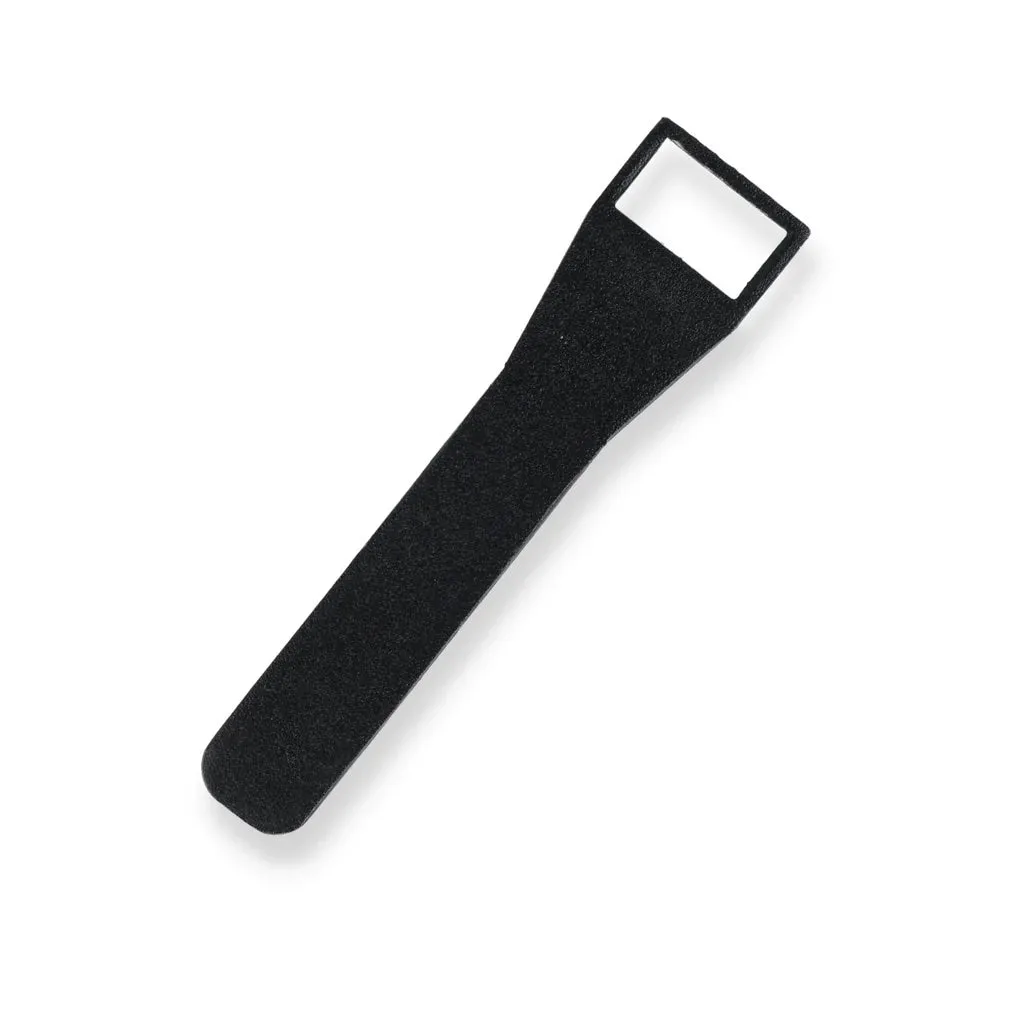
- HiGlide Band Fixing Tool: HiGlide Band Fixing Tool (BW-2621) is an all-metal design that allows you to easily fit the HiGlide Small Band Kit to components such as LiteLift Pantographs, Cable Transfer Runners, and Top Cable Carriages. If you use a ceiling track system to position lights, this tool makes it easier to install the band kit that keeps cables tidy and lets you move heads without re-rigging.
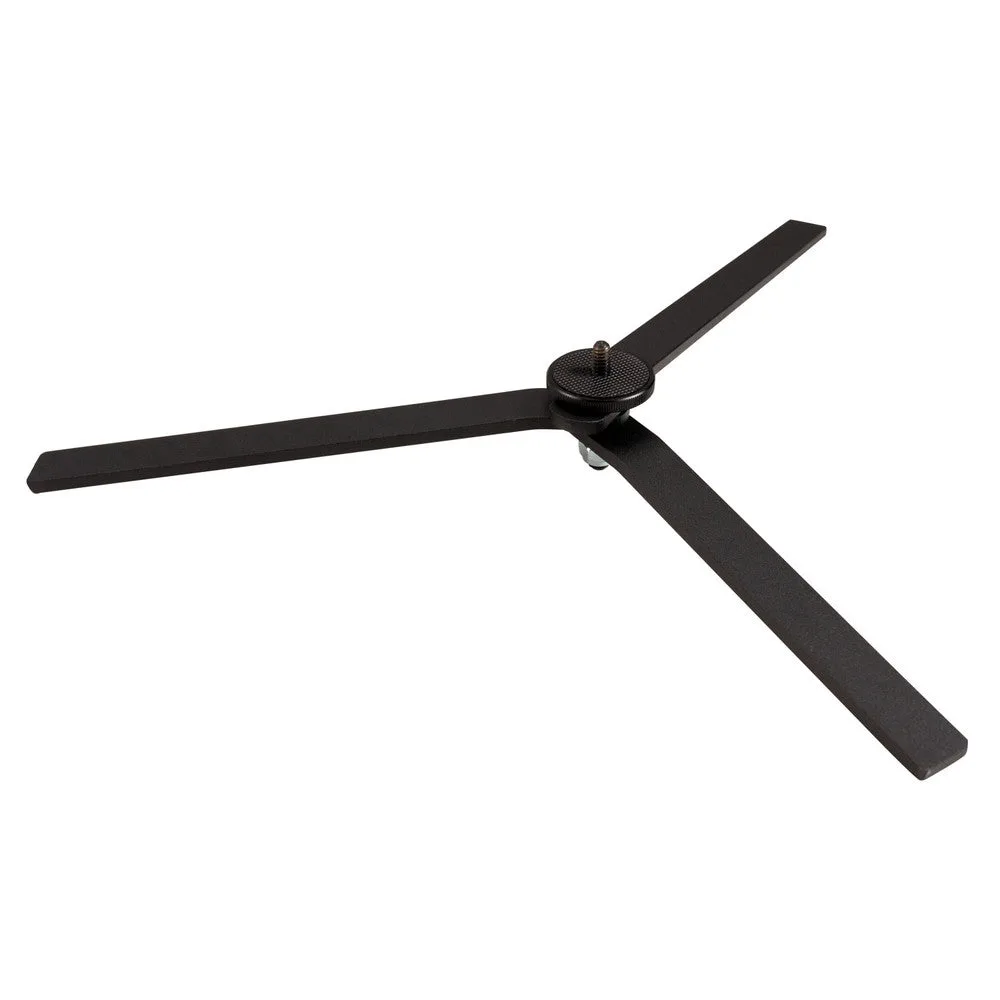
- Nanlite Foldable Floor Stand For PavoTube II 15X and 30X: Nanlite Foldable Floor Stand For PavoTube II 15X and 30X has a 1/4-20-inch mount and an 18-inch diameter footprint, and is designed to let those LED pixel tubes stand vertically. A stable floor stand lets you place a tube light as a fill or accent, and the 18-inch footprint reduces the chance of a tip-over while you meter each light individually.
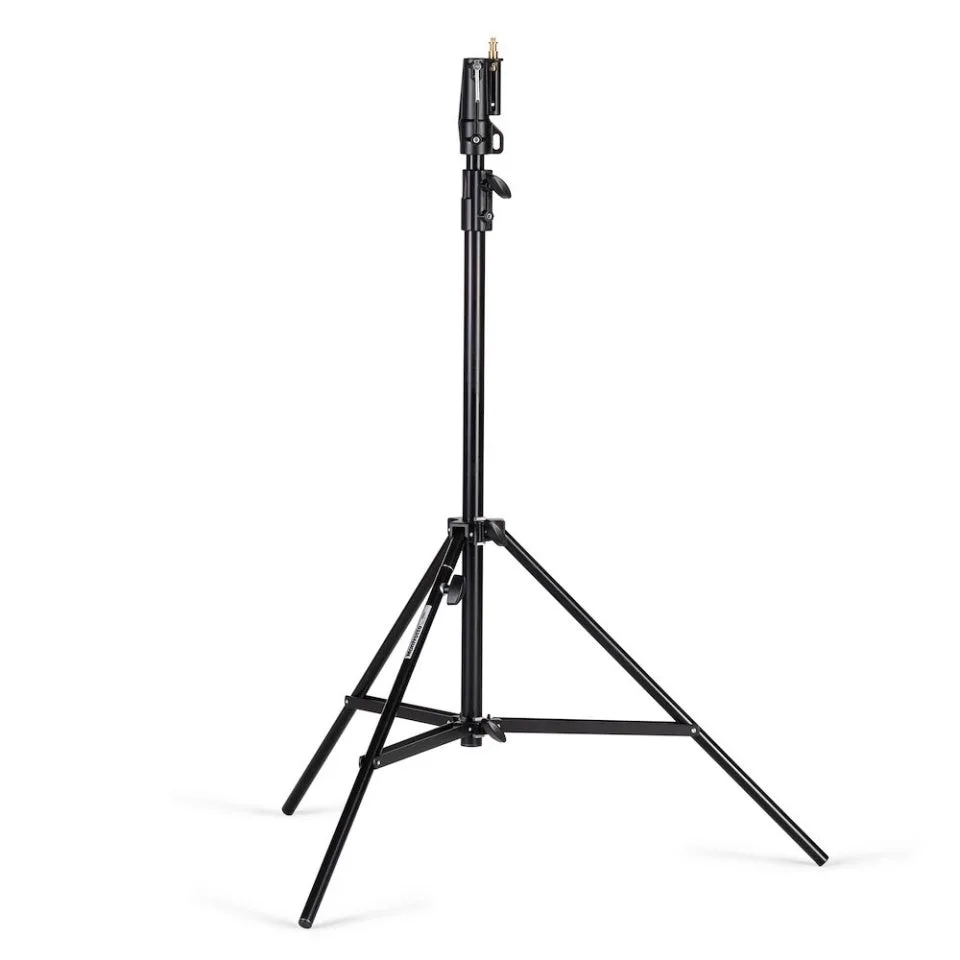
- Manfrotto 008BU Cine Stand Black: Manfrotto 008BU Cine Stand Black is a 2-section, 1-riser aluminium light stand with a levelling leg for uneven surfaces, double leg bracing, and a universal mount with a 1/8-inch (28 mm) Junior receiver plus either a 5/8-inch receiver or 5/8-inch stud. The levelling leg and double bracing help keep a heavy strobe or modifier steady on uneven studio floors, so your metered readings stay consistent when you move the key light.