Quick Answer
Attach the magnetic ND64 filter to your lens, switch to manual mode, and set a shutter speed of 1–30 seconds depending on light and motion. Use a tripod and remote release to avoid camera shake.
Why a Fixed 6-Stop ND Filter Works Best for Long Exposures
A fixed ND64 filter reduces light by exactly 6 stops, giving you consistent, predictable exposure control. Unlike variable ND filters, it avoids the X-pattern artifact that can appear at strong reductions, especially on wide-angle lenses. This makes it a reliable choice for long exposures in daylight.
The Urth Magnetic ND64 Plus uses SCHOTT glass and CoraNano coating to maintain color accuracy and reduce reflections. You get smooth motion blur without color shifts, which is critical when you're blending multiple exposures or editing in post.
Common Trade-Off: You Need a Tripod and Remote Release
A 6-stop filter forces shutter speeds of several seconds even in midday sun. Handholding is not an option. A sturdy tripod and a remote shutter release (or a 2-second self-timer) are essential to keep the frame sharp. Without them, even minor vibrations will blur the stationary parts of your scene.
Step-by-Step: Shooting a Long Exposure with a Magnetic ND64 Filter
- 1. Set up your camera on a tripod: Frame your composition and focus manually. Switch the lens to manual focus so it doesn't hunt when the filter darkens the viewfinder. Disable image stabilization if your lens has it — it can introduce drift on a tripod. Common mistake: leaving autofocus on. The viewfinder will be too dark for the camera to lock focus after the filter is attached.
- 2. Meter without the filter: Take a test shot without the ND64 filter to find your base exposure. Note the shutter speed, aperture, and ISO. For example, if the correct exposure is 1/125 sec at f/8, ISO 100, you'll need to adjust for the 6-stop reduction. Checkpoint: make sure your histogram is centered and no highlights are blown in the base exposure.
- 3. Calculate the new shutter speed: Multiply your base shutter speed by 64 (since 2^6 = 64). For 1/125 sec, that's 0.5 seconds. For slower base speeds, use a calculator app. Most long exposures for waterfalls or clouds need 2–30 seconds, so you may need to stop down the aperture or lower ISO further. Common mistake: forgetting that aperture and ISO changes also affect the calculation. Keep them constant after metering.
- 4. Attach the magnetic ND64 filter: Hold the magnetic ring close to the lens adapter — it snaps into place automatically. Make sure it's seated evenly and there are no gaps that could cause light leaks. The Urth Magnetic ND64 Plus attaches quickly without threading, so you can do this even in windy conditions. Checkpoint: look through the viewfinder or use live view to confirm the filter is clean and free of dust or smudges.
- 5. Set the shutter speed and shoot: Switch to manual mode (M) or bulb mode if your calculated speed exceeds 30 seconds. Use a remote release or the 2-second self-timer to trigger the shutter. Review the image on the LCD and check the histogram — it should look similar to your base exposure. Common mistake: camera shake from pressing the shutter button. Always use a remote or self-timer.
- 6. Review and adjust: If the image is too dark, increase shutter speed by one stop (double the time) or open the aperture slightly. If it's too bright, reduce shutter speed. For moving water or clouds, longer speeds (10–30 seconds) create a smoother, silkier effect. Checkpoint: zoom into the image to check sharpness. If it's soft, recheck focus and tripod stability.
Gear Used in This Guide
-
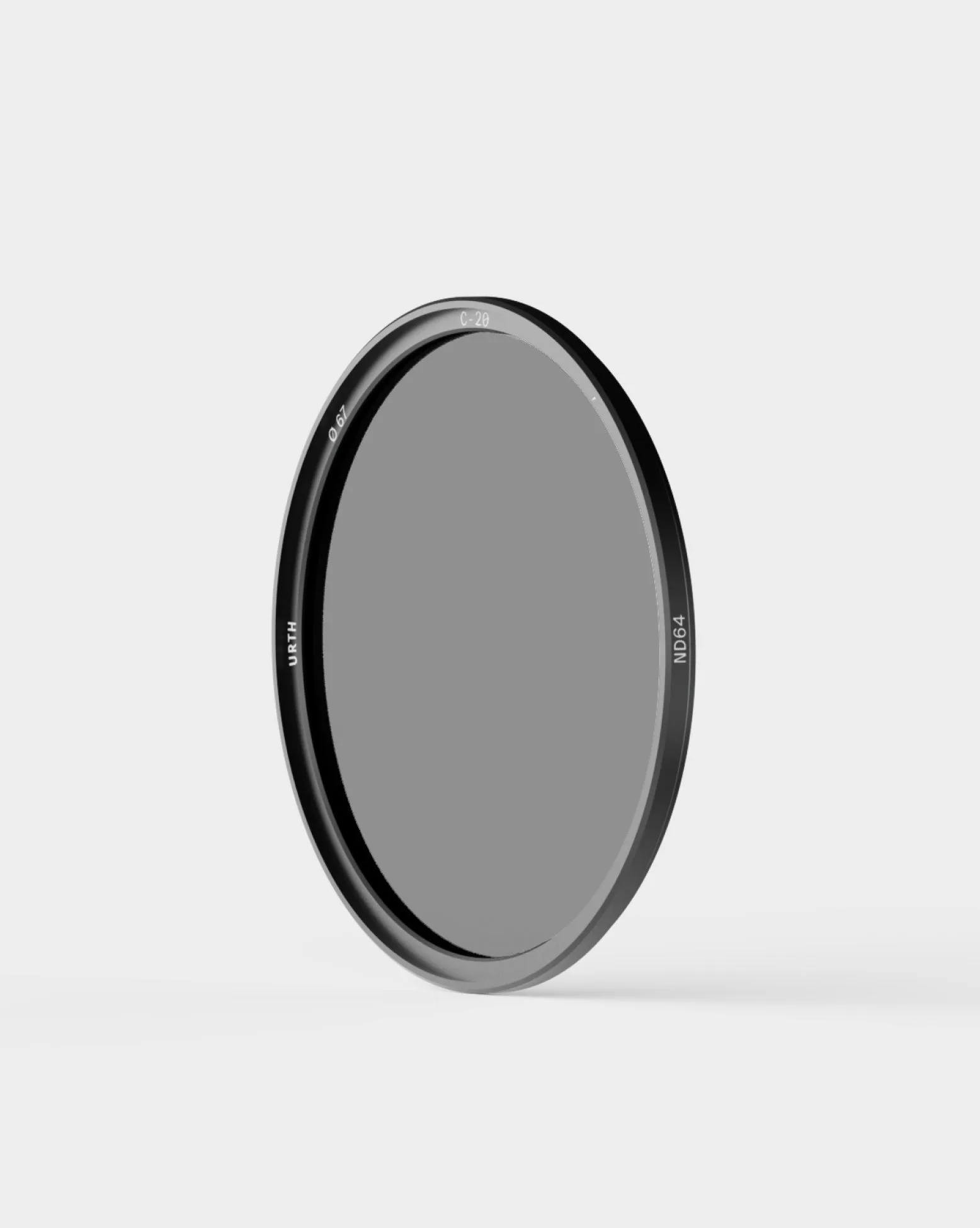
Magnetic ND64 Filter Plus: The Urth Magnetic ND64 Plus provides a fixed 6-stop light reduction with a fast magnetic mount and premium SCHOTT glass with CoraNano coating for color accuracy. The magnetic mount lets you attach or remove the filter in seconds without threading, so you can compose and meter without the filter, then snap it on for the exposure.
Magnetic ND64 Filter Plus


