Quick answer
Place the metal edge against your cutting line, hold the ruler firmly with your non-dominant hand, and run a sharp craft knife along the metal edge in a single smooth stroke.
Why use a metal edge acrylic ruler instead of a plain ruler?
A metal edge acrylic ruler combines the visibility of clear acrylic with a stainless steel strip that resists blade nicks. This protects the ruler from damage and prevents the blade from veering off course, giving you a cleaner cut and longer tool life. The acrylic body also lets you see your cutting line clearly, which is harder with a solid metal ruler.
Common mistakes that ruin straight cuts
The most frequent error is letting the ruler slip during the cut. Even a tiny shift can throw off your measurement. Another is using a dull blade, which requires extra pressure and increases the chance of the ruler moving. Finally, cutting at the wrong angle — too steep or too shallow — can cause the blade to skip or tear the paper.
Step-by-step: How to cut straight with a metal edge acrylic ruler
- 1. Align the ruler with your cutting line: Place the ruler so the metal edge sits exactly on the line you want to cut. Double-check the measurement from both ends to avoid a skewed cut. Use the clear acrylic body to see the line underneath. Common mistake: aligning by eye only. Always measure from two points.
- 2. Secure the ruler firmly: Press down on the ruler with the fingers of your non-dominant hand, keeping them away from the cutting path. Apply even pressure across the full length of the ruler to prevent shifting. If the ruler has a non-slip backing, make sure it contacts the paper. Checkpoint: The ruler should not move when you lightly tap it with your other hand.
- 3. Position your blade at the correct angle: Hold your craft knife at a 45-degree angle to the paper, with the blade edge against the metal strip. A steeper angle can cause the blade to dig in; a shallower angle may cause it to skip. Common mistake: holding the knife too upright, which increases drag and risk of tearing.
- 4. Cut in a single, steady stroke: Start at one end of the ruler and draw the blade along the metal edge in one continuous motion. Apply moderate, consistent pressure — let the blade do the work. Do not saw back and forth. Checkpoint: If you need a second pass, lift the blade, reposition, and cut again from the same starting point.
- 5. Lift the ruler away from the cut line: After completing the cut, lift the ruler straight up rather than sliding it sideways. Sliding can disturb the paper fibers or smudge ink on the cut edge. Common mistake: sliding the ruler off the paper, which can bend the freshly cut edge.
Recommended tool for this technique
-
Crafter's Companion - Metal Edge Acrylic Ruler (30cm): The Metal Edge Acrylic Ruler 30cm features a stainless steel metal edge that is robust enough for use with a craft knife or rotary cutter, helping to protect the ruler while delivering professional results. The steel edge prevents blade gouges, so you get consistent straight cuts without damaging the ruler or your cutting mat.
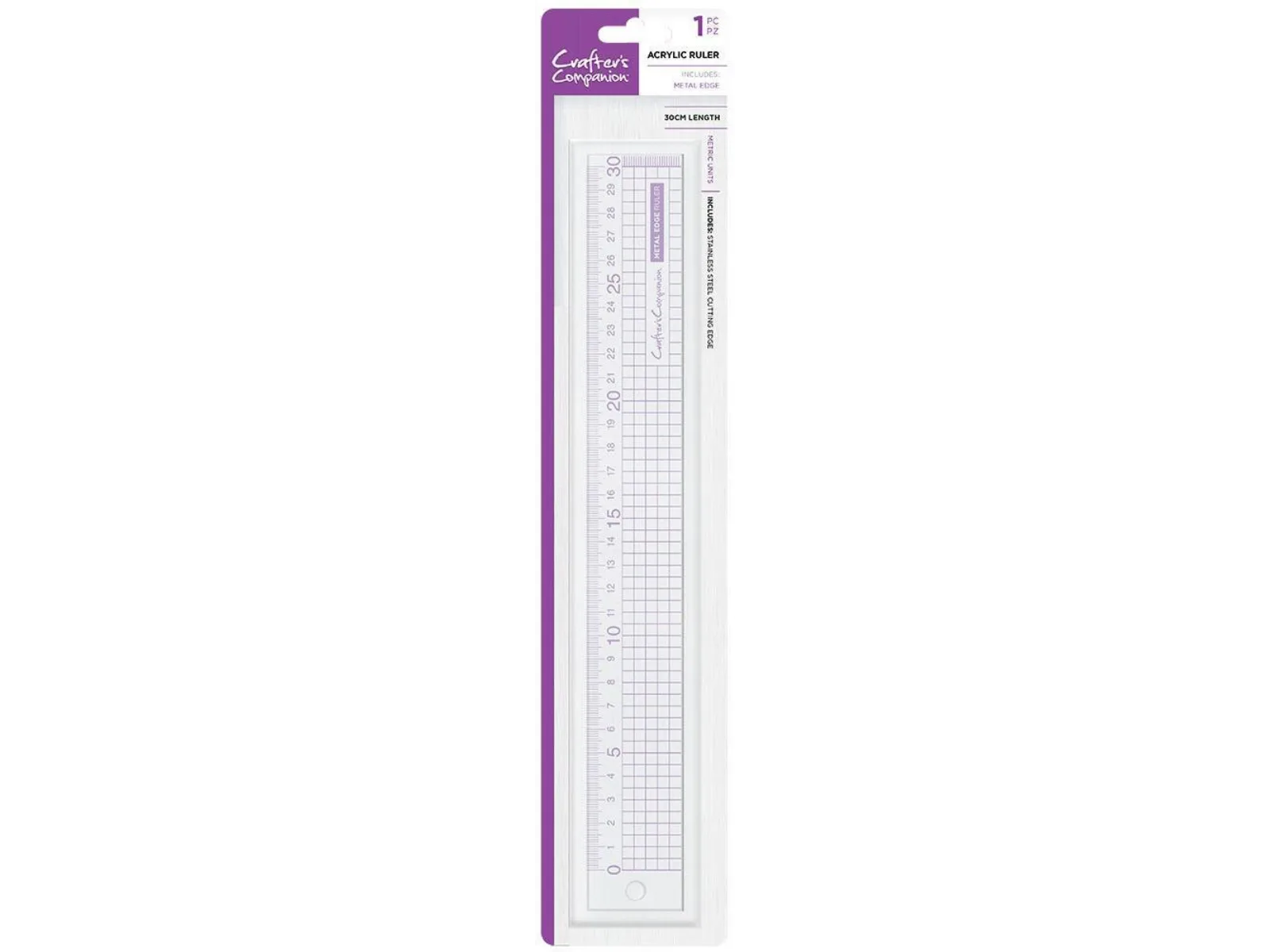
Crafter's Companion - Metal Edge Acrylic Ruler (30cm)