Quick Answer
To use a NiSi circular polarizer for landscapes, screw it onto your lens, rotate the front ring while looking through the viewfinder or live view, and stop when glare is minimized and colors pop. The effect is strongest at a 90-degree angle to the sun. Avoid over-polarizing skies for an unnatural look.
Understanding Your NiSi Circular Polarizer
A circular polarizer (CPL) is a filter that screws onto the front of your lens and rotates to control polarized light. For landscape photographers, it's essential for cutting reflections off water and wet foliage, deepening blue skies, and increasing color saturation. NiSi's UHC CPL and True Color CPL both offer high polarization efficiency—up to 99.99%—which means you get strong, predictable results without a color cast.
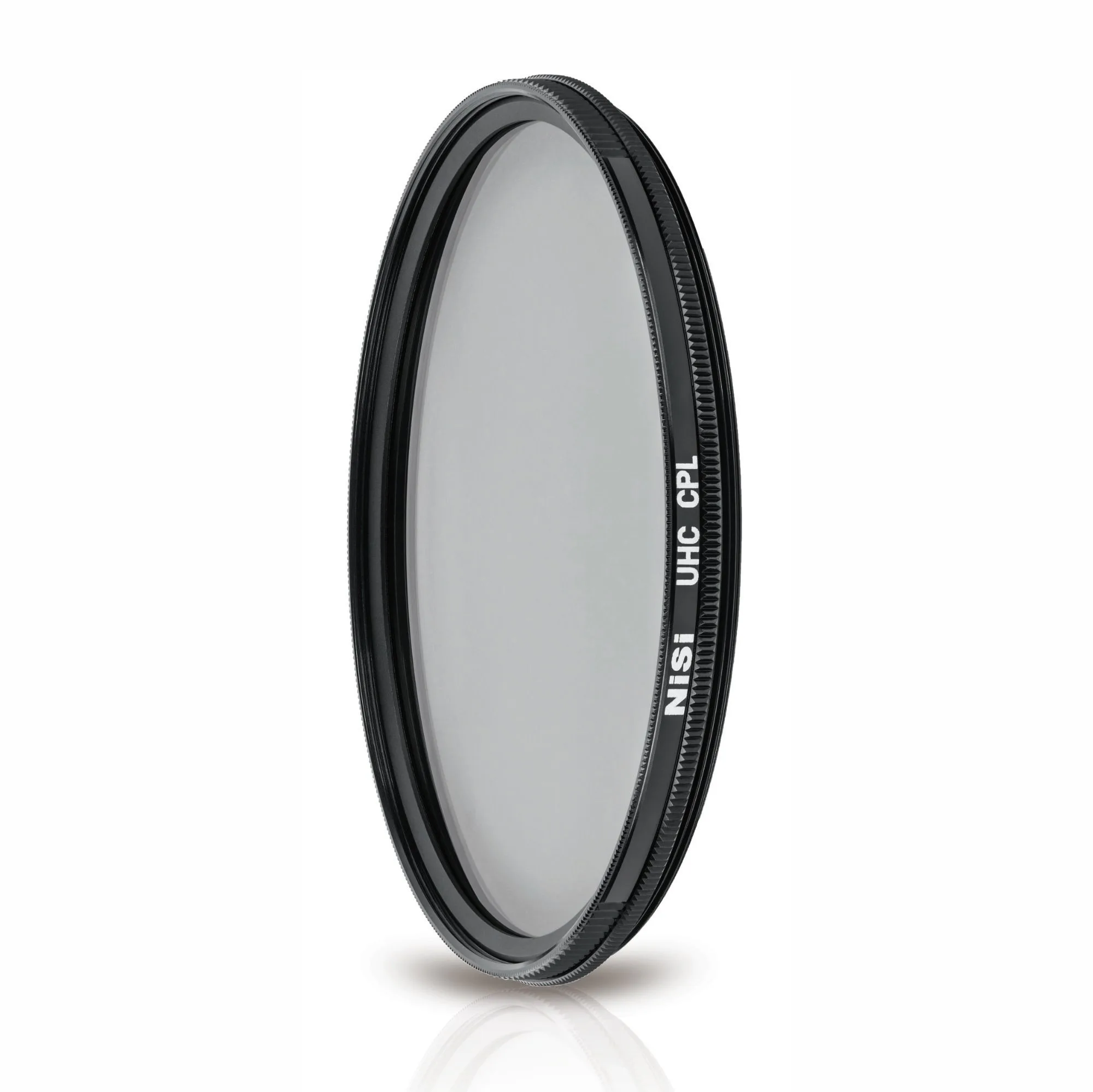
The key difference between a CPL and a UV or ND filter is that a CPL's effect changes with rotation. You cannot just set it and forget it; you must adjust it for each scene. The NiSi UHC CPL also features 13 multi-layer coatings for scratch resistance and water/oil repellency, making it easier to clean in the field.
Choosing the Right CPL for Your Lens
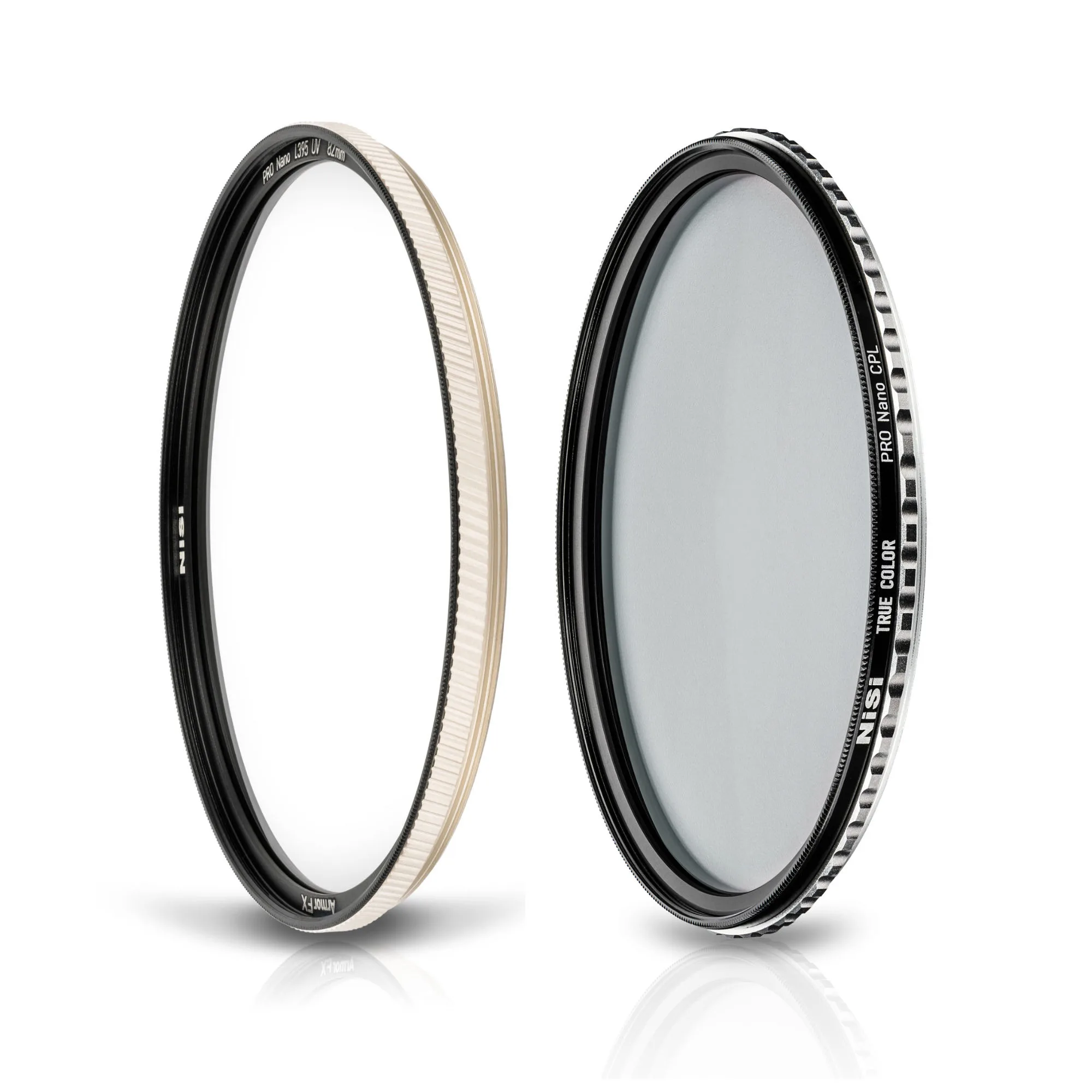
NiSi offers circular polarizers in multiple thread sizes. The 40.5mm UHC CPL is a popular choice for compact cameras and smaller lenses, while the True Color CPL (available in the Armor FX bundle) is designed for larger front elements and provides additional UV protection. If you shoot with multiple lenses, consider buying the CPL for your largest thread and using step-up rings for smaller lenses.
For wide-angle lenses, an ultra-slim frame like the one on the NiSi UHC CPL helps avoid vignetting. The knurled edges on that model also make it easier to grip and rotate, even with cold or wet fingers.
Common Mistakes and How to Avoid Them
The most frequent mistake is over-polarizing the sky, which creates an uneven, dark band from left to right. This happens when the sun is directly overhead or when you rotate the filter too far. The fix: rotate slowly and watch for a natural-looking gradient. If the sky looks patchy, back off the rotation slightly.
Another common error is forgetting to adjust the CPL when you change your shooting angle. If you turn from a landscape to a portrait orientation, the polarization effect shifts. Always re-check your filter rotation after recomposing.
Finally, avoid using a CPL in very low light or when you need maximum shutter speed. The filter reduces light by about 1–2 stops, which can push your shutter speed too slow for handheld shooting. In those cases, remove the CPL or switch to a tripod.
Step-by-Step Guide to Using a NiSi Circular Polarizer
- Step 1: Attach the CPL to Your Lens: Screw the NiSi circular polarizer onto the front thread of your lens. Ensure it is snug but not overtightened. The knurled edges on the UHC CPL model provide a secure grip. Checkpoint: Make sure the filter is clean and free of dust or smudges before attaching. A dirty filter reduces image sharpness.
- Step 2: Compose Your Shot: Frame your landscape scene as usual. Pay attention to where the sun is in relation to your subject. The polarization effect is strongest when your lens is at a 90-degree angle to the sun. Common mistake: If the sun is directly behind or in front of you, the CPL will have little to no effect. Adjust your shooting angle if needed.
- Step 3: Rotate the Filter to Adjust Polarization: While looking through the viewfinder or using live view, slowly rotate the front ring of the CPL. Watch for reflections on water, glass, or wet leaves to disappear, and for the sky to deepen in color. Stop when the effect looks natural. Checkpoint: Rotate slowly and stop at the point where the sky looks even. Over-rotation creates an unnatural dark band.
- Step 4: Lock in Your Settings: Once you are happy with the polarization effect, lock your focus and exposure. Remember that the CPL reduces light by about 1–2 stops, so adjust your shutter speed or ISO accordingly. Common mistake: Forgetting to re-meter after rotating the CPL. Always check your exposure before pressing the shutter.
- Step 5: Review and Refine: Take a test shot and review it on your camera's LCD. Check for even polarization, no vignetting, and natural color. If the sky looks patchy or reflections are still present, adjust the rotation slightly and shoot again. Final tip: For the most natural look, use the CPL to reduce reflections rather than eliminate them completely. A little bit of glare can add depth to water and foliage.
Product Facts
- NiSi 40.5mm UHC CPL with 13 Multi-Layer Coatings UHD | Ultra Hard Coating | Scratch Resistant | 99.9% Polarization Efficiency| Ultra-Slim Polarizing Filter: Eliminates Reflections and Glare, Greater Color and Tonal Saturation, reduces Haze in Landscapes, Knurled sides for easier grip, 13 Multi-Layer Coatings for Superior Light Transmission, Ultra High Definition (8K UHD) Clarity, Ultra Hard Coating for Scratch Resistance, 99.99% Polarisation Efficiency for Vibrant Images, High-Quality AGC Glass for Optimal Performance, Waterproof, Oil-Proof, and Scratch Resistant. These features mean you get sharp, vibrant images with minimal flare or ghosting, and the filter is durable enough for outdoor use in dusty or damp conditions.
- NiSi 40.5mm Armor FX UV Protection Filter + True Color CPL Circular Polarizing Filter Bundle: Ultimate Lens Protection: The NiSi Armor FX PRO is designed to withstand extreme conditions, including heavy impacts, hammer blows, and explosions, ensuring your lens remains safe in the toughest environments. Explosion-Proof Design: Unlike traditional UV filters, the NiSi Armor FX PRO remains intact upon strong impact, providing unparalleled protection for your lens. Superior Coatings: Both filters feature True Color CPL technology for accurate color reproduction. If you shoot in rugged environments or need a filter that doubles as lens armor, the Armor FX bundle gives you both UV protection and a True Color CPL in one package.