Quick answer
Work through a curated Photoshop tutorial bundle in a specific sequence: preview the content, practice each technique with the supplied RAW files, then integrate the steps into your own editing workflow for faster, more consistent results.
Why a bundle beats random tutorials
Jumping between unrelated YouTube tutorials often leaves gaps in your workflow. A bundle like the Ultimate Photoshop Editing Bundle 2023 is designed to build skills progressively. It covers four advanced topics—Depth and Light, Haze Control, Sunstar Creation, and Highlight Control—so you learn complementary techniques that work together, not in isolation.
The trade-off: time investment vs. depth
A structured bundle takes more upfront time than cherry-picking a single trick. The tutorials total over 8 hours of video, plus practice with 9 RAW files. The payoff is a repeatable editing process that saves time on every future edit. If you only need one quick fix, a bundle may feel overwhelming—but for building a solid skill set, it's worth the commitment.
Step-by-step process to learn faster with a tutorial bundle
- Preview the full bundle outline: Open the tutorial list and read the description of each module. Note the order and the main skill taught in each. This gives you a mental map before you start. Common mistake: jumping into the first video without context. You'll learn faster if you know where each piece fits.
- Watch one module completely without touching Photoshop: Play the first tutorial from start to finish. Focus on understanding the why behind each adjustment, not the exact slider values. Pause only if a concept is unclear. Checkpoint: can you summarize the module's goal in one sentence? If not, rewatch the intro.
- Replay the module while following along with the supplied RAW file: Open the corresponding RAW file in Photoshop. Replay the tutorial in short segments, pausing after each step to apply the same adjustment to your image. Match the result as closely as possible. Common mistake: skipping the practice file because your own photo looks different. The supplied file is designed to make each technique clear.
- Apply the technique to one of your own photos: After you complete the module, open a similar photo from your own library. Try to replicate the core adjustment without referring back to the video. This forces you to internalize the workflow. Checkpoint: if you get stuck, note which step you missed—that's your weak point to review.
- Repeat for each module, then combine techniques: Work through the remaining three modules (Haze Control, Sunstar Creation, Highlight Control) using the same watch-practice-apply cycle. Once done, edit a single photo using all four techniques in sequence to see how they complement each other. Common mistake: treating each module in isolation. The real speed gain comes from chaining the steps into a single workflow.
Product facts
-
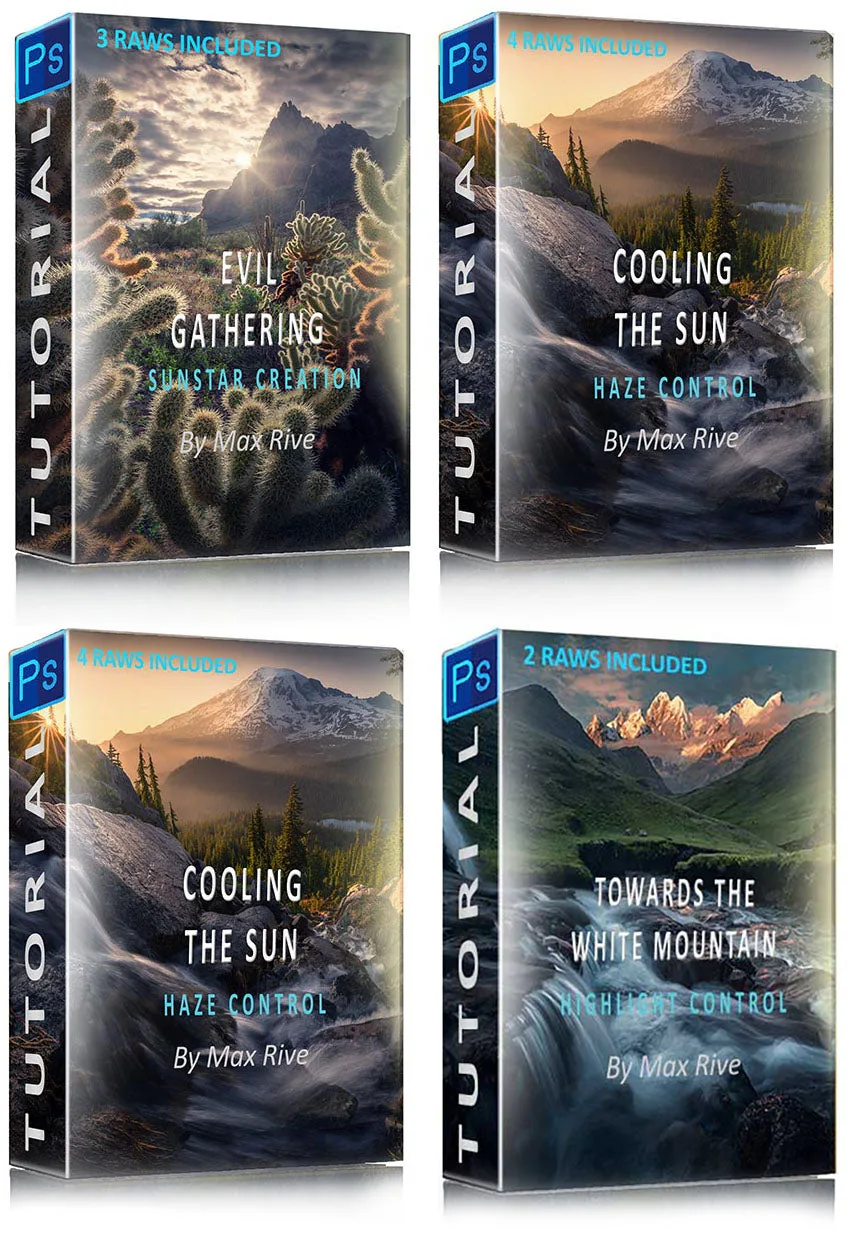
Ultimate Photoshop Editing Bundle 2023: This bundle includes all 4 new editing tutorials for the price of one, covering Depth and Light (1h28m), Haze Control (2h16m), Sunstar Creation (2h40m), and Highlight Control (2h15m), plus 9 RAW files. You get a complete curriculum with practice files, so you can follow along and immediately apply each technique to real images instead of just watching.
Ultimate Photoshop Editing Bundle 2023


