Quick answer
Attach the RLCP-002 rear lens cap by aligning the index mark with the lens mount dot, then twist clockwise until it clicks. Remove by pressing the release button and twisting counterclockwise.
Why the RLCP-002 matters for GFX lenses
The rear element of a GFX lens is exposed and vulnerable when the lens is off the camera. Dust, scratches, and moisture can degrade image quality. The RLCP-002 is a simple, affordable cap that provides a secure seal during storage and transport.
Unlike generic caps, this one is molded specifically for G Mount lenses used on GFX System cameras. That means a snug, wobble-free fit that won't pop off accidentally.
How to attach and remove the RLCP-002 rear lens cap
- Align the index marks: Hold the lens with the rear element facing you. Locate the red dot or white index mark on the lens barrel. Find the corresponding mark on the RLCP-002 cap. Rotate the cap so the two marks line up. Skipping alignment can cross-thread the cap or damage the lens mount.
- Press and twist clockwise: Place the cap flat against the lens mount. Press gently and twist clockwise (as seen from the rear) until you feel a slight click or resistance. Do not overtighten. Overtightening can make removal difficult. Stop as soon as the cap feels snug.
- Check the fit: Give the cap a gentle tug. It should not wiggle or come off. If it feels loose, remove it, realign the marks, and try again. A loose cap may fall off during transport, exposing the lens element.
- Remove by pressing the release button: To take the cap off, press the small release button on the side of the cap (if your cap has one) or simply twist counterclockwise while pulling gently. Some GFX caps use a bayonet-style lock that requires a quarter-turn. Never yank the cap off without twisting — you could damage the lens mount or the cap itself.
- Store the cap safely when not in use: Keep the RLCP-002 in your camera bag's accessory pocket or attached to a lens you are not currently using. Avoid leaving it loose in the bag where it can collect dust or get scratched. A scratched cap can still work, but debris trapped inside may scratch your lens element.
Product facts
-
RLCP-002 GFX System Rear Lens Cap: The RLCP-002 is designed to protect the rear element of compatible G Mount lenses and provides reliable protection during storage and transport. A proper rear cap prevents dust and scratches from reaching the lens element, saving you from costly repairs or image degradation.
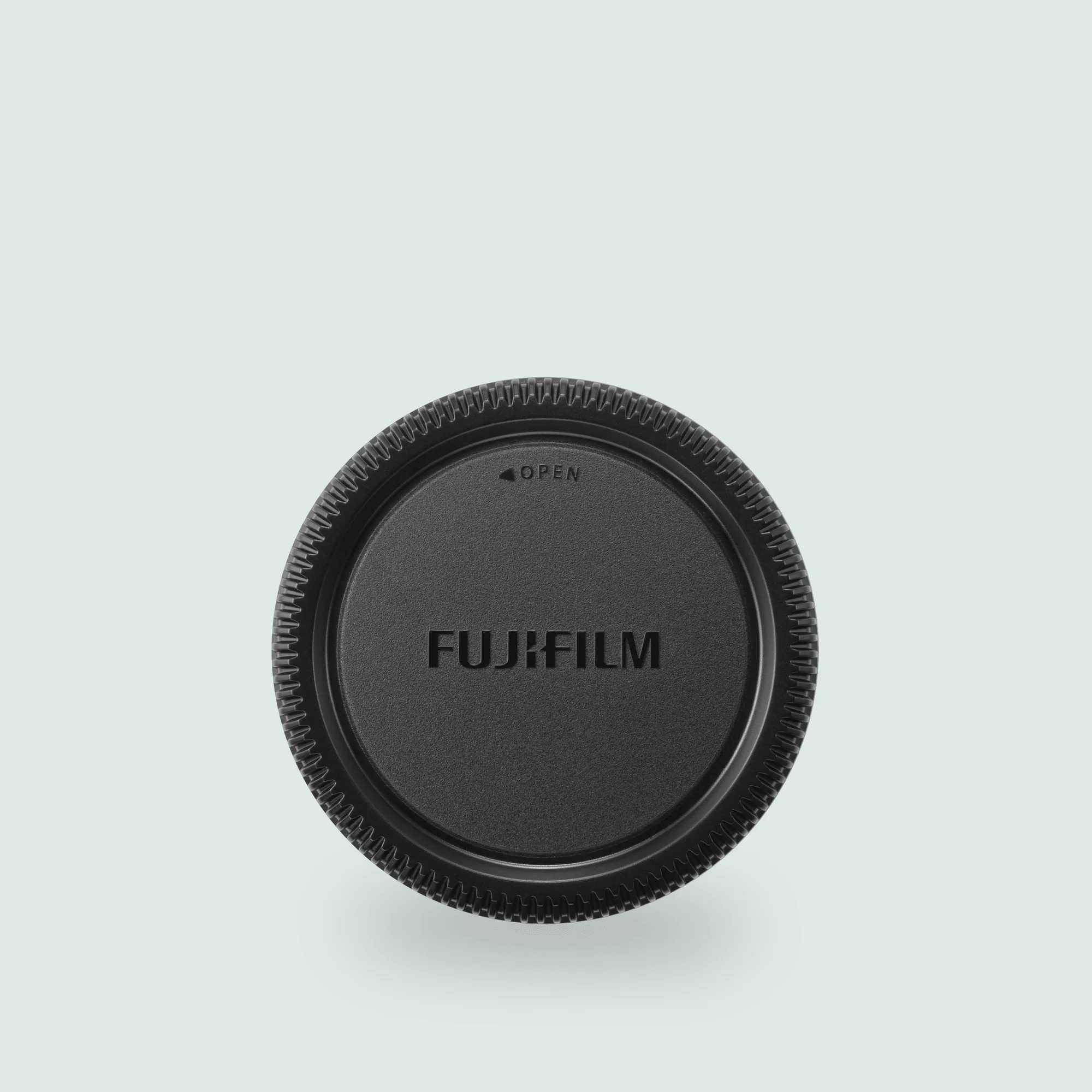
RLCP-002 GFX System Rear Lens Cap