Quick answer
Line up the cap with the lens front, press evenly until you hear or feel a click, then give it a gentle twist to confirm it's seated.
Why push-on caps are different from screw-on caps
Push-on lens caps use friction and a slight interference fit rather than threads. This makes them faster to put on and take off during a shoot, but it also means you need to be more deliberate about alignment and pressure. A misaligned cap can scratch the lens barrel or fail to stay on.
When to use the rear cap vs. front cap
The NiSi ATHENA PL Mount Rear Lens Cap is designed for the back of the lens when it's off the camera. It protects the PL mount and rear element. The front push-on caps (like the ones for 18mm or 25mm ATHENA lenses) protect the front element. Don't swap them – the rear cap won't fit the front, and vice versa.
Steps to attach a NiSi Athena push-on lens cap
- 1. Align the cap with the lens barrel: Hold the cap so it's parallel to the front of the lens. Do not tilt it – an angled cap can scratch the barrel or the lens element. The cap should sit flush against the lens housing. Check that the cap is centered before pressing. A common mistake is starting at an angle.
- 2. Press evenly around the rim: Use your fingertips to apply gentle, even pressure around the entire rim of the cap. Push straight toward the lens. You should feel a slight resistance as the cap engages the friction fit. Do not push on the center of the cap – that can warp it or damage the foam. If you feel uneven resistance, stop and realign. Forcing it can bend the cap.
- 3. Listen for the click or feel the seat: When the cap is fully seated, you'll usually hear a soft click or feel a slight stop. The cap should sit flush with the lens barrel – no gaps. Give it a gentle twist to confirm it's locked in place. If it spins freely, it's not fully on. A loose cap can fall off during transport. Always verify by trying to twist it.
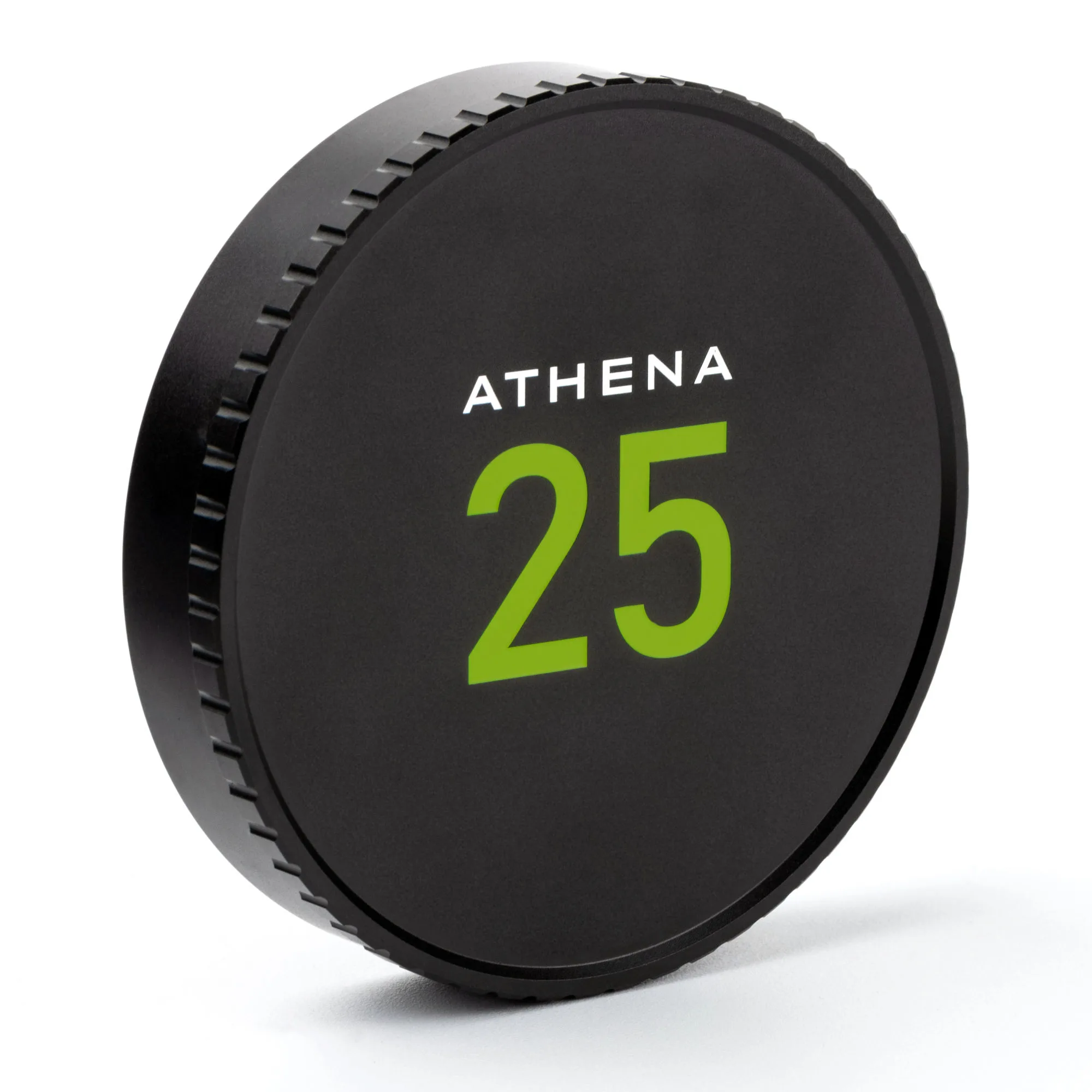
- 4. To remove, grip the knurled edge and pull: Use the knurling grip (the textured ring) to get a secure hold. Pull straight away from the lens. Do not twist or pry – the cap is designed to come off with a straight pull. If it's stuck, check for debris or a misalignment. Twisting can damage the cap or lens barrel. Pull straight and evenly.
Product details
-
NiSi ATHENA PL Mount Rear Lens Cap: Premium Lens Protection: Safeguard your valuable lenses with the NiSi ATHENA PL Mount Rear Lens Cap, offering unrivaled protection against dust and scratches. Using the correct rear cap keeps the PL mount and rear element safe during storage and transport.
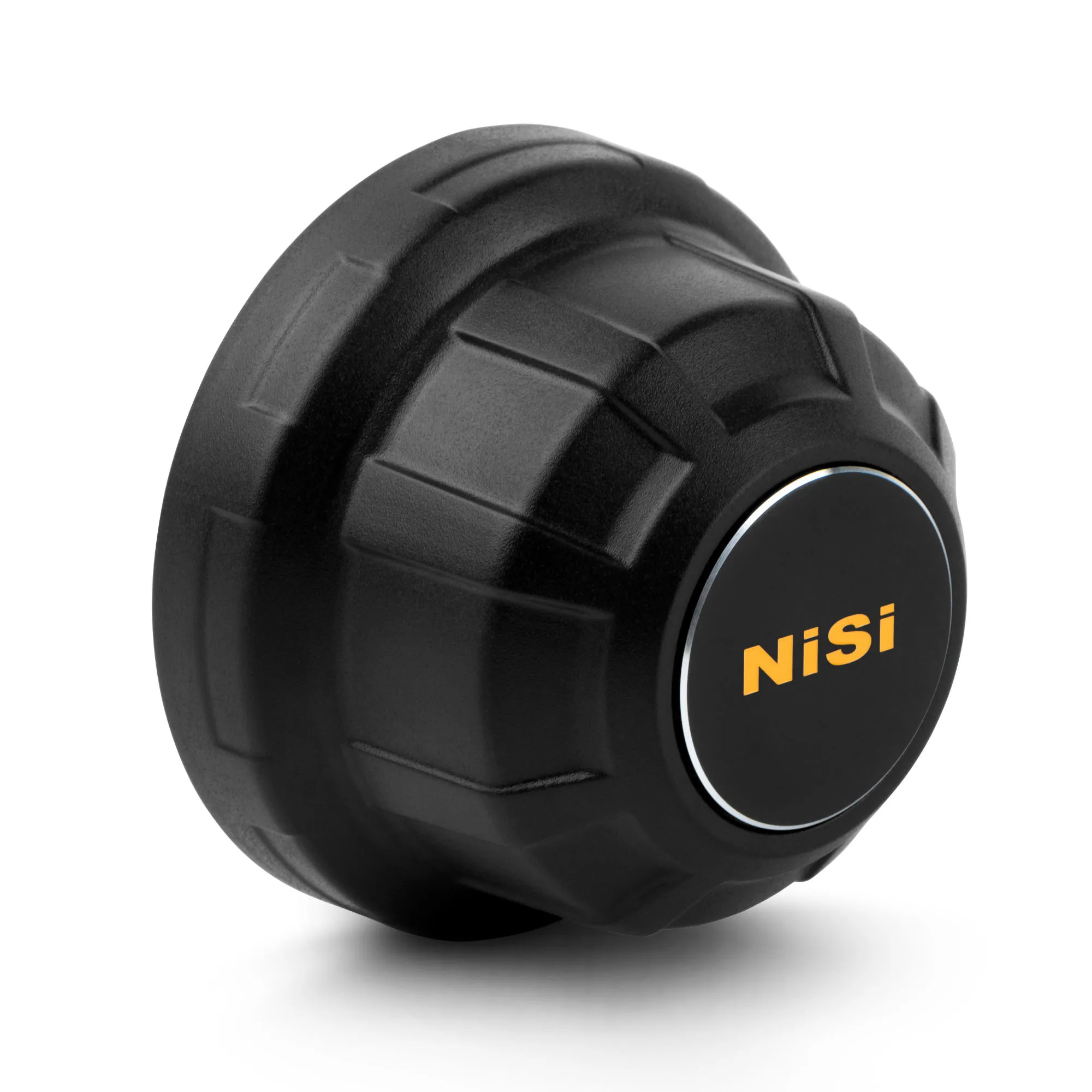
NiSi ATHENA PL Mount Rear Lens Cap
-
NiSi Lens Cap for 18mm ATHENA Cinema Lens T2.2: Replacement lens cap for NiSi ATHENA Cinema Prime Lenses. Fluorescent paint markings for easy visibility. Premium aluminum construction. Knurling grip design. Protective foam inside. The fluorescent paint and knurling grip make it easy to find and remove the cap quickly on set, while the foam interior prevents scratches.
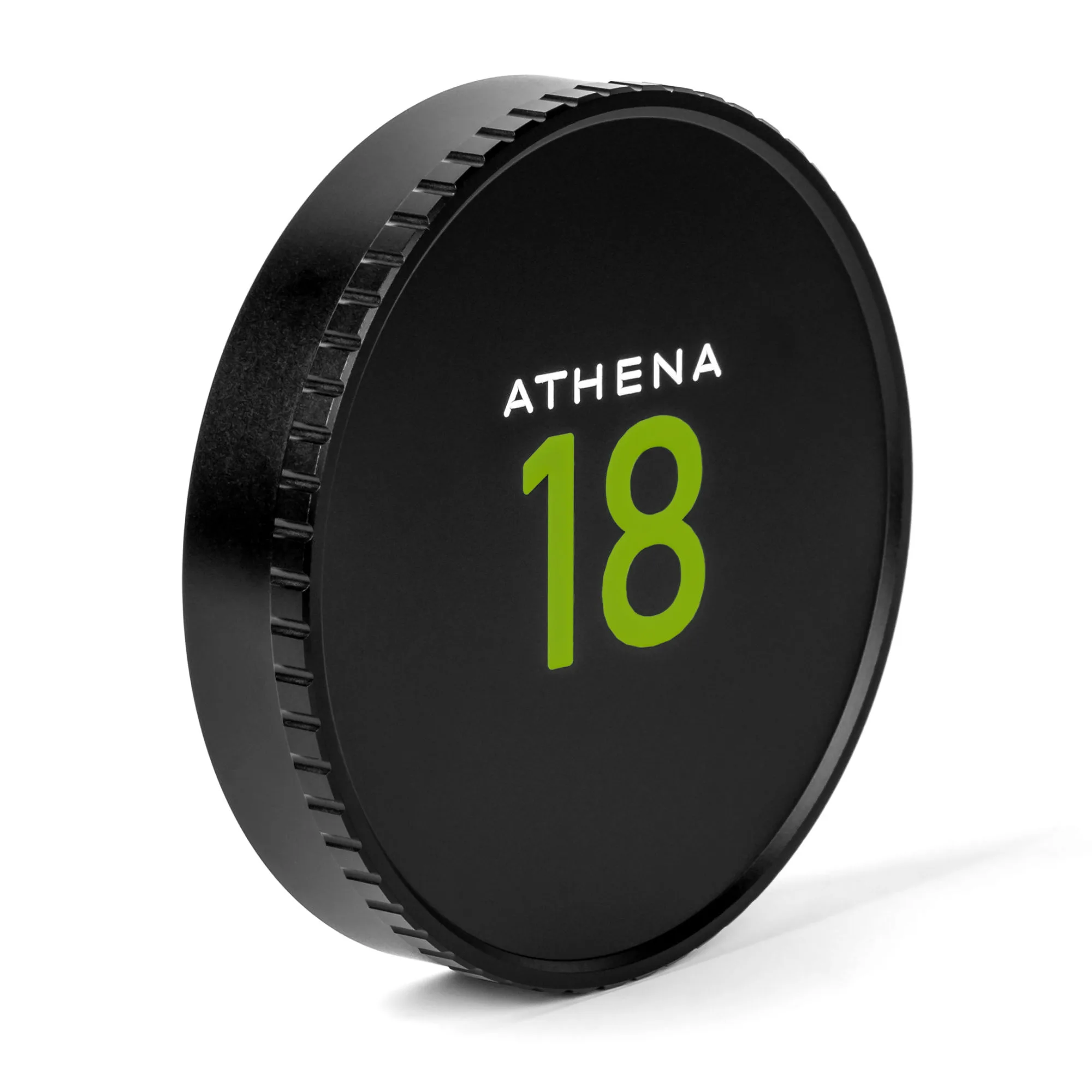
NiSi Lens Cap for 18mm ATHENA Cinema Lens T2.2
-
NiSi Lens Cap for 25mm ATHENA Cinema Lens T1.9: Replacement lens cap for NiSi ATHENA Cinema Prime Lenses. Fluorescent paint markings for easy visibility. Premium aluminum construction. Knurling grip design. Protective foam inside. Same design as the 18mm cap but sized for the 25mm lens – always match the cap to the correct lens diameter.