Quick answer
Use the SanDisk Extreme PRO SDXC 128GB card by formatting it in your Fujifilm camera, setting it as the primary recording slot, and offloading files with a UHS-II reader to maintain speed and reliability.
Why UHS-II speed matters for Fujifilm shooters
The SanDisk Extreme PRO SDXC 128GB card uses UHS-II technology, which supports faster data transfer than UHS-I cards. This matters when you shoot bursts or record video, because the camera can write files to the card more quickly, reducing buffer lag and minimizing the chance of dropped frames.
The card's read speeds up to 260MB/s and write speeds up to 300MB/s are impressive on paper, but you'll only see those numbers if your camera and card reader support UHS-II. Check your Fujifilm camera's manual to confirm it has a UHS-II slot, and use a compatible reader for transfers.
Card capacity and file management
With 128GB of storage, you can shoot extended sessions without swapping cards. A practical approach is to offload files to your computer or backup drive regularly, especially if you shoot in uncompressed RAW or 4K video, which fill cards quickly.
Keep in mind that capacity is a trade-off: a larger card means more files at risk if the card fails. Use the card as part of a backup workflow, not as the only copy of your images.
Steps to use the SanDisk Extreme PRO SDXC 128GB card
- Format the card in your camera: Insert the card into your Fujifilm camera, then use the camera's format function to prepare the card. This ensures the file system is compatible with your camera and reduces the risk of errors. Always format the card in the camera you'll use, not on a computer, to avoid file system mismatches.
- Set the card as the primary recording slot: If your camera has dual slots, use the card in slot 1 for your main files. Set the card to record to slot 2 for backup or overflow, depending on your workflow. Double-check your camera's slot settings to ensure the card is used as intended.
- Shoot and monitor buffer performance: During continuous shooting or video recording, watch the camera's buffer indicator. If the buffer fills up, wait for it to clear before shooting the next burst. The UHS-II speed helps, but the buffer is still a limiting factor in some cameras.
- Offload files with a UHS-II card reader: Remove the card and use a UHS-II-compatible card reader to transfer files to your computer. This will let you take advantage of the card's read speed up to 260MB/s. Using a standard UHS-I reader will cap transfer speeds, so invest in a UHS-II reader for faster workflow.
- Back up your files: After transfer, back up your images to a second drive or cloud service. Don't rely solely on the card for storage. Regular backups protect against card failure or loss.
Product facts
-
SanDisk Extreme PRO SDXC 128G UHS-II- 260MB/s R 300MB/s W: The SanDisk Extreme PRO SDXC 128GB card delivers read speeds up to 260MB/s and write speeds up to 300MB/s. These speeds help clear the buffer faster during continuous shooting and speed up file transfers to your computer.
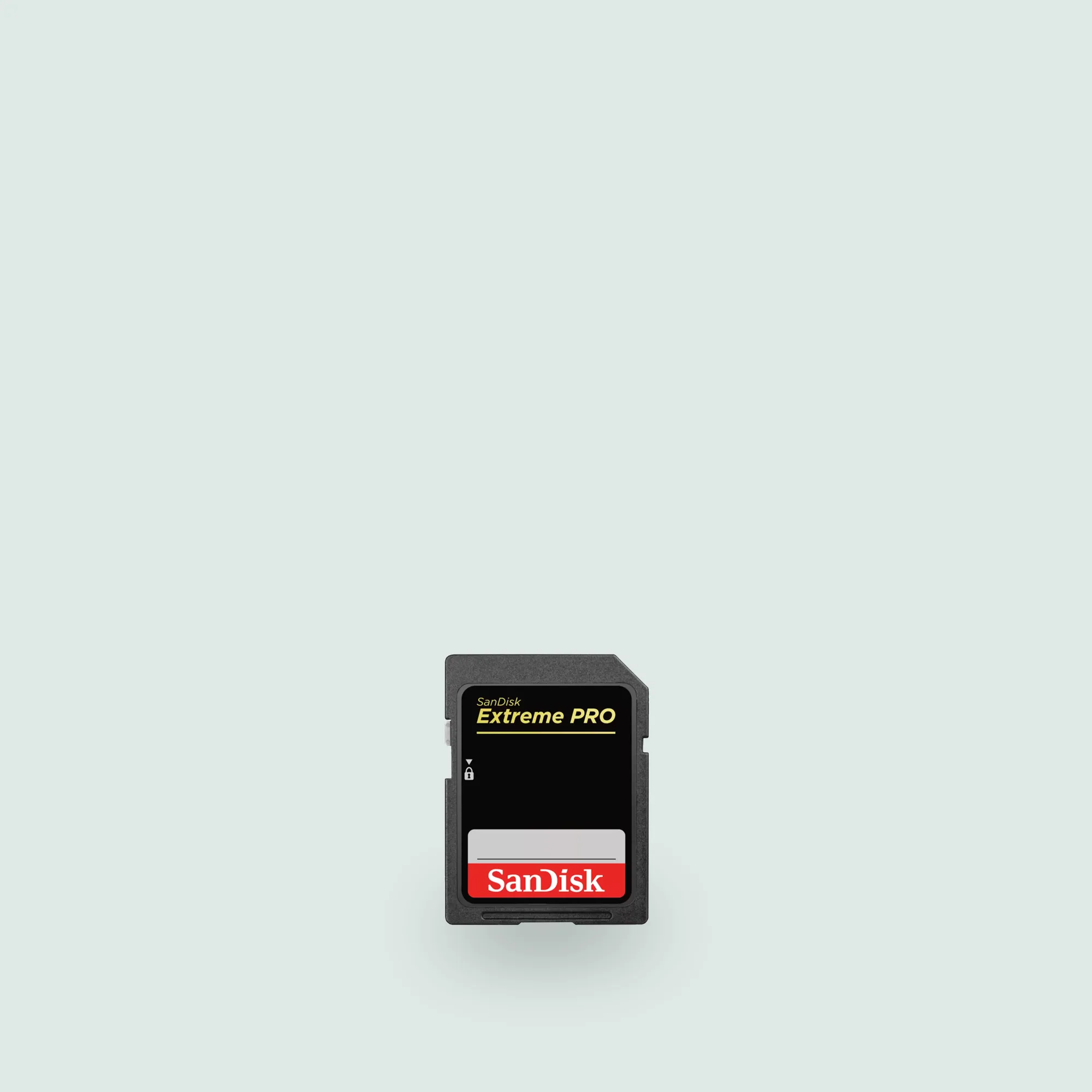
SanDisk Extreme PRO SDXC 128G UHS-II- 260MB/s R 300MB/s W
-
SanDisk Extreme PRO SDXC 128G UHS-II- 260MB/s R 300MB/s W: It uses UHS-II technology for faster data transfer. You'll need a UHS-II-compatible camera and card reader to take full advantage of this speed.
-
SanDisk Extreme PRO SDXC 128G UHS-II- 260MB/s R 300MB/s W: The card offers 128GB storage capacity for extended shooting sessions. This capacity lets you shoot longer without swapping cards, but regular backups are still essential.


