Quick Answer
To get steady shots with a selfie stick that includes a tripod, extend the legs, attach your phone, use the wireless remote to trigger the shutter, and keep the stick centered over the tripod's base.
Why a Tripod Selfie Stick Beats Handheld
Holding a selfie stick by hand works for quick snaps, but your arm naturally introduces small movements that soften photos and make video look shaky. A selfie stick with a built-in tripod locks the phone in place, giving you sharp group shots, smooth time-lapses, and steady video without needing a separate stand.
The trade-off is setup time: you have to unfold the tripod legs and pair the remote. For fast candids, a handheld mode is still faster. But for anything you can plan—family portraits, travel vlogs, or night scenes—the tripod base is worth the extra ten seconds.
Choosing the Right Selfie Stick for Stability
Not all selfie sticks with tripods are equally stable. A telescopic metal body adds rigidity, while a plastic extension can flex under the phone's weight. Look for a model with a wide tripod base and a secure phone grip that won't let the phone tilt mid-shot.
The Deco Essentials Telescopic Metal 33" Selfie Stick uses a metal build and a universal phone grip, which helps keep the phone steady even at full extension. The Vivitar 27" 3-in-1 Extension Arm Selfie Stick is a lighter alternative, but its shorter maximum height means you'll need to get closer to your subject.
Step-by-Step: Using a Selfie Stick with Tripod
- Set up the tripod base: Unfold the three tripod legs fully and place the stick on a level surface. Push each leg outward until they lock. Common mistake: leaving legs partially folded makes the whole setup tip over. Check that all legs are spread evenly before attaching your phone.
- Attach your phone securely: Slide your phone into the universal grip so the volume buttons face up. Tighten the grip until the phone cannot slide. Common mistake: gripping only one edge leaves the phone loose and prone to tilting. Give the phone a gentle tug to confirm it's locked before you extend the stick.
- Extend the telescopic arm: Twist each locking collar counterclockwise, pull the section out, then twist clockwise to tighten. Extend only as far as needed—full extension reduces stability. Common mistake: overtightening collars can strip the threads. For video, keep the arm at half extension or less to minimize shake.
- Pair and use the wireless remote: Turn on the remote (usually a small button on the side) and open your phone's Bluetooth settings. Select the remote from the device list. Press the remote button to take a photo. Common mistake: forgetting to pair before the shot, then missing the moment. Test the remote at close range first; Bluetooth range is typically 30 feet.
- Frame and trigger the shot: Use your phone's timer or the remote to avoid touching the phone during capture. For a group shot, set a 3-second delay so everyone can smile. Common mistake: pressing the phone's shutter button directly, which vibrates the stick. Hold the remote behind your back or at your side so it stays out of the frame.
Selfie Sticks That Help You Stay Steady
-
Deco Essentials Telescopic Metal 33" Selfie Stick w/ Tripod and Wireless Remote for iOS/Android: Record every meaningful moment with you and your friends using the Deco Essentials Telescopic Metal Selfie Stick with Universal Phone Grip and Wireless Remote! The metal construction and universal grip keep your phone locked in place, reducing shake during group photos and video calls.
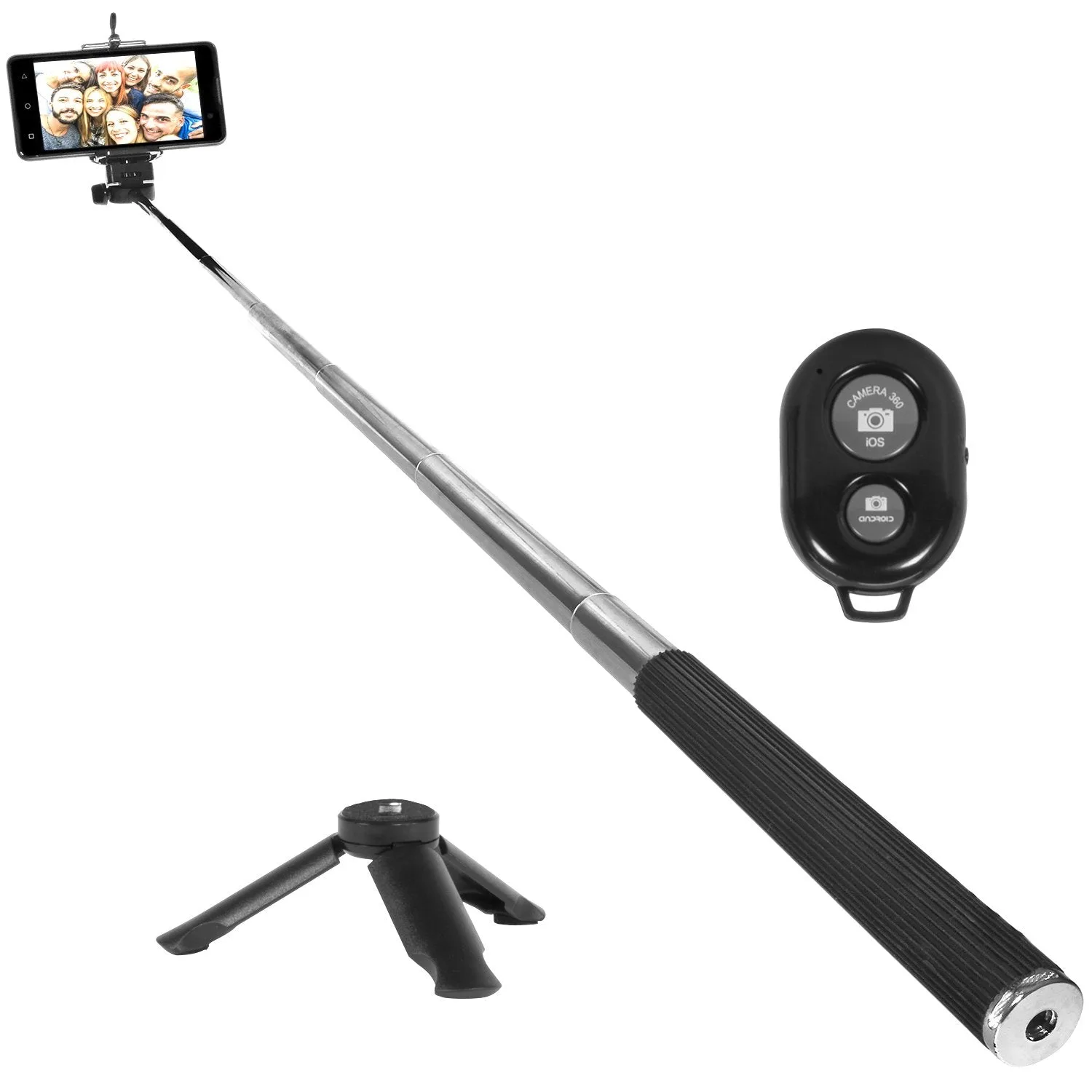
Deco Essentials Telescopic Metal 33" Selfie Stick w/ Tripod and Wireless Remote for iOS/Android
-
Vivitar 27" 3-in-1 Extension Arm Selfie Stick, Adjustable, Durable (VIVAPM7542): Vivitar 3-in-1 Extension Arm Selfie Stick simplifies capturing unique angles and perspectives with adjustable height settings. Its lightweight design makes it easy to carry, but the shorter extension means you should keep the tripod on a flat surface for best stability.
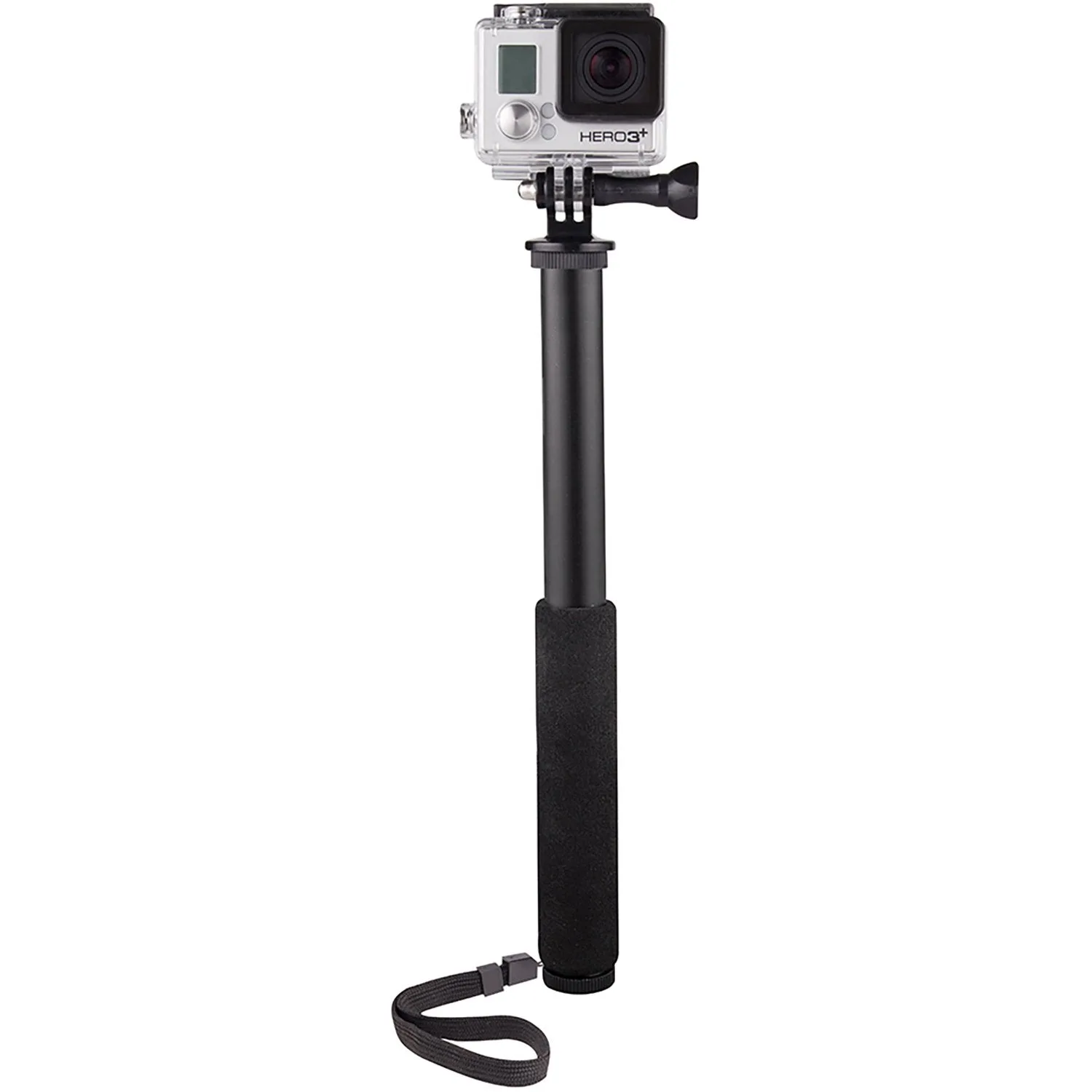
Vivitar 27" 3-in-1 Extension Arm Selfie Stick, Adjustable, Durable (VIVAPM7542)