Quick answer
Star Realms Command Decks let you play as a legendary commander with a custom starting deck and special ability. Setup is quick: each player needs one Command Deck and a copy of the base Star Realms game.
What makes Command Decks different
Unlike standard Star Realms where everyone starts with identical Scouts and Vipers, a Command Deck replaces your personal deck with a unique 12-card set tied to a specific commander. Each deck also includes a Legendary Commander card that sets your starting Authority and hand size, plus new faction cards that shape your early strategy.
Which game modes work
You can play one Command Deck against another in a 1v1 match, or use a single Command Deck as a raid boss against two players using standard personal decks. The raid boss mode is a fun way to introduce cooperative or asymmetric play without extra rules.
How to set up and play a Star Realms Command Deck
- 1. Gather your components: You need one Command Deck per player, plus the Trade Row and Explorer deck from a base Star Realms set. Each Command Deck contains 18 cards: 1 Legendary Commander card, 12 personal deck cards, and 5 faction cards for the Trade Row. Check that you have a base Star Realms game — Command Decks are not standalone.
- 2. Set up your commander: Place your Legendary Commander card face up in your play area. It shows your starting Authority (usually 50) and your starting hand size (usually 5). This card stays in play for the whole game. Do not shuffle the Commander card into your deck — it is not part of your draw pile.
- 3. Build your personal deck: Take the 12-card personal deck from your Command Deck. Shuffle it and place it face down as your draw pile. Draw your starting hand equal to the hand size shown on your Commander card. Your personal deck replaces the standard Scouts and Vipers, so your early turns will feel different than a normal game.
- 4. Prepare the Trade Row: Shuffle the 5 faction cards from your Command Deck into the main Trade Row deck from the base game. Then deal the standard 5-card Trade Row. These faction cards add new ships and bases that match your commander's factions. If playing with multiple Command Decks, shuffle all their faction cards into the same Trade Row deck.
- 5. Play the game normally: Follow the standard Star Realms turn sequence: play cards from your hand to gain Trade and Combat, buy ships and bases from the Trade Row, attack your opponent, then discard and draw a new hand. Your Commander card's ability may give you a special action or bonus — read it carefully. Common mistake: forgetting to use your Commander's ability. Place the card where you can see it every turn.
Products mentioned
-
Star Realms Command Deck: The Union: The Union Command Deck lets you play as Hive Admiral McCready, combining Star Empire and Blob faction cards. If you enjoy aggressive early pressure, this deck gives you a focused strategy right out of the box.
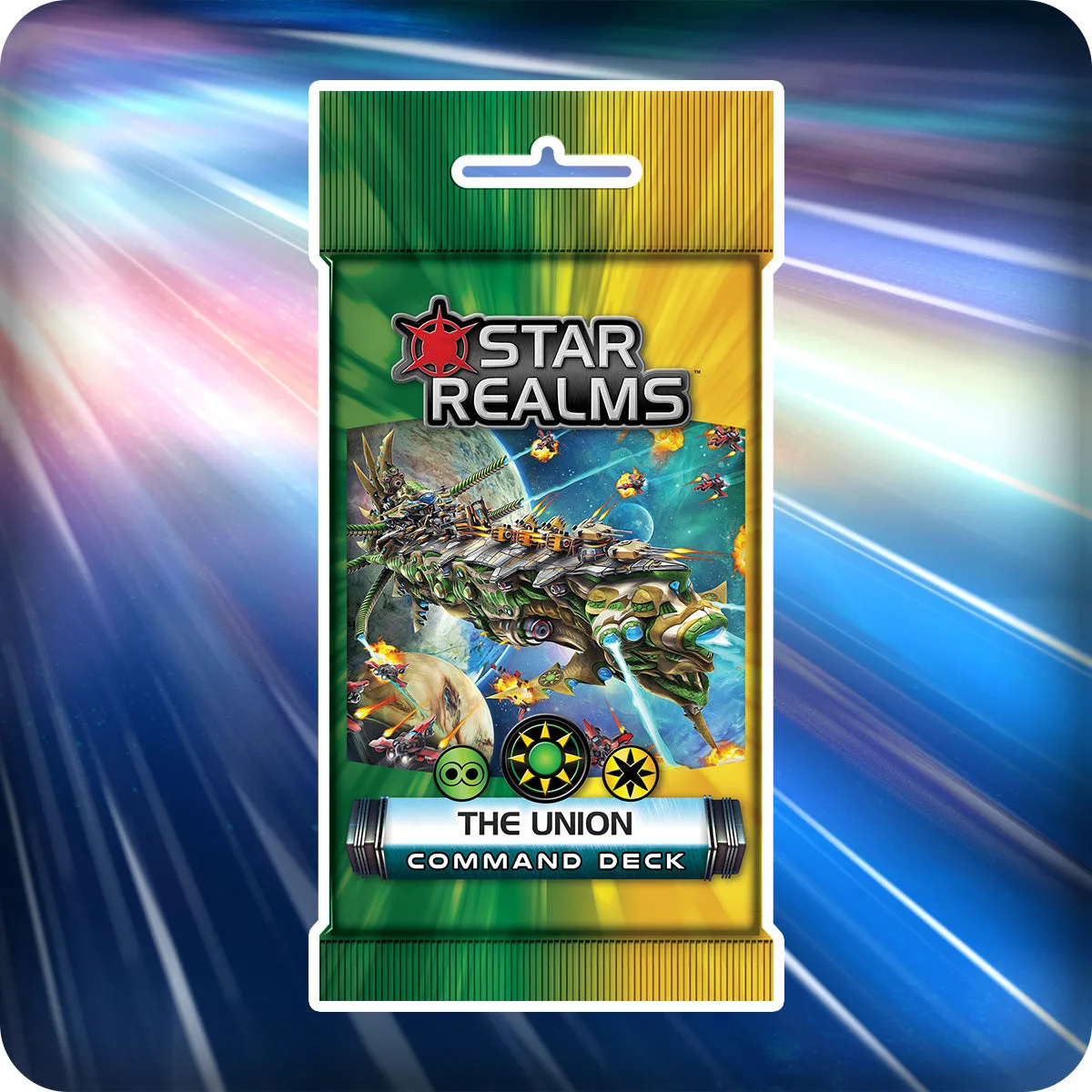
Star Realms Command Deck: The Union
-
Star Realms Command Decks: The Star Realms Command Decks bundle includes six 18-card packs: The Alignment, The Alliance, The Coalition, The Pact, The Union, and The Unity. Buying the bundle gives you multiple commanders to rotate or pit against each other without purchasing individual packs.
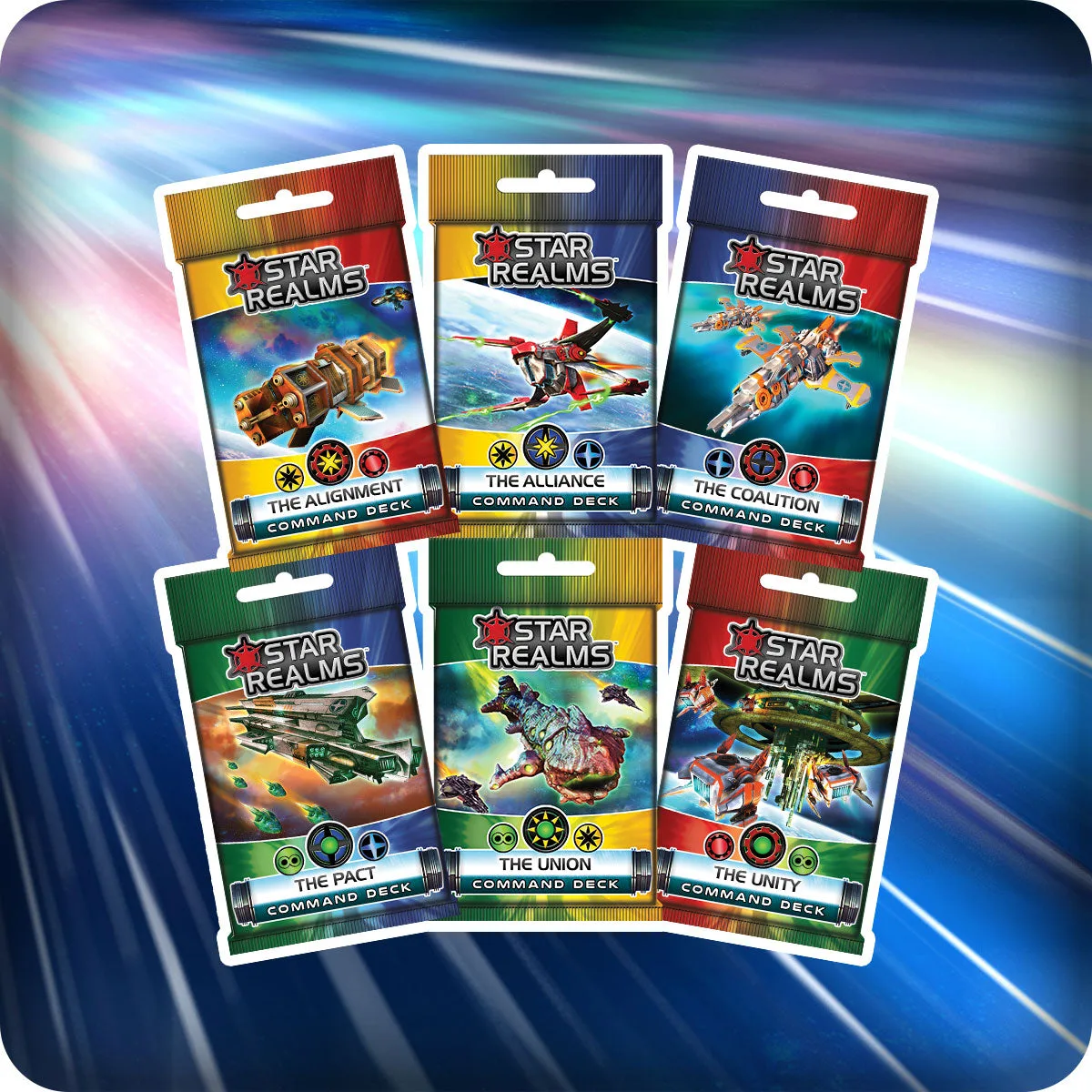
Star Realms Command Decks