Quick Answer
The Tilta Hydra Electronic Suction Cup (6 Inch) lets you securely attach a camera rig to smooth, non-porous surfaces like car panels or glass. Follow a clean surface, power-on, mount, and safety-check sequence to avoid drops.
Why Surface Preparation Matters
The Tilta Hydra relies on a vacuum seal against smooth, non-porous surfaces. Dirt, wax, or moisture can break that seal mid-shot. Even a small grain of dust can reduce holding force, so wiping the area with isopropyl alcohol and a lint-free cloth is a must before every mount.
Power Considerations for the Electronic Pump
The electronic suction cup needs a continuous power source to maintain the vacuum. If the battery dies or the cable disconnects, the cup loses suction. Always use a fully charged battery or a locked D-Tap connection, and check the pump indicator light before each take.
Step-by-Step Setup for the Tilta Hydra Suction Cup
- 1. Inspect and Clean the Surface: Wipe the mounting area with isopropyl alcohol and a lint-free cloth. Remove any wax, grease, or debris. The surface must be smooth and non-porous. Check: a clean surface is the single most important factor for a reliable hold.
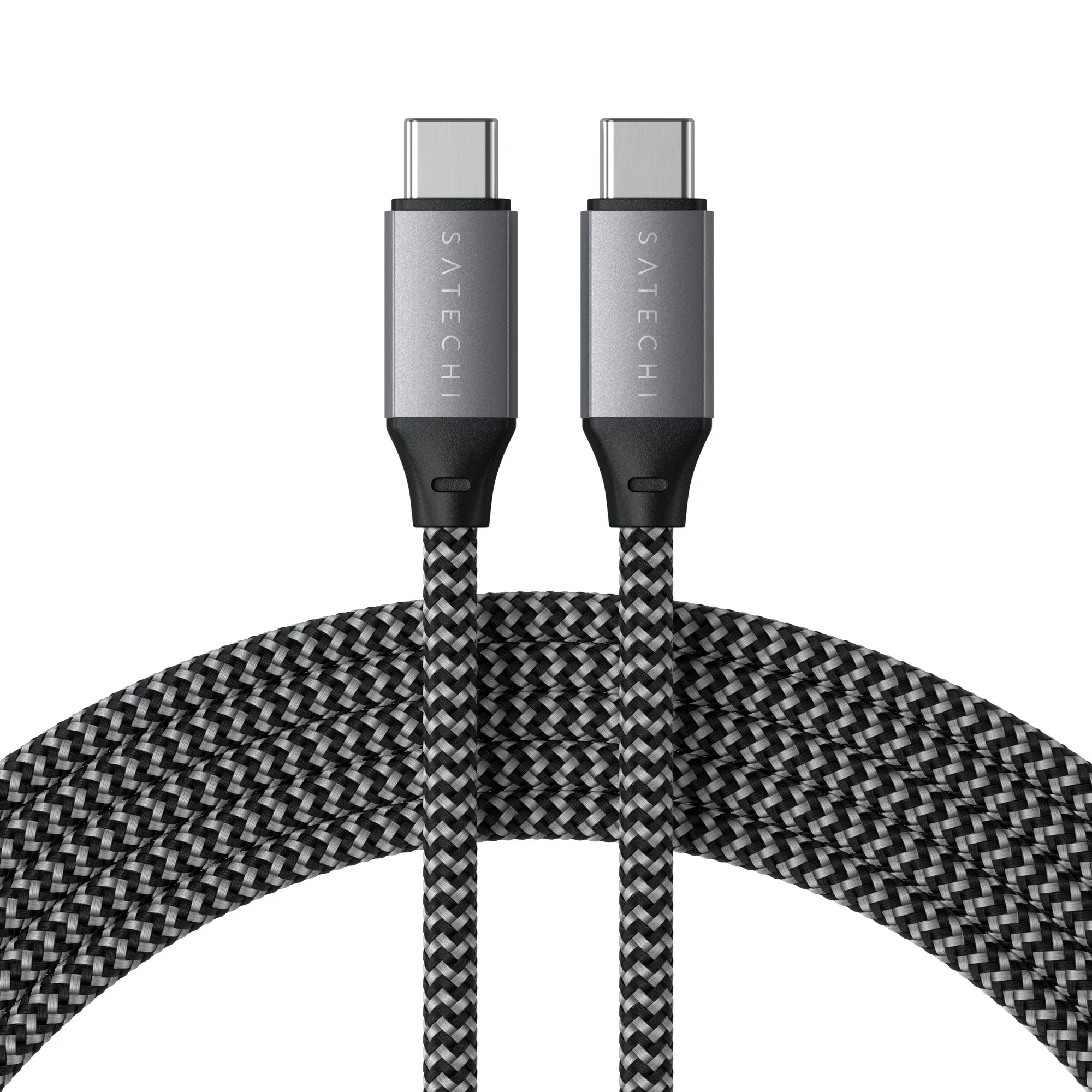
- 2. Connect Power to the Electronic Pump: Plug a D-Tap or compatible power cable into the cup. Confirm the pump indicator light turns on. Use a locked connector to prevent accidental disconnection during movement. Common mistake: using a nearly empty battery. Start with a fully charged source.
- 3. Position and Activate the Suction: Place the cup flat against the surface. Press the power button to start the electronic pump. Wait for the indicator to show full vacuum (usually a solid light or audible change). Do not attach the camera until the vacuum indicator confirms a secure seal.
- 4. Attach the Camera Rig: Mount your camera and lens onto the cup's 3/8"-16 or 1/4"-20 thread. Tighten with a hex key or knob. Keep the rig balanced over the cup center to reduce leverage. Check: a top-heavy rig can tilt the cup edge and break the seal.
- 5. Perform a Safety Tether Check: Use a safety cable or strap from the rig to a fixed point on the vehicle (e.g., a door handle or roof rack). This catches the rig if suction fails. Never skip the tether — even with electronic suction, a sudden power loss can happen.
- 6. Test Before Rolling: Gently push the rig in different directions. If the cup shifts or the indicator flickers, re-clean the surface and re-seat the cup. Only start filming once the mount feels solid. Common mistake: assuming the pump sound means a perfect seal. Always do a manual push test.
Product Facts
-
Tilta Hydra Electronic Suction Cup (6 Inch): The Tilta Hydra Electronic Suction Cup (6 Inch) is a powered suction mount for attaching cameras to smooth, non-porous surfaces like car body panels and glass. It is designed for heavier camera and lens combos than the smaller Hydra cup, making it a reliable choice for professional car rig work.
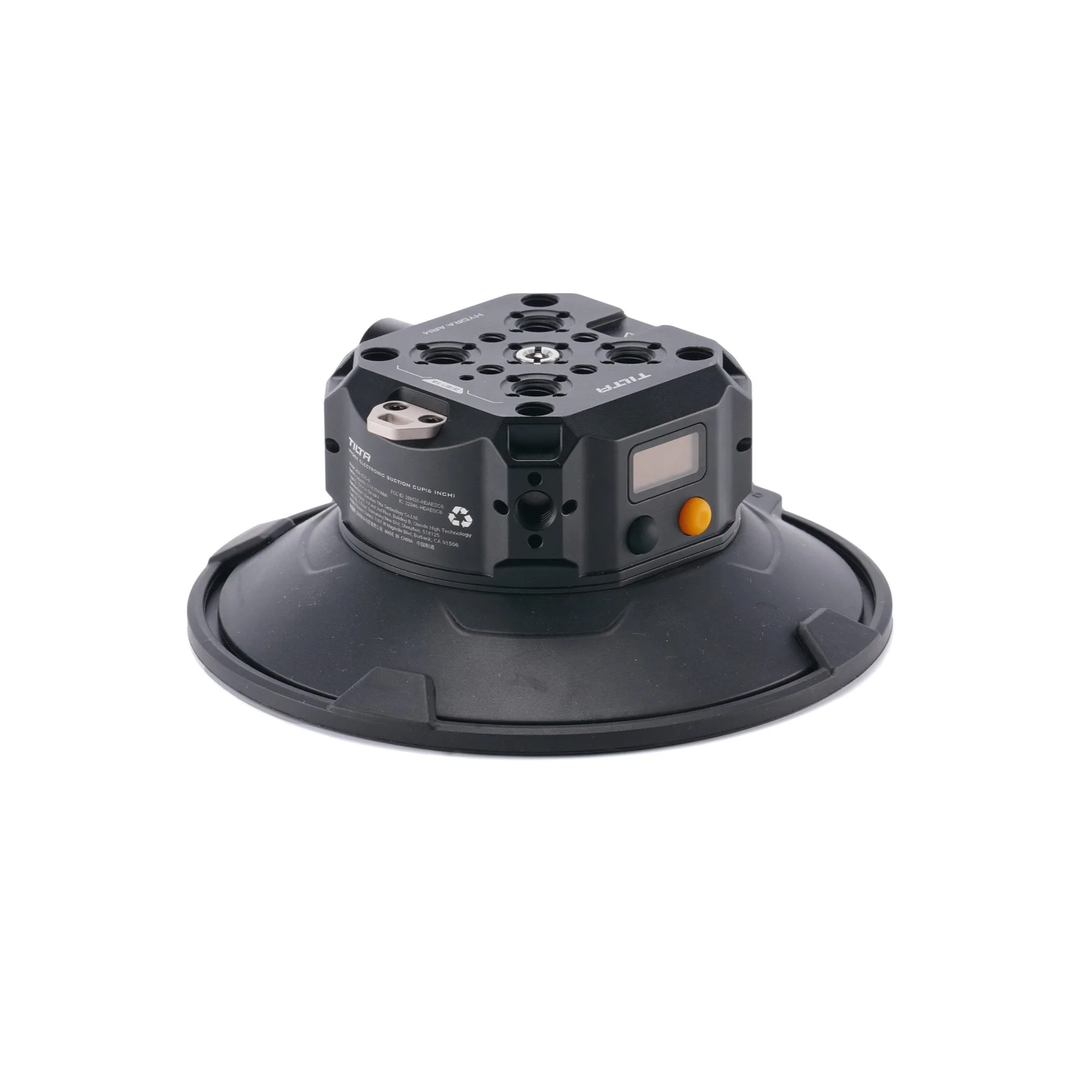
Tilta Hydra Electronic Suction Cup (6 Inch)