Quick answer
To use a variable friction magic arm, secure a sturdy base, attach the arm via its 3/8 or 1/4 inch screw threads, adjust friction with the locking knob, and mount your device up to 3kg. The Lumia Variable Friction Magic Arm is a reliable choice for camera rigs.
Why friction adjustment matters
The locking knob on a variable friction magic arm lets you control how freely each segment moves. Too loose and your gear may sag; too tight and you lose the ability to reposition easily. Finding the right tension is key to a stable yet adjustable setup.
Weight limits and balance
The Lumia Magic Arm holds up to 3kg, but the arm's own weight (1.2kg) plus the payload can shift your rig's center of gravity. Always counterbalance or use a heavy-duty stand to prevent tipping, especially when the arm is fully extended to 54cm.
Step-by-step setup guide
- 1. Choose and secure a base: Attach a Super Clamp or a heavy-duty base to a stable surface (desk, tripod, or rig frame). The Lumia Magic Arm does not include a base, so ensure your mounting point can support the combined weight of the arm and your gear. A common mistake is using a lightweight stand that tips over. Use a base rated for at least 5kg.
- 2. Attach the magic arm to the base: Use the 3/8 inch or 1/4 inch screw female thread at one end of the arm to secure it to the base. Tighten firmly but do not overtighten, as this can strip the threads. Check that the thread size matches your base. Many bases offer both sizes, but adapters may be needed.
- 3. Adjust friction with the locking knob: Turn the locking knob on each segment to set the desired tension. Start with medium friction so the arm holds position but can still be repositioned by hand. Too much friction makes adjustment difficult; too little causes sagging. Test with a light load first.
- 4. Mount your device: Attach your LED light, camera, or microphone to the other end of the arm using the available 1/4 inch or 3/8 inch thread. Ensure the device weight is within the 3kg limit. A common mistake is mounting a heavy device without checking the total payload. Remember the arm itself weighs 1.2kg—so your device should be under 1.8kg for safe operation.
- 5. Fine-tune position and lock: Position the arm to your desired angle and tighten the locking knob fully to secure the setup. Double-check all connections before letting go. Always lock the knob after final positioning to prevent accidental movement during use.
Product facts
-
Lumia Variable Friction Magic Arm 244 Style Mounting Arm for LED Light Monitor Camera Mic: Each segment arm is 27cm long, total extension 54cm. Holds up to 3kg payload. Weighs 1.2kg. The 54cm reach gives you flexibility for overhead or side angles, but the 1.2kg weight means you need a robust base to avoid instability.
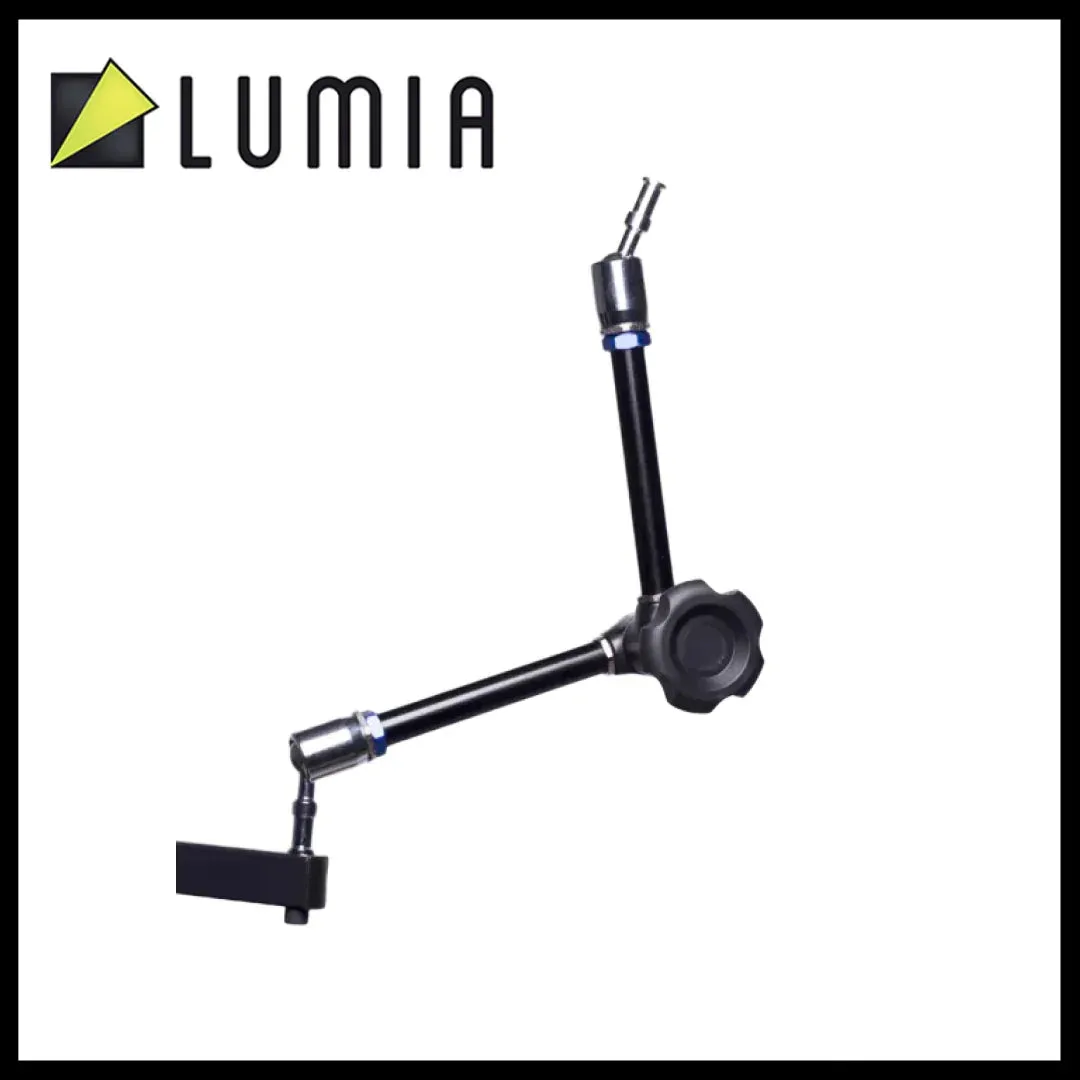
Lumia Variable Friction Magic Arm 244 Style Mounting Arm for LED Light Monitor Camera Mic


