Quick answer
Wash gaming shirts and graphic socks inside out in cold water on a gentle cycle, then air dry them. This prevents the two biggest causes of fading: heat and friction. Skip the dryer and harsh detergents, and your prints will stay vibrant for years.
Why cold water and air drying matter
Heat breaks down the plastic-based inks used in screen-printed graphics, causing them to crack and fade. Hot water and high dryer temperatures are the main culprits. Cold water keeps the ink flexible, while air drying eliminates heat exposure entirely. Friction from other garments in a hot dryer can also rub prints away over time. By switching to cold wash and air dry, you remove both risks.
Sort by color and fabric weight
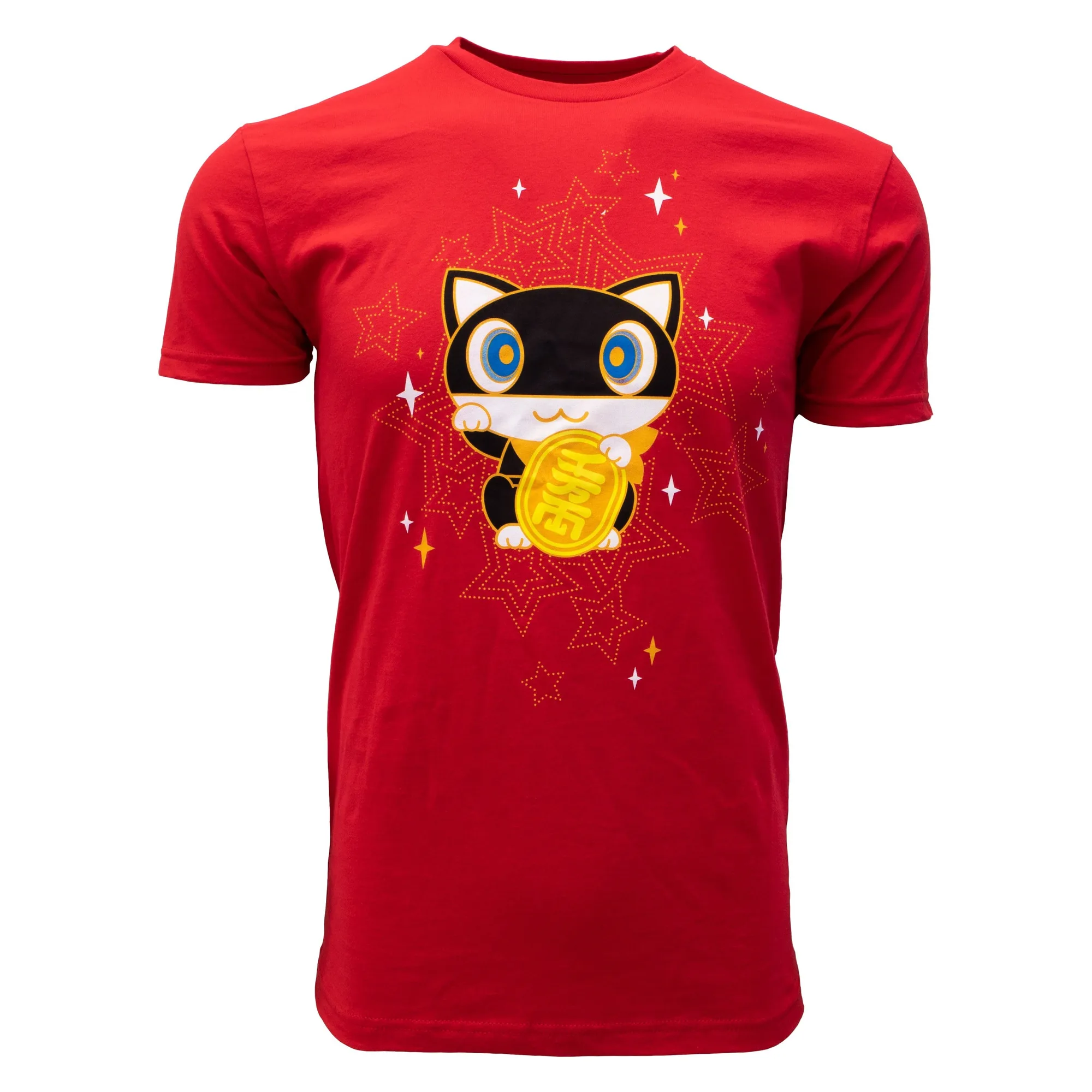
Before washing, separate lights from darks to avoid dye transfer, especially with red or black gaming tees. Also separate heavy items like hoodies from lightweight socks and shirts. Mixing them can cause abrasion that dulls prints. If you own a red shirt like the Persona 5 Morgana Lucky Cat Tee, wash it with similar colors or alone the first few times to prevent bleeding.
Choosing the right detergent
Use a mild, liquid detergent free of bleach, brighteners, or fabric softeners. These additives can leave residue that traps dirt and dulls colors. For socks with graphics, a gentle detergent is especially important because their small size means they get more friction in the wash. If you have hard water, consider a water softener to prevent mineral buildup on prints.
Step-by-step laundry routine
- Turn shirts and socks inside out: This puts the printed side against itself, reducing friction from other garments. Mistake to avoid: leaving socks right-side out, which exposes the graphic to abrasion from the drum and other items. Checkpoint: all printed items should have the design facing inward.
- Use cold water on a gentle cycle: Set your washing machine to cold (below 30°C/86°F) and select a delicate or gentle cycle. Mistake to avoid: using warm or hot water, which can cause ink to crack and colors to bleed. Checkpoint: water temperature should feel cool to the touch.
- Add mild liquid detergent, no softener: Use a small amount of detergent free of bleach and brighteners. Mistake to avoid: pouring detergent directly onto the print, which can cause discoloration. Add it to the dispenser or water first. Checkpoint: detergent label should say 'free & clear' or 'gentle'.
- Air dry away from direct heat: Hang or lay flat to dry in a shaded, well-ventilated area. Mistake to avoid: using a dryer or placing items on a radiator, which reintroduces the heat you just avoided. Checkpoint: prints should feel dry and not tacky before wearing.
Product care notes
- Persona 5 - Morgana Lucky Cat Tee - Red: Ultra soft 100% cotton tee screen-printed by hand. Cotton can shrink in hot water; cold washing preserves fit. Hand screen-printing means the ink sits on top of the fabric, so turning inside out protects it from friction.
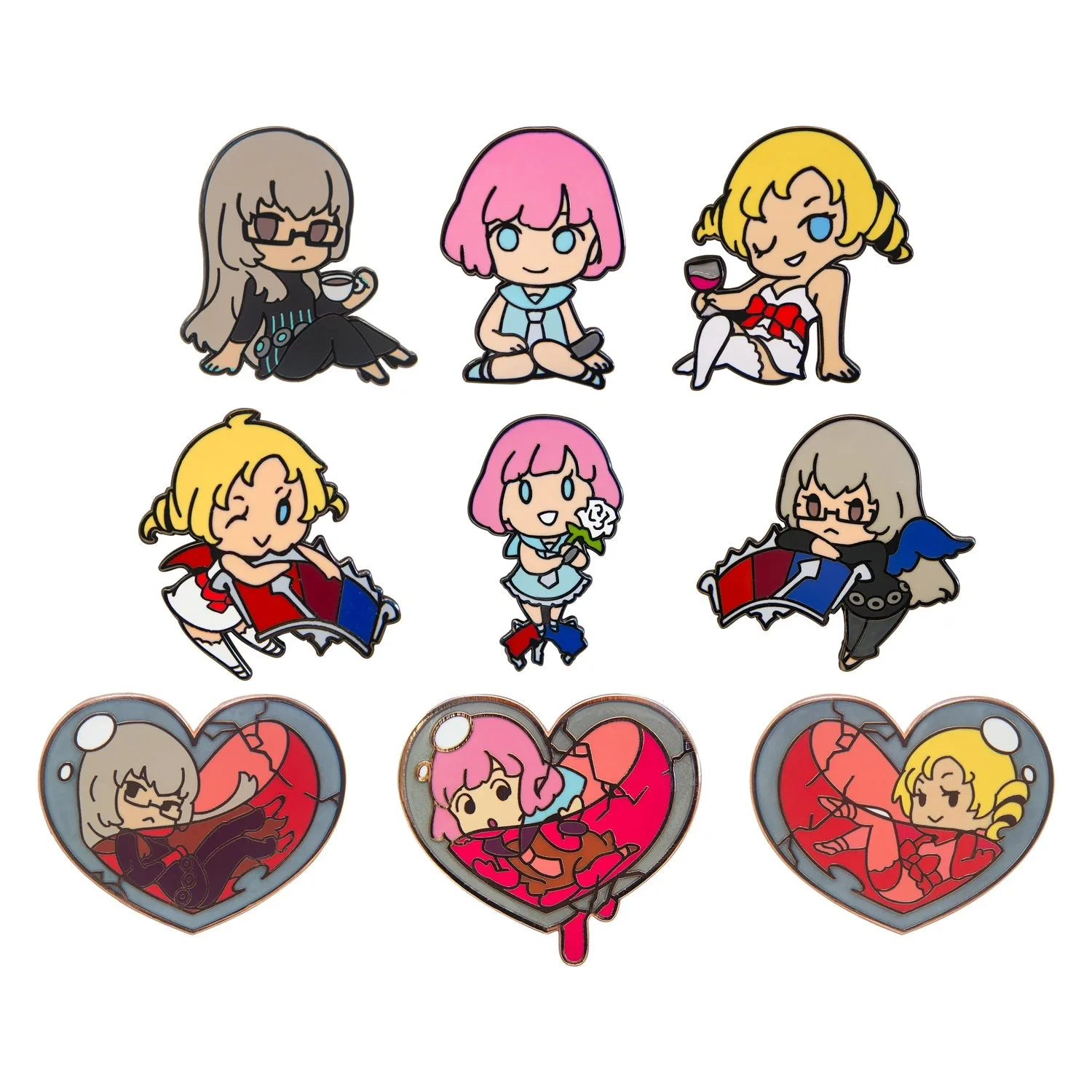
- Catherine: Full Body - Chibi Blind Box Pin: Series 1: Sitting pins range between 1.53 in tall by 1.37 in wide. While this is a pin, the small size is a reminder that small graphic items like socks need gentle handling to avoid snags and print wear.