Quick answer
Place the Potentiometer Cube in the circuit path between your power source and the motor, then turn the dial to vary resistance from 0 to 200 Ohms. More resistance means less power reaches the motor, so it spins slower; less resistance lets it run faster. Wire it in series, not parallel, and always start with the dial at minimum resistance so you can see the full speed range.
What the Potentiometer Cube actually does in a circuit
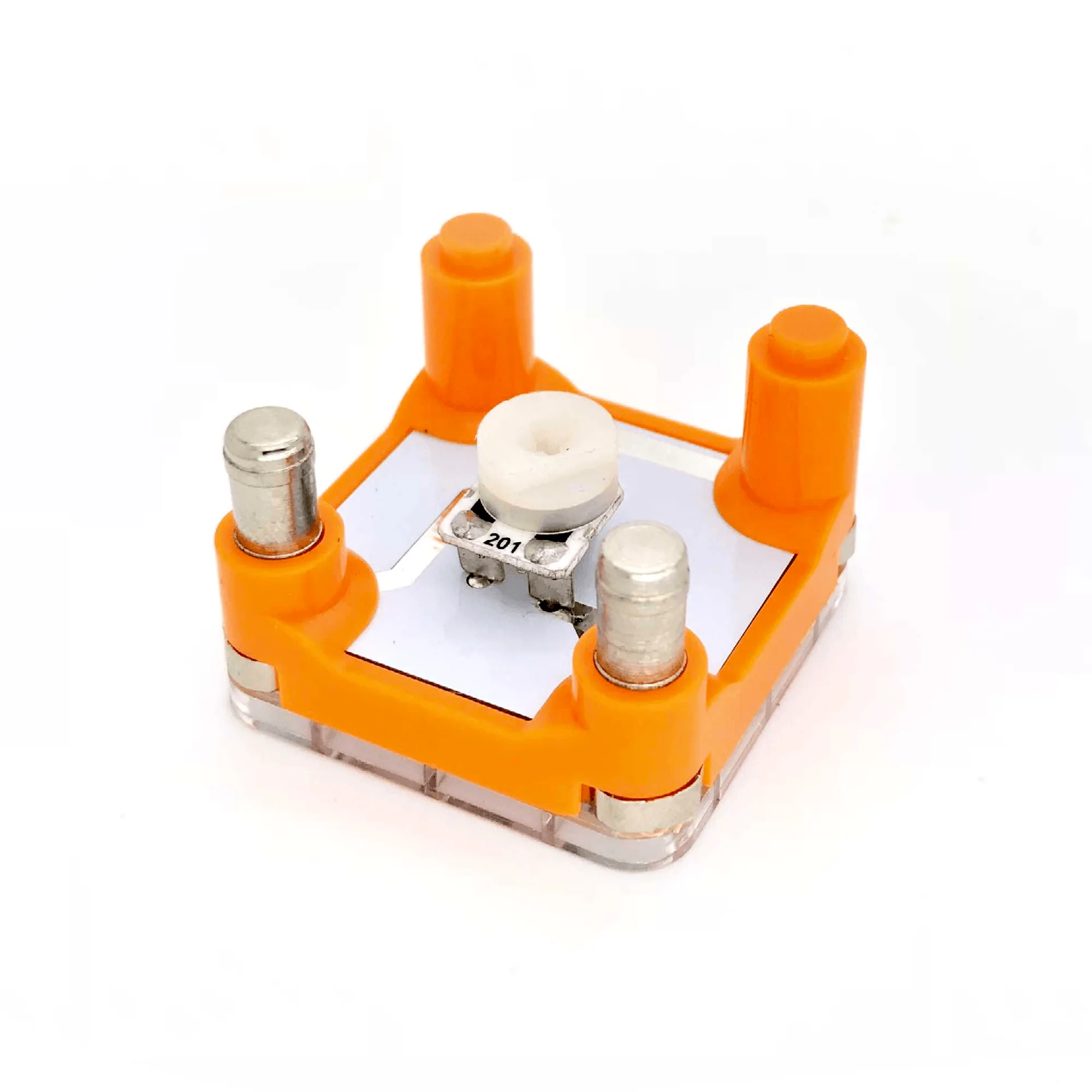
The Potentiometer Cube is a variable resistor, like a dimmer switch for your lights. Its resistance ranges from 0 to 200 Ohms. As you rotate the dial to increase resistance, the potentiometer consumes more power, which reduces the power available to the LED or motor in the circuit. The result is a dimmer LED or a slower motor. This makes it the simplest way to add manual speed control to a Circuit Cubes build without any programming.
What you need before you start
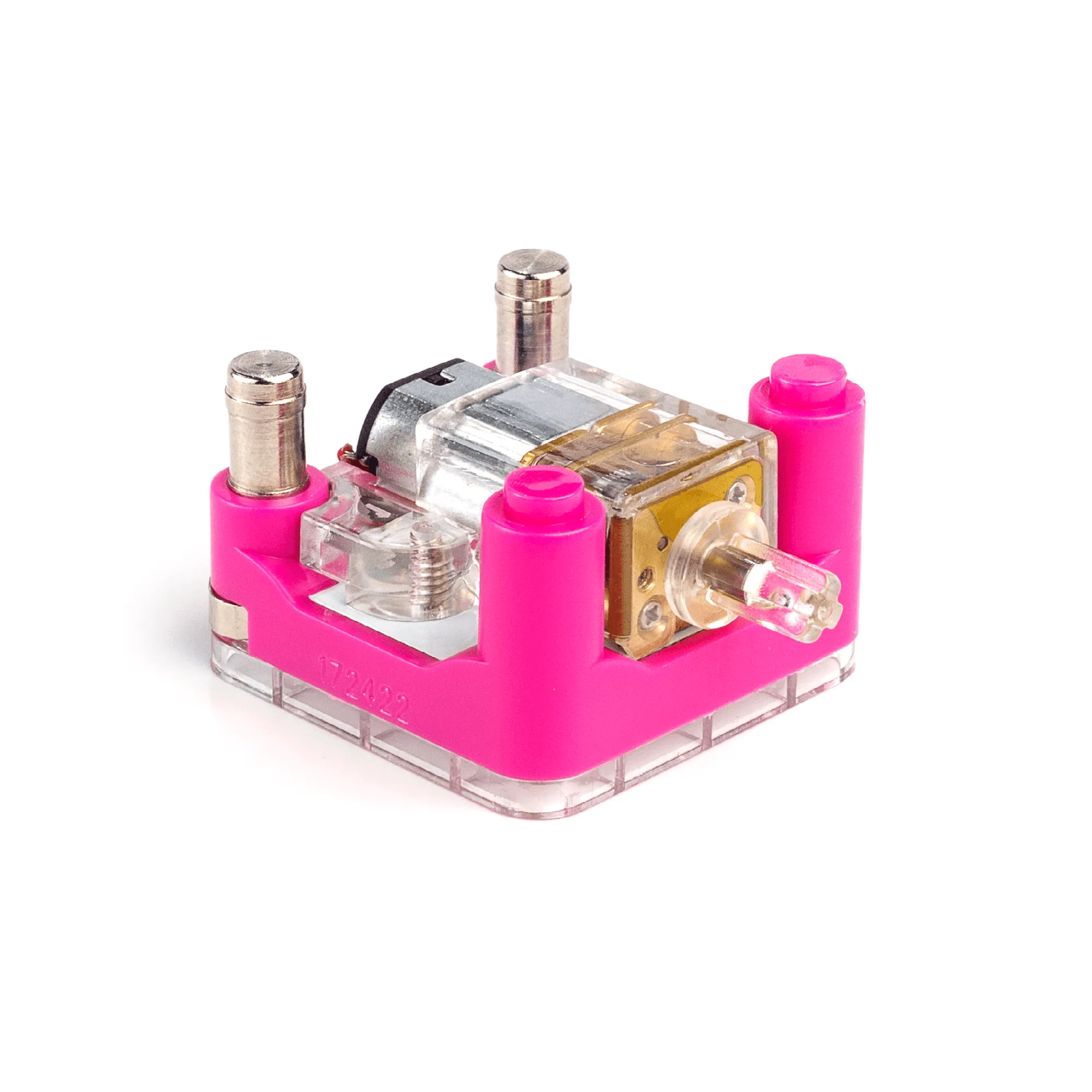
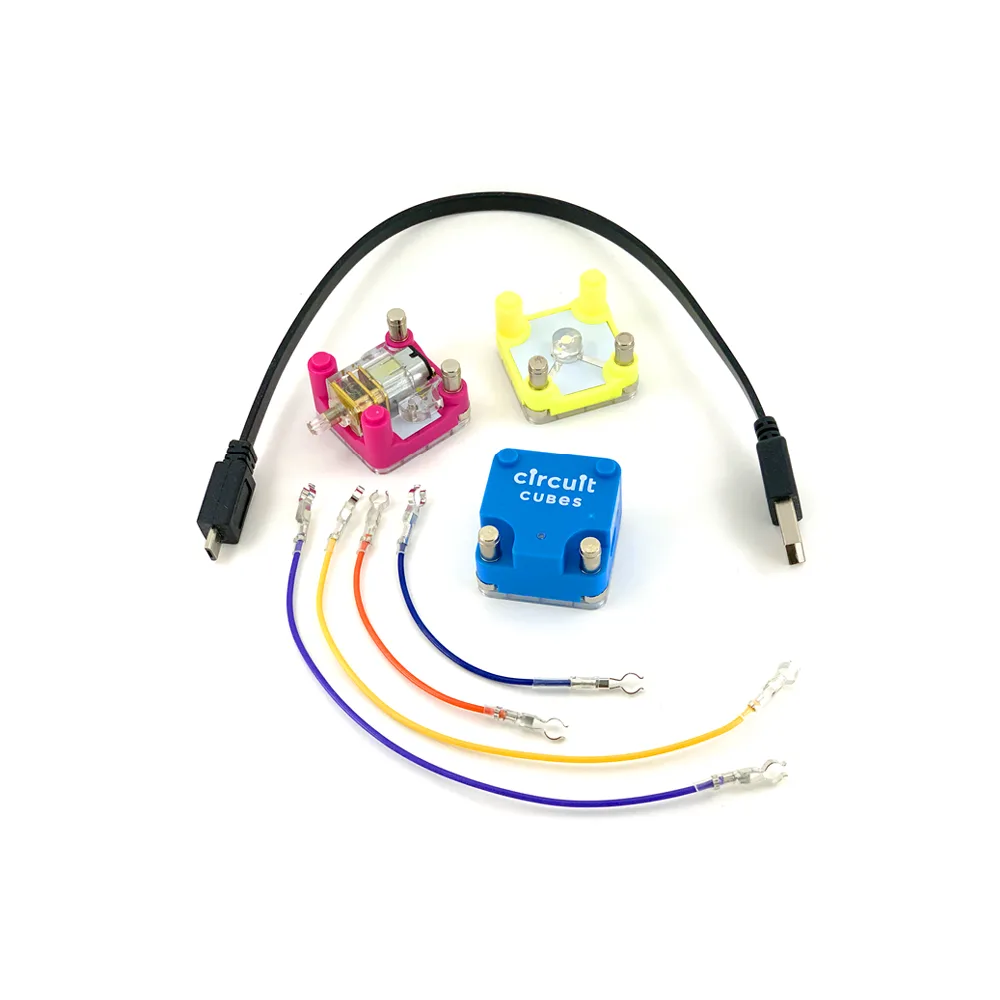
You need a power source (such as the Battery Cube from the Cube Combo), a load (a motor or LED), the Potentiometer Cube, and connecting wires. If you are using a motor, the Cubit Motor Cube is a good match because its geared output runs at about 160 RPM and responds smoothly to small changes in voltage. Keep your build simple for the first test: power, potentiometer, motor, and nothing else. That way, if something does not work, you know exactly where to look.
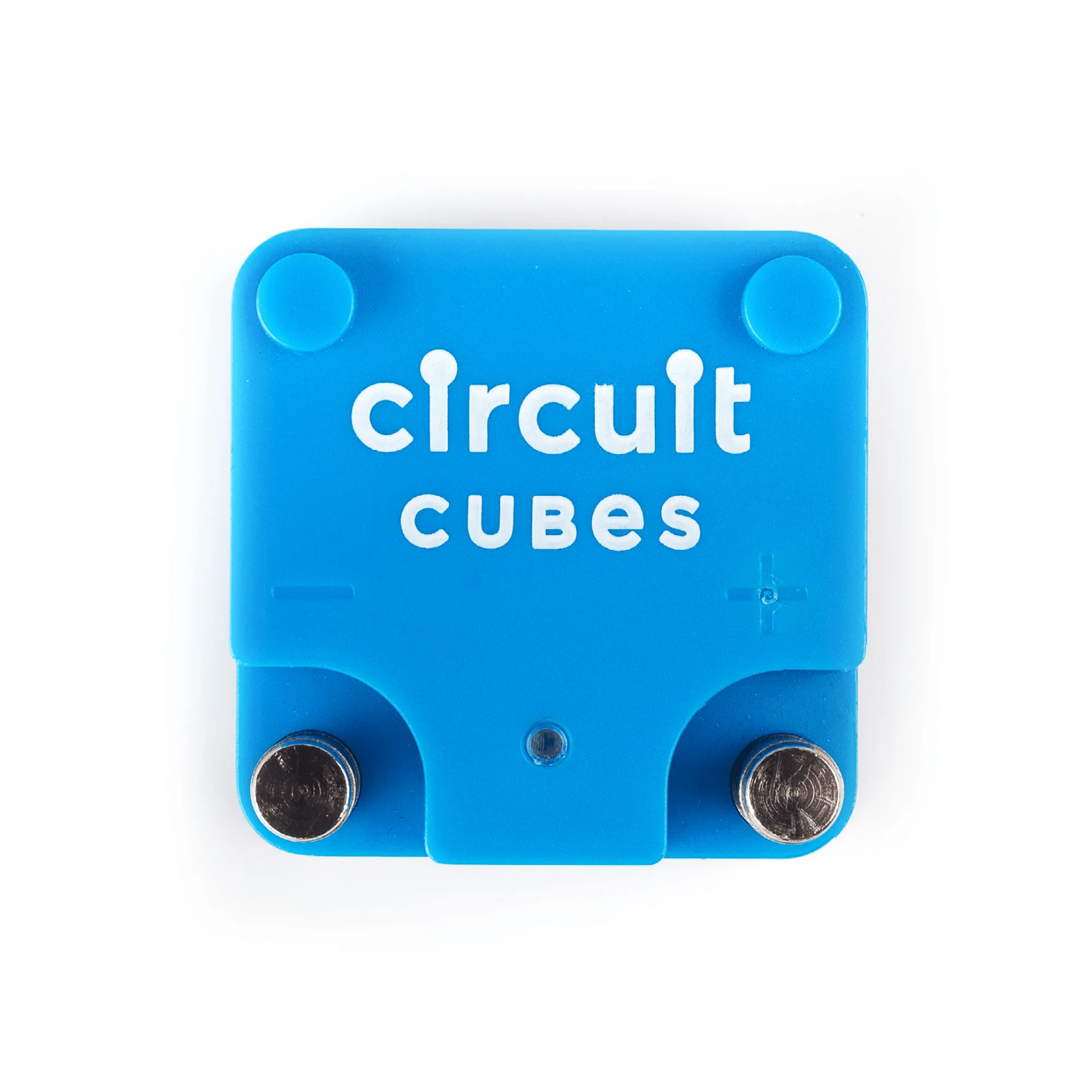
Battery Cube
Step-by-step: wiring the Potentiometer Cube for speed control
- 1. Set the potentiometer dial to minimum resistance: Rotate the dial all the way to the 0 Ohm position before you connect anything. This ensures the motor will receive full power when you first turn on the circuit. Checkpoint: the dial should feel like it stops at one end. That is your zero point.
- 2. Connect the power source to the potentiometer input: Run a wire from the positive terminal of your Battery Cube to one of the Potentiometer Cube's connection points. Then run a wire from the other potentiometer connection point to the positive terminal of your motor. This puts the potentiometer in series with the motor. Common mistake: wiring the potentiometer in parallel (across the power and ground). That will not control speed and may cause erratic behavior.
- 3. Complete the circuit with a ground connection: Connect the negative terminal of the motor directly back to the negative terminal of the Battery Cube. The potentiometer only interrupts the positive side; the ground path stays direct. Checkpoint: you should have exactly two wires on the potentiometer, one in and one out. No third wire to ground.
- 4. Power on and test the full dial range: Turn on the Battery Cube. The motor should spin at full speed with the dial at minimum resistance. Slowly rotate the dial toward maximum resistance and watch the motor slow down. If it does not slow, recheck your series wiring. Common mistake: expecting the motor to stop completely. At 200 Ohms, the motor may still turn slowly. That is normal for a variable resistor, not a switch.
- 5. Adjust the dial for your desired speed and secure the build: Once you find the speed you want, leave the dial in place. If the build will move, make sure the potentiometer is firmly attached so the dial does not shift during operation. Next step: try swapping the motor for an LED to see the same dimming effect, which confirms your wiring is correct.
Key product facts
- Potentiometer Cube: Potentiometer Cube resistance ranges from 0 to 200 Ohms. Increasing resistance consumes more power at the potentiometer, reducing power to the LED or motor. This is the core mechanism for speed control: more resistance equals slower motor, less resistance equals faster motor. You can predict the effect before you even power on.
- Cube Combo: The Cube Combo includes a Battery Cube that delivers approximately 3.7–4.2 volts DC and a Geared Motor Cube that rotates at more than 1,000 RPM before gearing. This combo gives you a complete power-and-motion set. The higher raw motor speed means the potentiometer has a wide, visible range of speed control to work with.
- Cubit Motor Cube: Cubit Motor Cube uses planetary gears to reduce motor speed to about 160 RPM and includes three ports for versatile wire connections. The lower 160 RPM output is already geared for torque, so adding a potentiometer lets you slow it further for precise, controlled movement in your build.