Quick answer
Pair the JOBY Impulse directly through your Galaxy S25 Ultra’s Bluetooth settings—no app needed—then open the camera and use the remote as a shutter trigger from up to 90 feet away.
Why a no-app remote changes your shooting workflow
Because the Impulse is a certified Bluetooth remote with no app requirement, you skip downloads and account setups. That makes it faster to deploy for candid shots, group photos, or low-light scenes where touching the phone would cause shake. The trade-off is that you rely on the phone’s built-in camera app, so any advanced manual controls you normally use must be set before you walk away.
When the remote is the right accessory—and when it isn’t
The Impulse shines for solo content creation, group portraits, and stable long-exposure shots where you want to trigger the shutter without physically touching the Galaxy S25 Ultra. It is less useful if you need to adjust zoom, exposure, or focus remotely during the shot, since those actions stay on the phone. If you plan to shoot from more than 90 feet, the Bluetooth range becomes the limiting factor.
How to pair and shoot with the Impulse remote
- Charge and power on the remote: Before pairing, make sure the Impulse remote has power. Press and hold its power button until the indicator light blinks, which means it is in pairing mode. A solid light instead of blinking usually means it is already paired to another device; turn Bluetooth off on that device first.
- Open Bluetooth settings on your Galaxy S25 Ultra: Go to Settings > Connections > Bluetooth and turn it on. Wait for the Impulse to appear under Available devices, then tap it to pair. Do not open the camera app yet—pairing works more reliably from the Bluetooth settings screen.
- Confirm the pairing: After tapping the remote, accept any pairing prompt on the phone. The Impulse light should stop blinking and stay solid, and the remote will appear under Paired devices. If the phone asks for a PIN, check the Impulse manual—most Bluetooth remotes use 0000 or 1234, but confirm rather than guess.
- Open the camera and test the shutter: Launch the Galaxy S25 Ultra’s default camera app. Press the button on the Impulse remote; you should hear the shutter sound or see the screen flash as a photo is taken. If nothing happens, close and reopen the camera app—some phones need the app restarted after a new Bluetooth device connects.
- Set up your shot and move into position: Frame your subject, set any zoom or exposure before walking away, then move up to 90 feet from the phone. Keep the remote in hand and press to capture. Stay within a clear line of sight; walls, trees, or crowds can cut the Bluetooth signal well before 90 feet.
Product facts
-
Impulse Remote Camera Control: Certified Bluetooth remote camera control that works without an app. You can pair and shoot in seconds, but you must use your phone’s native camera app rather than a dedicated remote app.
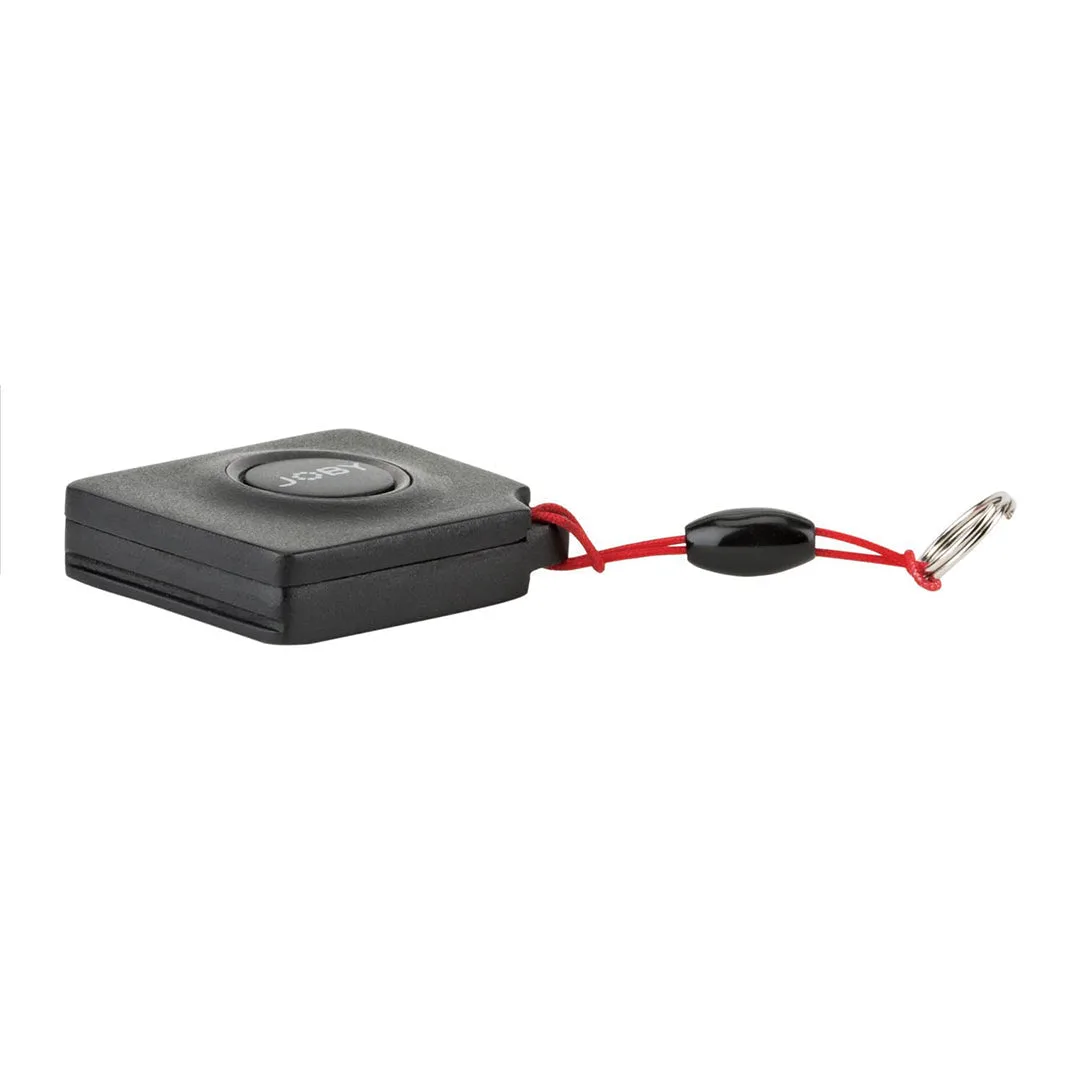
Impulse Remote Camera Control
-
Impulse Remote Camera Control: Capture content up to 90ft from your phone. Plan your shot within that range; obstacles like walls or bodies will reduce reliable distance.