Quick Answer
Replacing the aging capacitors in your NES is the most effective way to fix power issues, graphical glitches, and general instability. This guide walks you through the recap process step by step.
Why Recap Your NES?
Capacitors in the original NES are over three decades old and prone to drying out or leaking. Replacing them restores clean power delivery, fixes the dreaded blinking red light, and prevents damage to other components. A full recap is a standard preventative maintenance task for any retro console collector.
What You'll Need
A soldering iron (preferably temperature-controlled), solder wick or a desoldering pump, flux, isopropyl alcohol, and a set of replacement capacitors like the NES New Capacitors set from Powr Up Gaming. The set includes all the common values needed for the mainboard and power module, saving you the hassle of sourcing individual parts.
NES Capacitor Replacement Steps
- Open the Console and Remove the Mainboard: Unplug the NES, remove the six screws on the bottom, lift the top shell, disconnect the RF shield and power/AV board, then unscrew and lift out the mainboard. Common mistake: Forgetting to discharge the power supply capacitors can cause a shock. Wait a few minutes after unplugging before touching anything.
- Identify and Mark Each Capacitor: Take a photo of the mainboard or draw a diagram noting each capacitor's position, polarity (the negative stripe), and capacitance value. Recap sets like the NES New Capacitors are labeled for each spot. Common mistake: Installing a capacitor backwards (reverse polarity) will cause it to pop or leak. Always double-check the negative marking. Mark each capacitor's polarity on the board with a permanent marker before desoldering.
- Desolder the Old Capacitors: Heat each solder joint on the back of the board and use solder wick or a pump to remove the solder. Gently rock the capacitor until the leads come free. Common mistake: Pulling too hard can lift the copper pad. Use steady heat and patience. If a pad lifts, you'll need to run a jumper wire.
- Clean the Solder Pads: Apply isopropyl alcohol and a brush to remove flux residue and debris. This ensures good solder flow and prevents shorts. Common mistake: Leaving old solder or flux can cause poor connections or corrosion over time.
- Install the New Capacitors: Insert each new capacitor into its correct pad, matching the polarity stripe to your earlier mark. Solder the leads on the back of the board, then trim the excess leads flush. Common mistake: Overheating the joint can damage the capacitor. Apply solder for no more than 3-4 seconds per joint. Test each solder joint with a gentle tug to confirm a solid connection before moving on.
- Reassemble and Test: Reinstall the mainboard, RF shield, power/AV board, and shell. Connect to your TV and power on. Insert a game and check for stable video and sound. Common mistake: Forgetting to reconnect the power switch ribbon cable will give you no power. Always verify cable connections before closing the case.
Product Facts
-
NES New Capacitors: New capacitors for NES consoles, ideal for repair or maintenance projects. This set includes all the capacitors you need for a full NES recap, ensuring compatibility and saving you from buying individual parts.
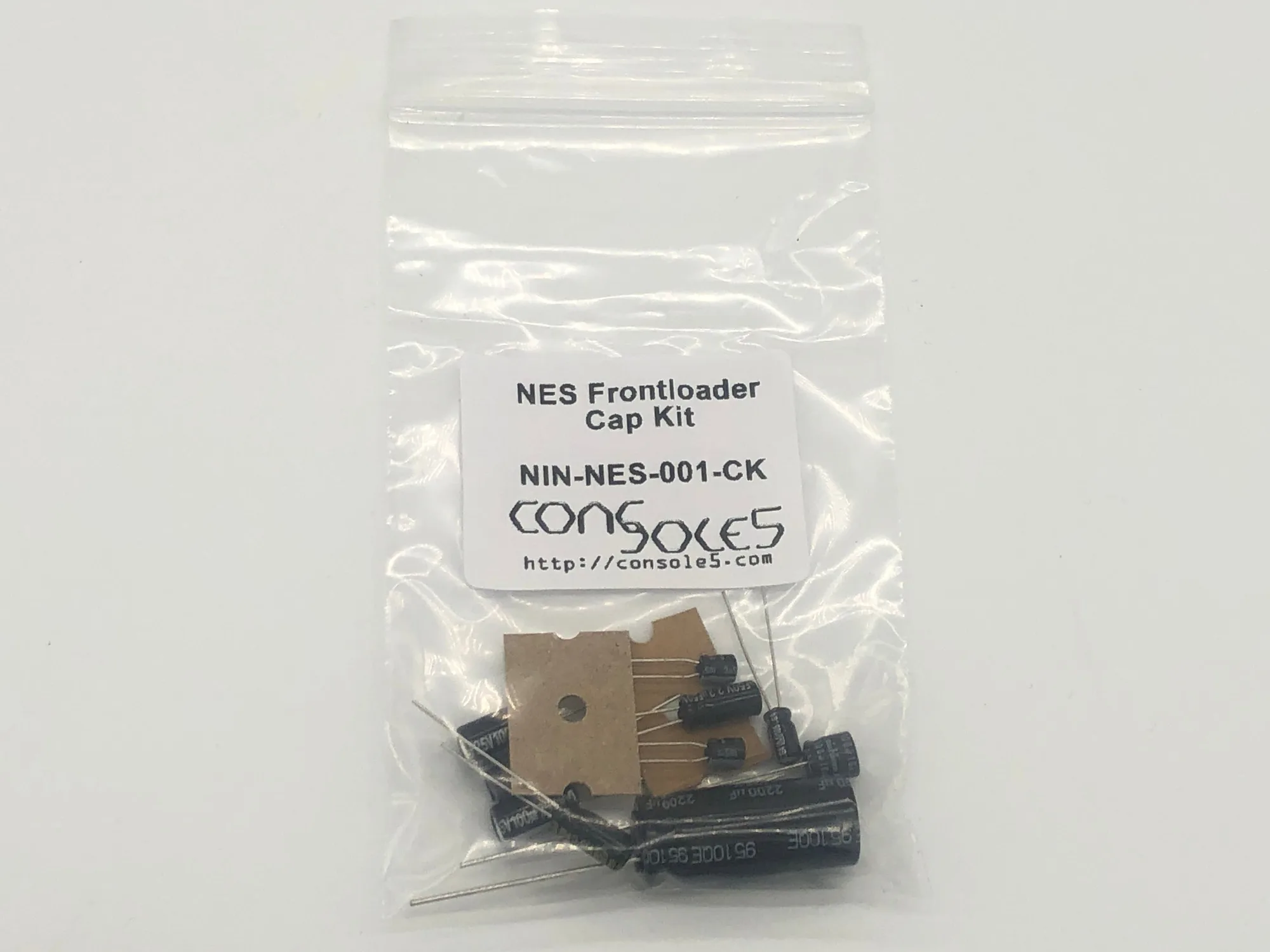
NES New Capacitors