Quick Answer
For most creatives, the 13-inch iPad Air M2 offers the larger canvas and solid performance at a lower price, but if you need the ultimate display and raw power for intensive tasks, the 11-inch iPad Pro M4 is worth the extra cost.
Display: OLED vs Liquid Retina
The display is often the first thing creatives notice. The 11-inch iPad Pro M4 features a breakthrough Ultra Retina XDR display, which uses OLED technology for deeper blacks and higher contrast. This makes a real difference when you're editing photos or watching HDR video, as shadows and highlights appear more lifelike.
The 13-inch iPad Air M2, on the other hand, has a stunning 13-inch Liquid Retina display with True Tone, P3 wide color, and ultra-low reflectivity. It's excellent for drawing and design, offering accurate colors and reduced glare, but it doesn't achieve the same contrast levels as OLED. If you work in dim environments or need precise shadow detail, the Pro's display gives you an edge.
Performance and Workflow
Both iPads are built for Apple Intelligence and handle demanding creative apps smoothly. The M4 chip in the iPad Pro is designed for outrageous performance, making it ideal for heavy 3D modeling, complex video editing, or running multiple pro apps simultaneously. The M2 chip in the iPad Air is no slouch—it handles multitasking, gaming, and all-day battery life with ease—but it may slow down with the most intensive tasks.
Consider your typical workflow. If you're a digital painter working in Procreate or an illustrator using Affinity Designer, the iPad Air's M2 chip is more than capable. But if you're a video editor cutting 4K footage or a 3D artist rendering complex scenes, the M4's extra power will save you time and frustration.
Trade-offs to Consider
- Display Quality: Choose the 11-inch iPad Pro M4 if you need OLED's perfect blacks and high contrast for HDR editing or low-light work. Choose the 13-inch iPad Air M2 if you prefer a larger screen with low reflectivity for bright studios and don't require OLED's contrast. If you work in a bright room, the Air's anti-reflective display may be more comfortable than the Pro's OLED.
- Performance: Pick the iPad Pro M4 for heavy tasks like 3D rendering or 4K video editing that demand the fastest chip. Pick the iPad Air M2 for everyday creative work like drawing, painting, and photo editing—it's more than adequate. If you're unsure, list your most demanding app and check if it's CPU-intensive; that will guide your choice.
- Price vs. Screen Size: The 13-inch iPad Air M2 costs less than the 11-inch iPad Pro M4 and gives you a larger canvas. The Pro's smaller screen is offset by its superior display and performance. If you value screen real estate over portability, the Air's larger display might be the better investment.
Product Facts
-
Apple - 11-inch iPad Pro M4 chip Built for Apple Intelligence Wi-Fi 512GB with OLED - Space Black (Factory renewed): The 11-inch iPad Pro M4 features the Apple M4 chip and a breakthrough Ultra Retina XDR display with OLED technology. This gives you the best contrast and brightness for color-critical work, plus the processing power to handle the most demanding creative apps.
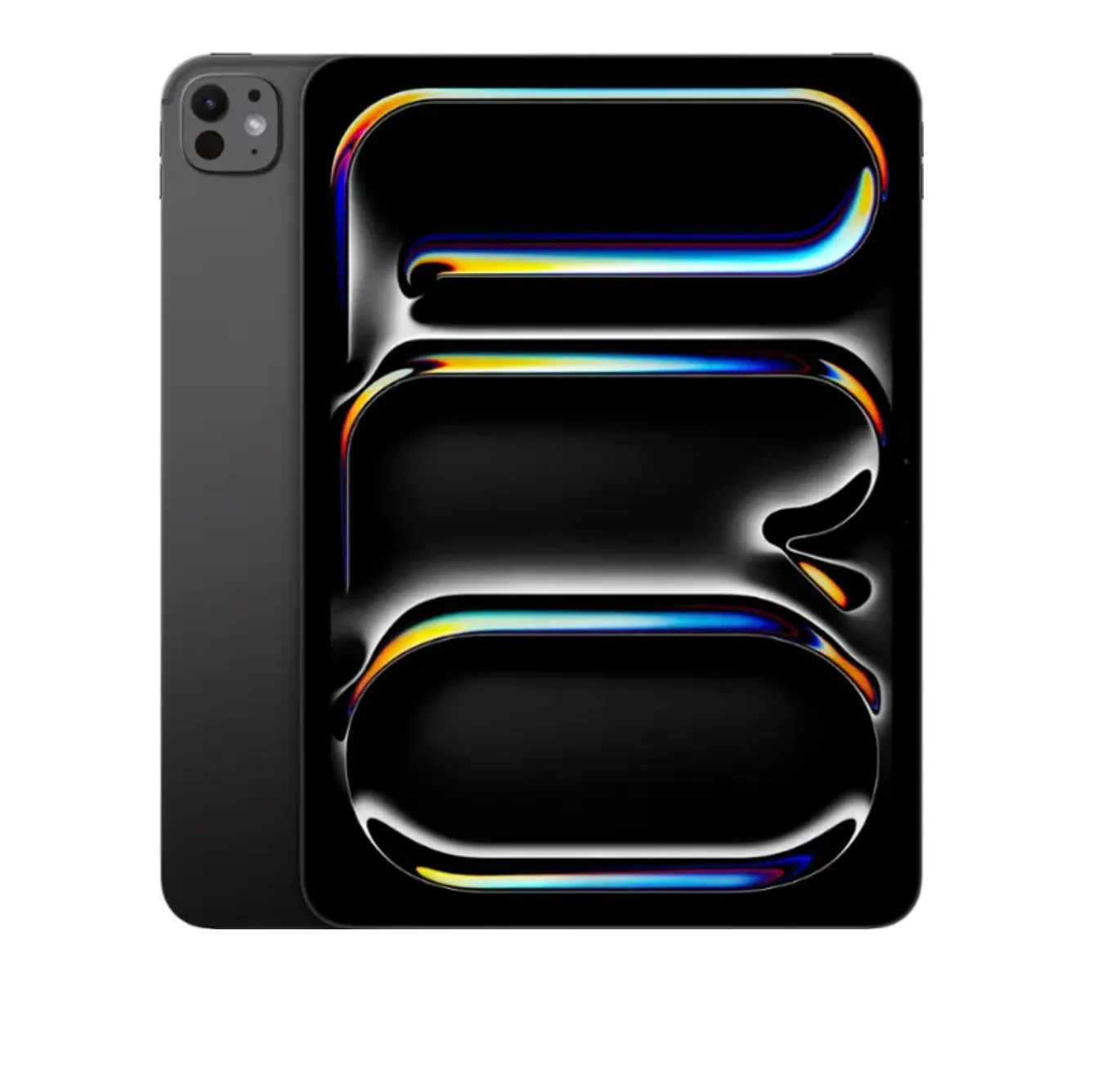
Apple - 11-inch iPad Pro M4 chip Built for Apple Intelligence Wi-Fi 512GB with OLED - Space Black (Factory renewed)
-
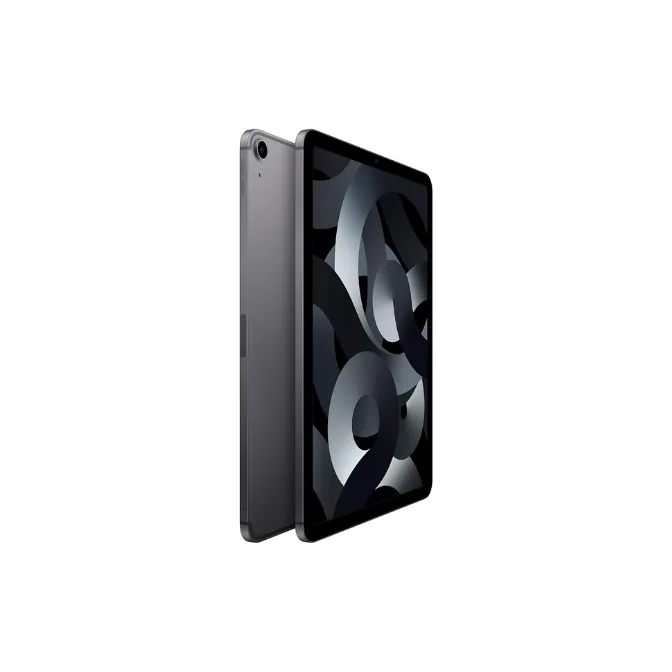
Apple - 13-inch iPad Air M2 chip Built for Apple Intelligence Wi-Fi + Cellular 128GB - Blue Unlocked + Renewed: The 13-inch iPad Air M2 offers a 13-inch Liquid Retina display with True Tone, P3 wide color, and ultra-low reflectivity, powered by the M2 chip. You get a large, accurate canvas for drawing and design at a more accessible price, with enough performance for most creative workflows.
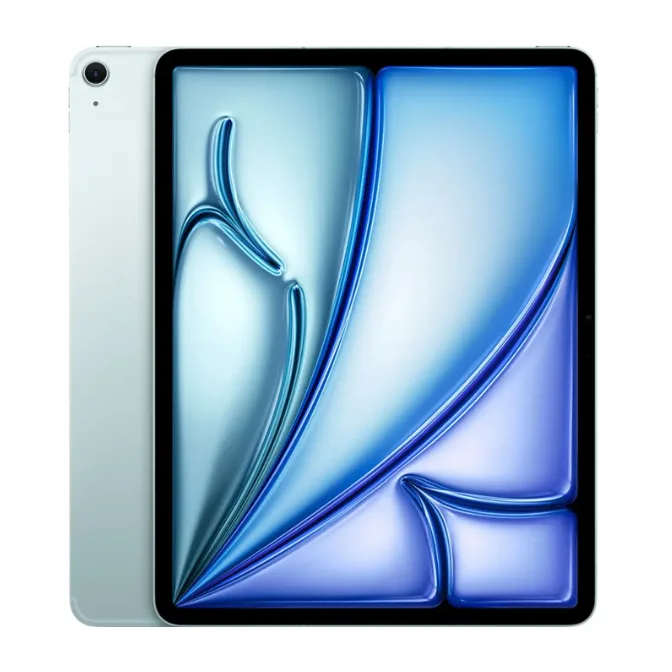
Apple - 13-inch iPad Air M2 chip Built for Apple Intelligence Wi-Fi + Cellular 128GB - Blue Unlocked + Renewed
Which iPad Fits You?
Best for
- Digital artists who prioritize a large drawing surface and work in well-lit spaces.
- Creatives on a budget who still need strong performance for apps like Procreate or Photoshop.
Not for
- Video editors or 3D artists who need the M4's raw power and OLED's contrast for HDR work.
- Travelers who prefer a more compact 11-inch tablet for on-the-go sketching.