Quick answer
To install an iPhone 17 Air camera lens protector, clean the lens area thoroughly, align the protector over the camera array, and press from the center outward to avoid bubbles.
Why installation matters for camera lens protectors
A poorly installed lens protector can trap dust or cause glare, reducing photo quality. Taking a few extra minutes to follow the steps ensures the protector adheres fully and stays clear.
The Rokform Tempered Glass Camera Lens Protector is precision-cut for the iPhone 17 Air camera array, but even the best protector needs careful placement to work as designed.
Step-by-step installation process
- Step 1: Clean the lens area: Use the included alcohol wipe to remove oils and dust from the camera lens and surrounding frame. Follow with the dry cloth to remove any streaks. Common mistake: skipping the dry wipe can leave lint that causes bubbles.
- Step 2: Align the protector: Peel the backing from the adhesive side. Hold the protector by the edges and hover it directly over the camera array. Use the cutouts for the lenses as alignment guides. Checkpoint: make sure the protector is centered before letting it touch the glass.
- Step 3: Press from center outward: Gently lower the protector onto the lens area. Using your thumb or a squeegee, press firmly from the center of the protector toward the edges to push out any air pockets. Common mistake: pressing from the edges first can trap air in the middle.
- Step 4: Remove the top film: Peel off the protective top layer slowly. If any small bubbles remain, lift the nearest edge slightly and re-press the air out with a microfiber cloth. Checkpoint: if bubbles persist, dust may be trapped—lift and re-clean that spot.
Product facts
-
iPhone 17 Air Camera Lens Protector: The Rokform Tempered Glass Camera Lens Protector is engineered with top-grade materials to safeguard your lens against scratches, dust, and everyday impacts while maintaining crystal-clear photo and video quality. It means you can install it once and trust it won't yellow or scratch easily, keeping your photos sharp over time.
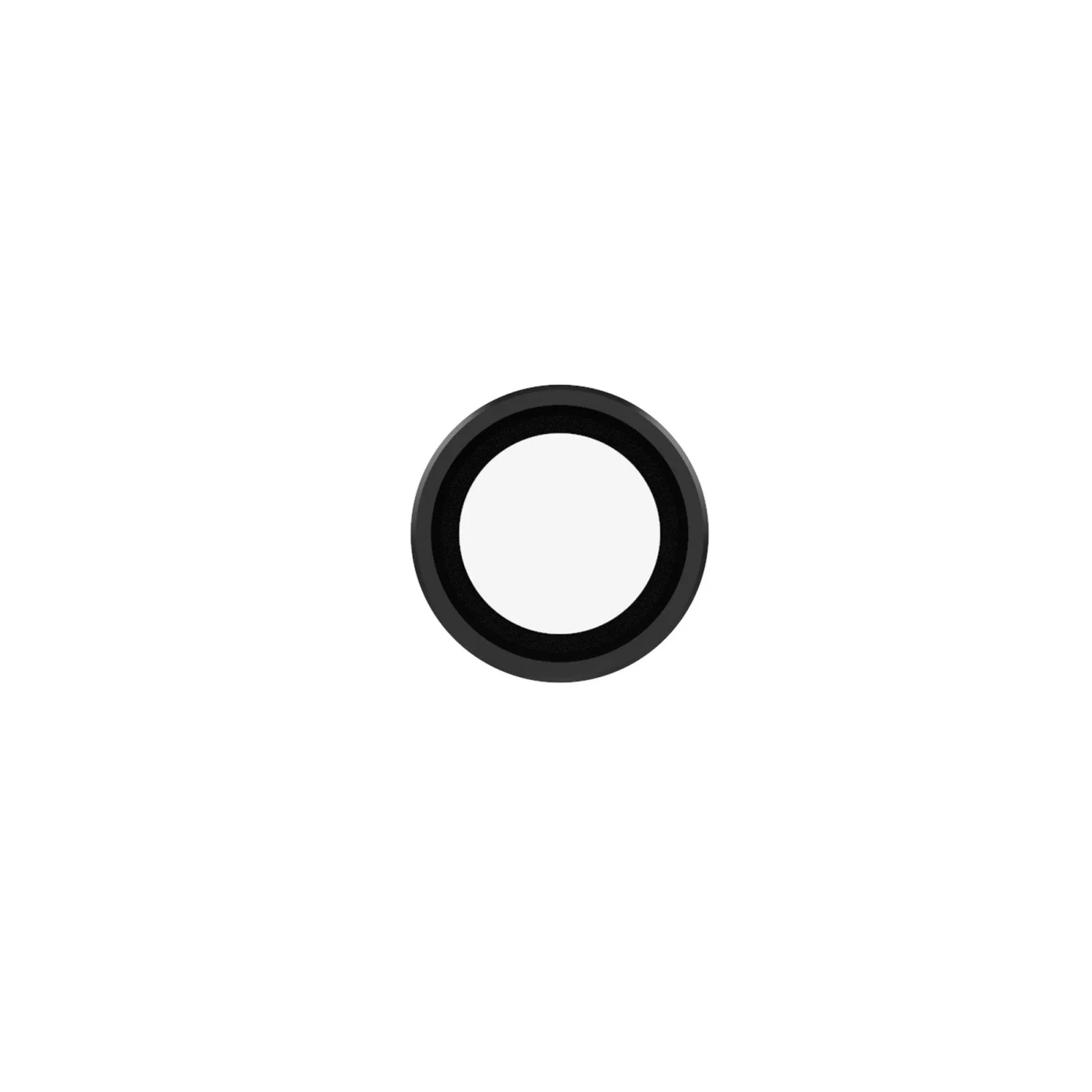
iPhone 17 Air Camera Lens Protector