Quick Answer
The COVERT Clear MagSafe Case for iPhone 17e snaps on in seconds and provides reliable drop protection while keeping your phone's original look visible. Follow the steps below for a secure fit and long-lasting clarity.
Why Fit Matters for Your iPhone 17e
A case that doesn't fit snugly can let dust in or pop off during a drop. The COVERT Clear Case is designed specifically for the iPhone 17e, with precise cutouts and a slim snap-on profile that won't add bulk. Getting the alignment right from the start ensures the case stays put and your phone stays protected.
MagSafe Compatibility and Wireless Charging
This case is compatible with MagSafe, so you can attach chargers and accessories without removing it. The built-in magnets align perfectly with your iPhone 17e, but only if the case is seated correctly. A misaligned case can weaken the magnetic connection or interfere with charging.
How to Install and Use the COVERT Clear Case on iPhone 17e
- Clean Your iPhone 17e: Wipe the back and sides of your phone with a microfiber cloth to remove dust, oil, or debris. Any particle trapped under the case can cause scratches or bubbles over time. Use a lint-free cloth and avoid paper towels that may leave fibers.
- Align the Case with the Volume and Power Buttons: Hold the case so the cutouts for the volume rocker, action button, and power button line up with your phone's buttons. Start by pressing the top-left corner of the case onto the phone, then snap the rest of the edges down evenly. If the buttons feel stiff after installation, the case may be misaligned — remove and re-seat it.
- Press Around the Edges to Ensure a Full Snap: Run your thumb along all four edges of the case, applying firm pressure until you hear or feel each corner click into place. Pay special attention to the bottom near the charging port. A loose corner means the case isn't fully seated — re-press until it's flush.
- Test MagSafe Alignment: Attach a MagSafe charger or accessory to the back of the case. It should snap on firmly and stay centered. If it slides or feels weak, remove the case and reinstall, checking that the magnetic ring area is free of debris. Weak magnetic hold usually indicates the case is not fully snapped on — not a defect.
- Check Button Feedback and Port Access: Press each button through the case. They should click clearly without excessive force. Also verify that the charging port, speaker grilles, and microphone holes are fully exposed and unobstructed. If a button is mushy, the case may be warped or not aligned — remove and try again.
Product Facts
-
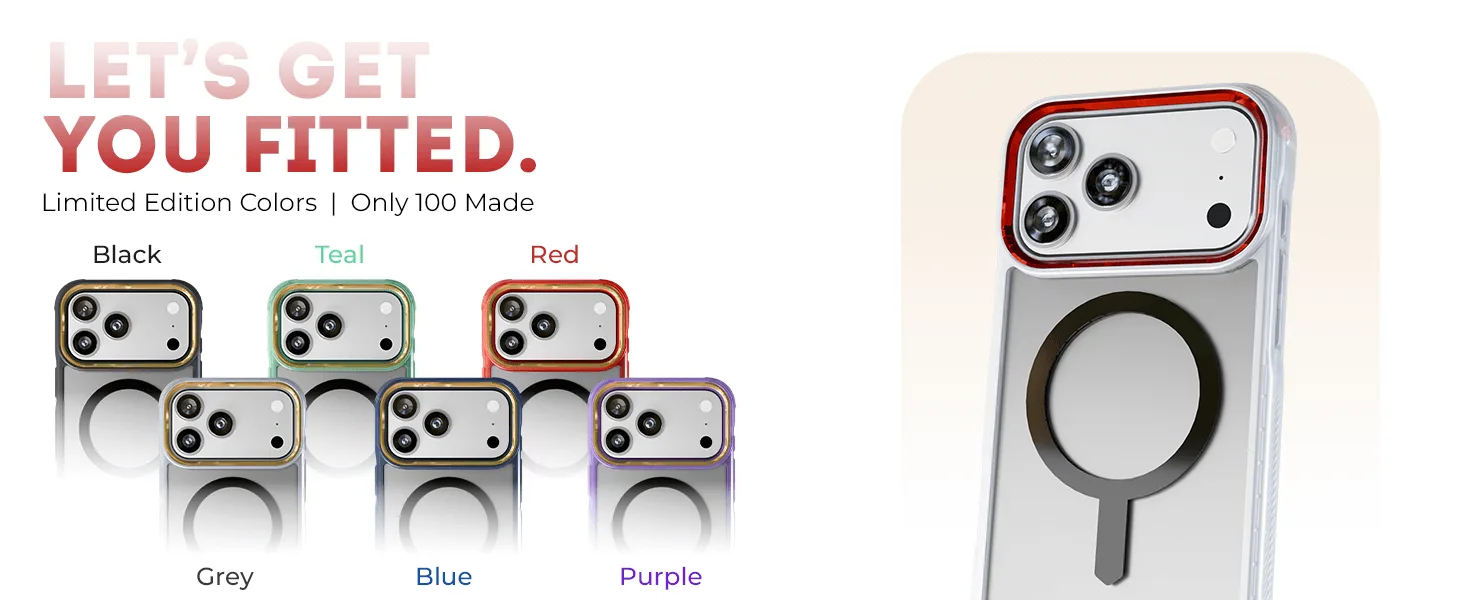
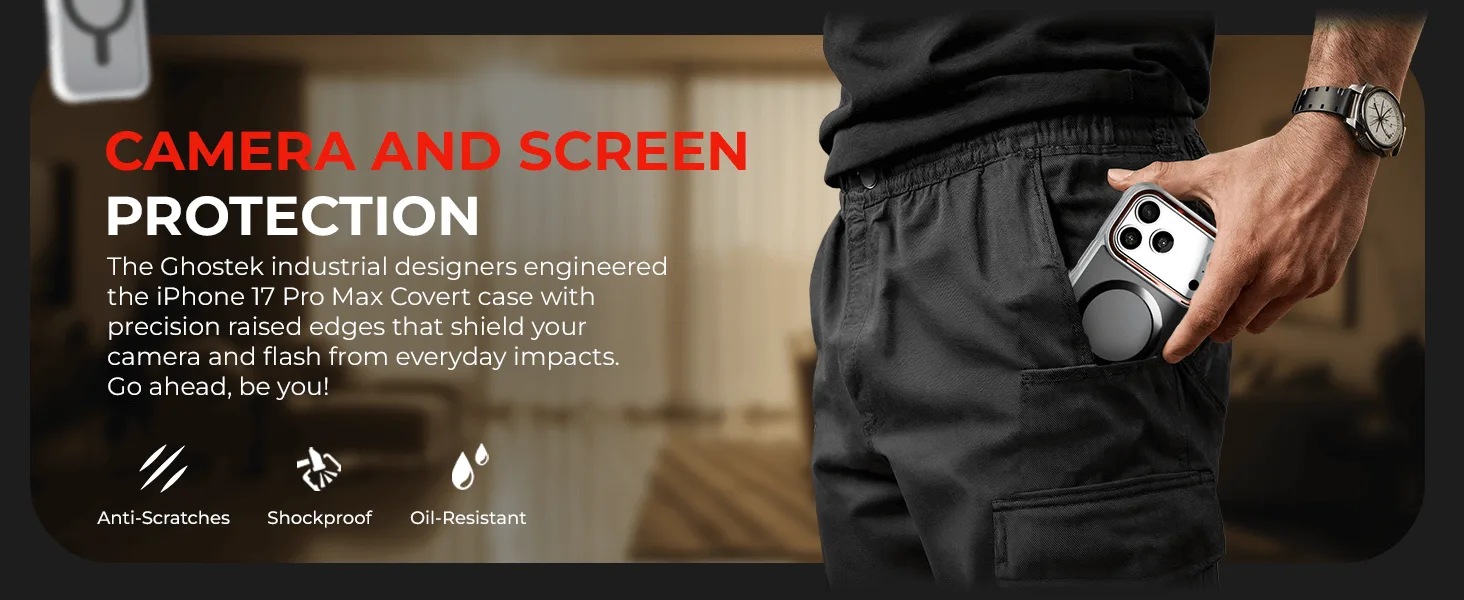
iPhone 17 / Air Series Protective Clear MagSafe Cases — COVERTiPhone 17e / Clear: Clear, protective case tailored for iPhone 17e models. Compatible with MagSafe for effortless wireless charging and accessory attachment. You get reliable drop protection and full MagSafe functionality without hiding your phone's design.
iPhone 17 / Air Series Protective Clear MagSafe Cases — COVERTiPhone 17e / Clear