Quick answer
iPhone lens case wear usually comes from three preventable habits: storing lenses with grit trapped in the threads, exposing the case to heat and UV, and repeatedly clipping and unclipping the mount. Clean the case monthly with a dry microfiber cloth, store lenses with caps on in a padded pouch, and never force a stiff mount. If the case no longer holds alignment or the clip has lost tension, replace it—repairing a worn mount rarely restores the precision you need for sharp photos.
The four wear points on an iPhone lens case
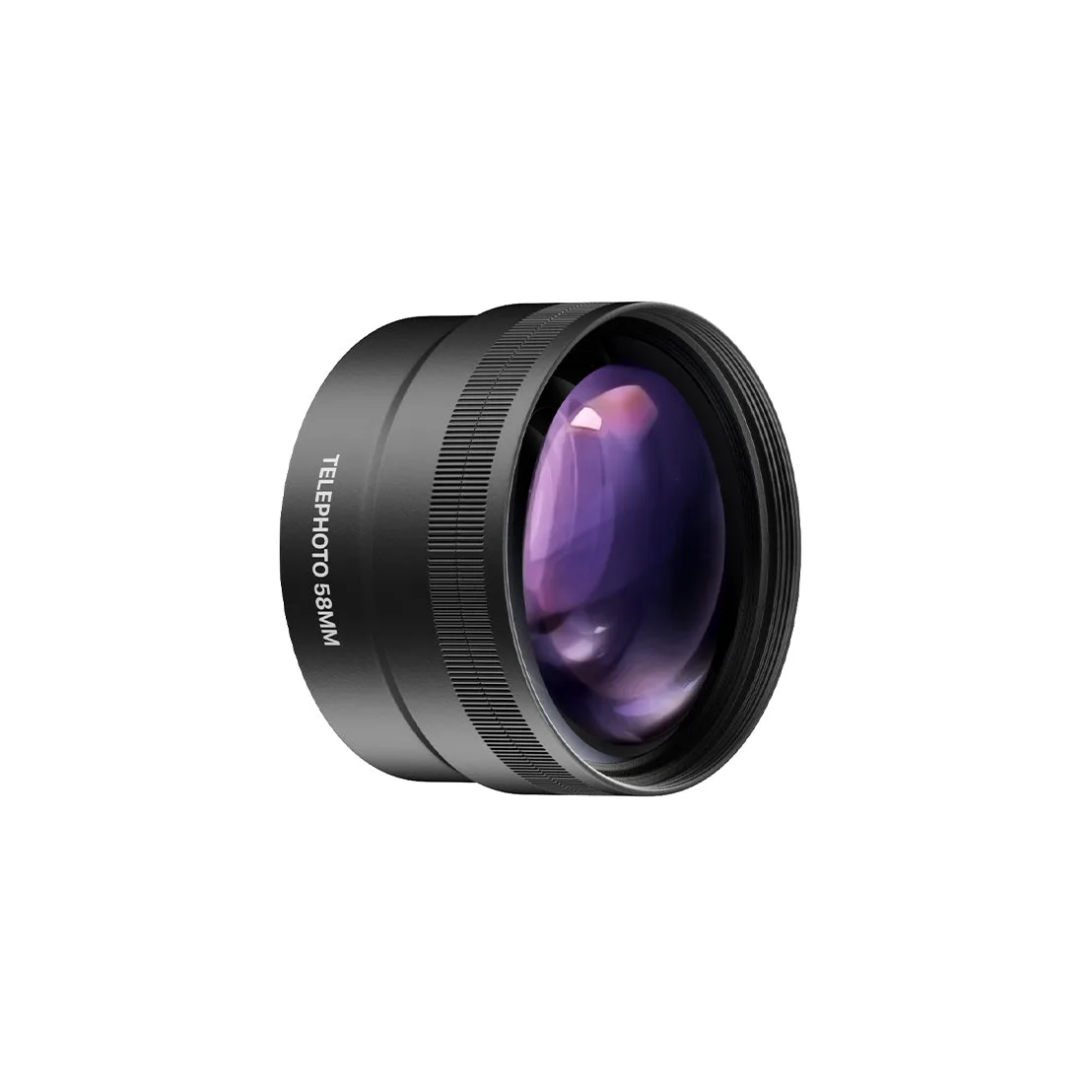
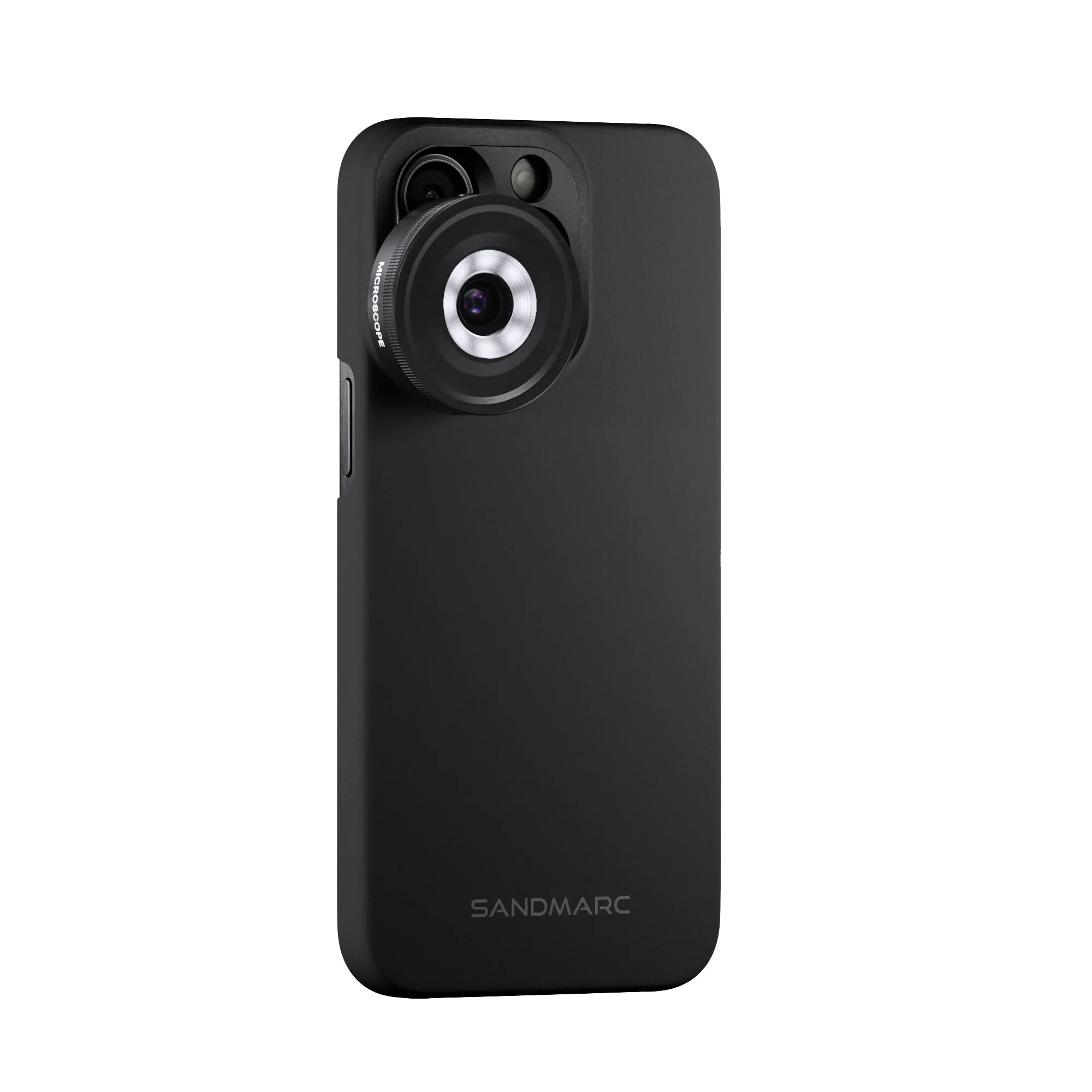
Every lens case fails in one of four places: the mounting threads or bayonet, the clip spring, the alignment pin, and the exterior shell. Threads wear when grit gets between the lens and case and you twist anyway. Clip springs fatigue after hundreds of open-close cycles. Alignment pins deform if you drop the case or force a lens on at an angle. The shell cracks from UV exposure and repeated flexing in a tight pocket. Knowing which point is wearing tells you whether to adjust your habits or replace the case.
Daily habits that add years to a lens case
Wipe the case and lens threads with a dry microfiber cloth after every outdoor session—grit you can't see is the main cause of thread wear. Store lenses with front and rear caps on, inside a padded pouch, not loose in a bag with keys or coins. When attaching a lens, align the pin first and twist gently; if it resists, stop and check for debris rather than forcing it. Keep the case out of hot cars and direct sun for long periods, since heat softens plastics and weakens spring tension.
When to replace instead of repair
Replace the case when the clip no longer holds the lens firmly, when the alignment pin is bent or missing, or when threads feel rough even after cleaning. These are precision parts; a worn mount can tilt the lens and soften focus across the frame. If only the exterior shell is scuffed but the mount is tight and aligned, keep using it. For multi-lens kits, check whether the case is sold separately before assuming you need a whole new set.
Diagnose your lens case wear
- Lens wobbles or won't sit flush: The alignment pin or threads are worn or dirty. Clean threads with a dry cloth and inspect the pin. If it's bent or missing, the case is done. If cleaning doesn't fix it, replace the case—a tilted lens softens every photo.
- Clip feels loose or won't stay closed: Spring fatigue from repeated clipping. Check if the clip is replaceable; if not, the case has reached end of life. A loose clip risks dropping your lens. Replace before your next shoot.
- Cracks or stress marks on the shell: UV and heat exposure or repeated flexing in a tight pocket. Cracks can spread and let in dust. If cracks reach the mount area, stop using the case. Otherwise, retire it to light-duty storage.
- Threads feel gritty even after cleaning: Embedded grit or cross-threading from forcing a lens on at an angle. This permanently damages the threads. Replace the case. No amount of cleaning restores smooth threads.
Cases built to survive daily wear
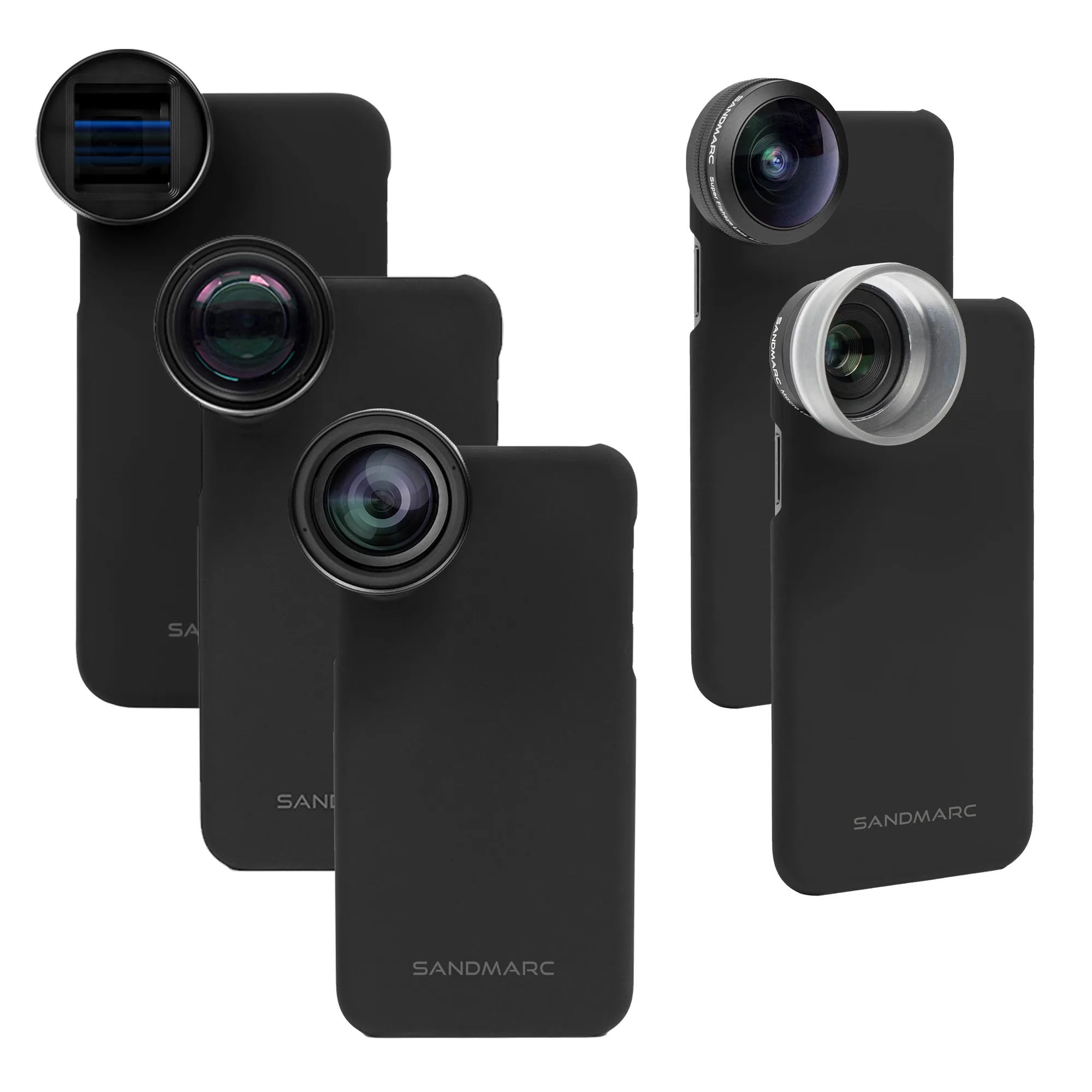
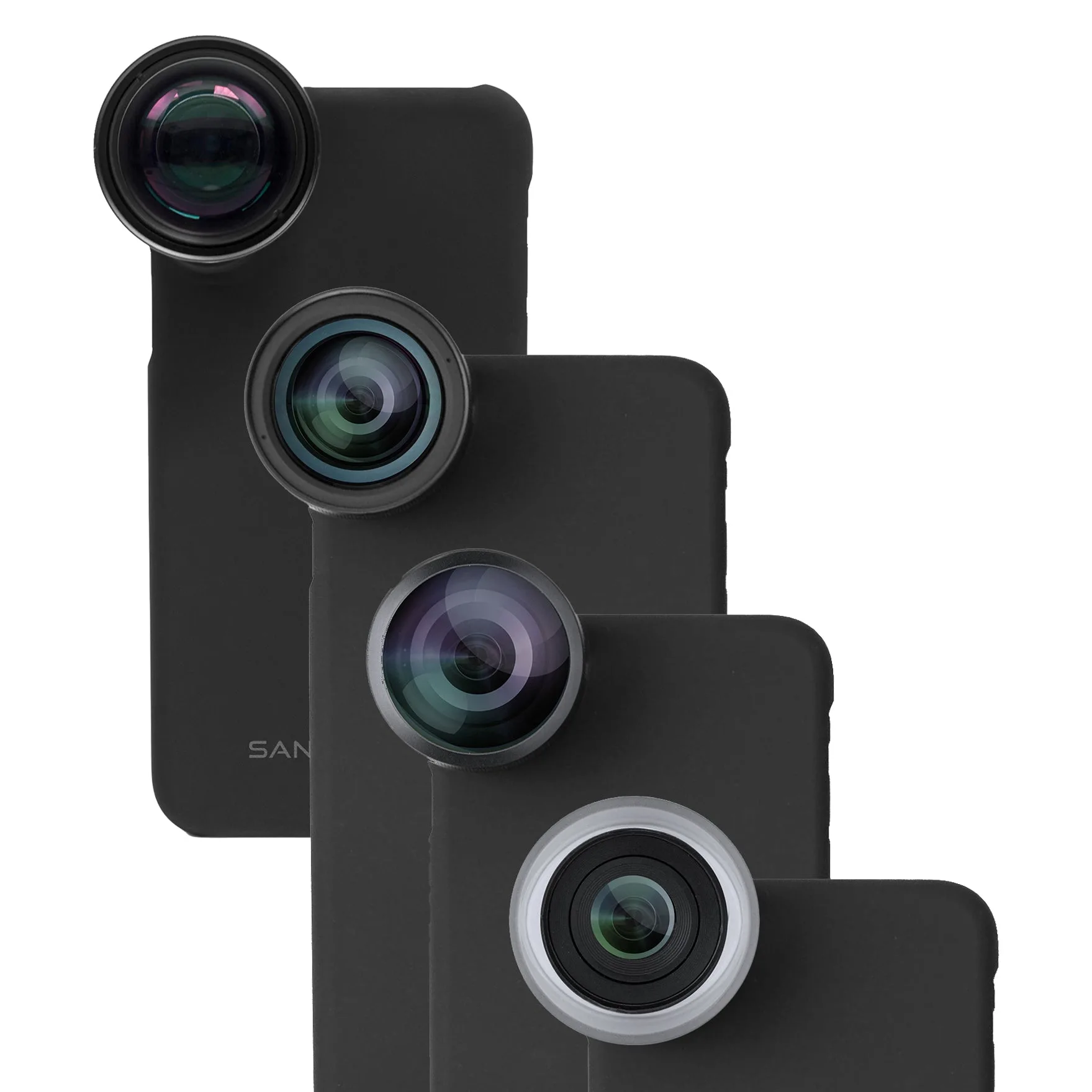
- Pro Edition - iPhone 8 Plus / 7 Plus: Pro Edition for iPhone 8 Plus / 7 Plus includes Telephoto, Wide, Macro, and Fisheye lenses, each with a dedicated case and clip mount. A dedicated case per lens means you can leave caps on and store each lens separately, which reduces thread wear from repeated mounting.
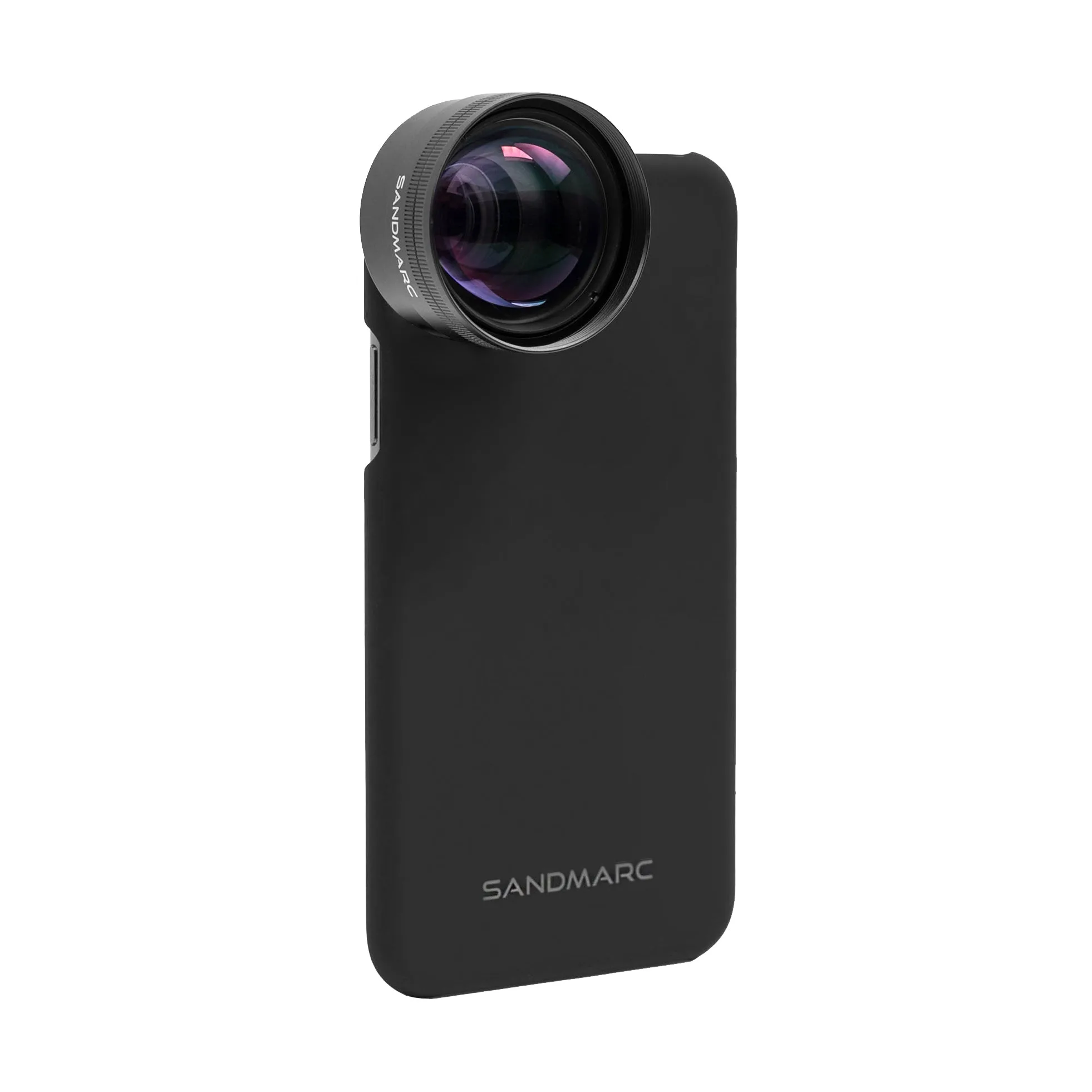
- Telephoto 2x Lens Edition - iPhone SE / 8 / 7: Telephoto 2x Lens Edition for iPhone SE / 8 / 7 features the world's thinnest lens case along with a clip-on for use with your own case or no case. The thin case adds less bulk, and the clip-on option lets you avoid wearing out a single mount if you switch between cases.
- Pro Plus Edition - iPhone 13 Pro: Pro Plus Edition for iPhone 13 Pro includes Anamorphic, Telephoto, Macro, Wide, and Fisheye lenses, each with a dedicated case and clip mount. With five lenses, rotating through dedicated cases spreads wear across multiple mounts instead of stressing one.