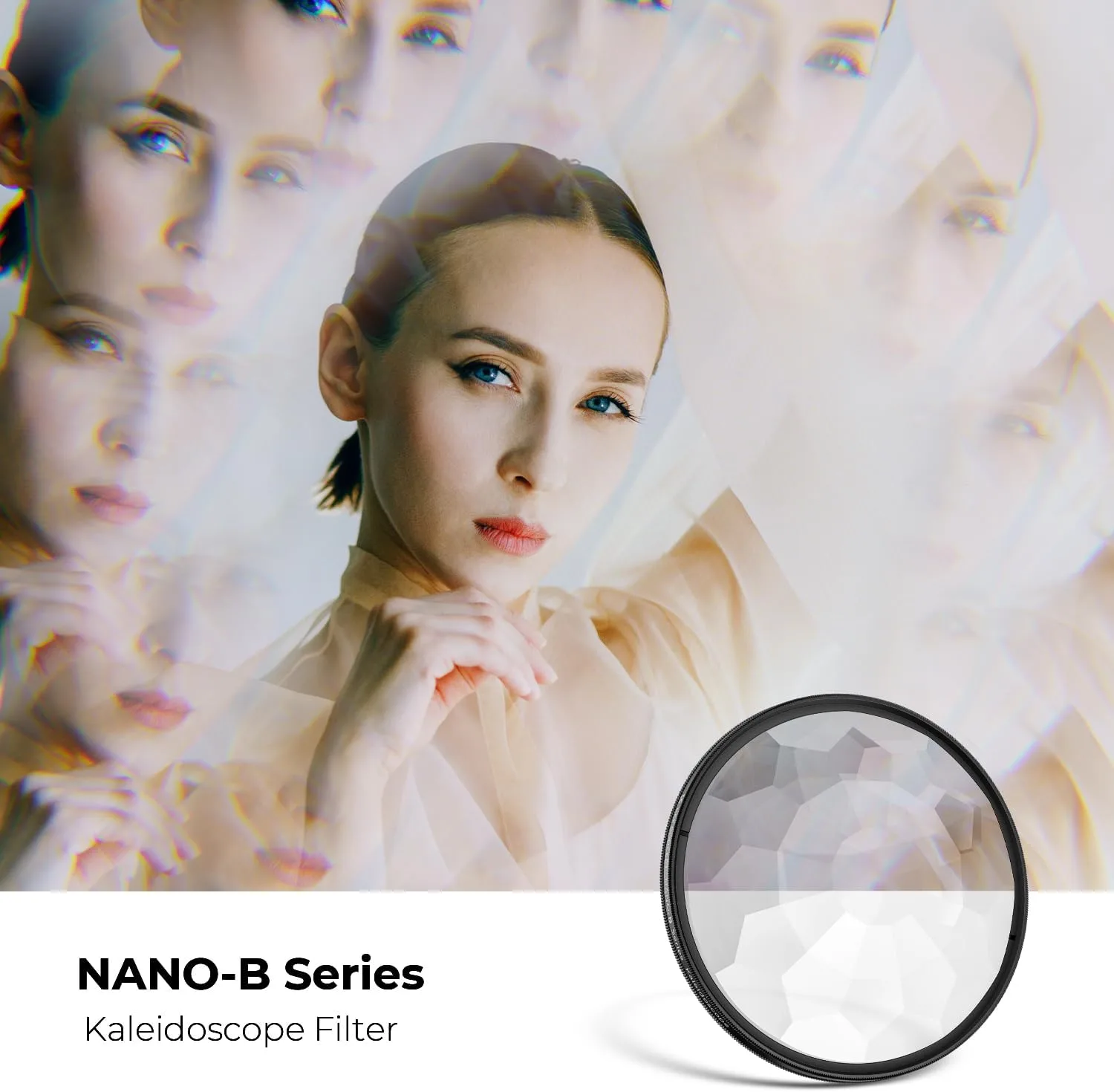
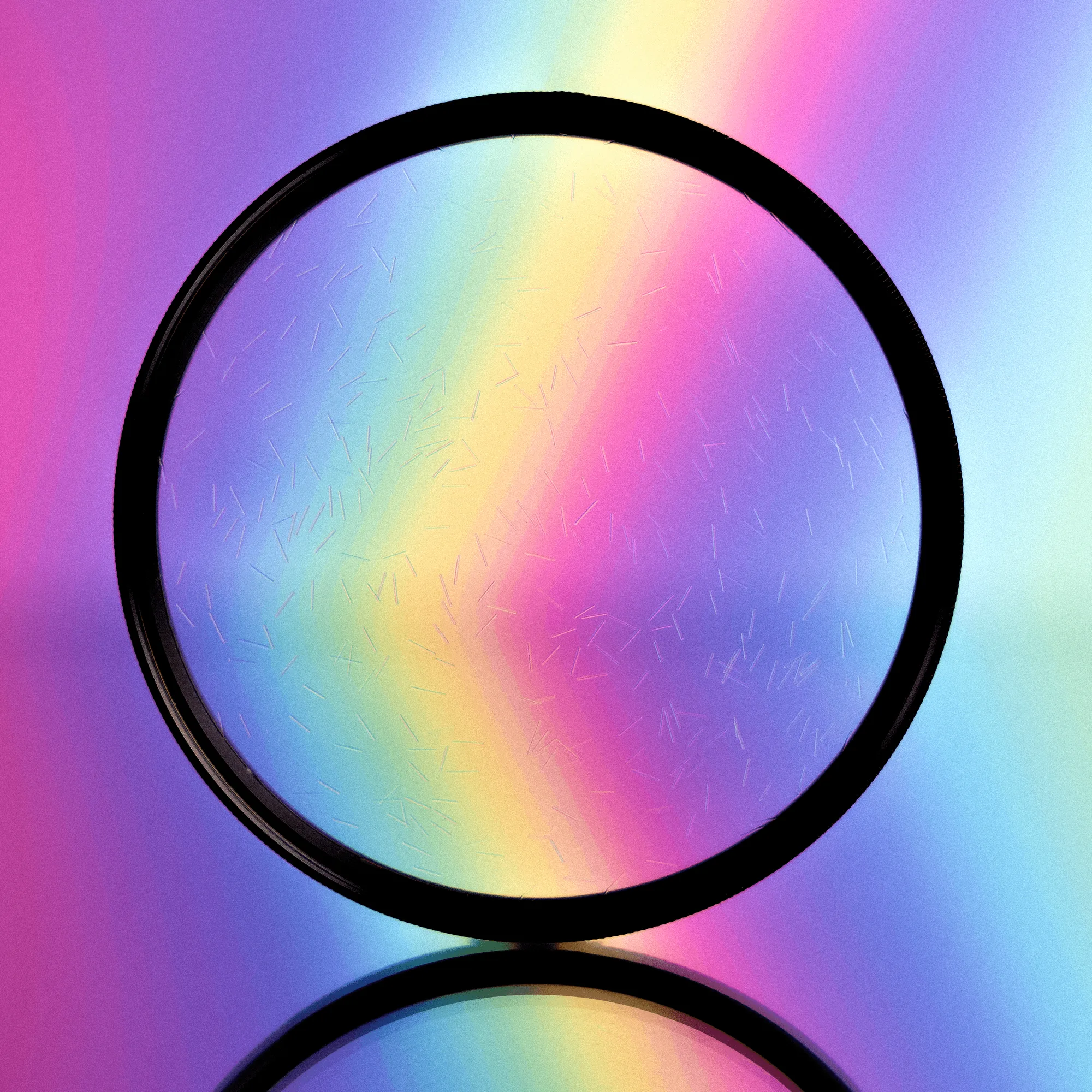
What the Kaleidoscope Lens & Sun Flare Overlay Collection Offers
The Kaleidoscope Lens & Sun Flare Overlay Collection gives you 40 high-resolution lens flare overlays crafted from optically captured images. Each overlay was created in-camera using natural sunlight and a variety of iconic vintage lenses, so the effects look authentic rather than computer-generated.
The collection includes dramatic sunbursts, rainbow sun rays, soft sun flares, and hazy light effects. You can resize, rotate, and combine multiple overlays to create a unique look for your photos. A bonus Lens Flare Overlay Applicator Action and a video tutorial are also included to help you get started.
Key Product Details
-
Kaleidoscope Lens & Sun Flare Overlay Collection: The overlays are in high-resolution JPEG format (5760 x 3840) and are compatible with Photoshop and Photoshop Elements (must allow the use of layers). This ensures you can use the overlays in your existing workflow without needing additional software. The high resolution allows for large prints and flexible resizing.

Kaleidoscope Lens & Sun Flare Overlay Collection
-
Kaleidoscope Lens & Sun Flare Overlay Collection: Each optically captured Lens Flare Overlay is imbued with rich, vibrant color, organic texture and detail. The organic texture and color help the overlays blend naturally with your photos, avoiding the artificial look of digital-only effects.
-
Kaleidoscope Lens & Sun Flare Overlay Collection: The collection includes 40 Lens Flare Light Overlays, a bonus Lens Flare Overlay Applicator Action, and a video tutorial. The bonus action and tutorial reduce the learning curve, especially if you are new to working with overlays in Photoshop.
How to Apply the Overlays in Photoshop or Photoshop Elements
Basic knowledge of Photoshop or Photoshop Elements is required. The overlays work with any image that supports layers. Follow these steps to add a lens flare effect.
- Open your photo and an overlay: Open your base image in Photoshop or Photoshop Elements. Then open one of the JPEG overlay files from the collection.
- Place the overlay as a new layer: Drag the overlay file onto your base image, or use File > Place Embedded. The overlay will appear as a new layer on top of your photo.
- Resize and rotate the overlay: Use Free Transform (Ctrl+T or Cmd+T) to resize and rotate the overlay so the flare falls where you want it. The high resolution (5760 x 3840) gives you room to scale without losing quality.
- Change the blend mode: With the overlay layer selected, try blend modes like Screen, Lighten, or Overlay. Screen mode often works well for flares because it hides dark areas and keeps the bright flare visible.
- Adjust opacity and position: Lower the layer opacity to make the effect more subtle. You can also move the overlay around to fine-tune the placement. Combine multiple overlays for a custom look.
- Use the bonus Applicator Action (optional): The included Lens Flare Overlay Applicator Action automates some of the setup steps. Run the action from the Actions panel to speed up your workflow. Refer to the video tutorial for guidance.
Creative Ideas for Using the Overlays
Because the overlays are fully resizable and rotatable, you can use them in many ways beyond a simple flare. Try layering a sunburst with a soft hazy overlay to create depth. Use a rainbow sun ray overlay to add a subtle color cast to a portrait. Combine a dramatic sunburst with a soft flare for a dreamy, atmospheric look.
The overlays are versatile enough for professional photographers, Instagram hobbyists, and anyone in between. Experiment with different blend modes and opacities to match the mood of your photo.
Important Limitations to Keep in Mind
The overlays require a basic understanding of Photoshop or Photoshop Elements layers and blend modes. If you are completely new to the software, the included video tutorial will help, but some prior familiarity is assumed.
The license is good for one photographer or studio only, so the overlays are not intended for team or commercial resale. Because the product is a digital download, all sales are final — there are no refunds. Be sure to back up your downloaded files after purchase.