Quick answer
Clean your 3D-printed grip with lukewarm water, a drop of mild dish soap, and a soft cloth, then dry it completely before putting it back on the console. Keep it out of hot cars and direct sun, store it off the handheld when you travel, and check the contact points monthly for shine, cracks, or a loosening fit.
Know what your grip is made of before you clean it
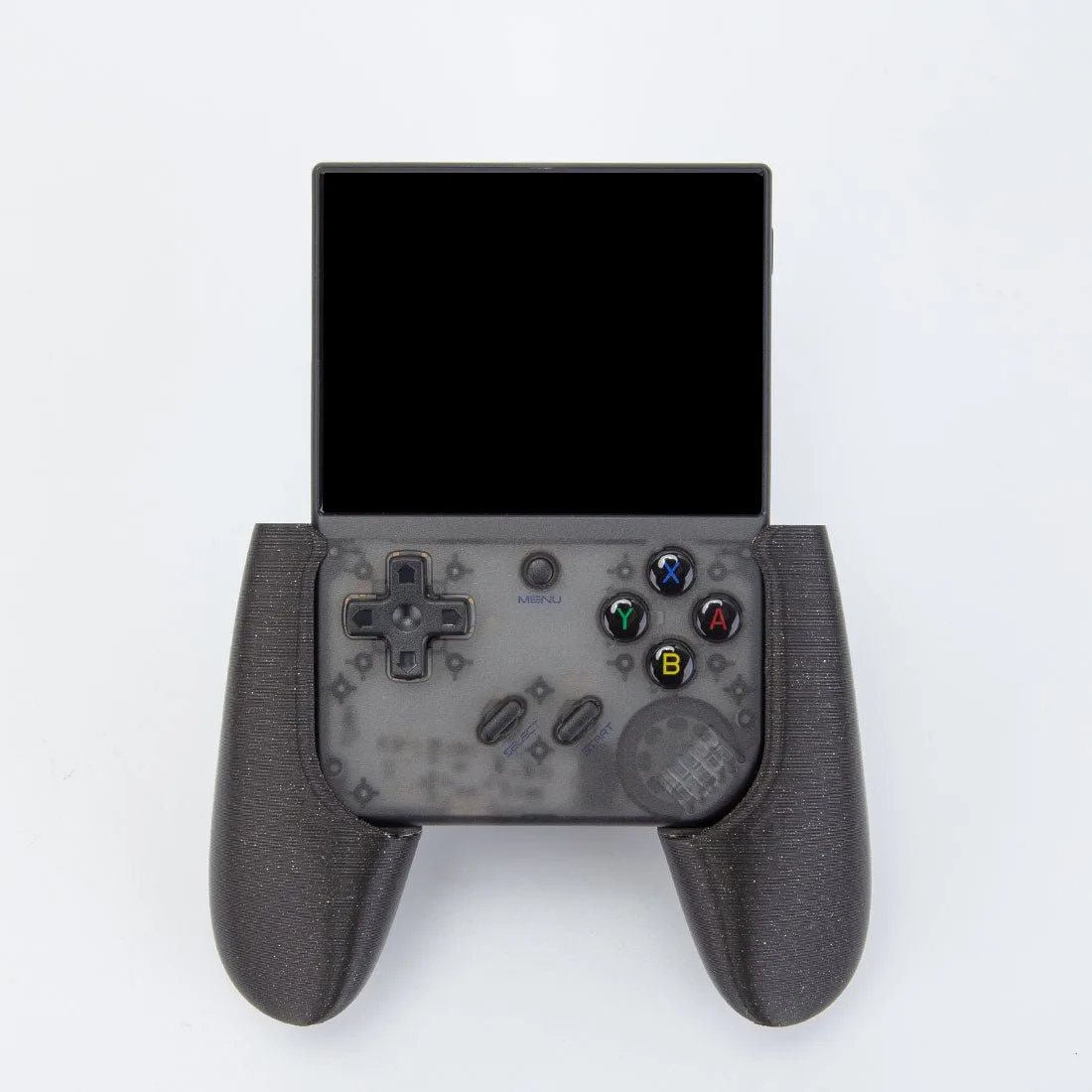
Most 3D-printed handheld grips are made from PLA, PETG, or TPU. PLA is the stiffest and the most heat-sensitive; PETG tolerates warmth and impact better; TPU flexes and absorbs shock but picks up lint and dust in its texture. The material determines how much heat and abrasion the grip can take, so treat an unknown grip as the most delicate option until you confirm what it is.
If you printed the grip yourself, check your filament spool or order history. If you bought it, ask the seller or look for a material note in the listing. When the material is not stated, avoid hot water, alcohol, acetone, and abrasive pads, because those can dull the surface, soften thin walls, or leave white stress marks.
Clean the grip without dulling the finish
Dust and skin oils build up fastest around the edges where your palms rest. A soft microfiber cloth with lukewarm water handles most of it. For sticky residue, add one drop of mild dish soap to a cup of water, wipe with a damp cloth, then wipe again with a clean damp cloth to remove soap film. Soap left in layer lines attracts dust and can feel tacky.
For textured TPU grips, a soft-bristle toothbrush reaches into the layer lines better than a cloth. Brush gently in one direction, then blot dry. Never soak a printed grip, and never put it in a dishwasher; heat and prolonged moisture are the two fastest ways to warp a print or loosen the fit.
Store the grip so it keeps its shape
A 3D-printed grip can creep or warp if it sits under pressure in a warm place. When you are not using it, take it off the console and store it flat or on its side in a padded pouch or a small box. Avoid stacking heavy items on top of it, and do not leave it clipped to a handheld that is packed tightly in a bag.
For travel, a dedicated storage bag keeps the grip away from keys, cables, and other hard objects that can scratch or chip it. The Handcraft Storage Bag for RG557/RG556 Retro Handheld Game Console is one option that fits this role for those specific consoles, and its pattern options let you match it to your setup. If you carry a different handheld, use any padded pouch that holds the grip without squeezing it.
Heat is the bigger threat than impact. A closed car in summer, a sunny windowsill, or a hot shelf near a radiator can soften PLA enough to deform the grip. Store it indoors at room temperature, and give it a few minutes to cool down after it has been in a warm bag before you flex it back onto the console.
Spot wear before it affects the fit
Check the grip once a month at the points where it contacts the console: the rails, clips, or tabs that hold it in place. Look for shiny patches, small cracks near layer lines, or white stress marks. A grip that rocks slightly or needs more force to snap on is telling you the contact points are wearing or the material has relaxed.
If the fit loosens, first clean both the grip and the console's contact area; dust and oil can create a false sense of looseness. If it is still loose, a thin strip of low-residue tape on the inside contact point can restore grip without modifying the print. Do not glue a grip to the console, and do not sand the contact points unless you are prepared to reprint the part.
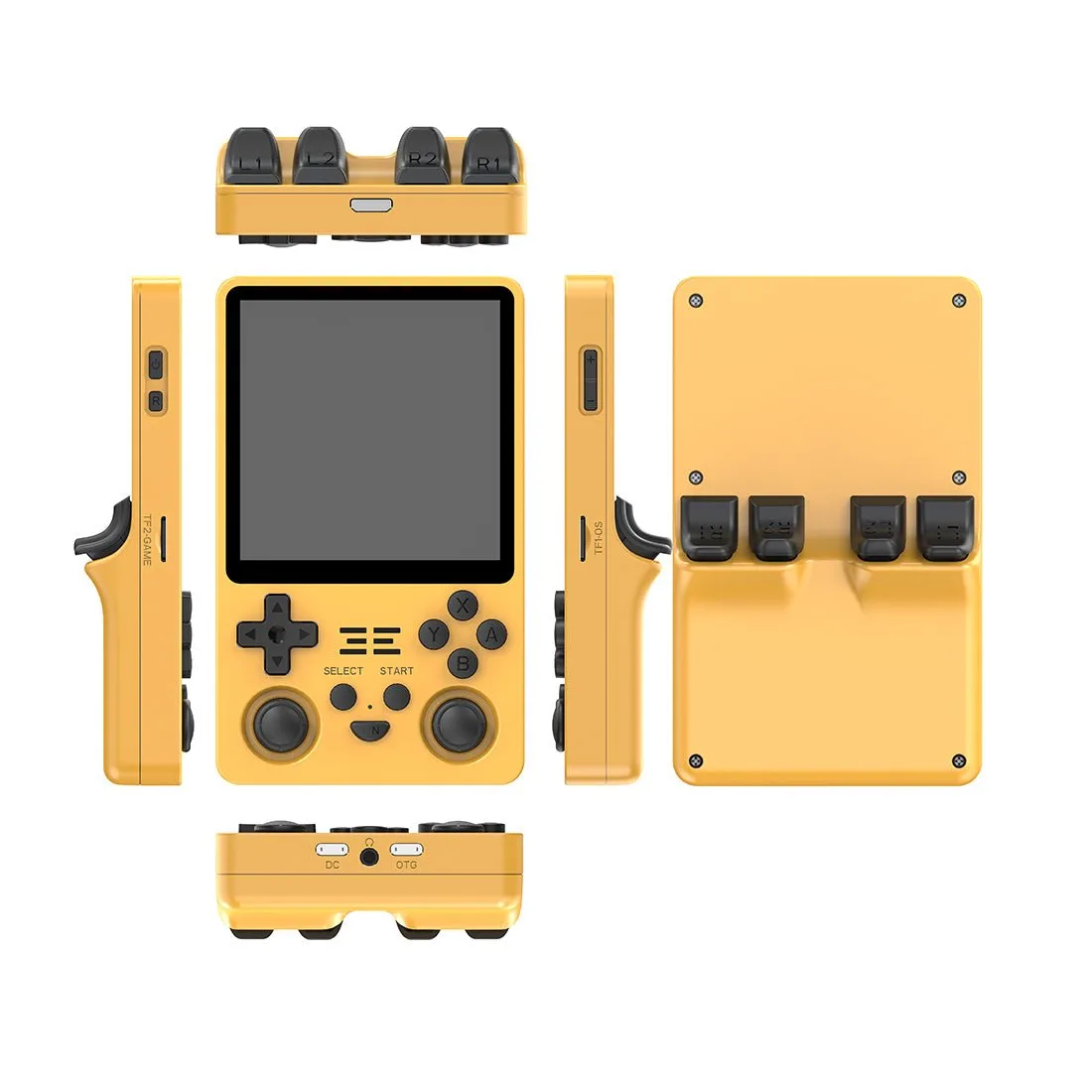
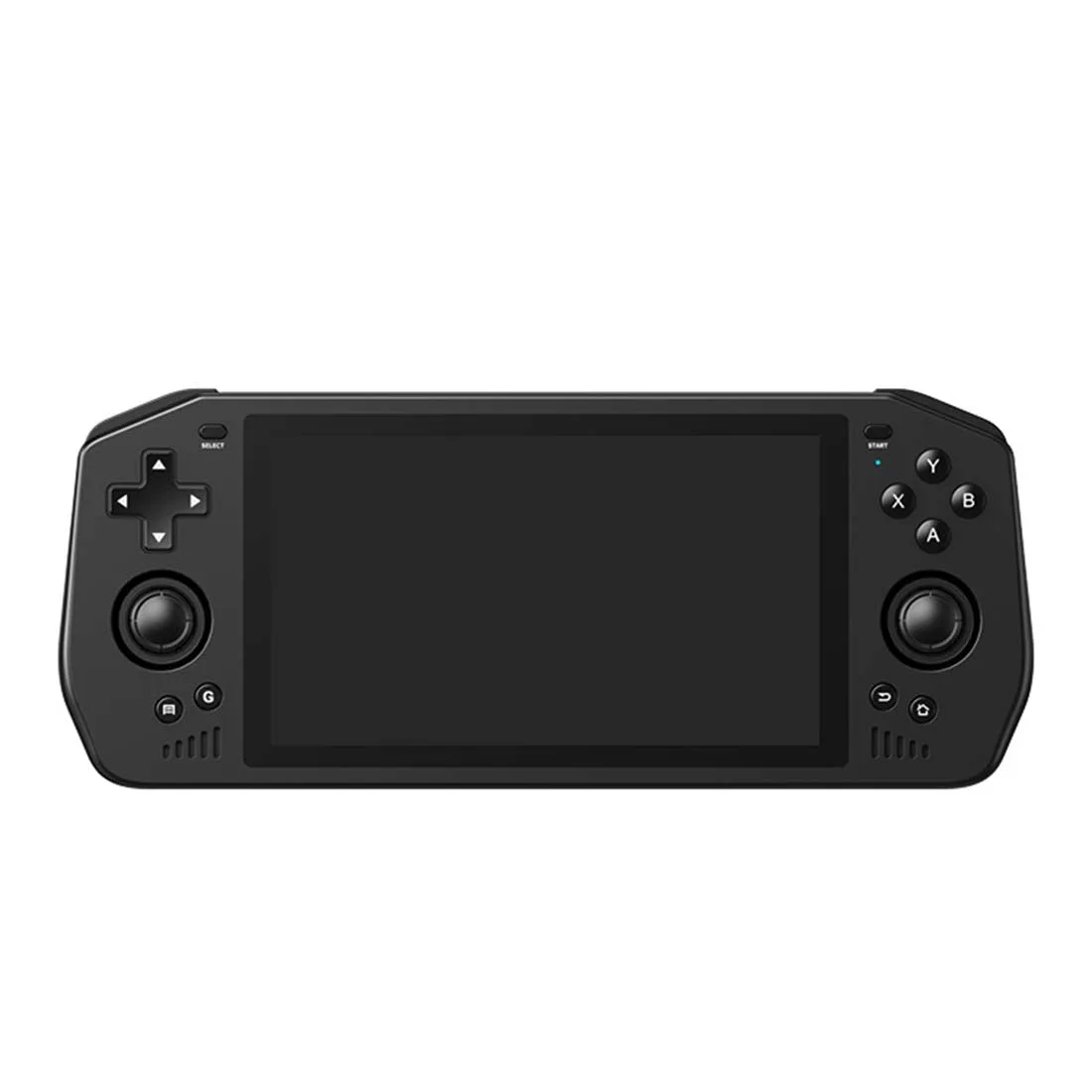
For a handheld like the Powkiddy X28 Retro Arcade Handheld Game Console, which has a 5.5-inch screen and a T618 processor, the grip is often used for longer sessions. That makes monthly checks more important, because heat from your hands and the console itself adds up over time. If you use a grip heavily, check it every two weeks instead.
Keep cables and accessories from adding wear
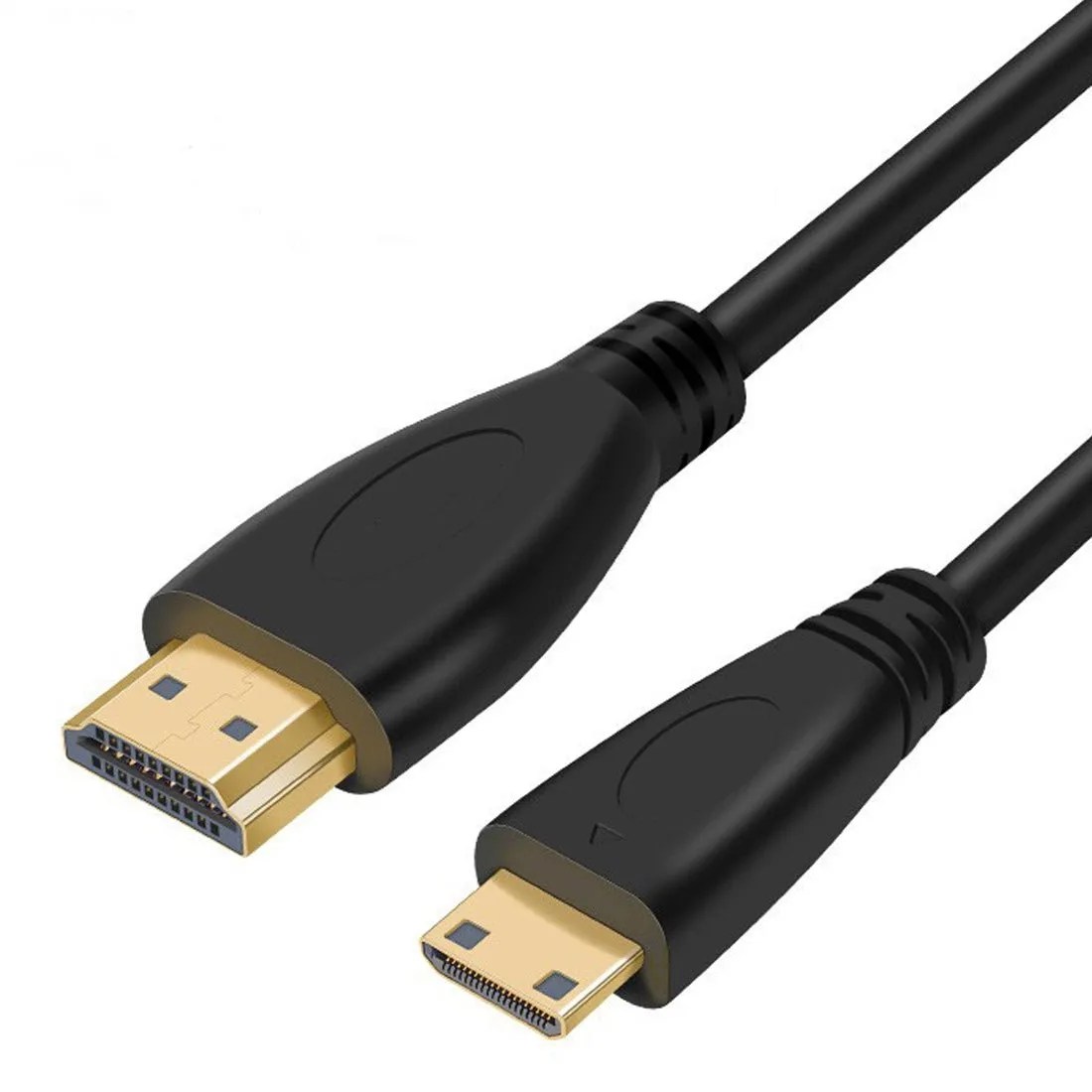
Cables and adapters stored loose in the same pocket can scratch a printed grip and press against it. Coil cables separately or use a small pouch. The Retro Game Console Connection Cable HDMI to Mini HDMI (1.5m) is a good example: its 1.5 m length and Mini HDMI connector make it useful for TV play, but it should be coiled and stored away from the grip rather than wrapped around it.
When you set up for TV play, connect the cable before you attach the grip so you are not flexing the grip repeatedly while reaching for ports. A little order in how you pack and unpack reduces the small stresses that shorten a grip's useful life.
Monthly grip care routine
- Remove the grip and clear loose dust: Take the grip off the console and wipe it with a dry microfiber cloth. For textured TPU, use a soft toothbrush in the layer lines. Mistake to avoid: brushing hard enough to polish or fray the surface. Checkpoint: no visible dust left in the seams before you add water.
- Wash with lukewarm water and mild soap: Mix one drop of mild dish soap into a cup of lukewarm water. Wipe the grip with a damp cloth, then wipe again with a clean damp cloth to remove soap film. Mistake to avoid: hot water or alcohol, which can dull PLA and stress thin walls. Checkpoint: the grip feels smooth, not tacky, after the second wipe.
- Dry completely before reinstalling: Blot with a dry cloth and let the grip air-dry for at least 30 minutes, longer if water got into the layer lines. Mistake to avoid: snapping a damp grip onto the console, which traps moisture against the shell. Checkpoint: no cool or damp feeling when you touch the inside contact points.
- Inspect the contact points for wear: Look at the rails, clips, or tabs where the grip meets the console. Note shiny patches, cracks, or white stress marks. Mistake to avoid: ignoring a slight rocking fit until the grip no longer holds. Checkpoint: the grip should snap on with light, even pressure.
- Store it off the console and away from heat: Keep the grip flat or on its side in a padded pouch or box, away from direct sun and hot cars. Mistake to avoid: leaving it clipped to a handheld that is packed tightly in a bag. Checkpoint: the grip keeps its shape when you pick it up after storage.
Products that support grip care and storage
- Handcraft Storage Bag for RG557/RG556 Retro Handheld Game Console: Handcraft Storage Bag for RG557/RG556 Retro Handheld Game Console, with pattern options and a catalog price of USD 9.89. A padded bag keeps a detached grip away from keys and cables during travel, which reduces scratches and pressure that can warp a print.
- Powkiddy X28 Retro Arcade Handheld Game Console: Powkiddy X28 Retro Arcade Handheld Game Console uses a T618 processor and a 5.5-inch IPS touchscreen at 750 x 1280. Longer sessions on a handheld like this make monthly grip checks more useful, since hand and device heat accumulate over time.
- Retro Game Console Connection Cable HDMI to Mini HDMI (1.5m): Retro Game Console Connection Cable HDMI to Mini HDMI (1.5m), with gold-plated copper-clad steel contacts and a 5.5 mm cable diameter. Storing this cable coiled and separate from the grip prevents the connector and cable from pressing into or scratching the printed surface.