Quick answer
To keep your phone cool in summer, use a sealed ice pack wrapped in a thin cloth and place it in a cooler tote, not directly against the phone. Remove the case if it traps heat, keep the phone out of direct sun, and avoid charging while cooling. This prevents condensation damage and stops overheating before it slows your phone down.
Why an ice pack works but needs a barrier
An ice pack pulls heat away from your phone faster than shade alone, but direct contact can cause condensation inside the phone or on the charging port. Always wrap the ice pack in a dry cloth or place it in a separate compartment of a cooler tote so cold air circulates without moisture touching the phone. This is the core of any phone overheating ice pack strategy.
Choose the right cooler tote for phone and ice pack
A small insulated cooler tote with a mesh pocket keeps the ice pack separate from your phone and other items. Look for one with a water-resistant lining and enough room for a phone plus a thin ice pack. If you carry a large phone like an iPhone 15 Plus, measure the interior before buying. The goal is a cooler tote for phone that prevents direct contact but still allows cold air to reach the device.
Adjust your case and charging habits
Thick or dark cases absorb heat, so switch to a lighter case or remove it when you are outdoors. Avoid charging your phone while it is in the cooler or near the ice pack, because charging generates its own heat. If you need MagSafe accessories, a case with built-in magnets can help you attach and detach quickly without wrestling with a tight fit.
Your step-by-step summer phone cooling routine
- Prep your ice pack and cooler tote: Freeze a slim ice pack overnight. In the morning, wrap it in a dry hand towel and place it in one compartment of a small insulated cooler tote. Put your phone in a separate compartment or mesh pocket so it never touches the ice pack directly. Checkpoint: the towel should be dry, not damp. If it feels wet, wrap it again.
- Remove your phone case before cooling: Take your phone out of its case and place the case in the cooler tote as well. This lets heat escape from the phone's back and sides. If you use a MagSafe case, detach any wallets or accessories first. Common mistake: leaving a thick case on traps heat and makes the ice pack work harder.
- Cool in short intervals, not continuously: Place the phone in the cooler tote for 5–10 minutes, then take it out and check the temperature by touch. If it still feels warm, wait 5 minutes and repeat. Do not leave it in the cooler for hours, as condensation can form. Checkpoint: the phone should feel cool to the touch, not cold. If it feels cold, remove it immediately.
- Avoid charging while cooling: Charging generates heat, so never plug in your phone while it is in the cooler or near the ice pack. If you need a charge, wait until the phone returns to room temperature and then charge it in a shaded, ventilated spot. Common mistake: charging in the cooler can cause condensation inside the charging port.
- Use shade and airflow as your first defense: Before reaching for the ice pack, move to shade and remove your phone from direct sun. A phone overheating outdoors often just needs airflow. Prop it up so air moves around the back, and avoid leaving it on hot surfaces like car dashboards or metal tables. Checkpoint: if your phone shows a temperature warning, turn it off and let it cool naturally before using the ice pack.
Cases that help manage summer heat
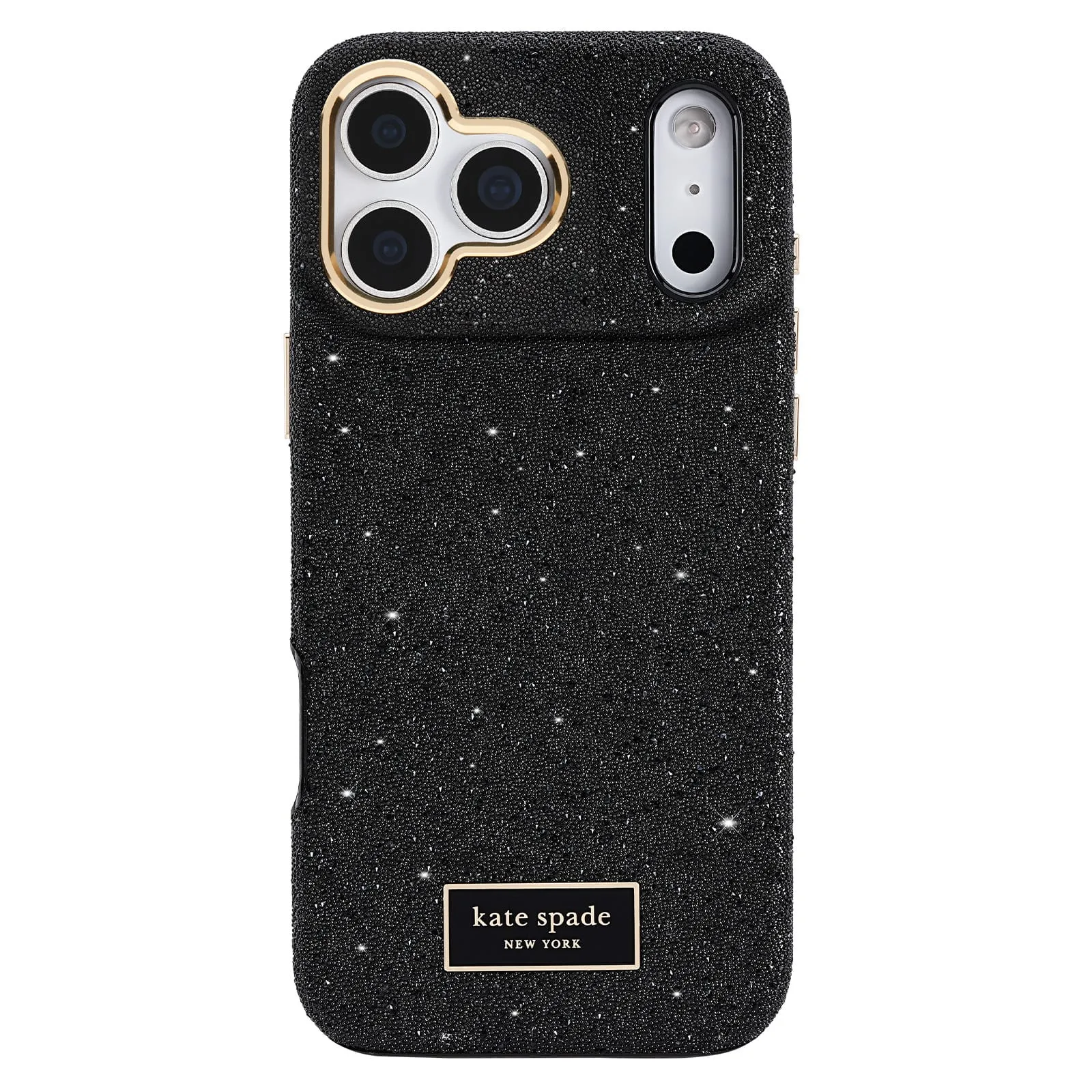
- kate spade new york iPhone 18 Pro: This Kate Spade New York case is designed for the iPhone 18 Pro and brings the brand's signature style to your everyday carry, with 12 color options including playful dots, stripes, glitter, and tortoise finishes. A slim, stylish case is easy to remove when you need to cool your phone, and the variety lets you pick a lighter color that absorbs less heat.
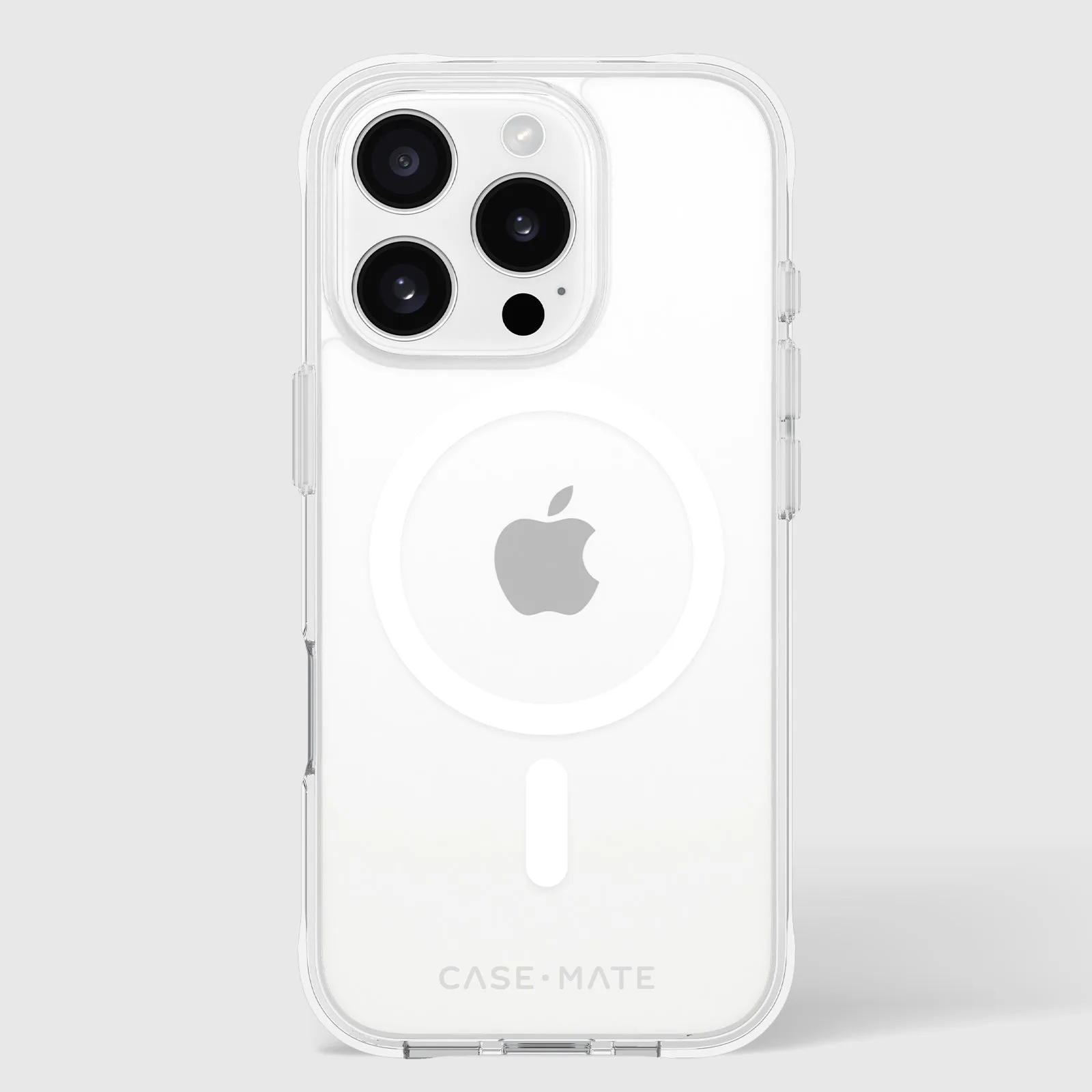
- Tough Clear MagSafe - iPhone 16 Pro: The Tough Clear MagSafe Phone Case for iPhone 16 Pro offers 12-foot drop protection and strong built-in magnets for MagSafe accessorizing and charging. The clear design shows your phone and doesn't trap as much heat as dark, bulky cases, while the magnets let you snap on a cooler or mount quickly.
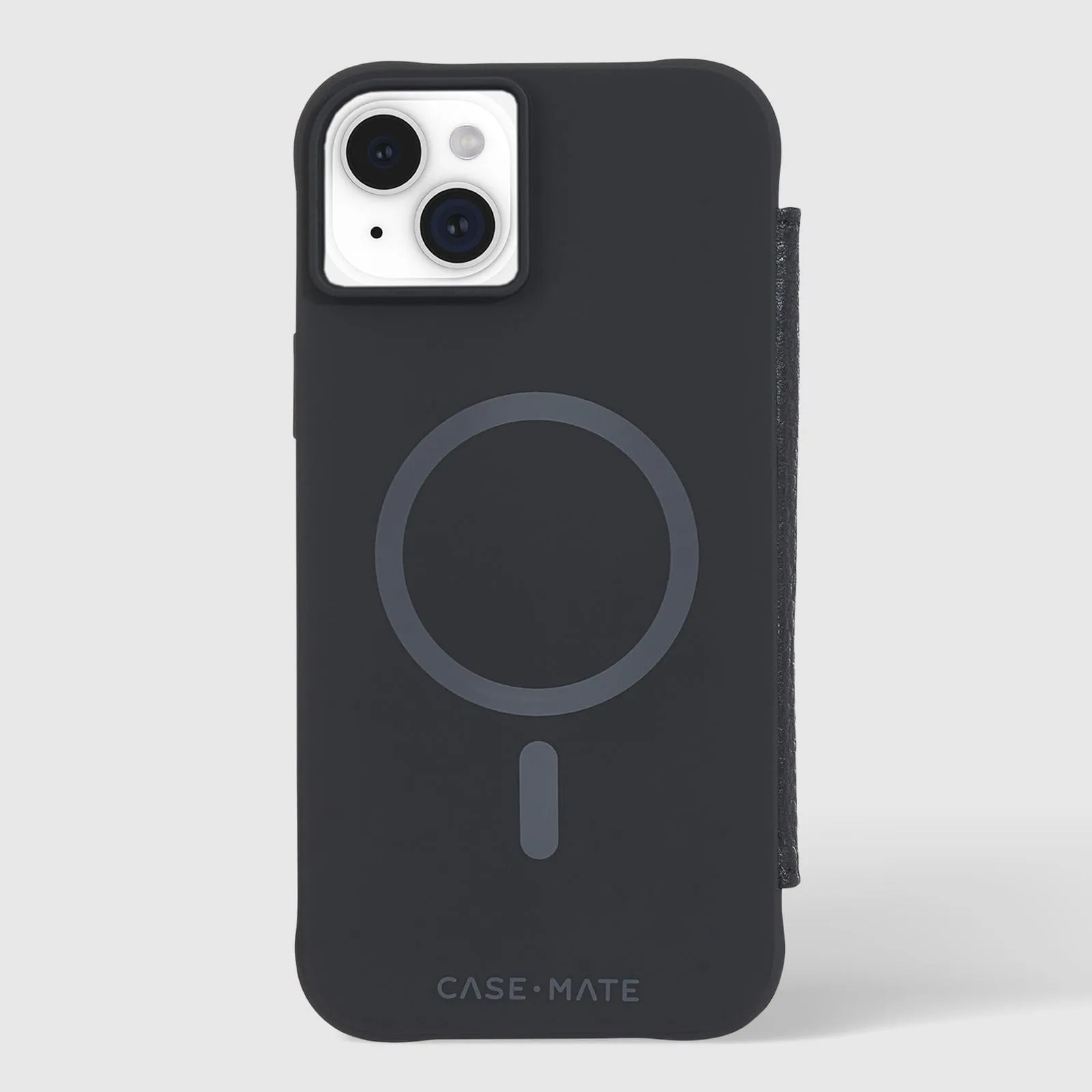
- Wallet Folio MagSafe - iPhone 15 Plus: The Wallet Folio MagSafe Phone Case for iPhone 15 Plus carries cards, cash, and IDs and provides 12-foot drop protection with strong built-in magnets. A folio case can be opened to let heat escape, and the MagSafe magnets make it easy to remove the case when you need to cool the phone down.