Quick answer
For most typists, Cherry profile is the safest all-round choice because its lower height and gentle sculpt reduce finger travel without a steep learning curve. OEM is taller and more heavily sculpted, which suits gamers who want pronounced key separation. XDA and MDA are uniform-height profiles: XDA has a wider, flatter top for a modern look, while MDA sits slightly taller with a deeper dish. Pick based on how much height and sculpt you want, then confirm your keyboard's layout and switch type accept the set.
How profile height changes your typing
Keycap height is measured from the base to the top of the cap, and it directly affects wrist angle and finger reach. Lower profiles like Cherry keep your hands closer to the desk, which can reduce fatigue during long sessions. Taller profiles like OEM and MDA raise the top row, so your fingers travel farther but benefit from more pronounced row-to-row shaping.
If you currently type on a laptop or low-profile keyboard, moving to a tall sculpted profile often feels dramatic for the first week. Moving to a uniform profile like XDA is a smaller adjustment because every row shares the same height and shape.
Cherry vs OEM: sculpt and daily typing
Cherry and OEM are both sculpted, meaning each row has a different angle and height. Cherry is shorter with a more gradual curve, so your fingers glide between rows with less lift. OEM is taller and has a more aggressive step between rows, which some gamers prefer because it makes each key easier to locate by feel.
The trade-off is comfort versus familiarity. Cherry tends to feel quicker for touch typing and extended writing. OEM feels more deliberate and can be easier to game on if you rest your fingers on the home row and rely on muscle memory. Neither is objectively better; the right pick depends on whether you want speed or stronger tactile landmarks.
XDA vs MDA: uniform profiles with different tops
XDA and MDA are both uniform, so every row is the same height and shape. That makes them easy to rearrange and forgiving if you swap key positions. The difference is in the top surface: XDA has a wider, flatter top with a shallow dish, while MDA is slightly taller with a deeper, more rounded dish.
In practice, XDA gives a clean, modern look and a light, even feel across the board. MDA feels a bit more substantial and can help your fingers settle into each key without looking down. If you like a flat, uniform board for typing and aesthetics, XDA is the common choice. If you want uniform height but miss the guidance of a dished top, MDA is the better fit.
Fit checks before you buy
Profile only matters if the set fits your keyboard. Check three things: layout coverage, switch compatibility, and stabilizer clearance. A set designed for a 60% or 75% board may not include the extra keys for a 96% or full-size layout. If your keyboard uses a non-standard bottom row, confirm the set includes the correct widths.
Switch type matters too. Most MX-style mechanical switches accept standard keycaps, but low-profile switches and some optical switches do not. If you are unsure, test one keycap from the set on a spare switch before installing the full board. For a full-size or 96% board, a set with broad layout support saves you from hunting for individual keys later.
Profile trade-offs at a glance
- Cherry: Lower height and gentle sculpt reduce finger travel and suit long typing sessions. Best all-rounder if you want comfort without a steep adjustment.
- OEM: Taller and more heavily sculpted for stronger row separation and key location by feel. Choose if you game often or prefer pronounced landmarks.
- XDA: Uniform height with a wide, flat top for a clean look and even feel across rows. Great for uniform layouts and aesthetic builds, but less sculpt guidance.
- MDA: Uniform height with a taller, deeper dished top than XDA. Pick if you want uniform rows but miss the comfort of a deeper dish.
Keycap and keyboard examples
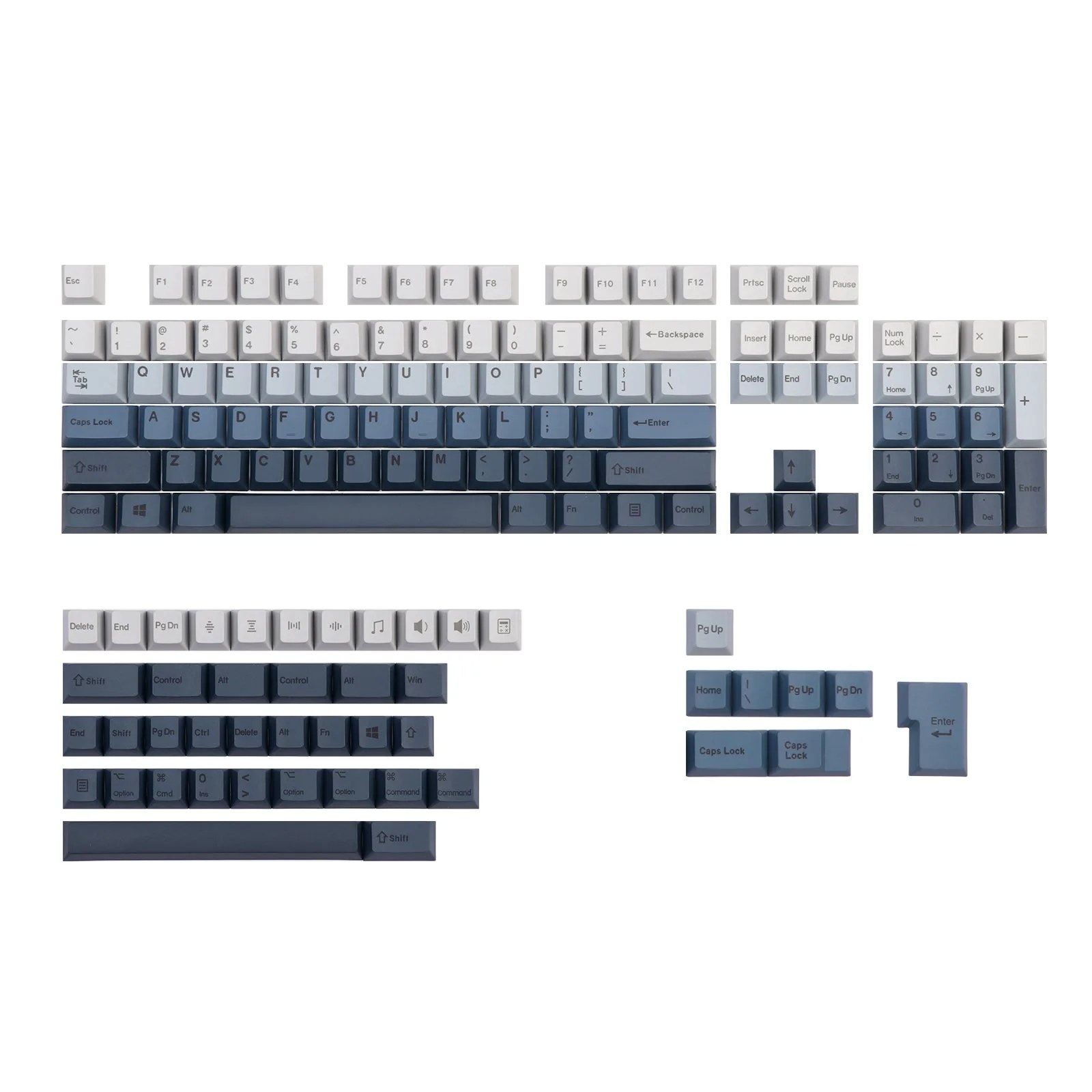
- EPOMAKER AquaShift Keycaps Set: EPOMAKER AquaShift Keycaps Set is inspired by shifting ocean shades and is priced at USD 18.29 (catalog comparison price USD 29.99). A budget-friendly way to try a new profile or refresh a board without committing to an expensive set.
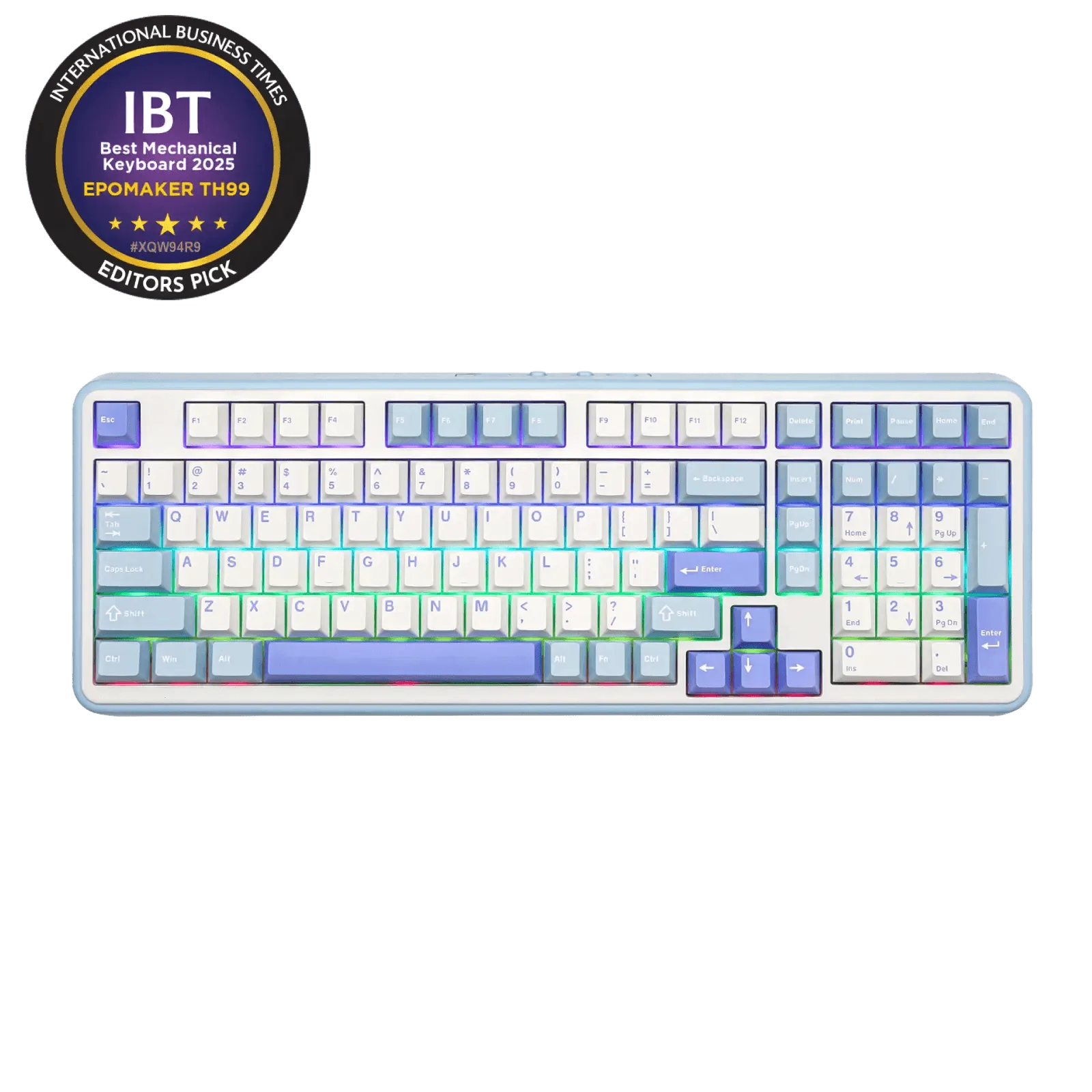
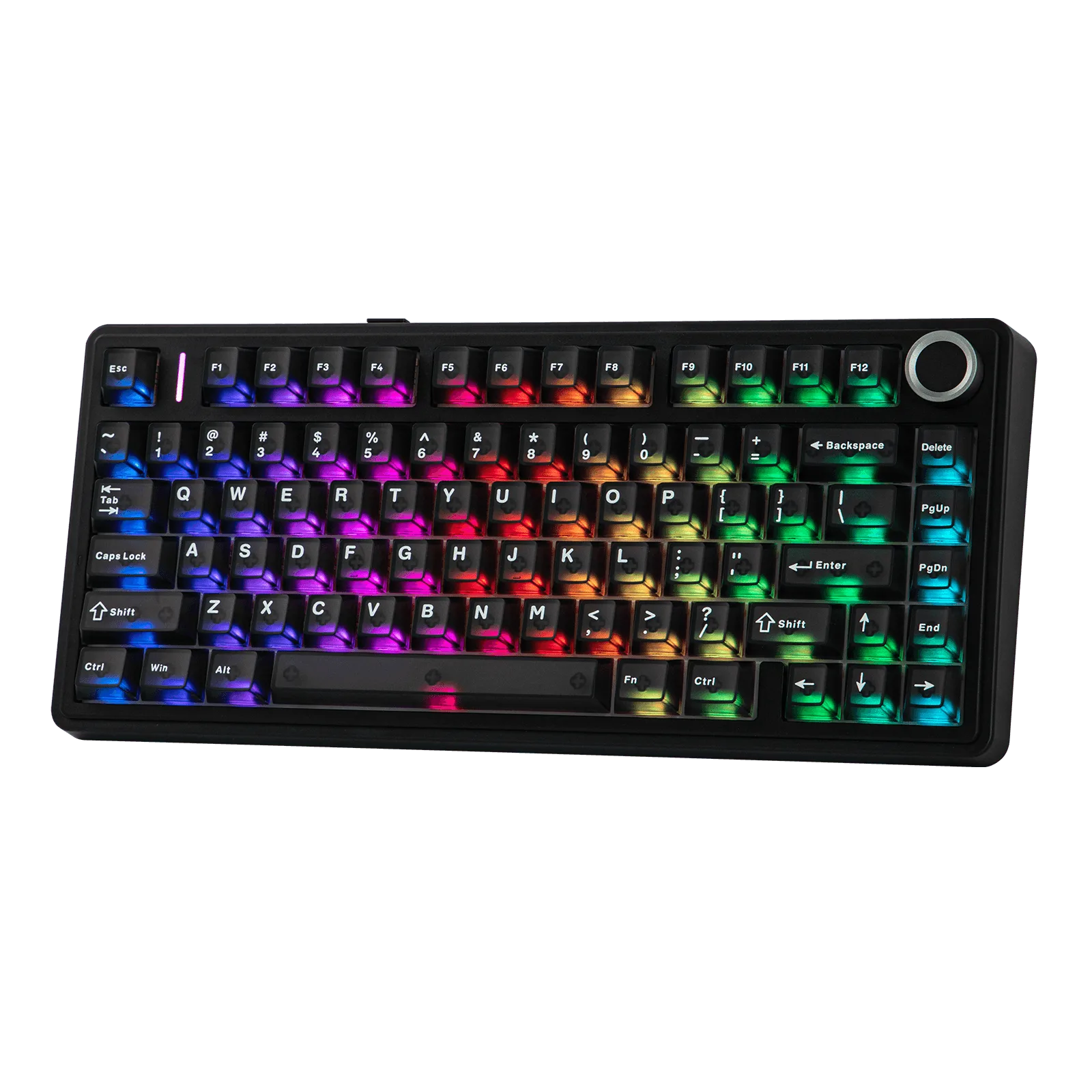
- EPOMAKER TH99: EPOMAKER TH99 is a 96% mechanical keyboard with over 1 kilo in weight, 4 silicone pads, and a flexible structure for a creamy thud. A heavier, dampened board like this pairs well with taller or sculpted profiles because the stable chassis reduces typing vibration.
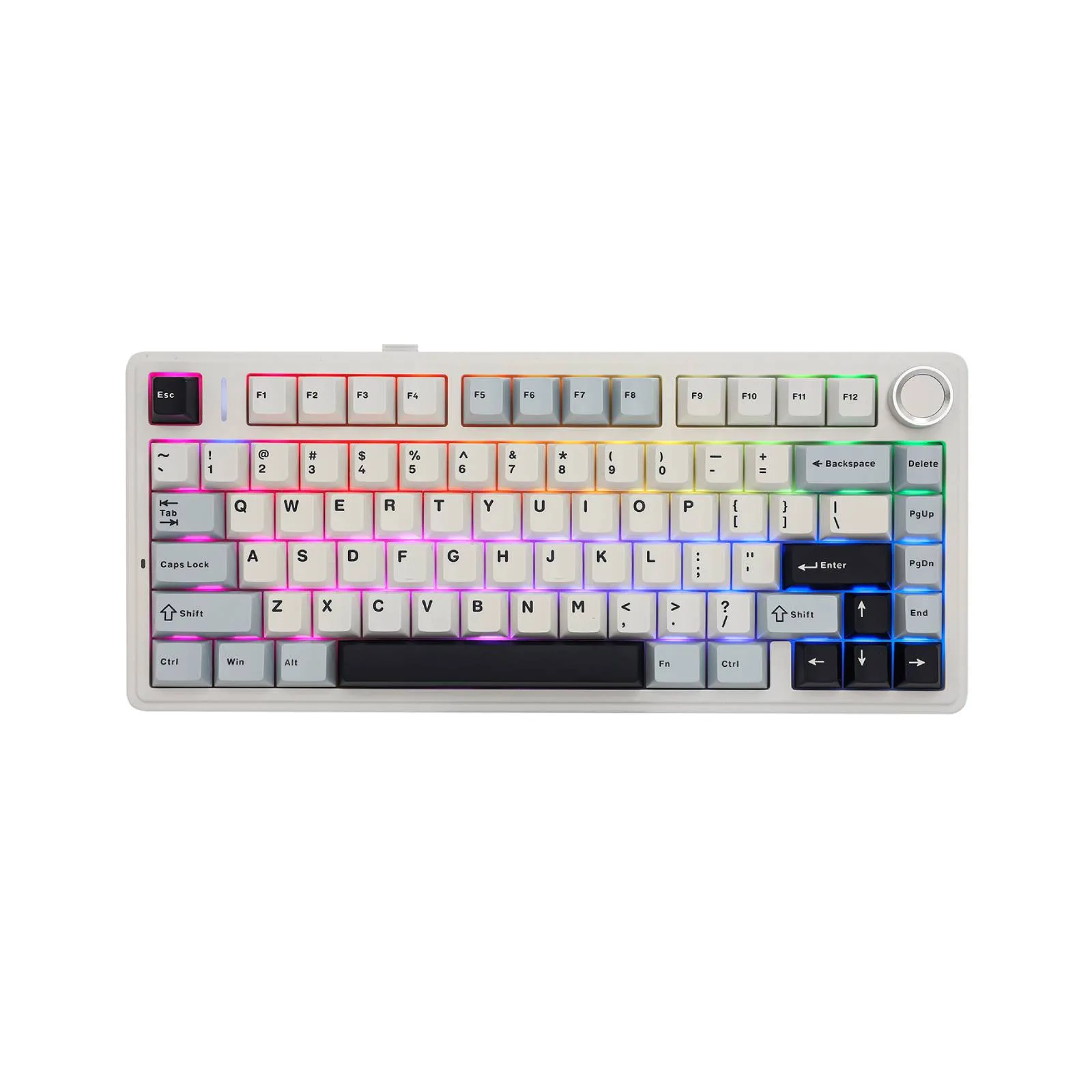
- EPOMAKER x AULA F75 Ultra: EPOMAKER x AULA F75 Ultra is a 75% keyboard with VIA support and hot-swap switches, and it uses a custom JSON file for VIA configuration. Hot-swap and VIA make it easy to test different switch and keycap combinations without soldering.
Which profile should you choose?
Best for
- Typists who want a low-effort, comfortable daily driver: Cherry profile
- Gamers who rely on row separation and tactile landmarks: OEM profile
- Uniform-layout fans who want a flat, modern look: XDA profile
- Users who want uniform rows with a deeper, more guided dish: MDA profile
Not for
- Anyone who needs a specific layout coverage not included in the set
- Keyboards with low-profile or non-MX switches that do not accept standard keycaps
- Users who want a single profile to solve every use case; most people benefit from trying two