Quick Answer
Configure the Keystone Versipack by assigning each compartment a specific role, balancing weight, and adjusting the strap for quick crossbody access.
Why compartment roles matter
The Keystone Versipack has four zippered compartments with interior dividers. Without a clear role for each one, you will end up digging through the same pocket for keys, phone, and wallet. Assigning a dedicated job to each compartment keeps your daily essentials predictable and fast to reach.
The bag's ambidextrous access means you can reach every compartment from either side, so your setup can stay consistent whether you wear it on the left or right hip.
Balancing weight for comfort
The Keystone Versipack has a padded back, but how you distribute weight still affects comfort. Heavier items like a multitool or a small power bank should sit closest to your body and toward the center of the bag. Light, flat items like a notebook or sunglasses can go in the outer compartments.
If you load one side much heavier than the other, the bag will sag and pull on one shoulder. Keep the load even across the four compartments.
Step-by-Step Configuration
- Plan your carry load: List the items you carry daily: phone, wallet, keys, multitool, small notebook, pen, earbuds, etc. Remove anything you don't use regularly to keep the bag light and easy to access. A common mistake is overpacking; if the bag bulges, the zippers strain and compartments become hard to open.
- Assign compartments: Use the rear compartment (closest to your body) for flat, frequently used items like your phone or wallet. Use the front compartments for bulkier gear like a multitool or small flashlight. Reserve one compartment for items you rarely need, like a first-aid kit or charging cable. Avoid mixing high-use and low-use items in the same compartment; you will end up unzipping two pockets to get one item.
- Distribute weight evenly: Place heavier items in the middle compartments, closer to the strap attachment points, and keep light items in the outer pockets. This prevents the bag from tilting or bouncing while you walk. Check the balance by wearing the bag for a minute; if one side pulls down, shift items to the opposite compartment.
- Adjust the strap for crossbody carry: Set the strap length so the bag sits at your hip or lower ribs when worn crossbody. You should be able to reach the main zipper without bending your elbow more than 90 degrees. For fanny pack wear, shorten the strap so the bag rests on your lower back. A strap that is too loose lets the bag swing and makes access awkward; too tight restricts movement.
- Test access from both sides: With the bag loaded, practice reaching each compartment with both hands. The Keystone Versipack's ambidextrous design means you can switch sides if one shoulder gets tired. Adjust the compartment arrangement if you find yourself fumbling for a specific item. If you always use the same hand, place your most-used items in the compartment that is easiest for that hand to reach.
Product Facts
-
Keystone Versipack: The Keystone Versipack has four zippered compartments with interior dividers. You can dedicate each compartment to a category (phone, tools, wallet, misc) so daily items stay organized and quick to grab.
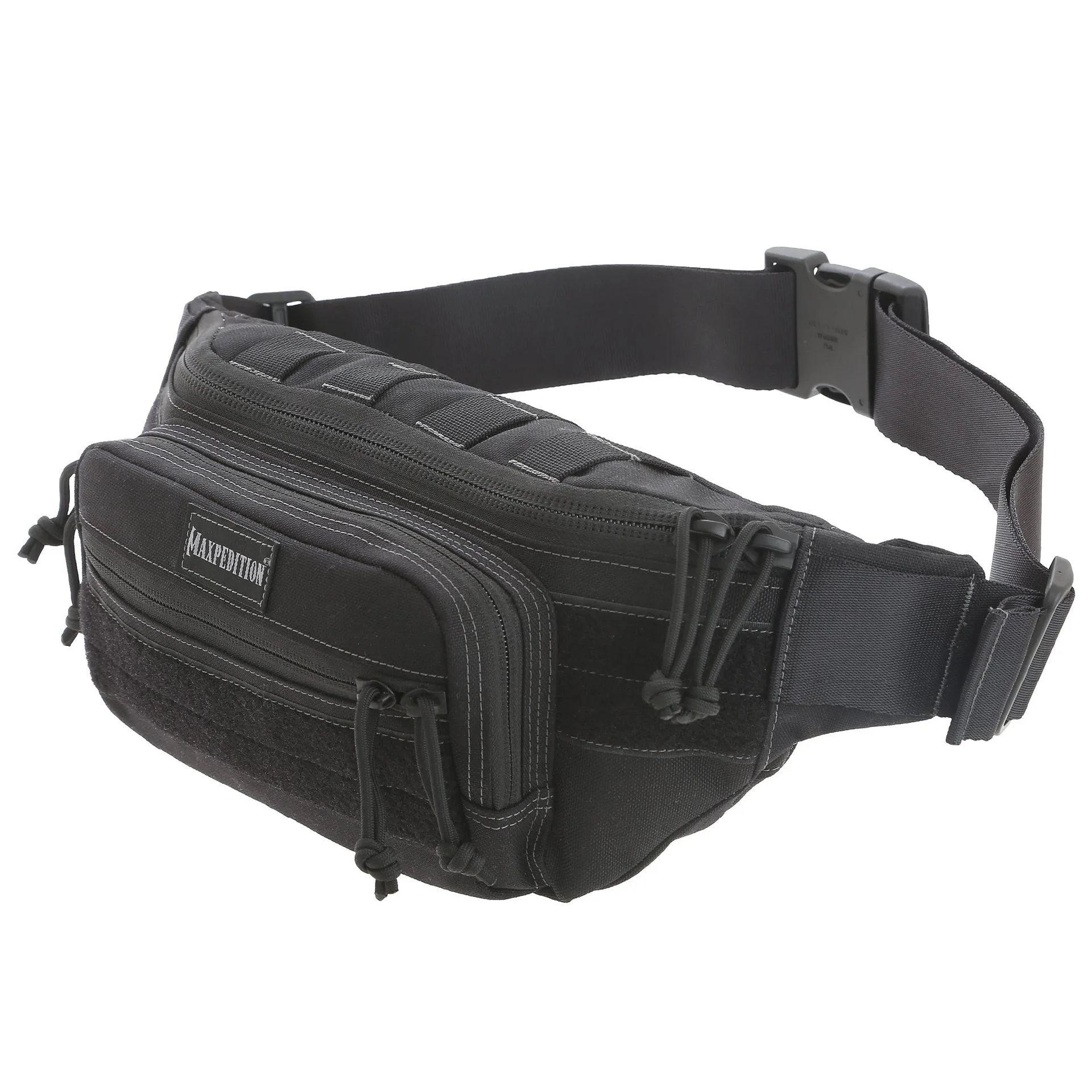
Keystone Versipack