Quick answer
Most heavy laptop backpacks feel heavy because of what is inside them, not the bag itself. Weigh the loaded pack, empty it completely, and rebuild it with only what you used in the last week. If the bag still drags after that, the problem is usually the bag's own structure or fit, and a lighter, better-matched model is the honest fix.
If your shoulder aches by mid-morning and the strap has left a mark, the bag is telling you something. A laptop backpack that feels too heavy is rarely one single problem. It is usually a mix of what you carry, how the weight sits, and whether the bag's shape matches your commute.
The good news is that most of this is fixable without buying anything. Start by separating the symptom from the cause, then work through the corrections in order. Only after those steps should you consider a different bag.
Diagnose before you shop
Put the loaded backpack on a kitchen scale. A typical commuter setup with a laptop, charger, water bottle, and a few extras often lands between 8 and 15 pounds, and the number is usually higher than people expect. Write it down. That single number tells you whether you are dealing with a packing problem or a bag problem.
Next, empty the bag completely and weigh it again. If the empty weight is a small fraction of the loaded weight, your gear is the issue and you can fix it today. If the empty bag is already heavy before you add anything, no amount of clever packing will fully solve it.
- Weigh loaded, then weigh empty. The difference is your real cargo.
- Check the straps: if they dig in even when the bag is light, the issue is fit, not weight.
Cut the load without cutting what you need
The fastest way to lighten a backpack load is to stop carrying duplicates. A second charger, a spare battery bank you never use, a paper notebook you have not opened in a month, and a water bottle you refill at the office all add up. Pull everything out, put back only what you actually touched in the past week, and leave the rest at home or at your desk.
Digital weight counts too. Moving files to cloud storage or a slim external drive lets you leave the bulky laptop accessories behind. If your commute involves a lot of walking, consider whether a tablet can handle your light days and the laptop stays home.
- One charger, one cable, one bottle. Duplicates are the hidden weight.
- Keep a small drawer of 'sometimes' items at work instead of in your bag.
Fix how the weight sits on your body
Even a moderately loaded pack feels lighter when it is positioned correctly. Tighten the shoulder straps so the bag sits high on your back, close to your spine, rather than sagging toward your lower back. If your backpack has a sternum strap, use it. It keeps the shoulder straps from sliding outward and spreads the load across your chest.
Pack the heaviest items closest to your back and in the middle of the bag. A laptop pressed flat against your spine carries better than a laptop at the bottom of the main compartment. If you carry a water bottle, keep it in a side pocket rather than swinging from a strap.
- High and tight beats low and loose for commuter backpack comfort.
- Heavy items in the middle, close to your back. Light items out front.
When the bag itself is the problem
Some backpacks are built for maximum capacity, and that structure adds weight before you put anything in. If your empty bag feels heavy, or if the padding and frame make it stiff against your back, you are carrying the bag's design as much as your gear. That is the point where you should stop trying to pack lighter and start looking at a different model.
The right replacement depends on what you actually carry. A compact laptop backpack with a felt-lined laptop pocket and anti-grab zipper pulls can cover a student or light commuter's essentials without the bulk of a full travel pack. A ScanSmart model adds a lay-flat laptop compartment for airport security, which is useful if you fly, but it is not the lightest option for a short walk to the office.
- If the empty bag already feels heavy, packing tricks will not save it.
- Match the bag to your real load, not to the trip you might take someday.
Symptom, cause, and what to do
- Shoulder pain on one side only: You are likely carrying the bag on one shoulder or the strap is loose enough that the pack swings. Tighten both straps, use the sternum strap if there is one, and switch to carrying it on both shoulders. If pain continues after a week of proper two-shoulder carry, see a healthcare professional.
- Bag feels heavy before you add anything: The empty backpack itself is the weight. Check the material and structure. A pack built for maximum capacity will always feel heavier than a compact one. Stop repacking. Start shopping for a lighter, smaller model that matches your real daily load.
- Lower back ache after a short walk: The bag is sitting too low. Heavy items are probably at the bottom. Move the laptop and charger to the middle, close to your back, and raise the bag with the shoulder straps. If the ache persists with a correctly packed and fitted bag, the bag's shape may not suit your torso length.
- Strap marks and numbness in the hands: The straps are too narrow or the load is too heavy for the strap design. Wider, padded straps spread pressure. If your current bag has thin straps, that is a design limit, not a packing mistake. Choose a bag with padded shoulder straps and a sternum strap for commuter backpack comfort.
Bags worth knowing about
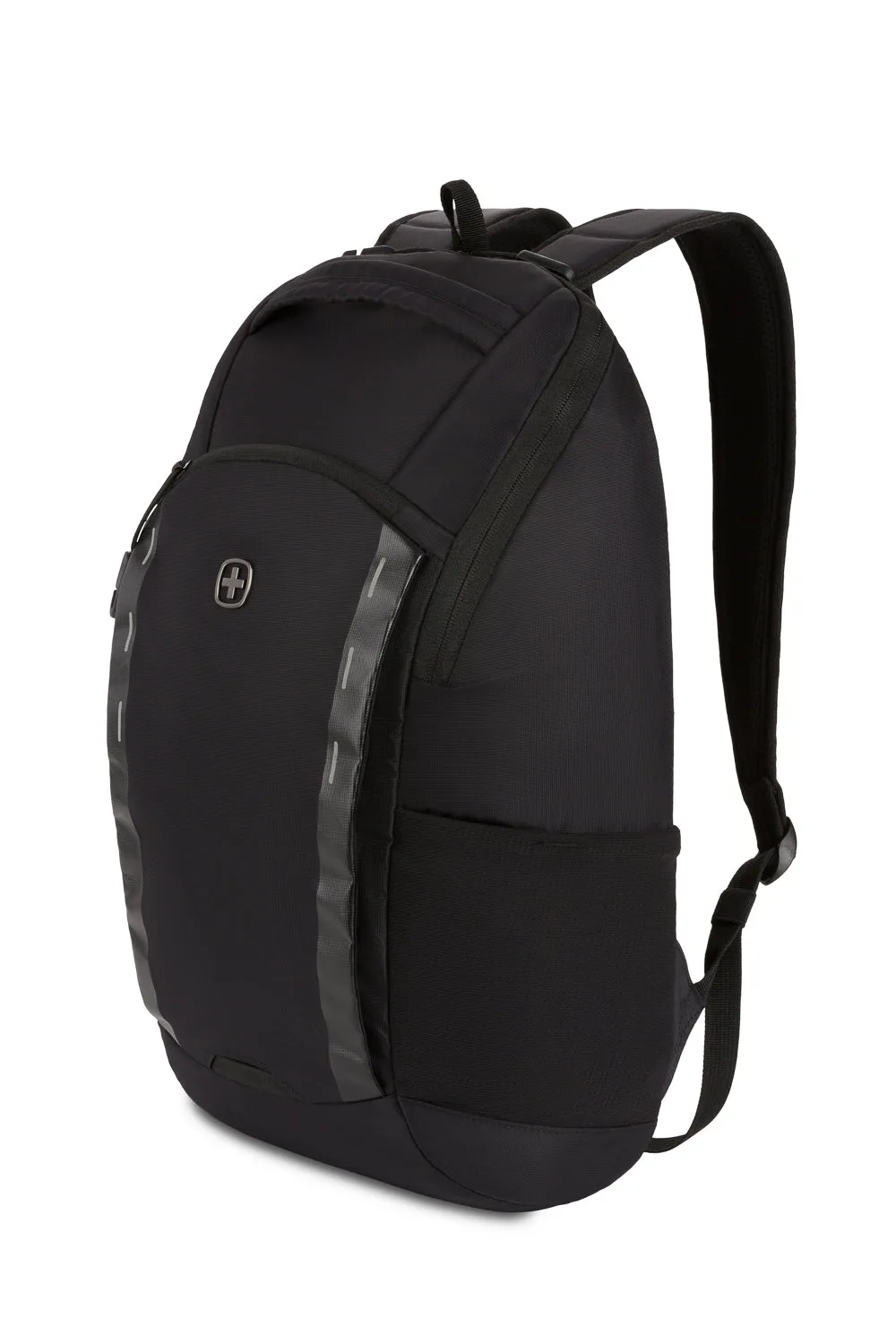
- SWISSGEAR Viibe Core Laptop Backpack: Compact design with Anti-Grab zipper pulls, sturdy nylon loops, and a felt-lined laptop pocket for devices up to 15 inches. A smaller, security-focused pack for students and commuters who carry only the essentials, so you are not hauling empty capacity.
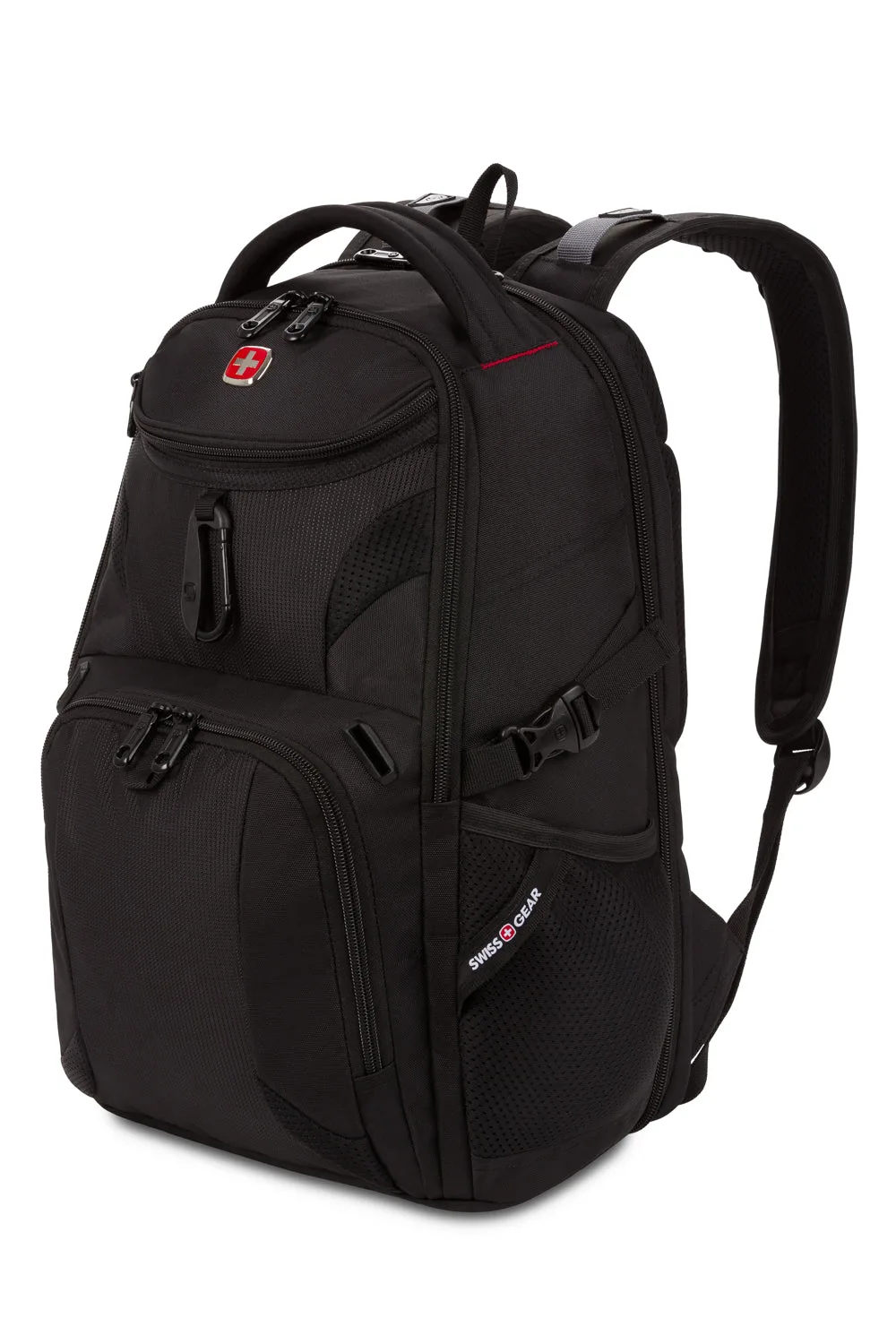
- SWISSGEAR Mini 1900 ScanSmart Laptop Backpack: Compact version of the 1900 ScanSmart with a back compartment that fully unzips and lays flat for TSA, plus an RFID-protected organizer pocket. If you fly and want to keep your laptop in the bag at security, this gives you the ScanSmart function in a smaller footprint.
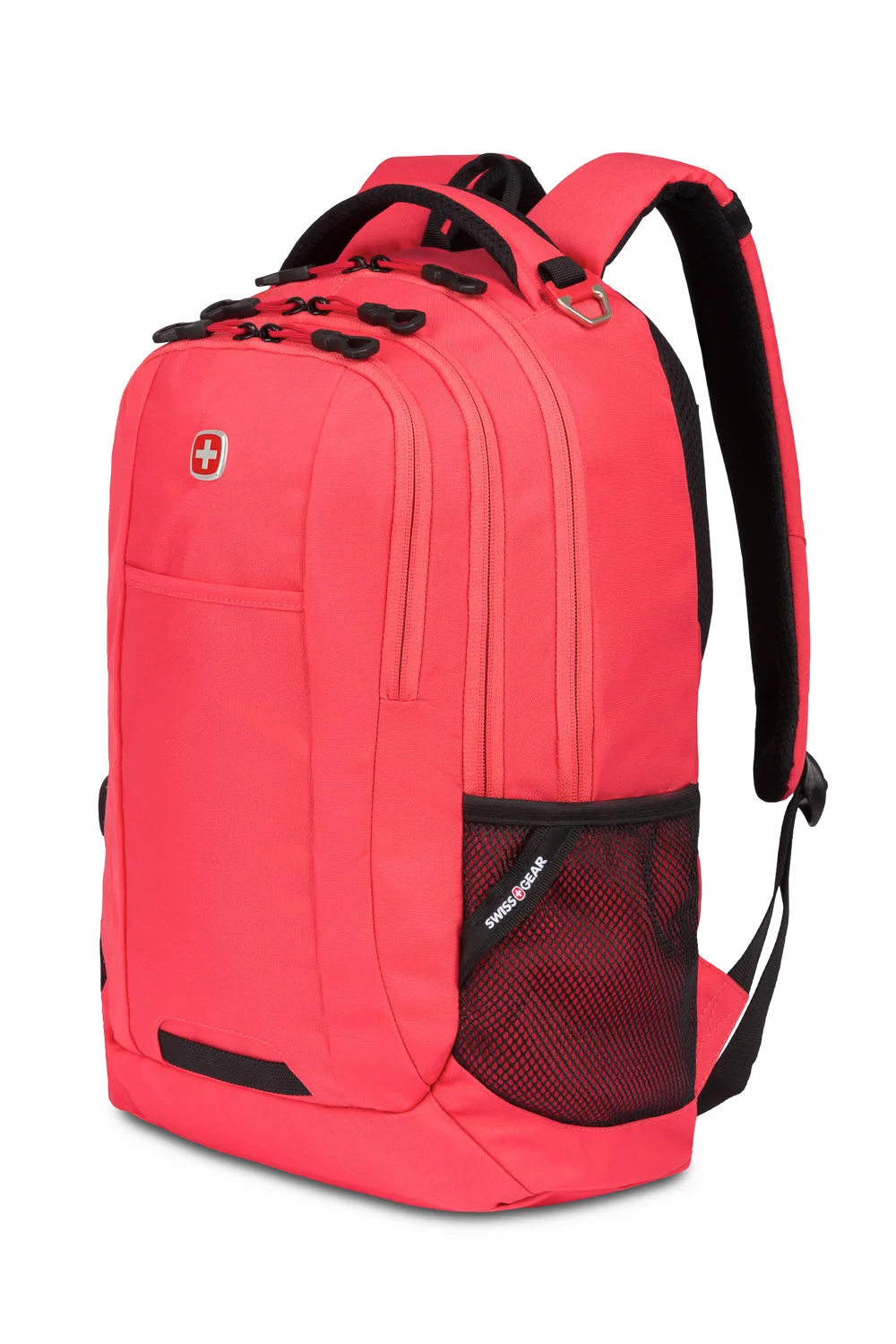
- SWISSGEAR Cecil Laptop Backpack: Three individual compartments, one with a stay-in-place laptop strap, designed as a daily driver for students moving between dorm rooms and study group meetings. Separate compartments help you distribute weight instead of piling everything into one heavy lump at the bottom.
A heavy laptop backpack is usually a packing problem first and a bag problem second. Weigh it, empty it, rebuild it with only what you use, and adjust the fit before you spend money. If the empty bag still drags, that is your signal to choose a lighter, better-matched carry.