Quick Answer
For everyday commutes, a padded laptop sleeve like the VEO Metro Computer Sleeve offers sufficient protection and fits easily into another bag. A dedicated laptop bag provides more built-in organization and all-in-one carry, but adds bulk and cost.
Protection: Padding vs. Structure
A laptop sleeve's main job is to shield the device from scratches, dust, and light impacts. The VEO Metro Computer Sleeve is designed for city exploration, with a focus on protecting a 16-inch laptop while keeping the overall package slim.
A laptop bag typically has more rigid padding and a dedicated compartment, which can absorb harder knocks. However, the extra structure makes the bag heavier and less flexible to pack.
If you often slide your laptop into a backpack or tote, a sleeve is the lighter, more flexible choice. If you carry the laptop as your primary bag, a dedicated bag offers more consistent protection on its own.
Portability and Convenience
Sleeves are minimal by design: they add little weight and can be placed inside almost any larger bag. This makes them ideal for commuters who already carry a backpack or briefcase.
A laptop bag consolidates everything into one item, so you grab one bag and go. But that convenience comes with the trade-off of carrying a bulkier item, even when you only need the laptop.
Think about how you actually travel. If you're a one-bag person, a sleeve is a smart addition. If you prefer to carry a single dedicated bag, a laptop bag may be the better fit.
Cost and Versatility
Sleeves are generally more affordable than full laptop bags. The VEO Metro Computer Sleeve, for instance, is priced at a lower point than many laptop backpacks or messenger bags.
A sleeve works with any bag you already own, so you can switch between a backpack, tote, or duffel without buying a new laptop-specific bag.
A laptop bag is a more specialized purchase. It's worth the investment if you want a dedicated carry solution with built-in compartments for accessories like chargers and cables.
Trade-Offs at a Glance
- Protection vs. Portability: Sleeves offer lighter, flexible protection; bags offer more rigid, built-in protection. If you need maximum impact resistance, choose a bag with a hard shell.
- Organization vs. Simplicity: Bags include compartments for accessories; sleeves keep things minimal and require an outer bag for extras. If you carry many accessories, a bag with pockets is more convenient.
- Cost vs. Versatility: Sleeves are cheaper and work with any bag; bags are pricier but serve as a standalone carry option. If you already own a good backpack, a sleeve is the budget-friendly choice.
Product Facts
-
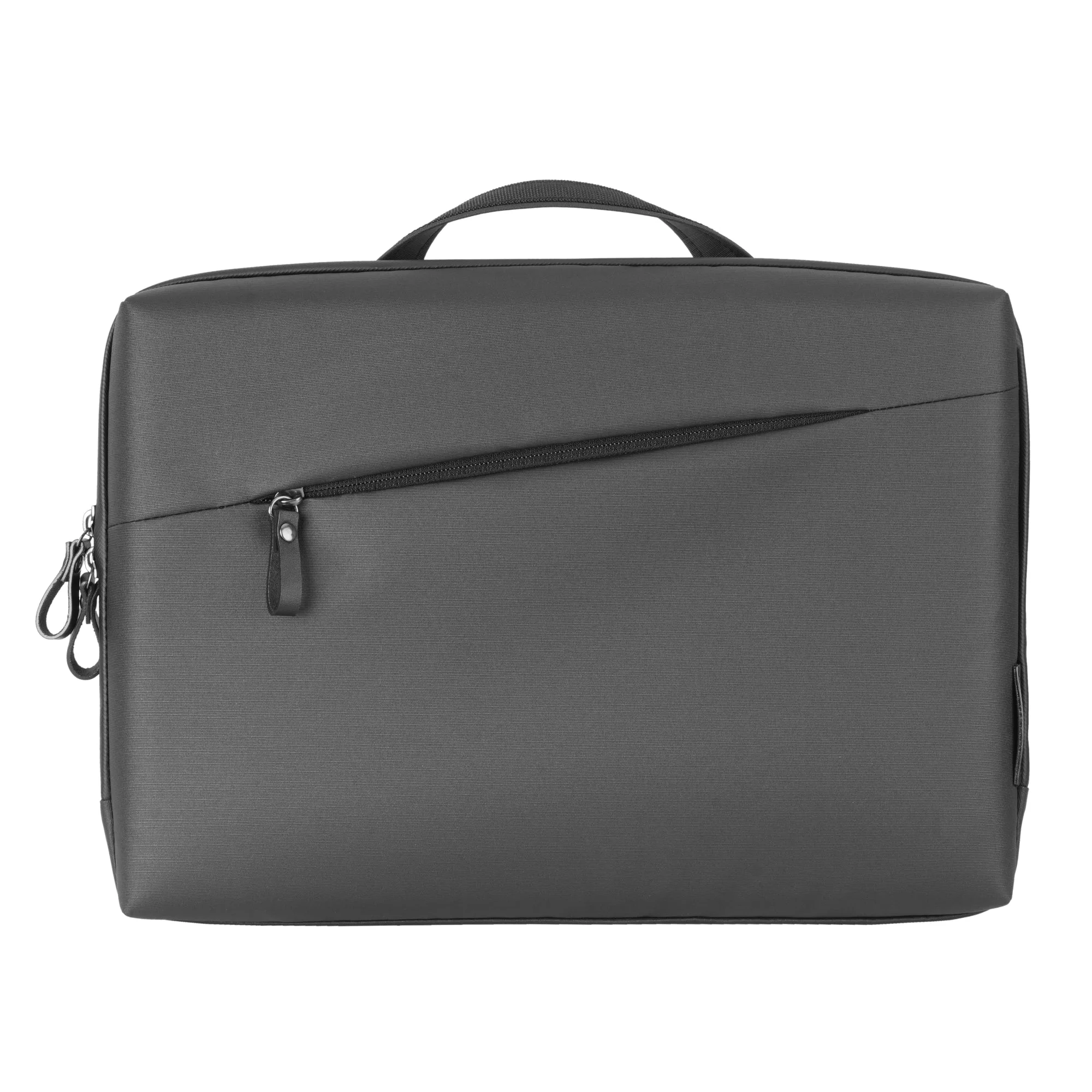
VEO Metro CS : 16" Computer Sleeve - Black: The VEO Metro Series is designed for exploring sophisticated cities, with a selection of backpacks, shoulder bags, computer sleeves and smartphone pouches. This sleeve fits into a city-focused carry system, so it pairs well with other VEO Metro bags for a coordinated setup.
VEO Metro CS : 16" Computer Sleeve - Black
-
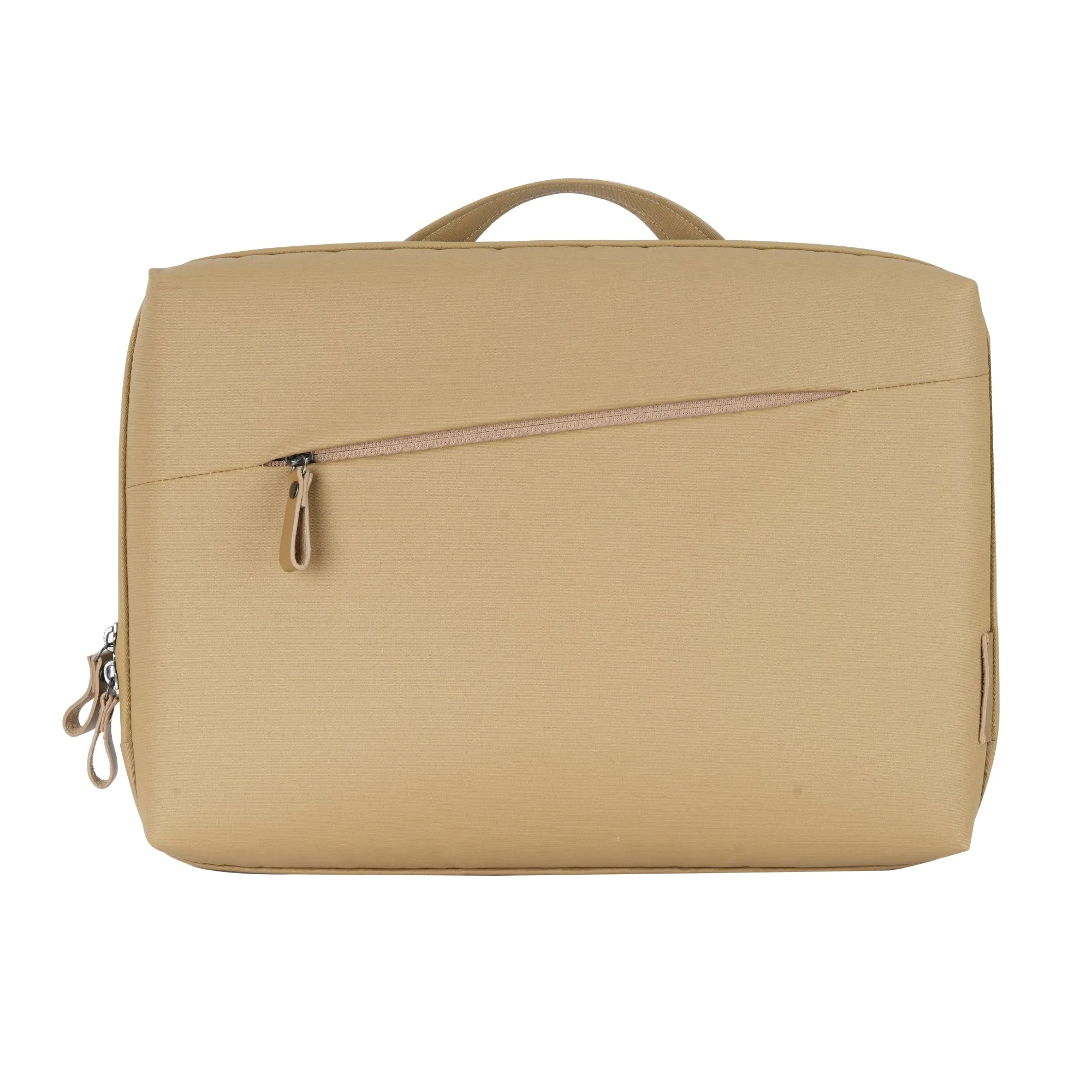
VEO Metro CS : 16" Computer Sleeve - Beige: The VEO Metro Computer Sleeve is part of a series that goes beyond photography, suitable for day trips or daily commutes. It's built for everyday use, not just camera gear, making it a versatile choice for commuters who also carry camera equipment.
VEO Metro CS : 16" Computer Sleeve - Beige
Which Should You Choose?
Best for
- Commuters who already carry a backpack or tote and want to add laptop protection without buying a new bag.
- Minimalists who prefer a slim, lightweight carry solution for their 16-inch laptop.
Not for
- Travelers who want an all-in-one bag with built-in organization for chargers, cables, and documents.
- Users who need maximum impact protection and prefer a rigid, dedicated laptop compartment.