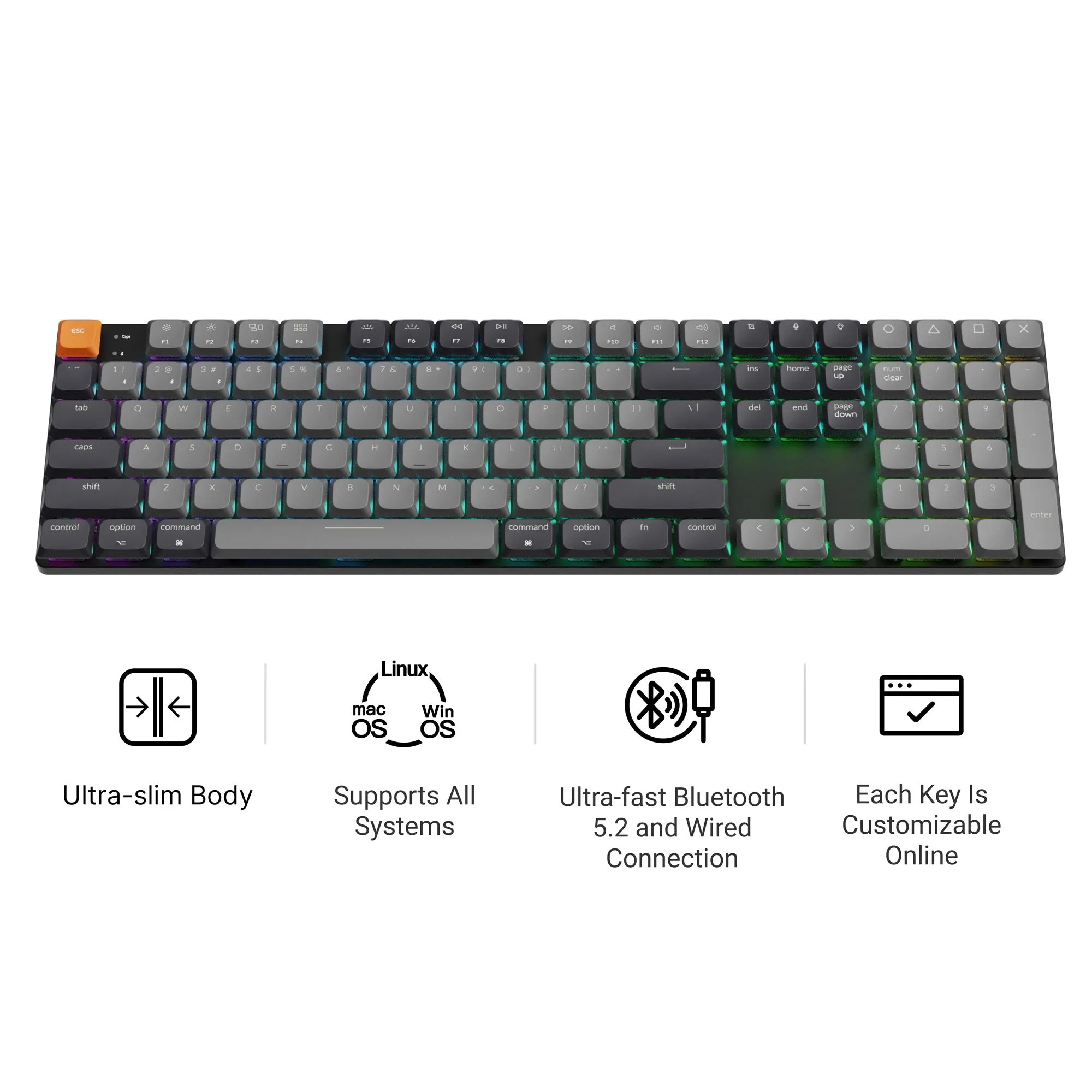
P1 vs L3: Two Paths to a Wireless Custom Build
If you're choosing between the Lemokey P1 and the Lemokey L3, you're looking at two QMK/VIA wireless mechanical keyboards that share a similar design language but differ in connectivity options and build flexibility. Both support custom keycaps and switches, but the right choice depends on how you want to connect and how much assembly you're willing to do.
This comparison focuses on the catalog evidence for each model, so you can match the board to your actual workflow.
Connectivity and Version Differences
-
Lemokey P1 QMK Wireless Custom Mechanical Keyboard ISO Layout Collection: P1 Pro: Wireless Version (2.4 GHz, Bluetooth, and Wired). P1: Wired Version (Type-C Cable). The P1 line gives you a clear choice: get the Pro version for tri-mode wireless (2.4 GHz, Bluetooth, and wired) or save with the wired-only P1. If you need low-latency wireless for gaming or a clutter-free desk, the Pro version is the one to pick.
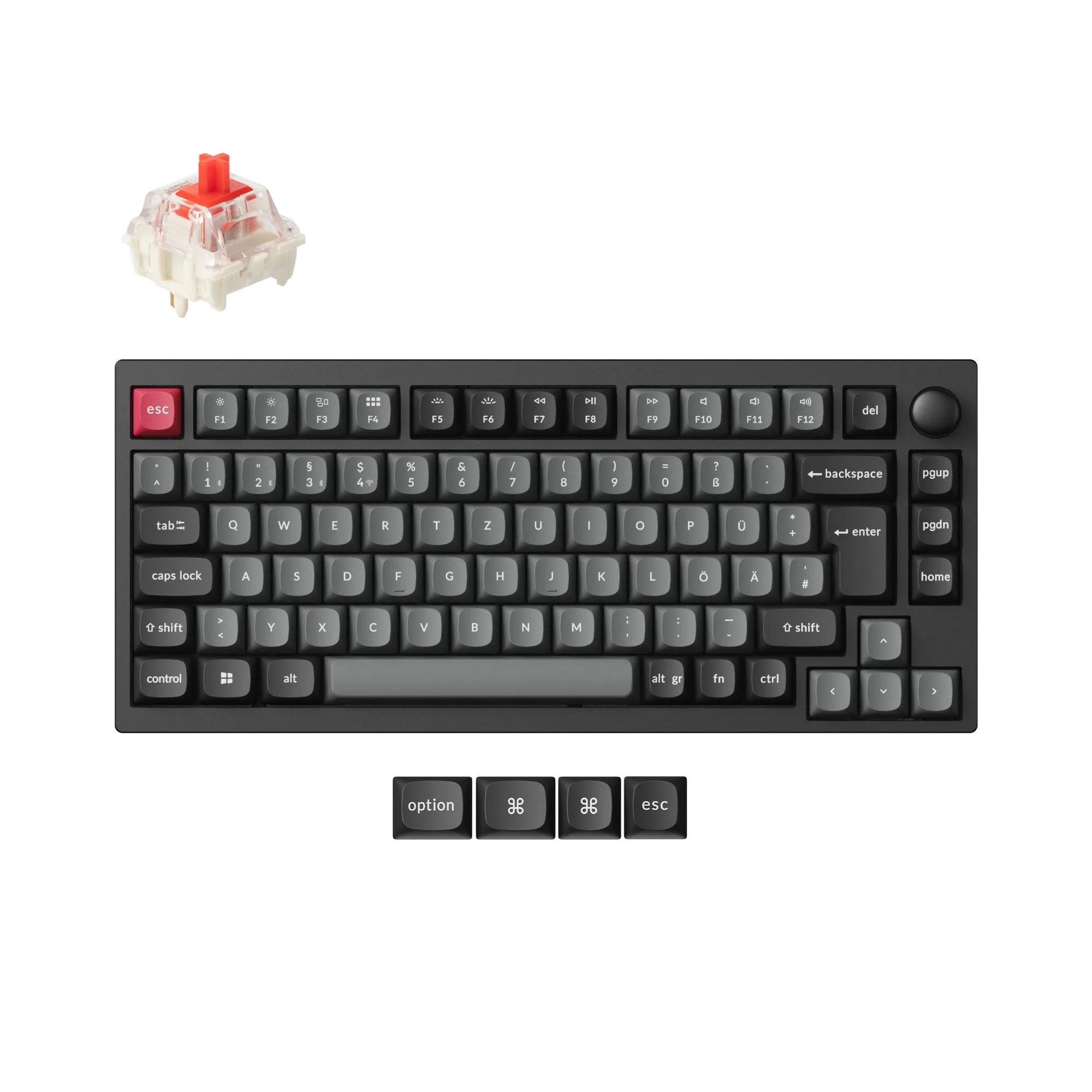
Lemokey P1 QMK Wireless Custom Mechanical Keyboard ISO Layout Collection
-
Lemokey L3 QMK/VIA Wireless Custom Mechanical Keyboard: The L3 is a QMK/VIA Wireless Custom Mechanical Keyboard. The catalog does not specify separate wired/wireless sub-versions. The L3 appears to be wireless by default, but the catalog doesn't detail whether it offers multiple wireless modes or a wired fallback. If you need a guaranteed wired option or Bluetooth flexibility, the P1 Pro gives you more documented connectivity paths.
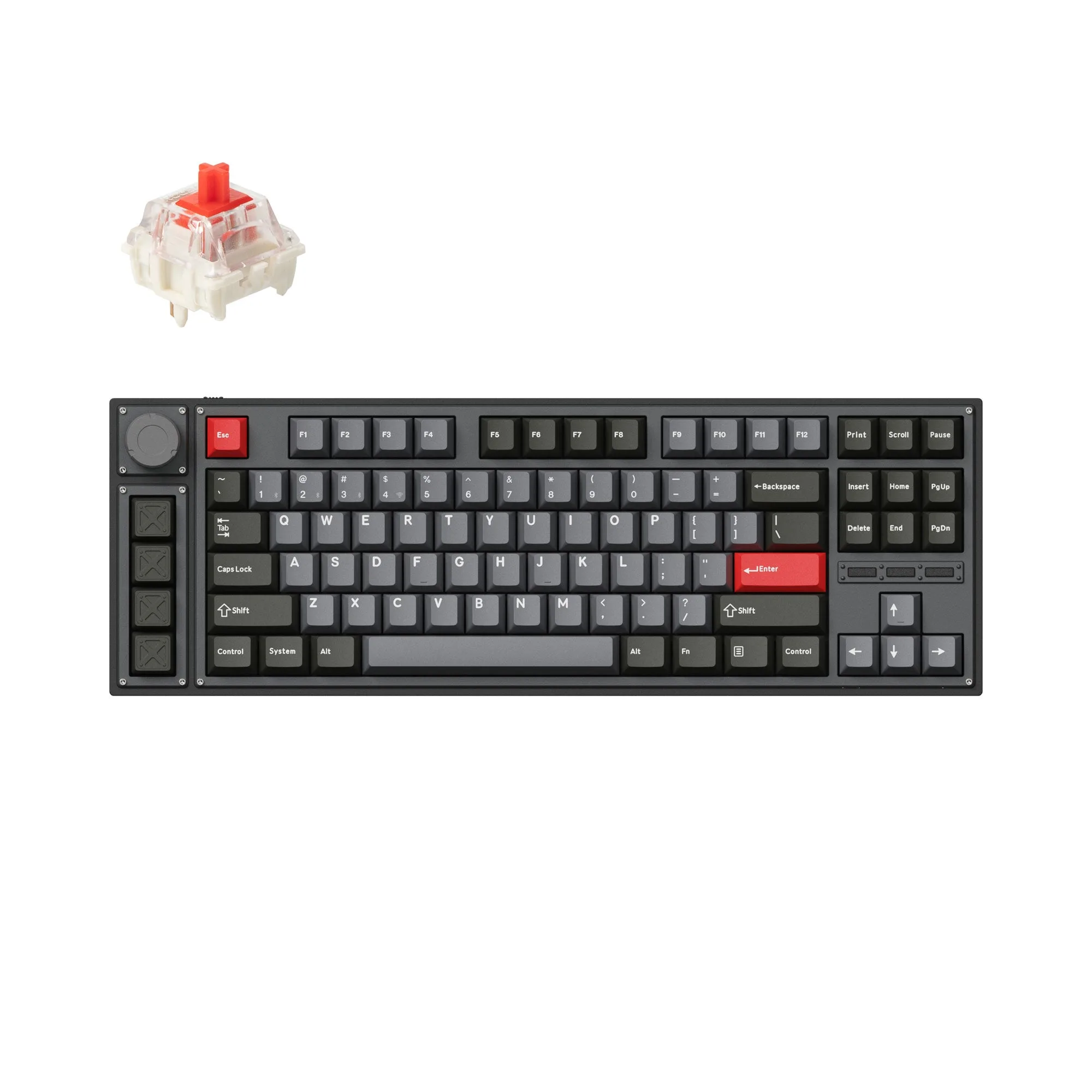
Lemokey L3 QMK/VIA Wireless Custom Mechanical Keyboard
Build Versions: Assembled vs Barebone
Both the P1 and L3 are available in Fully Assembled and Barebone versions, but the details matter when you're planning your build.
- Fully Assembled (both models): Includes the keyboard PCB, case, PC plate, keycaps (Mac & Windows), and switches. Ready to use out of the box.
- Barebone (both models): Does not include keycaps or switches. You supply your own. This is the right choice if you already have a preferred keycap set and switch type.
- P1 additional variant: The P1 also offers a Knob ISO Pro version with a choice of Keychron Super Brown or Super Banana switches, giving you a pre-selected switch feel without going fully custom.
- L3 variant evidence: The catalog shows a Barebone Knob version in Navy Blue. No switch-brand options are documented in the supplied records.
Price and Discount Policy
Price is a clear differentiator. The P1 starts at a catalog price of USD 95.84 (compared to USD 134.99), while the L3 is priced at USD 126.74 (compared to USD 194.99). The L3 is more expensive at its baseline, but both are often available at a discount from their comparison prices.
One important caveat: no discount codes can be used on either the P1 ISO or the L3. If you were planning to apply a coupon, factor that into your decision.
Which One Should You Choose?
Your decision comes down to connectivity needs and build preference.
- Choose the Lemokey P1 if...: You want a documented wireless option with 2.4 GHz and Bluetooth (Pro version), or you prefer a wired-only board to save money. The P1 also offers more switch choices out of the box if you pick the Pro version with Keychron Super Brown or Super Banana switches.
- Choose the Lemokey L3 if...: You're happy with a wireless-only board and want the lowest entry price for a fully assembled wireless QMK/VIA keyboard. The L3's higher catalog price may still be worth it if its specific layout or color options (like Navy Blue) match your setup.
What the Catalog Doesn't Cover
The supplied records don't specify battery life, wireless range, or whether the L3 supports Bluetooth or only 2.4 GHz. If these details are critical to your decision, check the full product page or manufacturer documentation before ordering. Similarly, switch feel and sound are not described in the catalog, so you may want to research switch reviews separately if you're choosing between Barebone and pre-assembled options.