Quick answer
Set the legs as wide as the space allows, lock every section from the bottom up, and weight the stand before the light goes on top. Keep the heaviest part of the fixture centered over the legs, and sandbag the lowest leg brace on the side facing the talent. If the stand wobbles when you tap it, stop and fix it before mounting anything.
Why heavy LED fixtures change the math
A lightweight panel can get away with a narrow footprint and a single sandbag. A 4-foot tube light or a broadcast kit with a boom arm shifts the center of gravity much higher, so the same stand that felt fine last week can tip with one accidental bump. The higher the payload sits, the more leverage it has against the legs.
That is why the order of operations matters: base first, column second, fixture third, weight last. Skipping a step or rushing the base is the most common cause of a fall, and it usually happens during adjustment, not during the shot.
What to check before you raise anything
Inspect the stand for bent legs, stripped locking collars, and missing foot pads. A stand that will not sit flat on the floor cannot be saved by sandbags. Check the fixture's mounting point too: a loose receiver or worn spigot will let the light droop no matter how stable the base is.
Clear the floor around the stand. Cables, rug edges, and gaffer tape ridges are trip hazards that turn a stable stand into a falling one. If you are on a hard smooth surface, add non-slip pads under the feet.
Step-by-step stand setup
- 1. Spread the legs on level ground: Set the stand on a flat, clear surface and spread the legs to their widest locked position. If one leg cannot extend fully because of a wall or cable, rotate the whole stand rather than forcing a narrow footprint. Checkpoint: all three feet should touch the floor at once with no rocking.
- 2. Lock the column from the bottom up: Tighten the lowest section first, then work upward. Raising a stand by its top section first puts the load above an unlocked joint, which is how columns slip under weight. Mistake to avoid: leaving a mid-column collar loose because the light feels steady at the moment.
- 3. Attach the fixture before raising it high: Mount the light or bracket while the stand is still low, then raise the column to working height. Lifting a heavy LED panel overhead onto an extended stand is the riskiest move in the whole process. Checkpoint: confirm the mount knob or pin is fully seated before you let go.
- 4. Center the weight over the legs: Point the fixture's heaviest side down or inward so its mass sits over the center of the footprint. For long tube lights, keep the tube from hanging far off one side of the stand. Mistake to avoid: using a boom arm or angled bracket without a counterweight.
- 5. Sandbag the base on the load side: Drape a sandbag over the lowest leg brace on the side the light leans toward, and keep the bag touching the floor so it cannot swing. One well-placed bag on the load side beats two bags hung high on the column. Checkpoint: tap the stand gently; if it shifts, add weight or widen the legs.
- 6. Dress and secure the cables: Run power and control cables down the stand with slack at the top, and tape them to the floor or leg so a tug cannot pull the fixture. Leave a service loop near the base so someone stepping on the cable pulls tape, not the light. Mistake to avoid: letting a cable hang free where a passerby can hook it.
- 7. Re-check after every adjustment: Any time you change height, angle, or position, repeat the base and sandbag check. Fixtures settle, floors flex, and a stand that was stable at 5 feet may not be stable at 7 feet. Next step: mark the safe working height for that fixture so future setups start from a known-good point.
Gear notes that affect stand setup
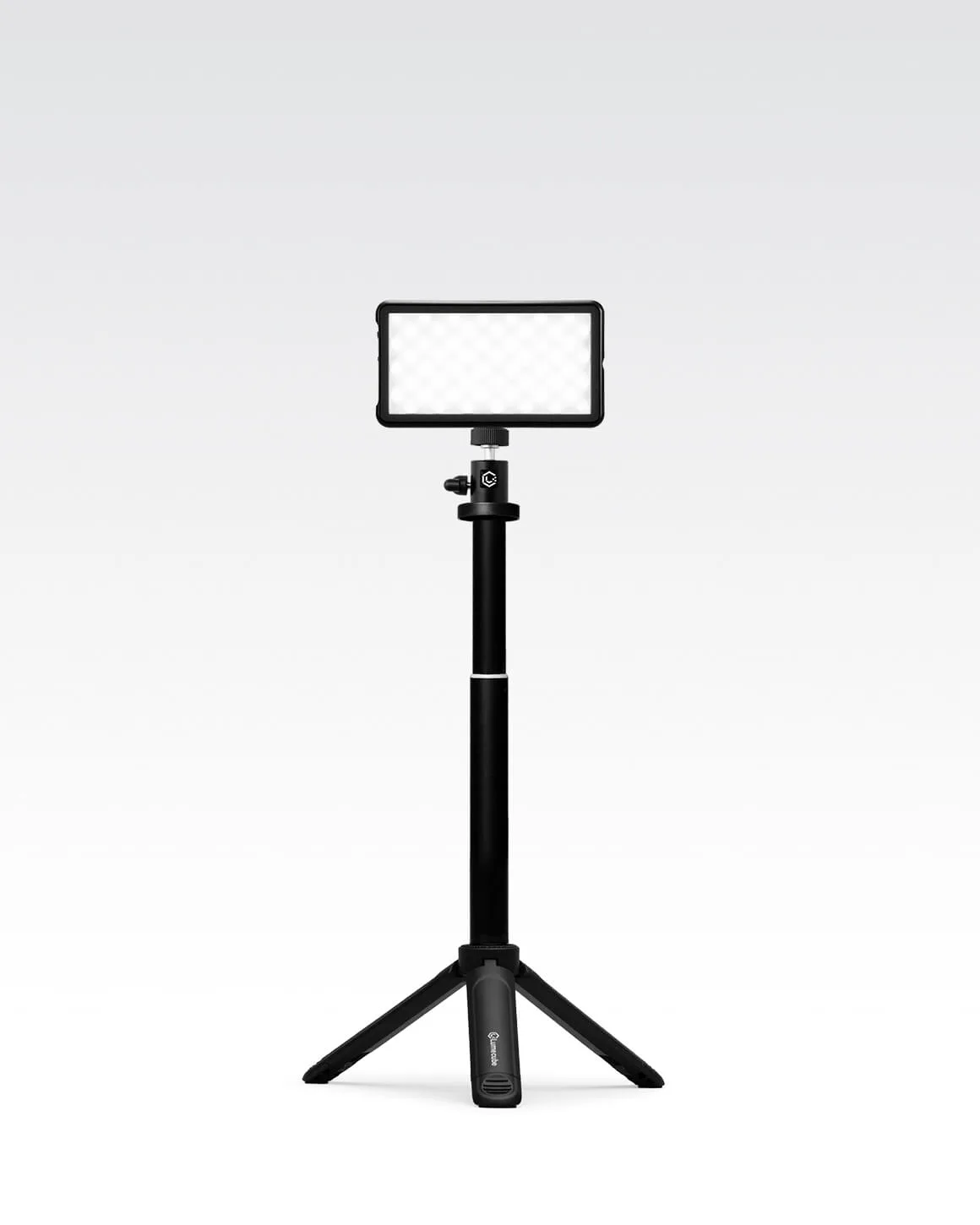
- Lume Cube Broadcast Lighting Kit Video Conference LED Light with Stand & Mount: Lume Cube Broadcast Lighting Kit Video Conference LED Light with Stand & Mount is a portable broadcast kit designed to boost your appearance on video calls. Because it ships as a complete kit with its own stand and mount, you can practice the same base-first, weight-last routine on a desk or floor before scaling up to heavier studio fixtures.
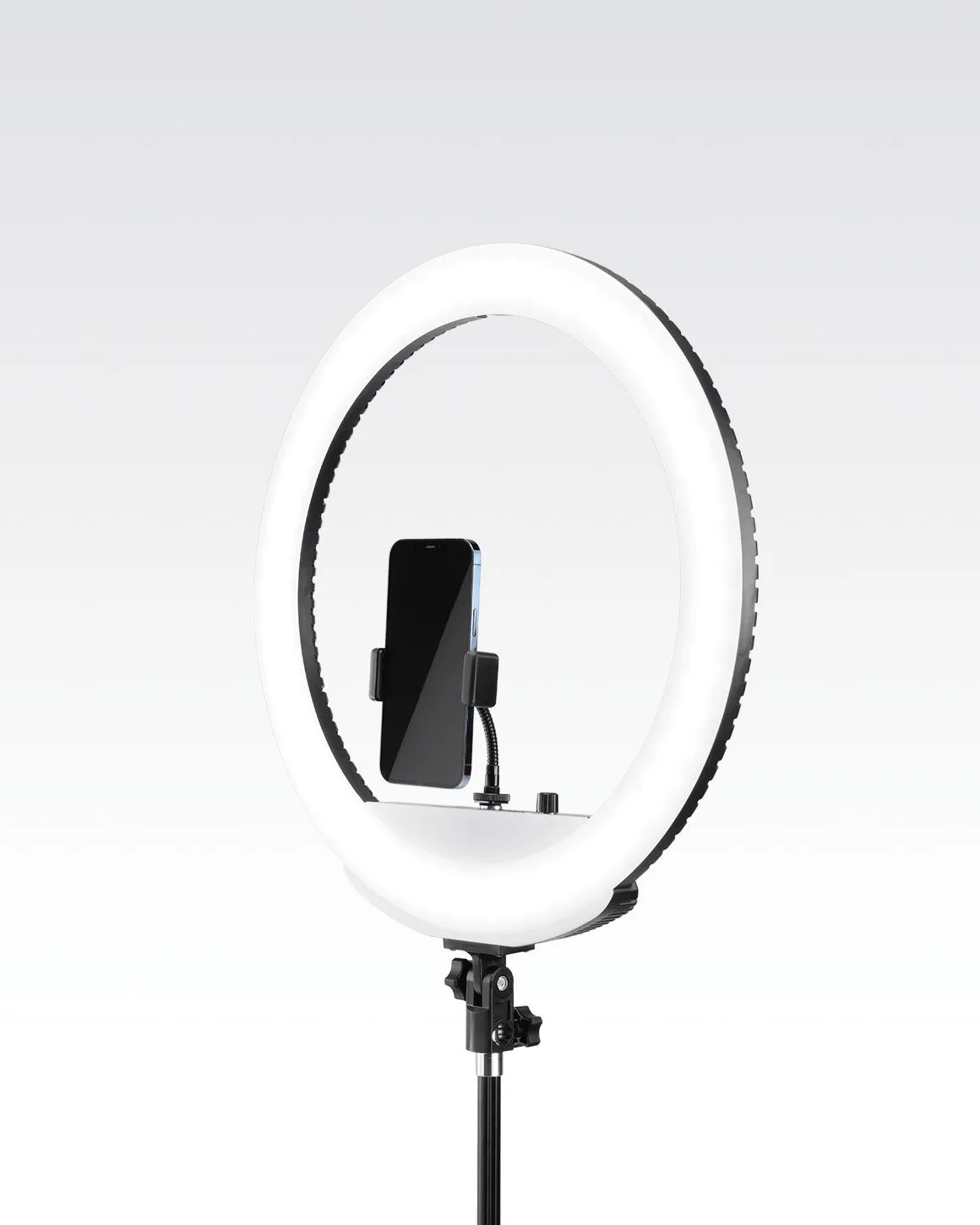
- Lume Cube Ring Light 18 Inch Portable LED Ring Light with Stand: Lume Cube Ring Light 18 Inch Portable LED Ring Light with Stand lets you customize height, angle, temperature, and brightness, collapses into a carry case, and is compatible with Sony NP batteries for a cordless option (batteries not included). An 18-inch ring light is large enough to catch a breeze or a passing shoulder, so treat it like a heavy fixture: widen the legs, lock the column, and weight the base even when you are running it cordless.
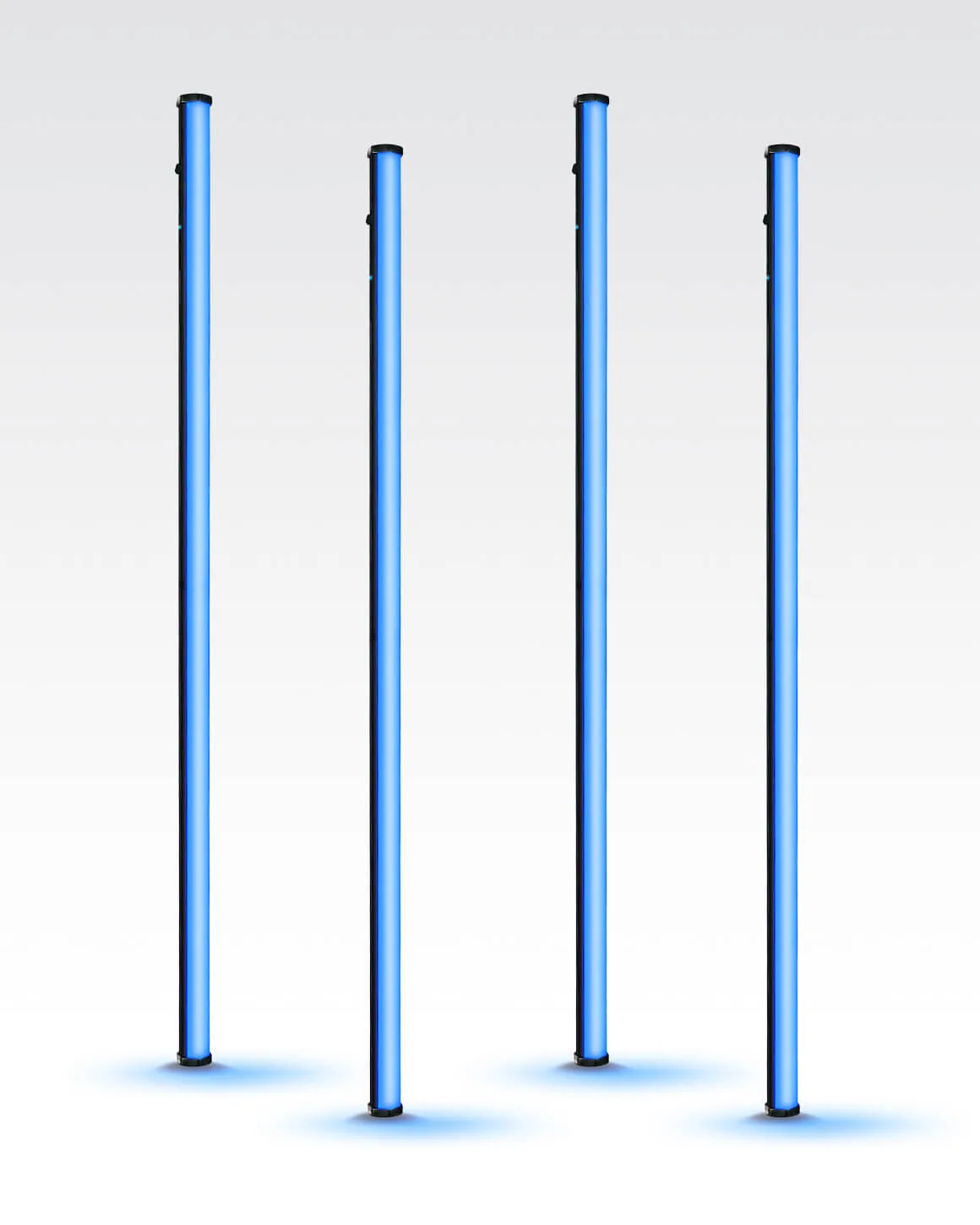
- Lume Cube RGB Tube Light XL 4-Pack App Controlled 4ft. LED Tube Lights: Lume Cube RGB Tube Light XL 4-Pack App Controlled 4ft. LED Tube Lights are designed for professionals who need flexibility and creative control in a studio or on location, with each 4ft tube offering infinite color possibilities. Four-foot tubes are long levers, so mount them low and centered on the stand rather than high and offset, and use a sandbag on the leg that faces the direction the tube could swing.