Quick answer
Use Lightroom for about 80% of nature photo editing: culling, global color and tone adjustments, and batch processing. Switch to Photoshop when you need precise local blending, exposure merging, or complex retouching. Most nature photographers benefit from both, but if you only choose one, pick Lightroom first.
What each program actually does well
Lightroom is built for speed and volume. It excels at organizing large shoots, applying consistent adjustments across many images, and making global changes to color, contrast, and exposure. For nature photographers who return from a trip with hundreds of frames, this is where the bulk of the work happens.
Photoshop is a pixel-level editor. It shines when you need to combine multiple exposures by hand, remove distracting elements, or apply targeted adjustments that require layers and masks. It is slower per image but far more precise when a single photograph demands it.
The real workflow difference for nature photographers
In Lightroom, you work non-destructively on the whole image. Sliders affect the entire frame unless you use local adjustment tools, which are capable but limited compared to layer-based editing. This makes Lightroom ideal for landscapes and wildlife where you want quick, repeatable results.
In Photoshop, you build the image step by step. You can blend a sky from one exposure with a foreground from another, paint in adjustments with precision, and undo any step without affecting the original file. This control is essential for high-contrast scenes or when you need to composite multiple shots.
A common hybrid workflow: start in Lightroom to cull and apply basic corrections, then round-trip to Photoshop for advanced blending or retouching, and return to Lightroom for final output sharpening and export.
When Lightroom alone is enough
If your nature photography involves mostly single exposures with manageable dynamic range, Lightroom's tools can handle the job. You can recover highlights and shadows, adjust white balance, and apply graduated or radial filters to guide the viewer's eye. For many wildlife and landscape shots, this is all you need.
Lightroom also wins on speed. Batch editing a series of similar images takes minutes, not hours. If you share photos online or deliver to clients regularly, this efficiency matters.
When you need Photoshop
Photoshop becomes necessary when a single image requires complex masking, focus stacking, or exposure blending that goes beyond Lightroom's HDR merge. For example, blending a bright sky with a dark foreground often looks more natural when done manually with luminosity masks in Photoshop.
Retouching is another area where Photoshop is indispensable. Removing a distracting branch, cleaning up sensor dust, or smoothing out noise in specific areas is far easier with Photoshop's cloning, healing, and content-aware tools.
Trade-offs to weigh
- Speed vs precision: Lightroom is faster for global edits and batch work; Photoshop is slower but offers pixel-level control for complex tasks. Choose based on how often you need each.
- Simplicity vs flexibility: Lightroom's slider-based interface is easier to learn; Photoshop's layers and masks require more practice but handle any edit. Start with Lightroom, add Photoshop when you hit its limits.
- Cost and subscription: Both are available in Adobe's Photography plan, but if you only need one, Lightroom alone may suffice for many nature photographers. Evaluate your actual editing needs before committing.
Courses that support each path
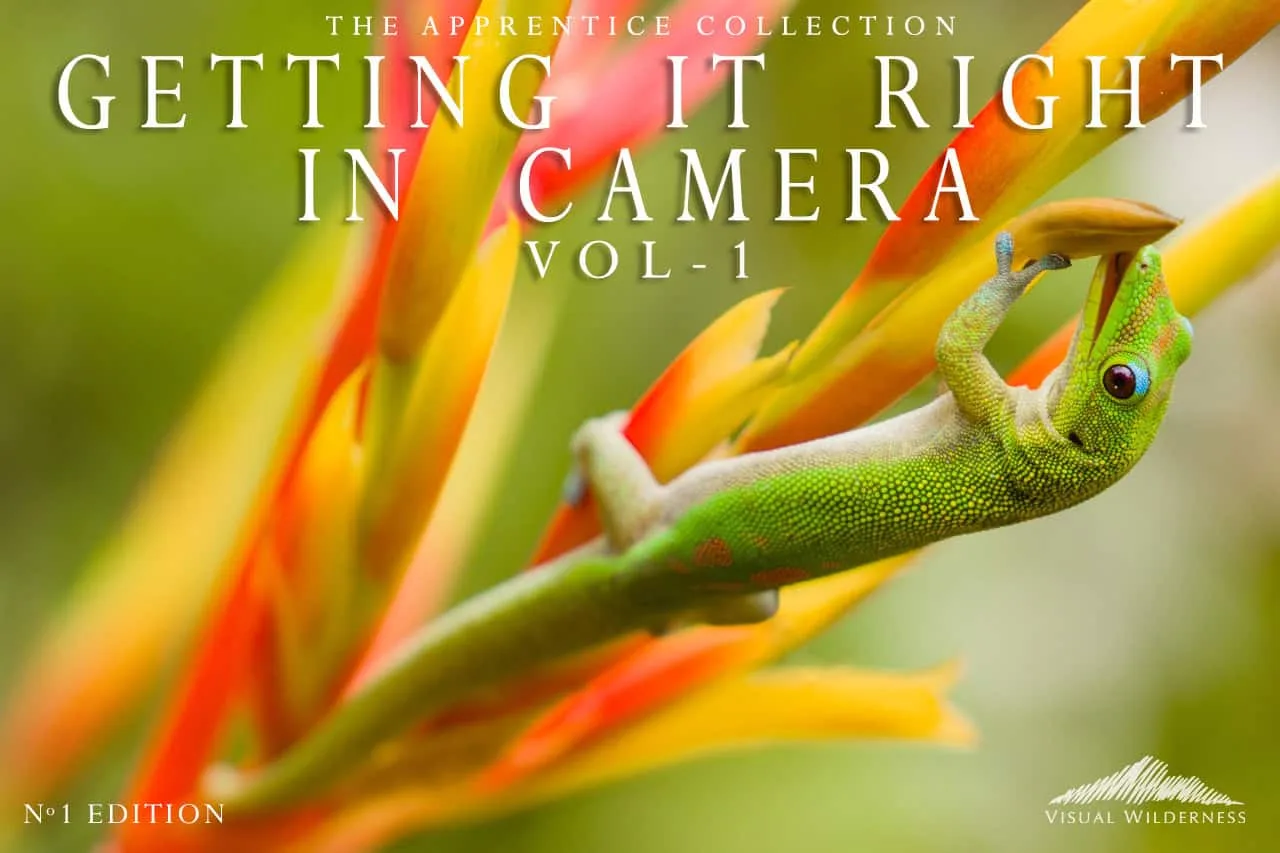
- Getting it Right in Camera: Learn how to capture stunning nature photos in-camera with expert techniques on focus, composition, filters, and lighting—perfect for landscape and wildlife photographers! Getting the shot right in camera reduces how much time you need in either editor, making your choice of software less critical.
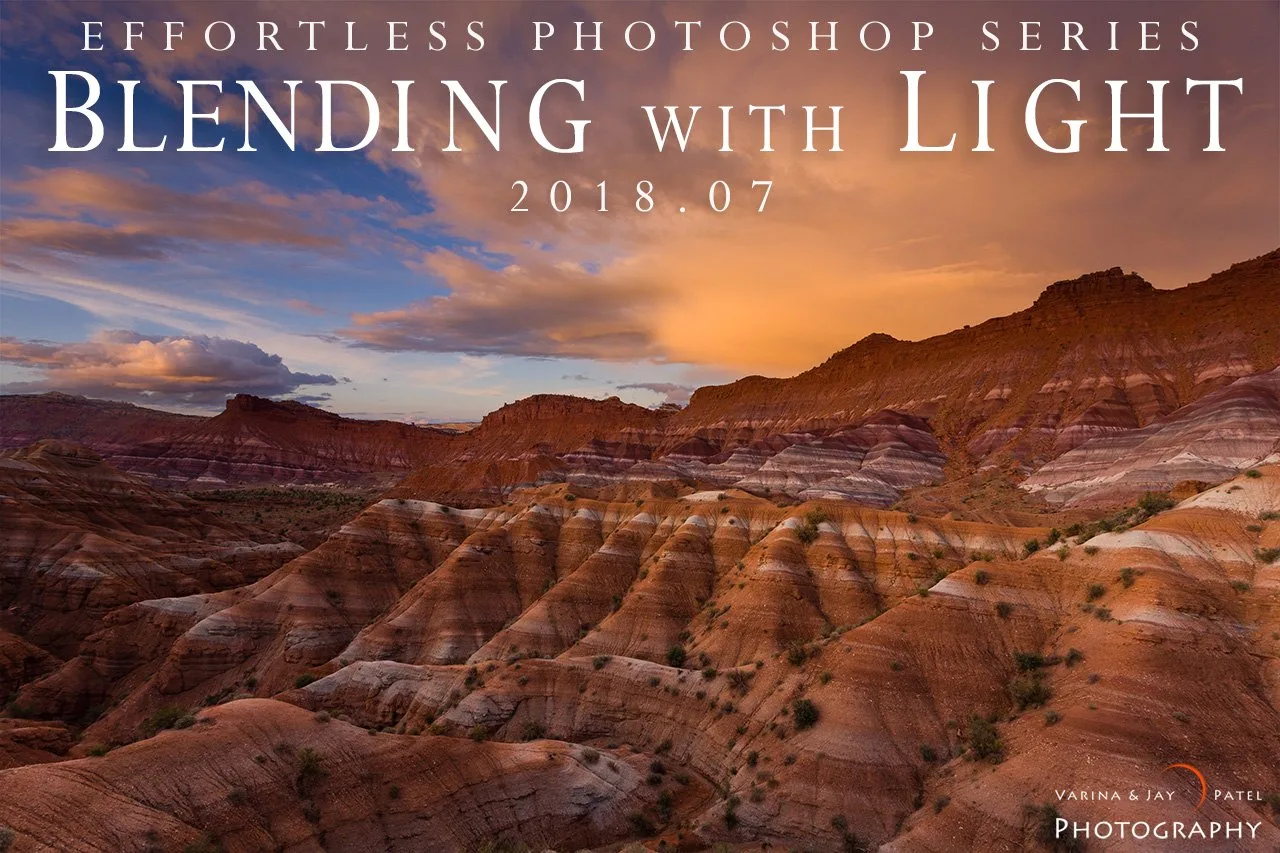
- Blending with Light: Learn bring out the rich, natural beauty in your high dynamic range photographs with just a few minutes. If you often blend exposures, this course teaches a Photoshop-based approach that complements Lightroom's global adjustments.
Which should you choose?
Best for
- Nature photographers who shoot high volumes and need fast, consistent edits
- Landscape and wildlife photographers whose scenes fit within a single exposure
- Beginners who want an easier learning curve and non-destructive editing
Not for
- Photographers who regularly blend multiple exposures or do complex retouching
- Those who need precise local adjustments and layer-based workflows
- Anyone working with composites or advanced masking