Quick Answer
Start by confirming your littleBits DC motor has power and is connected correctly. If it still won't spin, check for physical binding or a stalled load. Most issues are fixed by reseating the powerSnap or switching to a fresh battery.
Check Your Power Source First
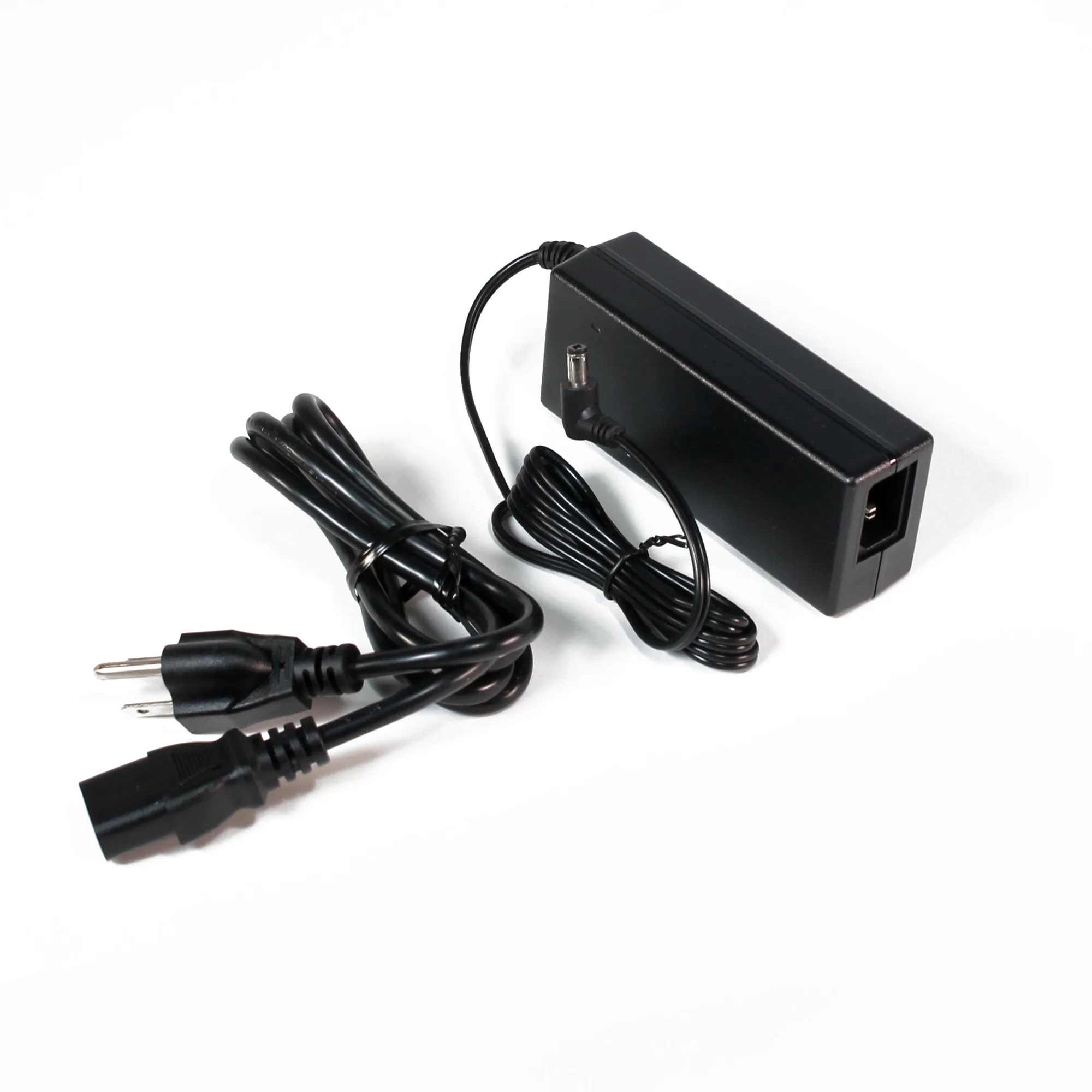
The most common reason a littleBits DC motor won't spin is insufficient or interrupted power. Make sure your power Bit (like the p1 power or a 9V battery with the littleBits powerSnap) is securely connected and turned on. If you're using a powerSnap, verify it's snapped firmly onto an open input—this accessory supplies power directly without needing extra forks or splits, but a loose connection can still cause a drop.
If your motor still doesn't respond, try a fresh battery. The DC motor draws more current than a simple LED Bit, so a nearly depleted battery may light an LED but fail to spin the motor. This is a quick test that rules out the most common power issue.
Inspect the Connection Between Bits
littleBits components snap together magnetically, but debris or misalignment can break the circuit. Remove the DC motor Bit and snap it back onto the board, ensuring the magnets click fully. If you're using extension wires or multiple Bits in a chain, test the motor directly after the power source to isolate any faulty connections.
The littleBits DC motor is available with two shaft options: a cross axle and a D shaft. If you're using an adapter or wheel that doesn't match the shaft type, the connection may feel loose. Verify the shaft type matches your building piece—this is a physical fit issue, not an electrical one.
Test for a Stalled or Overloaded Motor
A DC motor that is physically blocked from turning will hum or vibrate but not spin. Remove any attached wheels, propellers, or gears and test the motor alone. If it spins freely without a load, the issue is mechanical binding in your project. Reduce friction or realign the moving parts.
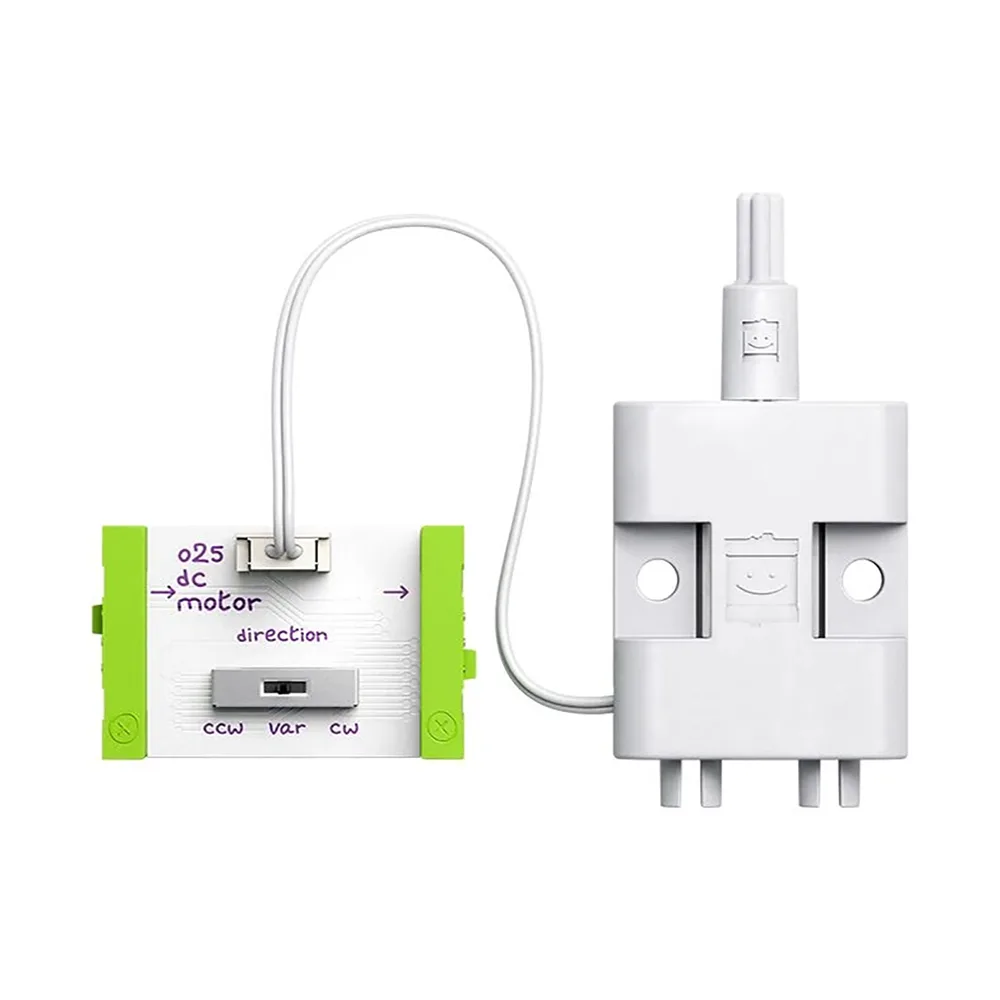
If the motor still won't spin even when unloaded, the motor Bit itself may be damaged. The littleBits o25 DC motor is a versatile Bit designed for elementary through high school students, but like any electronic component, it can fail if stalled for too long or exposed to excessive current. At this point, consider replacing the motor Bit.
Diagnosis: Why Your littleBits DC Motor Won't Spin
- Symptom: Motor does not spin at all; no sound or vibration. Most likely a power or connection issue.
- Likely Cause: Depleted battery, loose powerSnap, or misaligned magnetic connection between Bits. Try a fresh battery and reseat all connections.
- Corrective Action: Test the motor alone without a load. If it spins, the problem is mechanical binding. If it still won't spin, replace the motor Bit. If the motor spins freely unloaded, adjust your project's moving parts. If not, the motor Bit likely needs replacement.
- Stop or Choose Another Option: After replacing the battery and reseating all connections, the motor still doesn't spin when tested alone. Replace the littleBits o25 DC motor Bit with a new one. Further troubleshooting is unlikely to resolve a hardware failure.
Products That Can Help
- littleBits o25 DC motor: The littleBits DC motor is a versatile Bit that brings motion to your inventions. Designed for elementary through high school students, this motor Bit is a key component for building projects that spin, drive, or move. Available in two shaft options: cross axle and D shaft, to fit different building needs. If your current motor Bit fails after troubleshooting, replacing it with the same model ensures compatibility with your existing littleBits projects and building pieces.
- littleBits powerSnaps: The littleBits powerSnaps make it easy to power an open input without needing extra forks, splits, or additional power supplies. Includes 3 powerSnaps for convenient use. Supplies power directly to an open input, simplifying circuit design. A loose or missing powerSnap is a frequent cause of power issues. Having spares on hand lets you quickly rule out a bad connection and keep your project running.