Quick answer
Plug the included USB receiver into your computer, insert batteries into the keyboard and mouse, and they'll pair automatically. No software or Bluetooth pairing required.
Why the single USB receiver matters
The MK270 uses a single nano receiver that connects both the keyboard and mouse to your computer. This means you only need one USB port and there is no separate pairing process for each device. The trade-off is that the receiver is small and easy to misplace, so keep it in the keyboard's storage slot when traveling.
Battery installation tips
Both the keyboard and mouse require one AA battery each (not included). Open the battery compartment on the underside of each device, insert the battery with the correct polarity, and close the cover securely. Using fresh alkaline batteries gives the longest life, but the combo will work with any standard AA battery.
Step-by-step setup
- Insert batteries: Open the battery compartment on the keyboard and mouse, insert one AA battery into each, and close the covers. Ensure the batteries are oriented correctly. Common mistake: inserting batteries backward. Check the polarity markings inside the compartment.
- Plug in the USB receiver: Remove the nano receiver from the storage slot on the bottom of the keyboard and plug it into an available USB port on your computer. Wait a few seconds for the driver to install automatically. Checkpoint: if your computer doesn't recognize the receiver, try a different USB port or restart your computer.
- Power on and test: Turn on the keyboard using the power switch on the bottom (if equipped) and the mouse via its on/off switch. Move the mouse and type a few keys to confirm the connection. Common mistake: forgetting to turn on the power switch. If nothing happens, check that both devices are switched on.
Product details
-
MK270 Wireless Keyboard and Mouse Combo - Black - English US (QWERTY): The Logitech MK270 Wireless Keyboard and Mouse Combo pairs a full-sized keyboard with a compact mouse, both powered by a single USB receiver for simple setup. You don't need to pair each device separately or use Bluetooth, which makes it ideal for users who want a quick, no-fuss connection.
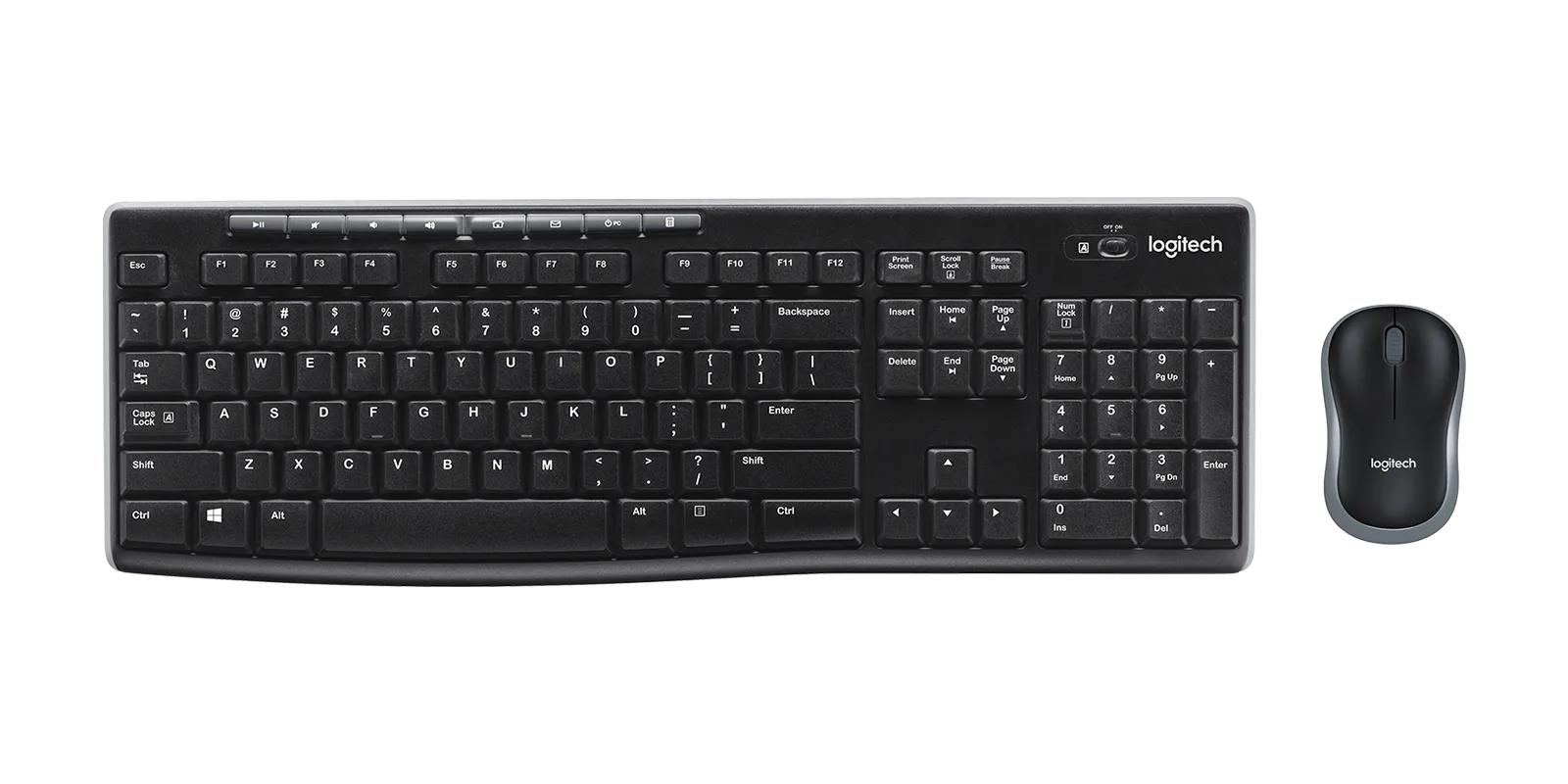
MK270 Wireless Keyboard and Mouse Combo - Black - English US (QWERTY)