Quick answer
To set parallax correctly, first adjust the eyepiece so the reticle is sharp against a blank sky, then use the side or objective parallax knob to bring the target image into focus at your actual shooting distance. Verify by moving your head slightly behind the scope; if the reticle shifts relative to the target, fine-tune the knob until it stops. Repeat this check at every distance you shoot.
Why parallax error matters more than most shooters think
Parallax error happens when the target image and the reticle are not on the same optical plane inside the scope. Your eye can still see a clear picture, but if your head is not perfectly centered behind the eyepiece, the reticle appears to sit on a different part of the target. At 100 meters a small shift might move your point of impact by a centimeter; at 800 meters the same error can push you off the plate entirely. The fix is not holding your head more still. It is adjusting the scope so the reticle and target share a focal plane at the distance you are shooting.
How to set parallax: a step-by-step process
The process below works on any long range scope with an adjustable parallax turret, whether it is a side-focus or an adjustable objective. The goal is to remove the error, not just make the image look sharp. Those are related but not identical outcomes.
Step 1: Set the diopter before you touch the parallax knob
Point the scope at a blank wall or open sky, turn the parallax knob to infinity, and look through the eyepiece for no more than a few seconds. Rotate the eyepiece focus until the reticle is crisp and black. Lock it down if your scope has a locking ring. This step ensures your eye is not fighting a blurred reticle when you later judge parallax. A common mistake is adjusting the parallax knob first, then chasing a fuzzy reticle with the eyepiece. That order makes both adjustments harder.
Step 2: Dial the parallax knob to your actual target distance
Range your target, then turn the parallax adjustment to that distance. If the markings are in yards and you range in meters, convert before you dial. Many shooters leave the knob at a generic setting like 100 or 200 and never move it. That works only if every shot is at that distance. For precision shooting, the knob should follow the target. If your scope has no distance markings, you will tune by image focus and the head-movement check in the next step.
Step 3: Fine-tune while watching the target, not the knob
Look at a high-contrast detail on the target, such as a bolt head, a text label, or a sharp edge. Slowly rotate the parallax knob a few degrees either side of your estimated setting. The image will pass through a point of maximum sharpness. Stop there. Do not force the knob past its mechanical stop, and do not expect the image to look like a photograph. Some atmospheric mirage or target texture will always soften the view at long range.
Step 4: Run the head-movement check
With the rifle steady, move your head slightly left, right, up, and down behind the eyepiece. Watch the reticle against a fixed point on the target. If the reticle appears to slide across the target as your head moves, parallax is still present. Adjust the knob in small increments and repeat. When the reticle stays locked on the same point through small head movements, parallax is set for that distance. This check is the only reliable confirmation. A sharp image alone does not prove the error is gone.
Step 5: Record your settings and recheck at distance changes
Write down the parallax knob position for each distance you shoot regularly. If you move from 300 to 600 meters, reset the knob before you break the shot. Some scopes track distance markings closely; others are approximate. Your own recorded settings are more trustworthy than the factory engraving. In a timed stage, preset the parallax for the furthest target you expect and accept a small focus compromise on closer targets rather than dialing between every shot.
How LPVO parallax differs from high-magnification long range scopes
Low-power variable optics like the Apollo Obsidian, Zenith, and Terra are often used at 1× for close work and at 6× for mid-range. Many LPVOs in this class have a fixed parallax setting optimized for a nominal distance, so you may not find an adjustable parallax turret at all. That is a design tradeoff, not a defect. At 1× and practical 6× distances, the error is usually small enough that a consistent cheek weld keeps you on target. If you need to dial parallax precisely at 800 meters and beyond, you are in the territory of a dedicated high-magnification long range scope. Know which tool you have before you spend time hunting for a knob that is not there.
Parallax setup steps with checkpoints
- Set the diopter first: Adjust the eyepiece until the reticle is sharp against a blank sky, then lock it. Do this before touching the parallax knob. Checkpoint: the reticle should look crisp without squinting or straining.
- Dial to the ranged distance: Turn the parallax adjustment to your target's actual distance, converting units if needed. Do not leave it at a default setting. Checkpoint: the distance marking matches your rangefinder, not your guess.
- Fine-tune on a high-contrast detail: Rotate the knob slowly until the target detail reaches maximum sharpness. Stop at the sharpest point, not past it. Checkpoint: the image is as sharp as conditions allow, not perfectly photographic.
- Run the head-movement test: Move your head slightly left, right, up, and down. If the reticle slides on the target, adjust the knob in small increments and retest. Checkpoint: the reticle stays fixed on the same point through small head movements.
- Record and reset for each distance: Write down the knob position for every distance you shoot. Reset it before engaging a target at a different range. Checkpoint: your own notes beat factory markings when the two disagree.
LPVO examples and their parallax reality
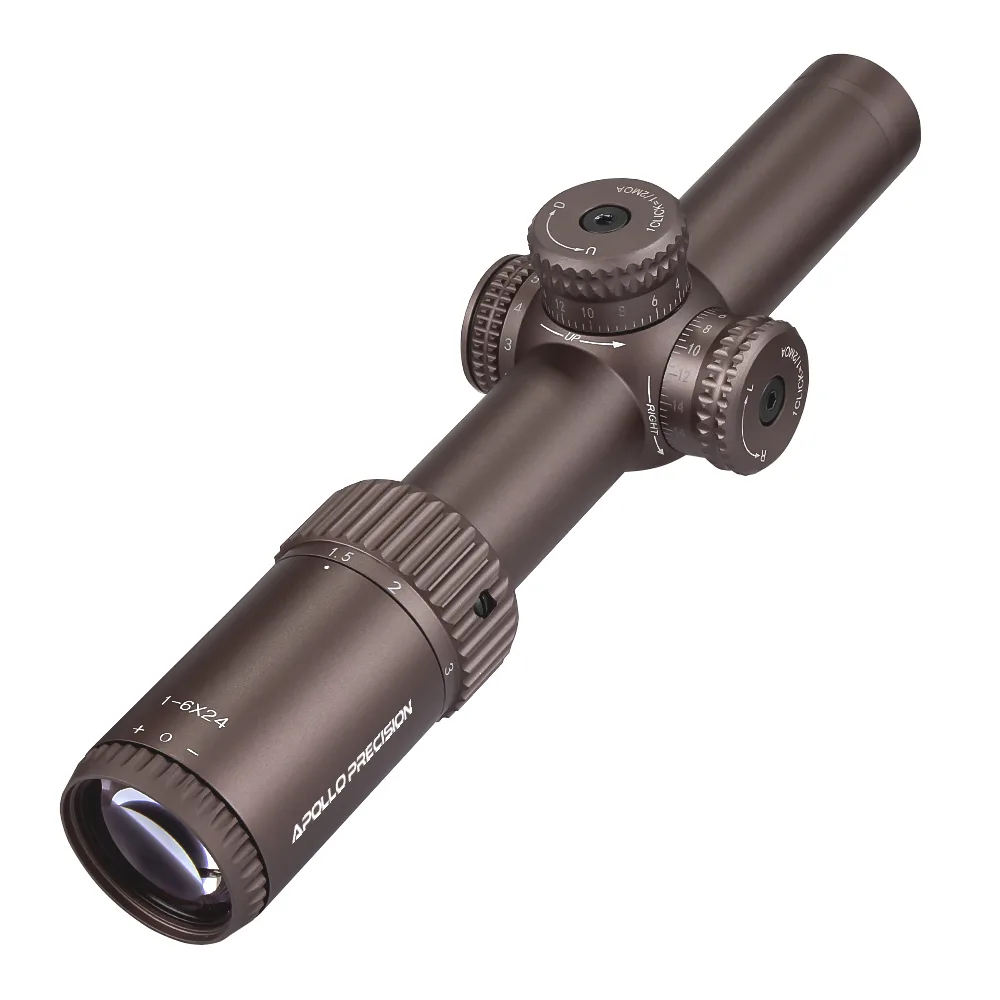
- Apollo Obsidian 1-6×24 LPVO: The Apollo Obsidian 1-6×24 LPVO is built with high-clarity glass and a rugged integrated 30 mm tube, with an illuminated etched reticle and 1/2 MOA adjustments. The etched reticle stays visible even if illumination fails, and the 1/2 MOA clicks let you make precise hold corrections at mid-range. Because it is an LPVO, plan on a consistent cheek weld rather than an adjustable parallax turret.
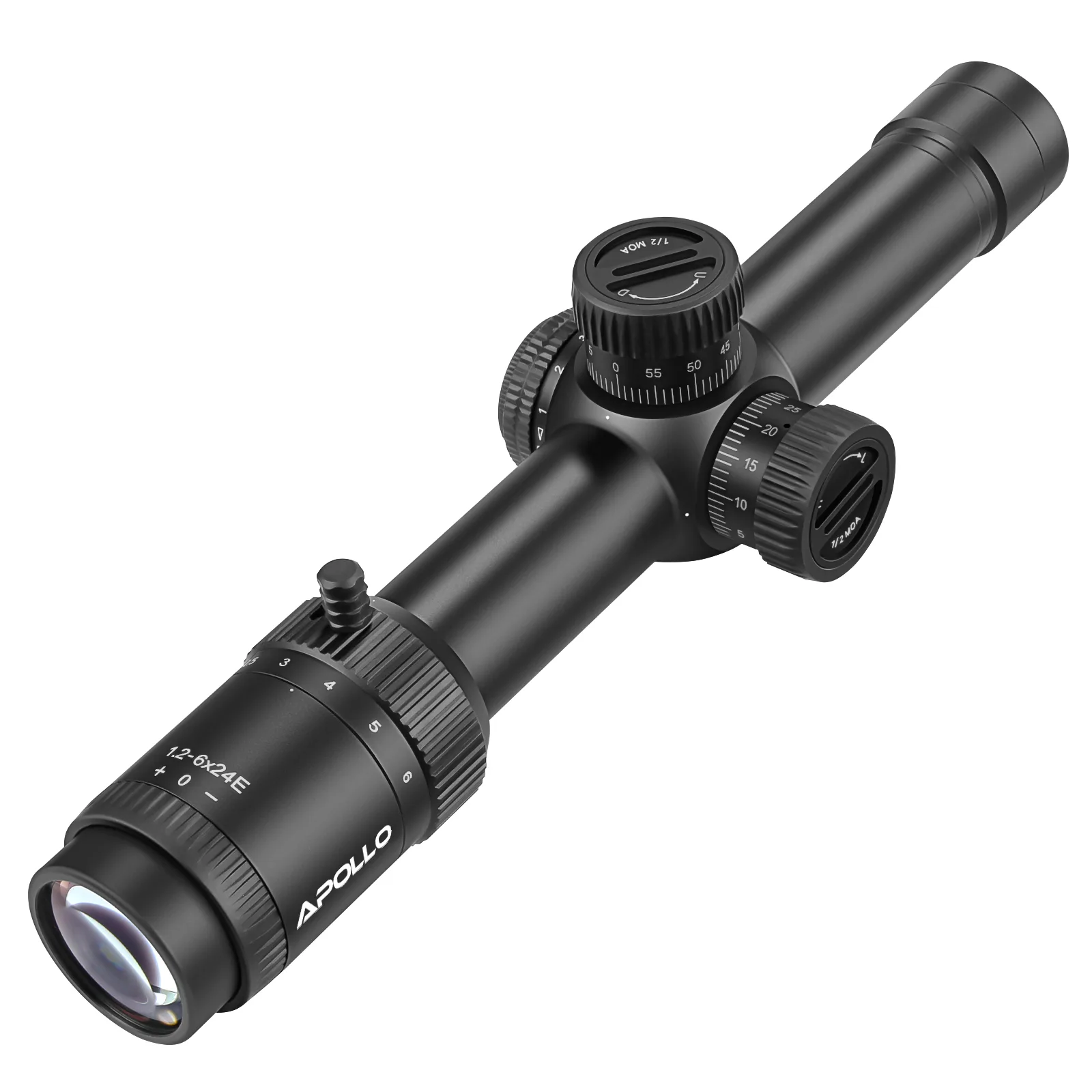
- Apollo Zenith 1.2-6×24 LPVO: The Apollo Zenith 1.2-6×24 LPVO offers a wide field of view at low magnification and enough clarity at 6× for medium-range engagements with .223, 5.56, and .308. The wide view helps you find targets quickly, but at 6× you still need to manage head position to minimize parallax error. It is a fast optic, not a dedicated long-range parallax-adjustable scope.
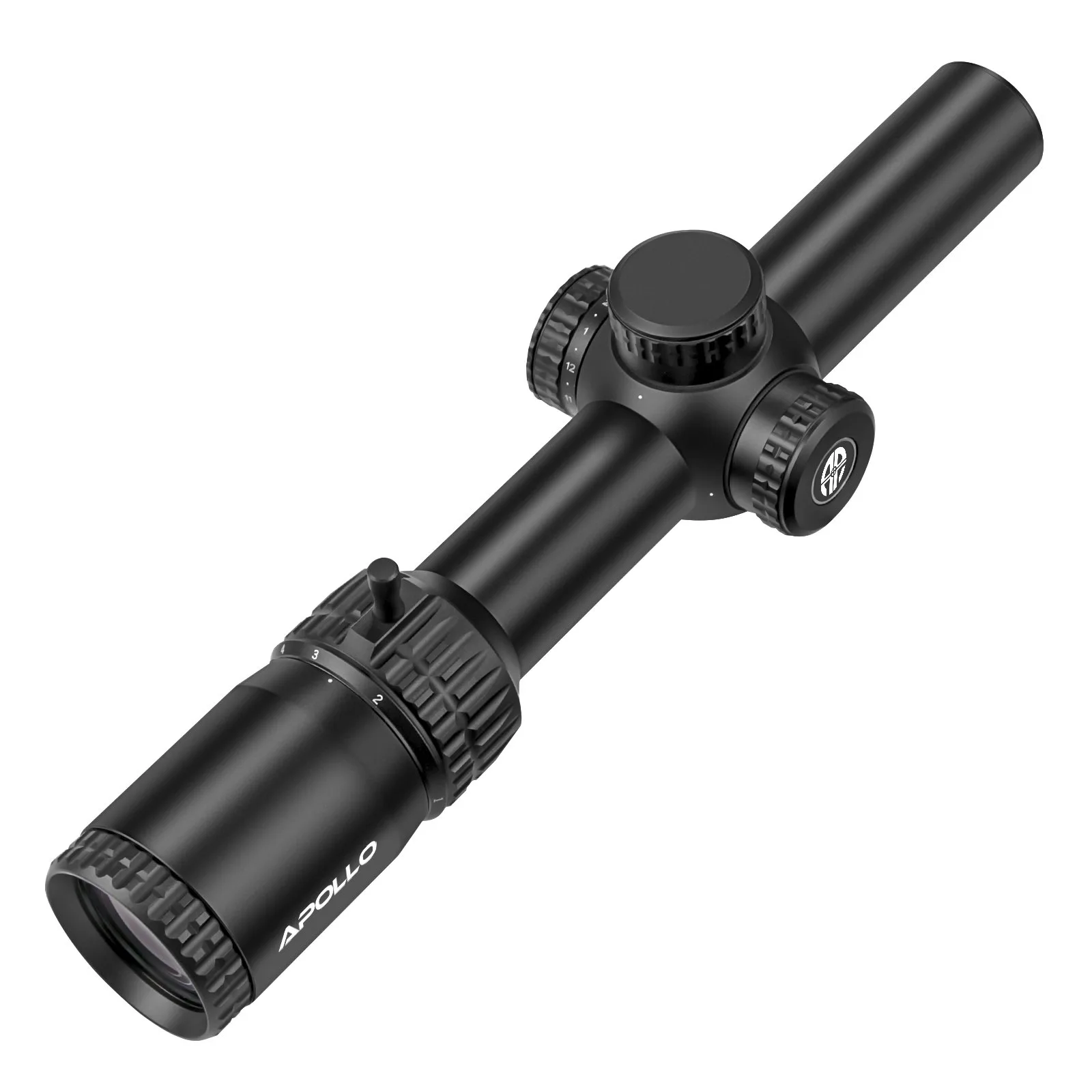
- Apollo Terra 1-6×24 LPVO: The Apollo Terra 1-6×24 LPVO uses an etched-glass ranging reticle for range estimation and holdovers out to 900 meters with popular calibers, and includes locking turrets and a 30 mm tube. Holdovers let you engage distant targets without dialing elevation, but parallax error can still shift your impact. Locking turrets prevent accidental movement while you focus on a steady head position.