Quick answer
Charge the LP-E17 with the supplied charger or in-camera USB-C on compatible EOS bodies, store it at roughly 40–60% in a cool dry place, and replace it if it no longer holds a full charge after several cycles. Most LP-E17 not-charging cases are contact, cable, or charger issues rather than a dead pack.
Charge it the right way for daily shooting
Use the Canon charger supplied with your EOS kit, or charge in-camera via USB-C if your body supports it. Avoid leaving the pack on the charger for days after the indicator shows full, and don't charge in a hot car or on a windowsill. A partial top-up between shoots is fine; the LP-E17 does not need to be drained flat before recharging.
- Charge to full before a paid shoot; top up the night before.
- Use the original charger or a Canon-approved USB-C source.
- Let the pack cool for 10–15 minutes after heavy use before charging.
Store spare packs so they last
If you won't shoot for a few weeks, discharge the LP-E17 to about half, remove it from the camera, and keep it in a dry bag or case away from metal objects. Heat is the biggest killer: a glovebox or direct sun can shorten lifespan faster than normal use. Rotate two packs so neither sits unused for months.
- Store at 40–60% charge, not 100% and not empty.
- Keep away from coins, keys, and other metal items.
- Recharge to half every 3–6 months during long storage.
Signs the pack is reaching end of life
A healthy LP-E17 should deliver roughly the same number of shots and video minutes as when new. When runtime drops sharply, the pack feels swollen, or the camera reports a battery communication error, stop using it. Swollen packs can damage the battery compartment and should be recycled, not forced back in.
- Runtime cut in half or more after a full charge.
- Pack bulges or no longer sits flush in the compartment.
- Camera shows a battery error even after cleaning the contacts.
LP-E17 charging diagnosis
- Symptom: charger light stays off or blinks oddly: Most often a poor contact or a charger/cable fault. Clean the battery and charger contacts with a dry cloth, try a different outlet, and test the pack in a second Canon charger if you have one. If a known-good charger still shows no charge after 30 minutes, the pack is the likely fault.
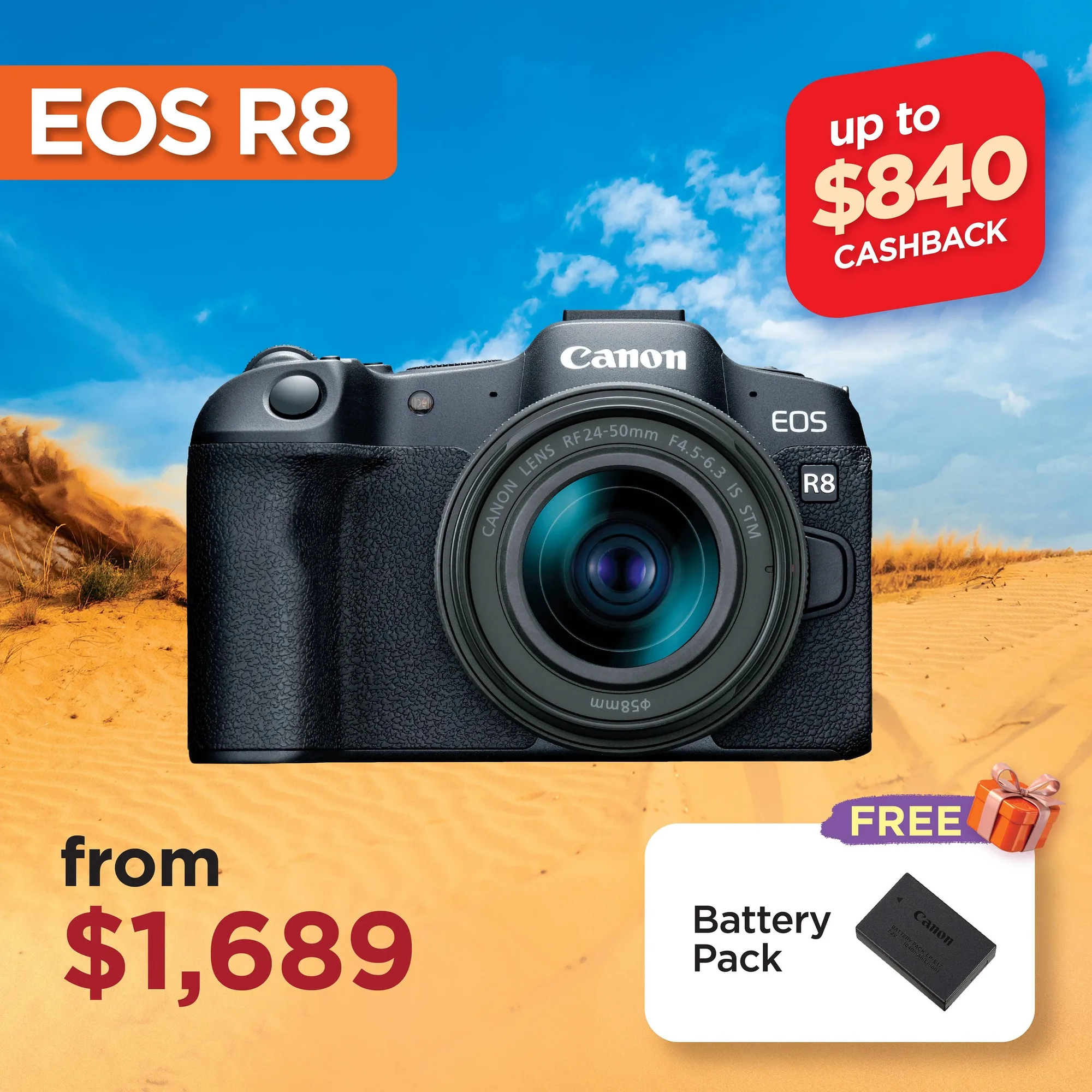
- Symptom: camera says the battery is incompatible or won't power on: Third-party or worn packs can lose communication with the body. Confirm the pack is a genuine Canon LP-E17, then clean the contacts and reseat it firmly. If a genuine LP-E17 still fails in a compatible EOS R8, R10, R50, or R50 V, replace the pack rather than the camera.
- Symptom: charges fully but drains in minutes: This is normal aging, not a charger problem. Run two full charge-and-use cycles to confirm, then retire the pack. Stop here and buy a new LP-E17; repeated deep discharges can stress the camera's power circuit.
The pack this guide covers
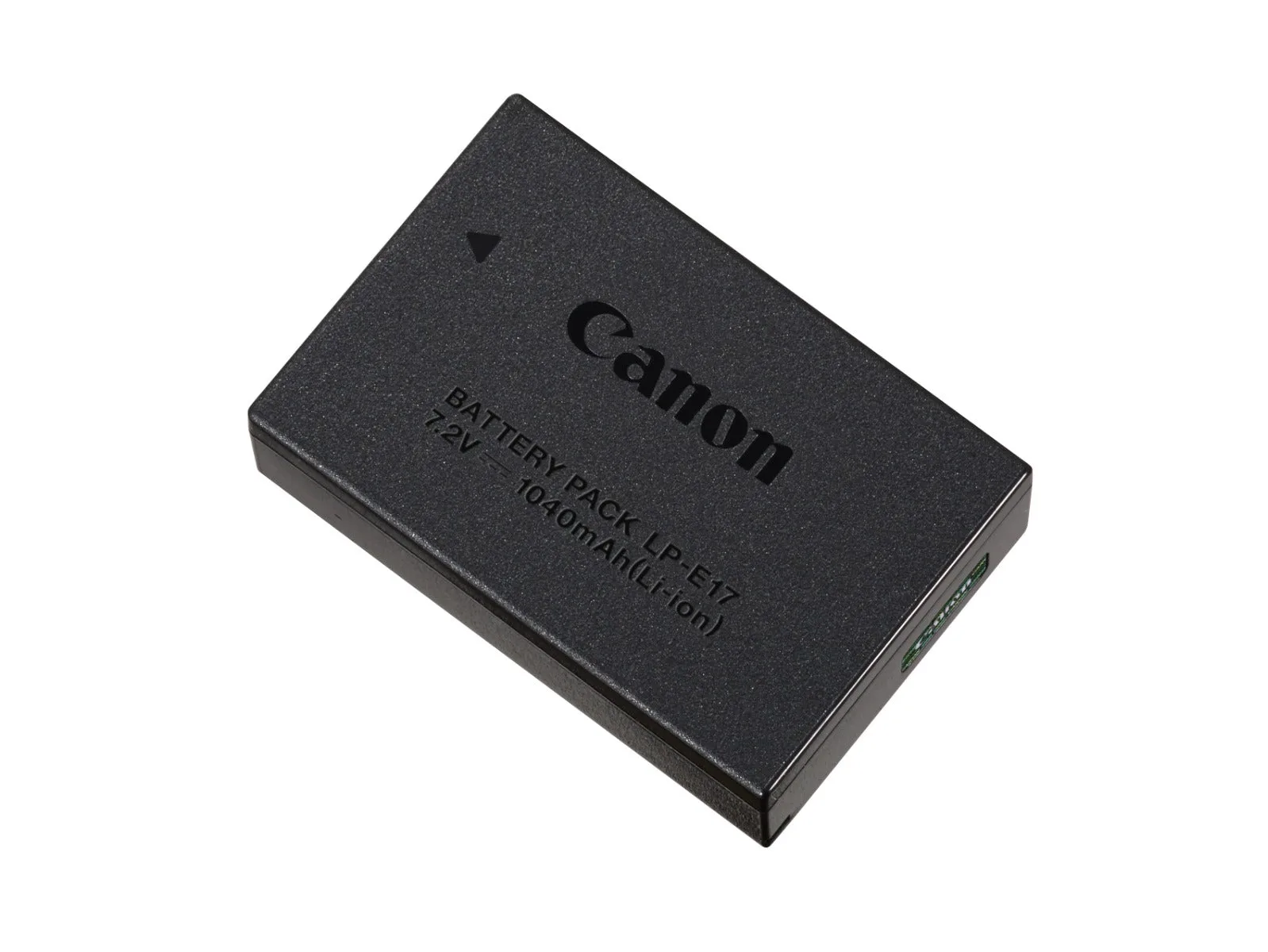
- LP-E17 Battery Pack: Canon LP-E17 Battery Pack is compatible with EOS R8, EOS R10, EOS R50, and EOS R50 V. Check your body against this list before buying a spare or replacement; the LP-E17 is not a universal Canon battery.