Quick Answer
Choose the LUMA40 if you want a minimalist aluminum 40% board that frees up desk space and you are comfortable using layers for numbers and function keys. Choose the LUMA100 if you need a compact 100-key layout with dedicated keys and full VIA remapping for coding, macros, and office work. The LUMA40 is about aesthetics and footprint; the LUMA100 is about keys and workflow.
Layout Size: 40% Minimalism vs 100-Key Practicality
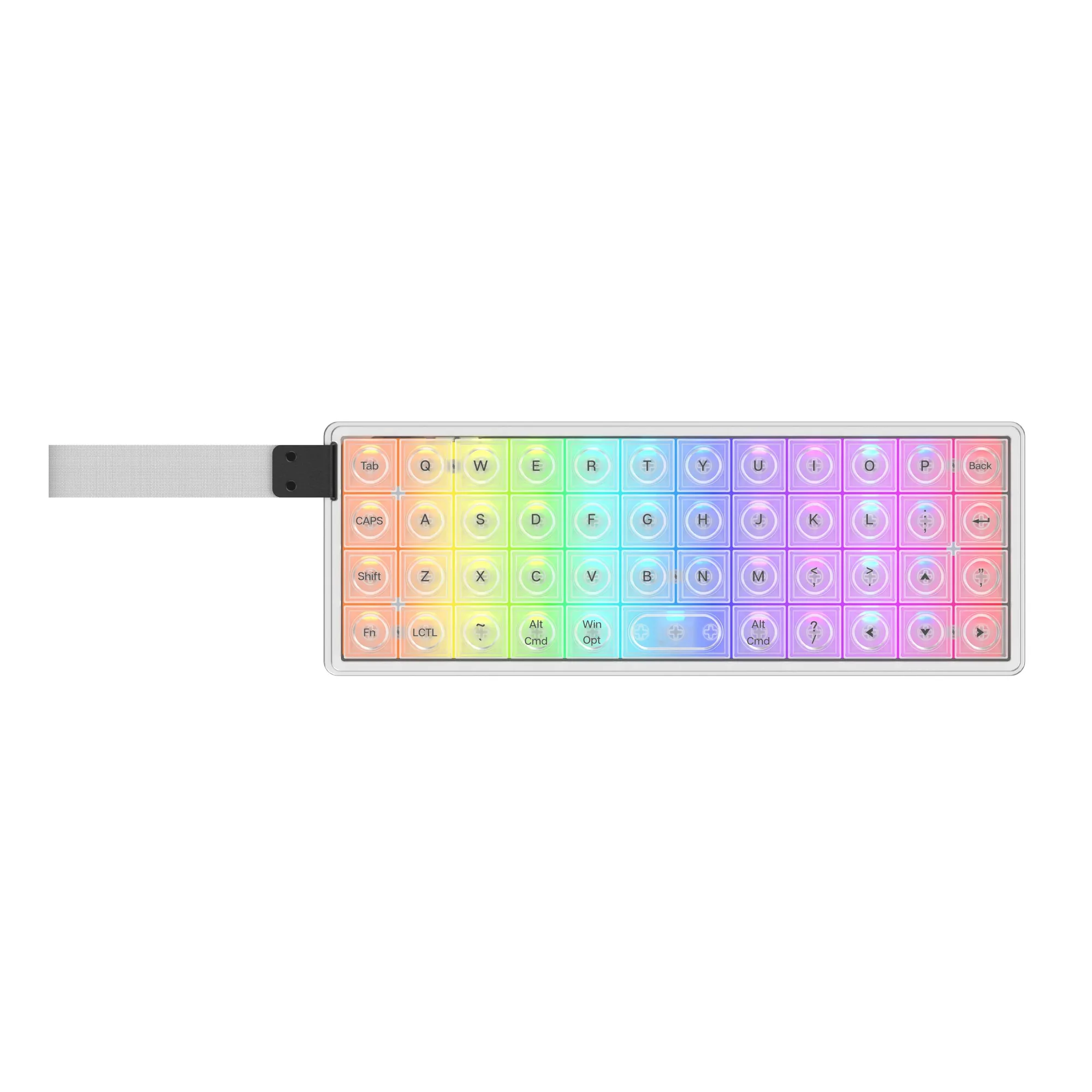
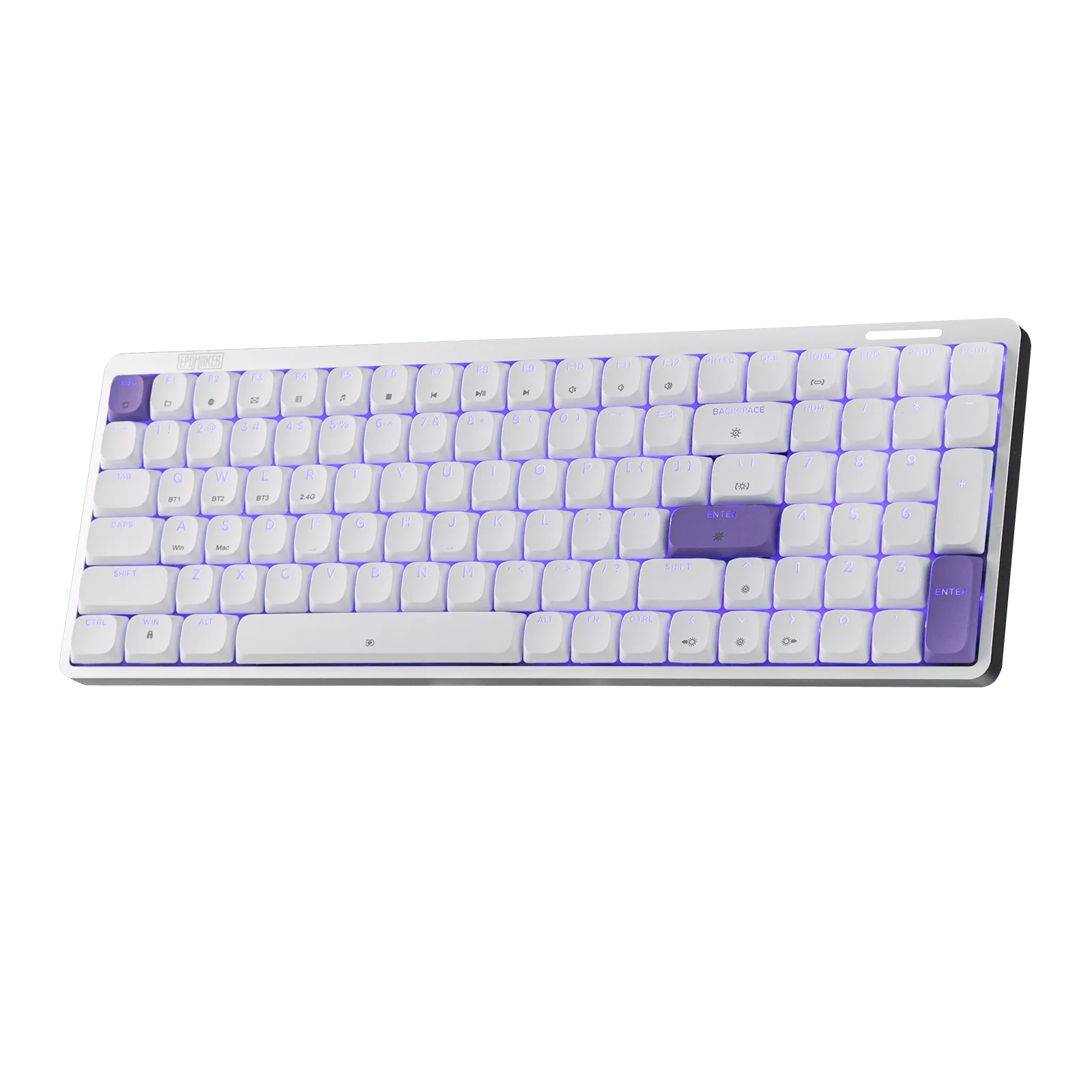
The LUMA40 uses a 40% layout, which strips the keyboard down to the essentials and relies on layers for numbers, punctuation, and function keys. That makes it a statement piece, but it also means a learning curve if you have never used a 40% board. The LUMA100 uses a compact 100-key layout, so all the keys you expect are present without stretching to a full-size footprint. If your work involves frequent number entry, spreadsheet navigation, or keyboard shortcuts that need dedicated keys, the LUMA100 is the lower-friction choice. If your priority is a clean, symmetric desk with maximum mouse room, the LUMA40 delivers that.
Desk Space and Build: Aluminum vs Compact Plastic
The LUMA40 is made from CNC-cut aluminum and comes with semi-transparent frosted white keycaps that diffuse RGB backlighting. That combination gives it a premium, minimalist look, but aluminum also means more weight, so it is better suited to a permanent desk setup than to constant travel. The LUMA100 is a compact 100-key board, so it takes up less space than a full-size keyboard while keeping a complete key set. If you move between home and office, the LUMA100's layout is easier to adapt to because you are not relearning where the number row lives. Neither board is marketed as a travel keyboard, so if portability is your main concern, look for a dedicated compact model instead.
VIA Support: Remapping and Macros on the LUMA100
The LUMA100 supports full VIA software, which lets you remap keys and automate repetitive tasks with macros. That is a real productivity difference if you code, manage spreadsheets, or repeat the same shortcuts all day. The LUMA40's supplied catalog facts do not mention VIA support, so if remapping is essential to your workflow, treat the LUMA100 as the safer pick. For the LUMA40, plan to rely on the default 40% layer behavior unless you confirm additional software support. This is a decision limitation, not a hidden feature.
Keycap Compatibility and Swap Potential
Both keyboards accept aftermarket keycap sets, but the LUMA40's 40% layout limits you to kits that include the smaller modifier sizes. The LUMA100's 100-key layout is easier to dress because standard base kits cover it more completely. If you like changing keycaps often, the LUMA100 gives you more options with less hunting. If you prefer a board that already looks finished, the LUMA40's frosted white keycaps are part of its design identity, and swapping them changes that look significantly. For a low-cost way to test a different aesthetic on either board, the EPOMAKER Sunflower Keycap Set is a themed option, but check that the kit includes the sizes your layout needs before buying.
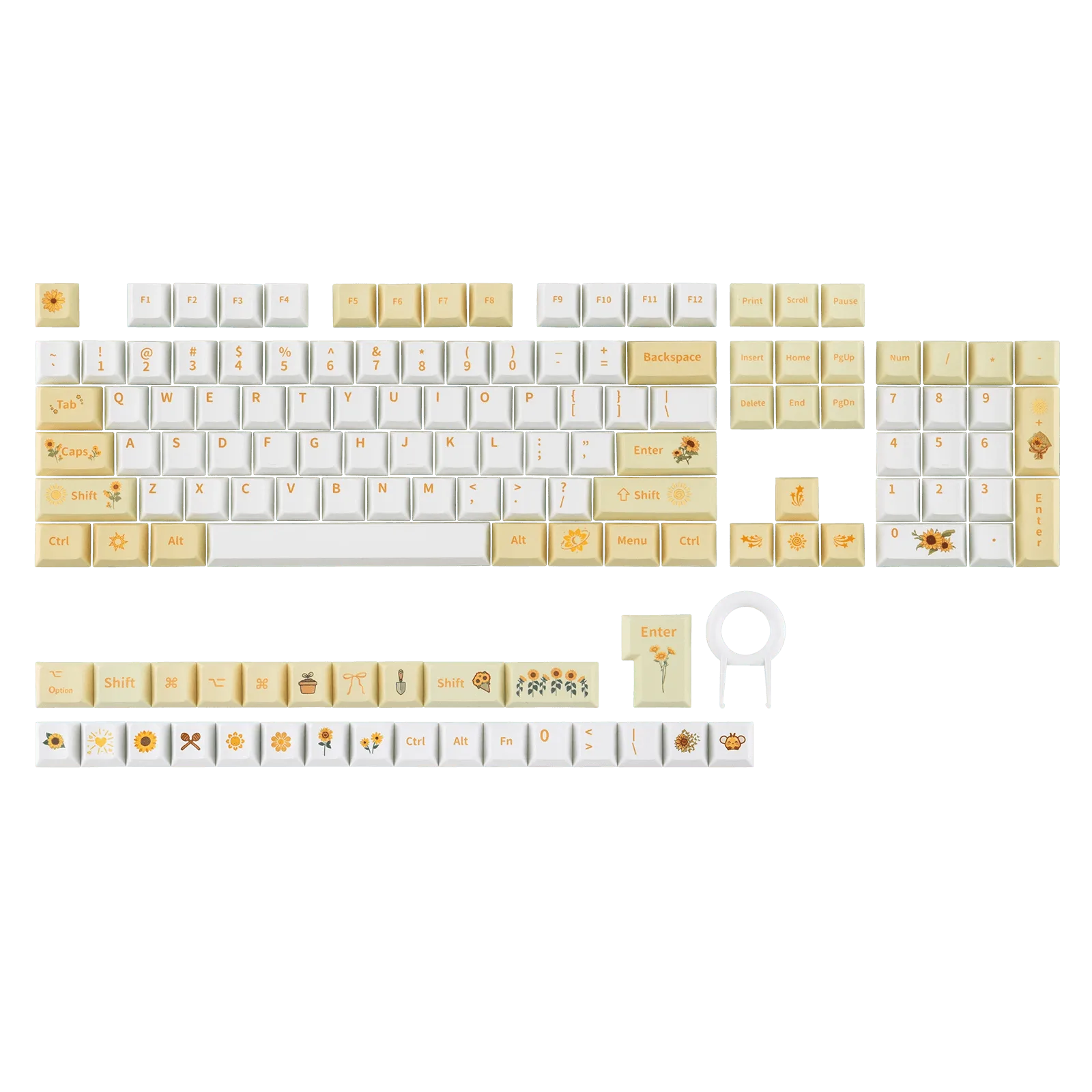
EPOMAKER Sunflower Keycap Set
Trade-Offs at a Glance
- LUMA40: desk space and design vs key access: The 40% layout and aluminum body free up desk space and look minimal, but numbers and function keys move to layers. If you type numbers constantly, this adds friction. Best if you value footprint and aesthetics over dedicated keys.
- LUMA100: dedicated keys and VIA vs larger footprint: The compact 100-key layout keeps all keys and adds full VIA remapping for macros, but it occupies more desk space than a 40% board. Best if your workflow depends on shortcuts and remapping.
- Keycap swapping: LUMA40 vs LUMA100: The LUMA100 accepts standard base kits more easily; the LUMA40 needs 40%-compatible kits. The Sunflower Keycap Set is a low-cost themed option, but verify size coverage first. Check kit compatibility before buying keycaps for either layout.
Product Facts
- EPOMAKER LUMA100: Full VIA software support with a compact 100-key layout for remapping keys and automating repetitive tasks with macros. You can tailor the LUMA100 to coding, office work, or complex shortcuts without buying a different board.
- EPOMAKER LUMA40: CNC-cut aluminum body with a 40% layout and semi-transparent frosted white keycaps that diffuse RGB backlighting. The LUMA40 prioritizes a minimalist desk aesthetic and a small footprint, but you give up dedicated keys and likely accept a layer-learning period.
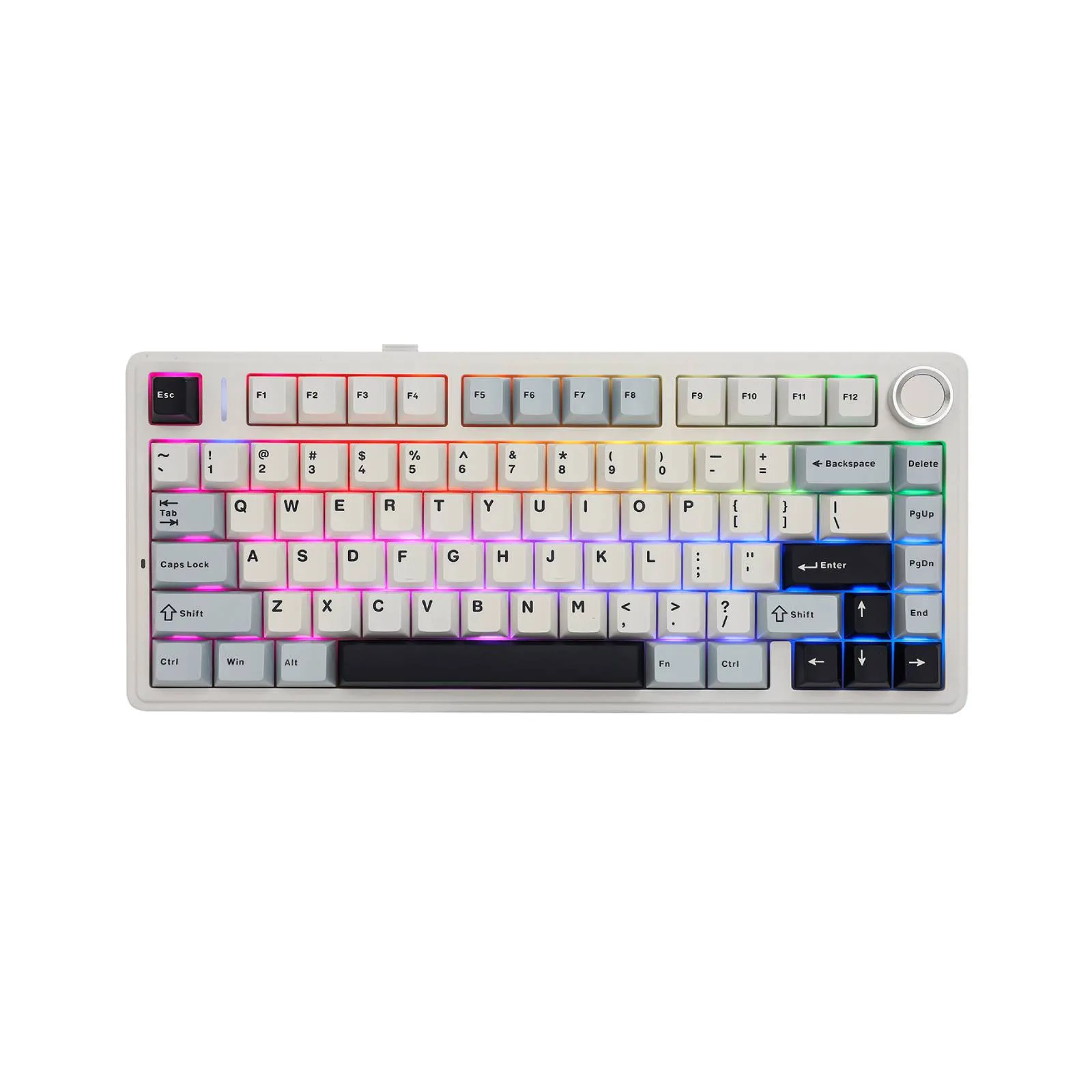
- EPOMAKER x AULA F75: 75% compact layout with five-layer sound and shock-absorbing internal design, including two layers of Poron foam and an IXPE switch pad. If you want a smaller board with a more muted acoustic profile but still need dedicated function keys, the F75 is a middle option between the LUMA40 and LUMA100.
Which Should You Choose?
Choose LUMA40 if you:
- Want a minimalist aluminum keyboard that frees up desk space
- Are comfortable using layers for numbers and function keys
- Prioritize a clean, symmetric desk aesthetic over maximum key access
Choose LUMA100 if you:
- Need dedicated number and function keys for work
- Want full VIA support for remapping and macros
- Prefer a layout that standard keycap base kits cover easily