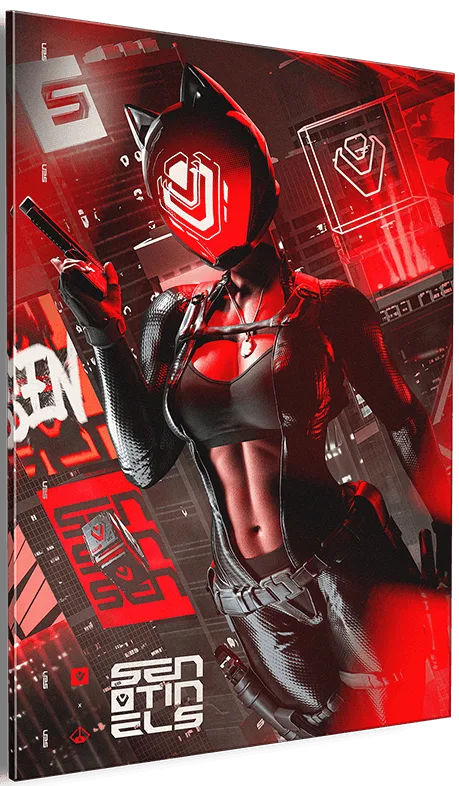
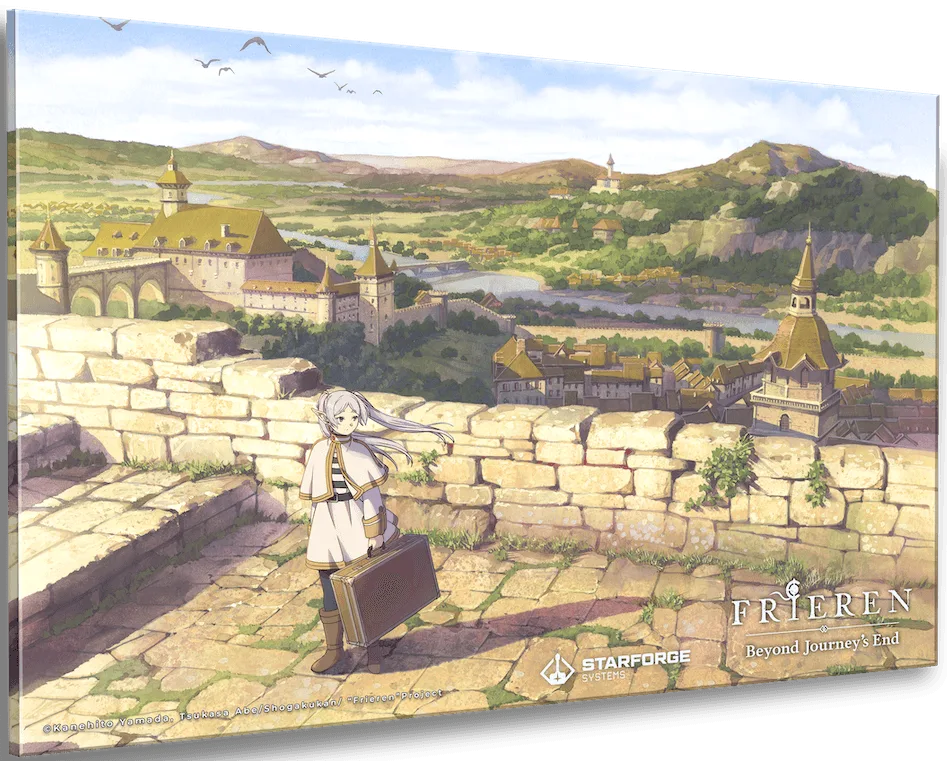
Lunarian Wall Art: A Swappable Acrylic Panel for Your Setup
The Lunarian Wall Art is a collectible acrylic panel designed to be swapped and mixed with other themes from your favorite IPs. It comes in two sizes: 12" x 18" and 16" x 24". Because it’s acrylic, it has a glossy, high-detail finish that stands out on a wall. This guide covers how to hang it, where to place it in a gaming room, and how to care for it so it stays looking sharp.
Sizes and what they mean for your wall
-
Lunarian - Wall Art: Available in 12" x 18" and 16" x 24" sizes. The smaller size suits tight spaces like above a monitor or on a shelf, while the larger size makes a statement on a main wall. Measure your space before choosing.
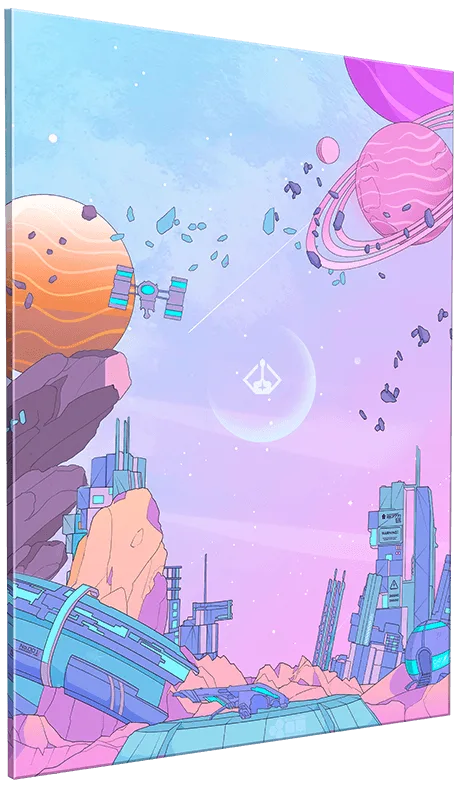
Lunarian - Wall Art
-
Lunarian - Wall Art: Collectible and swappable acrylic wall art panels with high quality detail and finish. The swappable design means you can change the look without rehanging hardware, so consider a hanging method that makes switching easy.
How to hang your Lunarian wall art
These steps assume you have basic wall-hanging tools. The panel itself does not come with mounting hardware confirmed in the catalog, so you’ll need to choose a method that suits your wall and the panel’s weight.
- 1. Choose a location: Pick a spot where the art will be seen and not exposed to direct sunlight or moisture. For gaming rooms, above the desk or on a side wall works well.
- 2. Measure and mark: Use a tape measure and pencil to mark the top corners of where the panel will go. For the 12" x 18" size, ensure at least a few inches of clearance around it; the 16" x 24" needs more breathing room.
- 3. Select a hanging method: Acrylic panels are lightweight but can scratch. Avoid sharp hooks. Consider adhesive strips rated for the panel’s weight or a frame with a hanging wire. If using nails or screws, use a level to keep it straight.
- 4. Mount and check: Attach your chosen hardware to the wall (and to the panel if needed), then hang the art. Step back to check alignment and adjust as necessary.
Placement ideas for a gaming room
Where you put your Lunarian wall art affects both its visibility and the room’s vibe. Here are some practical spots:
- Above your monitor: The 12" x 18" size fits nicely above a single monitor without overwhelming the space. Keep it centered for a clean look.
- On a side wall: Use the 16" x 24" as a focal point on a wall you see when you turn from your desk. It fills empty space and adds personality.
- In a gallery arrangement: Since the panels are swappable, you can group multiple pieces from different themes. Start with one and add more as your collection grows.
- Near collectibles: Place the art above a shelf of figures or games to tie the display together. Avoid direct sunlight to prevent fading.
Caring for your acrylic wall art
Acrylic is durable but can scratch if cleaned improperly. The catalog does not provide specific care instructions, so these are general best practices for acrylic panels. Always test any cleaning method on a small, inconspicuous area first.
Dust regularly with a soft, dry microfiber cloth. For fingerprints or smudges, dampen the cloth with water or a mild soap solution, then wipe gently. Avoid abrasive cleaners, paper towels, and solvents, which can scratch or cloud the surface. When swapping panels, handle them by the edges to avoid transferring oils.
What the catalog does not confirm
The product record does not list mounting hardware, frame compatibility, or specific care instructions. It also does not confirm UV resistance or whether the panel is suitable for outdoor use. If you need these details, check the product packaging or contact the manufacturer. This guide’s suggestions are based on general acrylic handling practices, not manufacturer specifications.