The retro gaming scene has never been more exciting, with options ranging from original hardware like the M64 console to versatile retro handheld emulators. Each path offers a unique way to experience classic games, but they cater to different priorities. If you're torn between the authenticity of the M64 and the convenience of emulation, this guide will help you weigh the trade-offs.
We'll compare the M64 and retro handheld emulators across key factors like game library, authenticity, portability, display quality, and cost. By the end, you'll have a clear idea of which route aligns with your gaming style and collection goals.
Understanding the M64: Original Hardware, Modern Convenience
The M64 is a modern recreation of the classic 64-bit console, designed to play original cartridges on modern TVs without the hassle of aging hardware. It's a favorite among purists who value the feel of inserting a physical cartridge and playing on a dedicated console. The M64 supports a wide range of original titles, from beloved classics to hidden gems, and it does so with the authentic performance of original hardware.
One of the standout features of the M64 is its commitment to accuracy. Unlike emulators that may introduce input lag or graphical glitches, the M64 delivers a true-to-original experience. Plus, with the M64 AV Adapter, you can connect it to older displays, or use the built-in HDMI output for modern TVs. For collectors, the M64 is a centerpiece that celebrates the era of physical media.
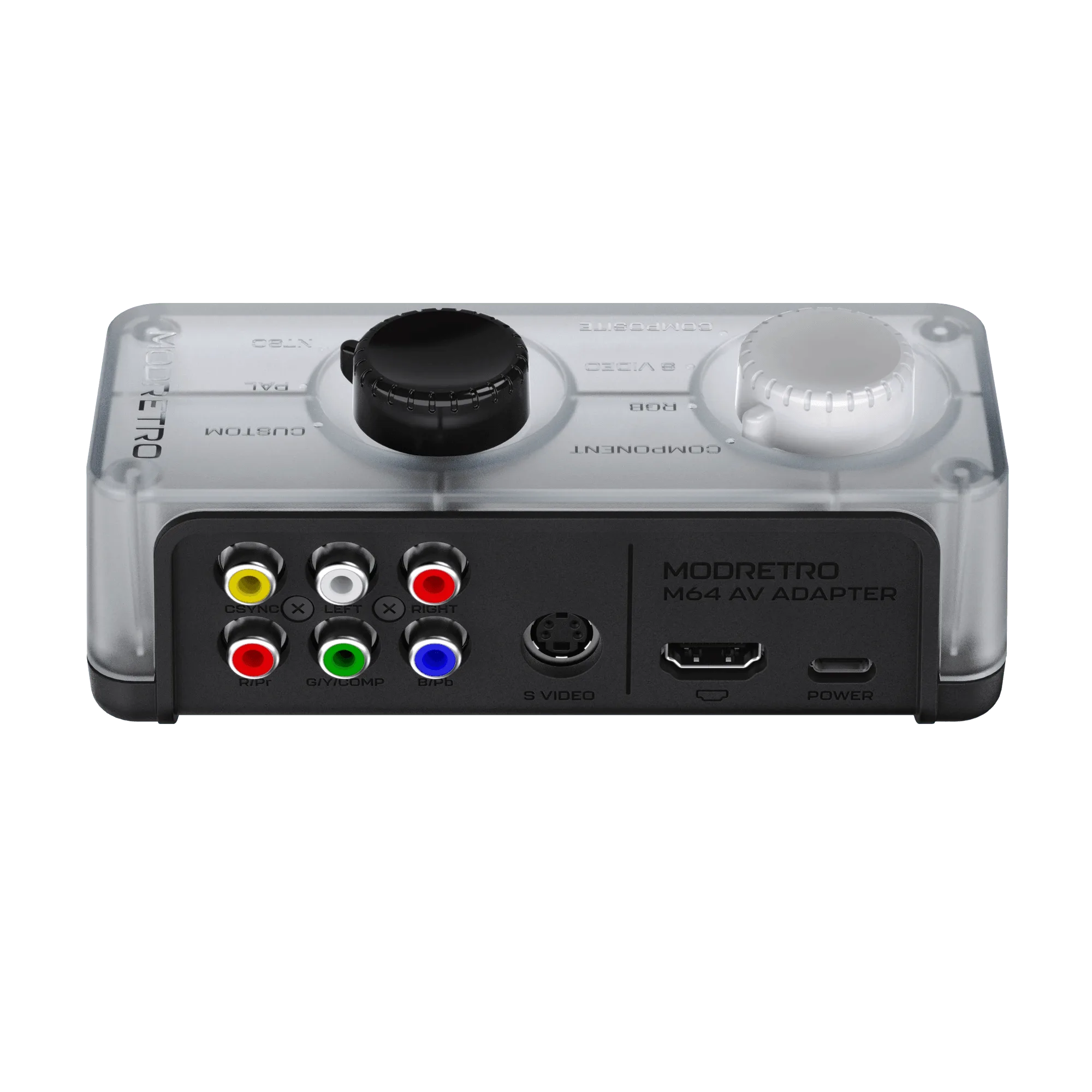
M64 AV Adapter
- Plays original cartridges, preserving the tactile experience
- No emulation-related bugs or compatibility issues
- Ideal for connecting to a TV and enjoying multiplayer on the couch
Retro Handheld Emulators: Portability and Versatility
Retro handheld emulators, such as the popular Anbernic and PowKiddo devices, run ROMs from a wide range of systems, including N64, SNES, and Genesis. Their biggest advantage is portability: you can carry hundreds of games in your pocket and play anywhere. They also offer features like save states, fast-forward, and customizable controls, which enhance convenience for busy gamers.
However, emulation on handhelds isn't perfect. Performance can vary depending on the device's chipset, and some N64 titles may have graphical glitches or audio issues. Additionally, the legal gray area of ROMs means you'll need to rip your own cartridges or rely on homebrew. For gamers who prioritize variety and on-the-go play, though, handheld emulators are incredibly appealing.
- Play anywhere with built-in screen and battery
- Save states and fast-forward for flexible gaming sessions
- Access to multiple consoles in one device
Game Library: Physical Cartridges vs Digital ROMs
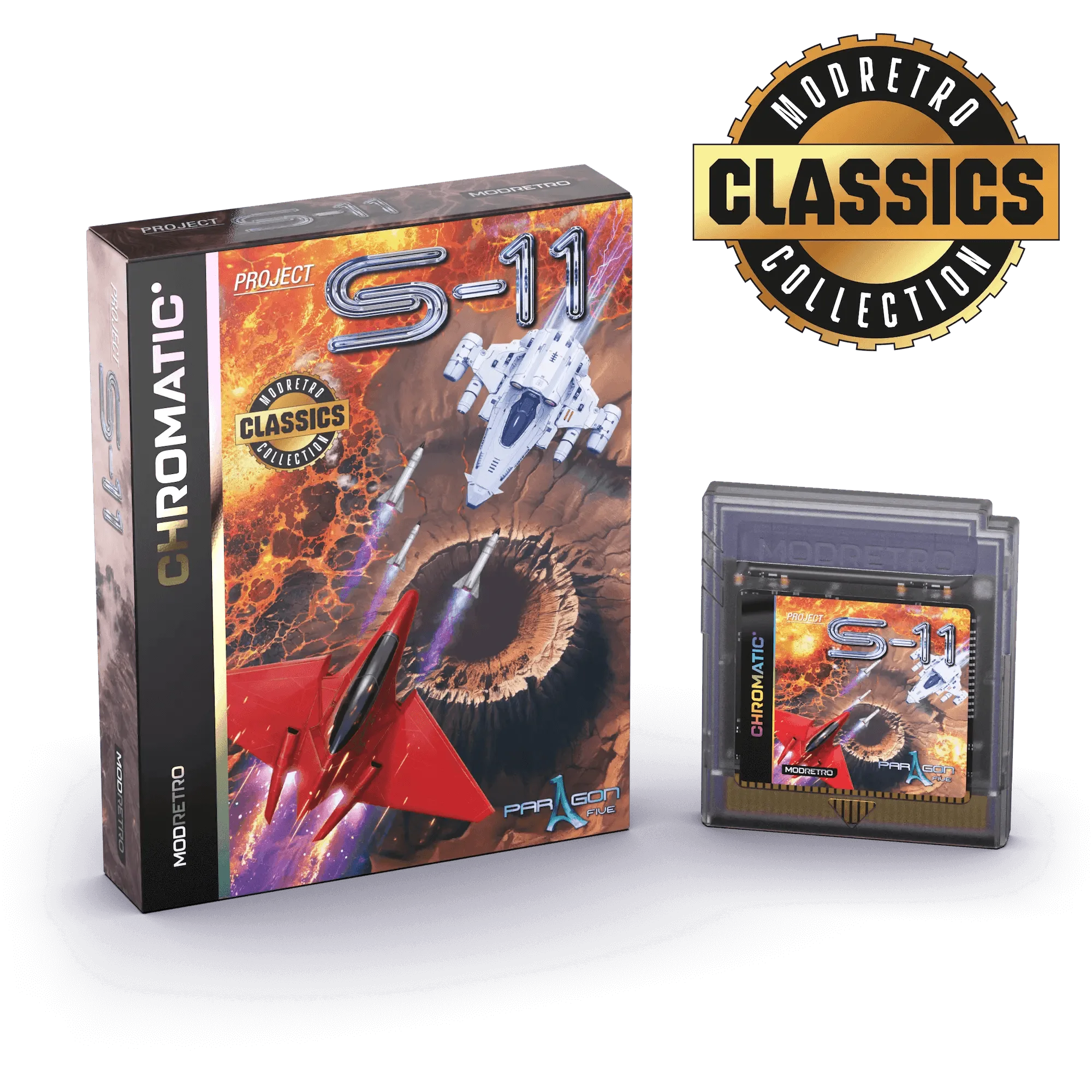
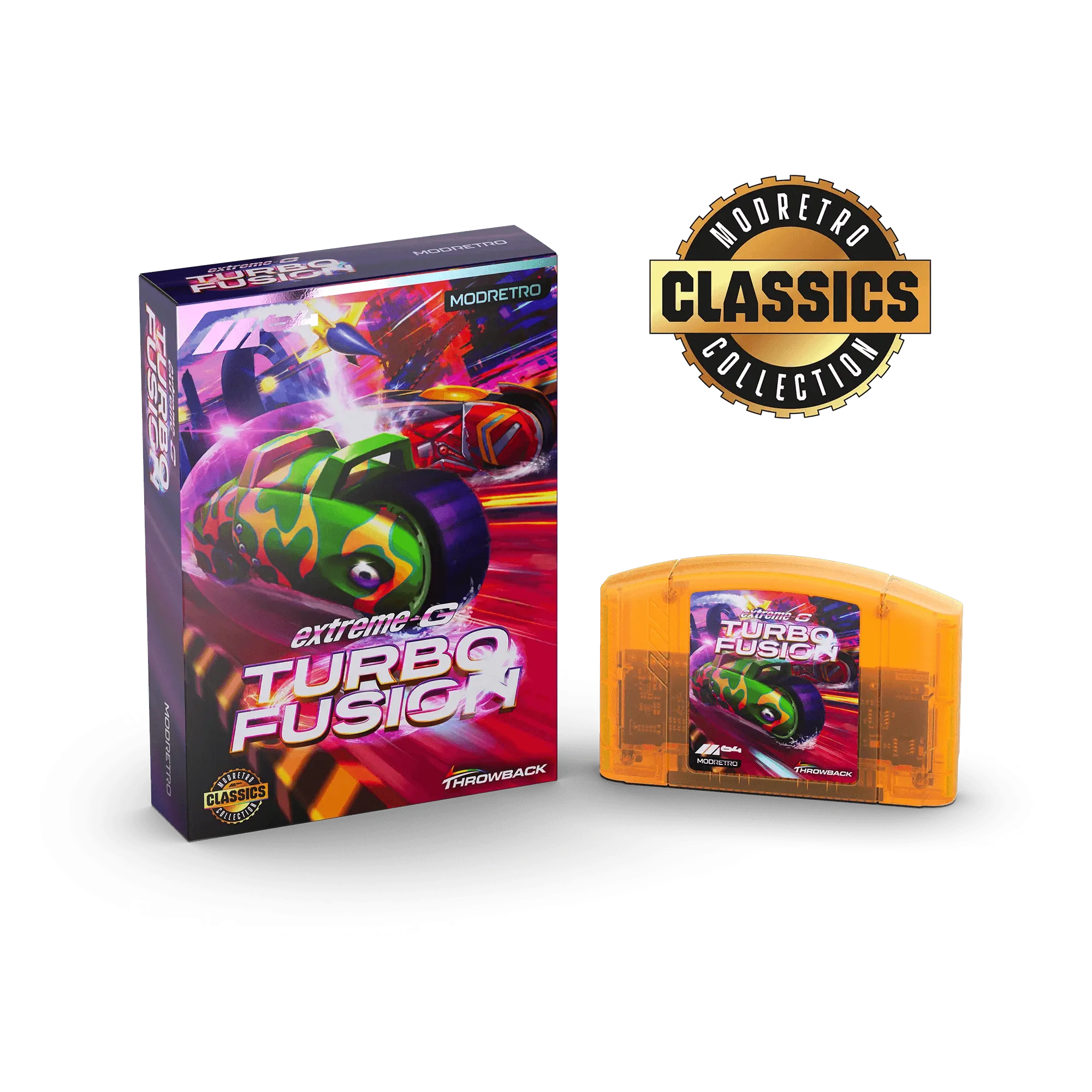
The M64's game library is defined by physical cartridges. This means you'll need to hunt for original games, which can be a fun treasure hunt for collectors. Titles like Extreme-G: Turbo Fusion and Project S-11 offer high-speed racing and intense action that showcase the console's capabilities. The thrill of swapping cartridges and building a shelf collection is part of the charm.
In contrast, emulators give you access to the entire N64 library digitally, often for free if you own the ROMs. You can easily switch between games without getting up, and you'll never worry about a dirty cartridge causing crashes. However, digital libraries lack the tangible value and nostalgia of physical media. If you're a collector, the M64's cartridge support is a major draw.
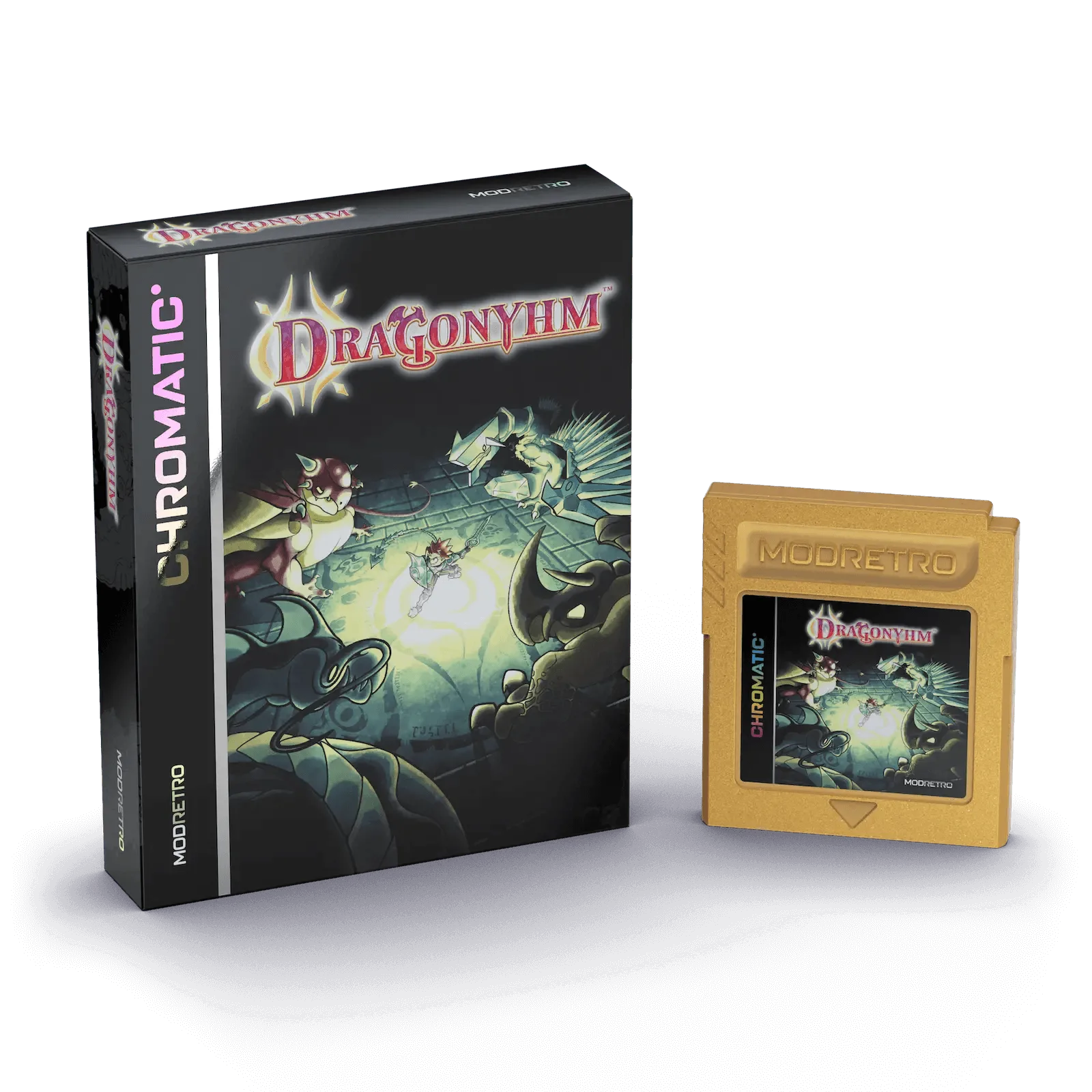
- M64: Collect and trade physical cartridges, with titles like Tales of Monsterland DX and Dragonyhm
- Emulators: Store ROMs on an SD card, with instant access to thousands of games
Authenticity and Feel: The Case for Original Hardware
For many retro enthusiasts, authenticity is non-negotiable. The M64 delivers the exact same experience as the original console, from the controller layout to the way the system boots up. There's a certain magic in pressing the power button and hearing the familiar startup chime, knowing you're playing on true hardware. This authenticity extends to the games themselves, which run without any emulation-induced alterations.
Emulators, while impressive, can't fully replicate the original hardware's nuances. Input lag, even if minimal, can affect timing-based games, and some titles may have visual artifacts. Moreover, the feel of a physical controller connected to a TV is different from holding a handheld. If you value the pure, unmodified experience, the M64 is the clear winner.
- Zero input lag and perfect frame rates on original hardware
- The satisfying click of inserting a cartridge
- Authentic controller feel, especially with the Hyperkin Captain+ Wired Controller
Display and Connectivity: TV vs Built-in Screen
The M64 is designed for TV play, offering both HDMI and AV output. This makes it perfect for reliving the classic living room experience with friends and family. You can connect it to a modern 4K TV and enjoy crisp visuals, or use the M64 AV Adapter for a CRT-style look. Multiplayer is also more natural on a big screen, with everyone gathered around.
Retro handheld emulators, on the other hand, have built-in screens that vary in quality. Some feature high-resolution IPS panels, but they're still small. While you can often connect them to a TV via HDMI, the experience isn't as seamless as a dedicated console. If you prefer gaming on a large screen, the M64 is the better fit.
- M64: HDMI and AV output for flexible TV connectivity
- Handhelds: Built-in screen for solo play, but smaller display
Cost and Long-Term Value
Initial costs differ: a retro handheld emulator can be had for under $100, while the M64 console is a premium product, especially when you factor in games. However, the M64's value holds over time, as physical games often appreciate. Plus, you're supporting original hardware preservation. For budget-conscious gamers, emulators offer a low-cost entry point, but you may sacrifice quality and longevity.
Consider also the cost of accessories. The M64 works with original controllers, but you might want a modern option like the Hyperkin Captain+ Wired Controller for comfort. Handhelds come with built-in controls, but they're not as ergonomic for long sessions. Weigh your budget against your desire for authenticity and longevity.
- Emulators: Lower upfront cost, but potential for hardware issues
- M64: Higher investment, but durable and collectible
Ultimately, the choice between the M64 and retro handheld emulators comes down to your priorities. If you crave authenticity, the joy of physical media, and the communal experience of TV gaming, the M64 is your ideal companion. For those who value portability and a vast digital library, an emulator is a practical alternative. Whichever path you choose, the world of retro gaming is rich with rewards. If you're leaning toward the authentic experience, explore the M64 and its growing library of titles like Croc: 25th Anniversary Edition to start your collection.