Start with a Strong Base Image
Before you begin editing, make sure your raw file has a good exposure and white balance. Vibrant fall colors start with a clean capture. Avoid underexposing the scene, as lifting shadows can introduce noise and dull the autumn tones. Set a custom white balance on a neutral area, or use the eyedropper tool on a gray rock or cloud to neutralize any color cast. This gives you a neutral starting point for enhancing the reds, oranges, and yellows of the leaves.
A Resource for the Full Workflow
-
Magical Fall Photography: Magical Fall Photography is a class recording from Visual Wilderness that teaches how to elevate fall photography and turn every shot into an unforgettable scene using Photoshop Layers and Masks with Jay Patel. This class provides a structured, step-by-step approach to editing fall photos. Instead of guessing which sliders to move, you learn a repeatable workflow that targets the specific challenges of autumn color photography.
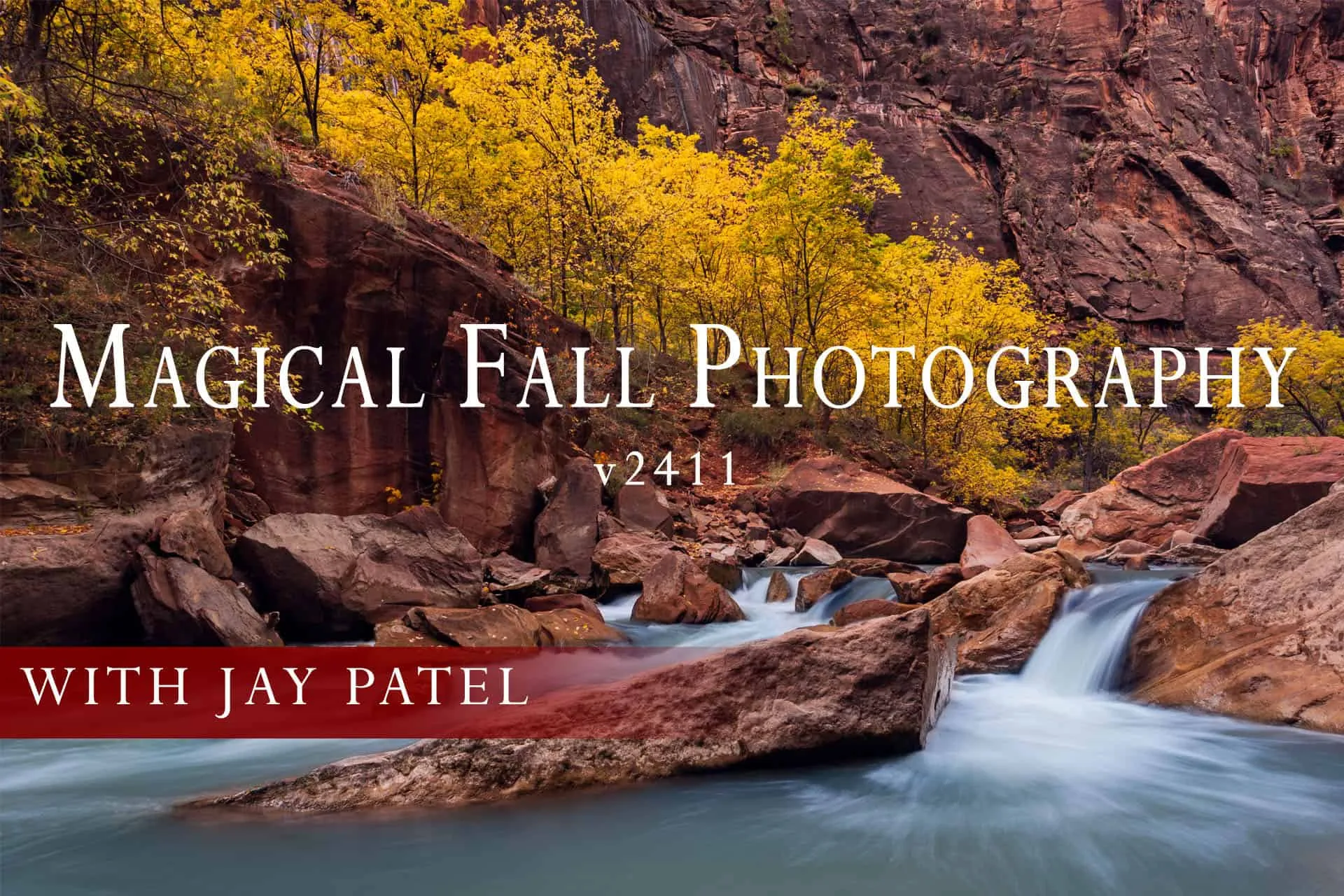
Magical Fall Photography
Key Adjustments for Vibrant Fall Colors
These adjustments help bring out the richness of autumn leaves without making the image look fake. Apply them in order for the most natural result.
- Target the reds and oranges: Use the HSL panel to increase the saturation and luminance of red and orange channels. This makes the warm leaves pop while keeping the greens and blues under control.
- Use a layer mask for local control: Paint a mask over the sky or water to prevent oversaturation in areas that should remain neutral. This keeps the vibrant color where it belongs: on the foliage.
- Add subtle contrast with a Curves layer: A gentle S-curve adds depth to the scene without crushing the shadows. Apply it with a mask to avoid affecting the sky or water if needed.
The Honest Trade-Offs in Fall Color Editing
Enhancing fall colors is rewarding, but it comes with a few challenges. Overdoing the saturation can make leaves look neon and unnatural. Using layers and masks takes more time than a simple slider adjustment, but it gives you precise control. The Magical Fall Photography class addresses these trade-offs by teaching a workflow that balances vibrancy with realism. If you are new to layers and masks, expect a learning curve, but the results are worth the effort.