What the MagMod Starter Flash Kit 2 Includes
The MagMod Starter Flash Kit 2 is designed to improve your on- or off-camera lighting quality quickly. It includes three core modifiers: the MagGrip 2, the MagSphere 2 omnidirectional diffuser, and the MagGrid 2 for precise light control. Together, they give you a versatile starting point for shaping light in portrait photography.
Setting Up the MagGrip 2 on Your Flash
The MagGrip 2 is the foundation of the system. It attaches directly to your flash head and provides a magnetic mount for other MagMod modifiers.
- Attach the MagGrip 2: Slide the MagGrip 2 over the head of your flash until it clicks into place. Ensure it is secure before adding any modifier.
- Add the MagSphere 2 for Soft Light: The MagSphere 2 is an omnidirectional diffuser that softens and spreads light. Simply bring it near the MagGrip 2 – the magnets will snap it into place. Use it for full, even illumination in close-up or group portraits.
- Switch to the MagGrid 2 for Directional Light: The MagGrid 2 attaches magnetically over the MagGrip 2. It narrows the beam of light, reducing spill and adding contrast. This is useful for dramatic, focused lighting on your subject.
Adding the MagBounce 2 for Softer Portrait Light
The MagBounce 2 is a separate modifier that works similarly to a small softbox or bounce card. It is 30% lighter than the previous version, making it easier to carry on location. Attach it magnetically to the MagGrip 2, then angle your flash toward a wall or ceiling for bounced, diffused light. This technique is ideal for creating soft, natural-looking portrait lighting without hard shadows.
Key Specifications at a Glance
-
MagMod Starter Flash Kit 2: The MagMod Starter Flash Kit 2 includes the MagGrip 2, MagSphere 2 diffuser, and MagGrid 2. This kit gives you both a diffuser for soft light and a grid for directional control, covering two essential portrait lighting needs.
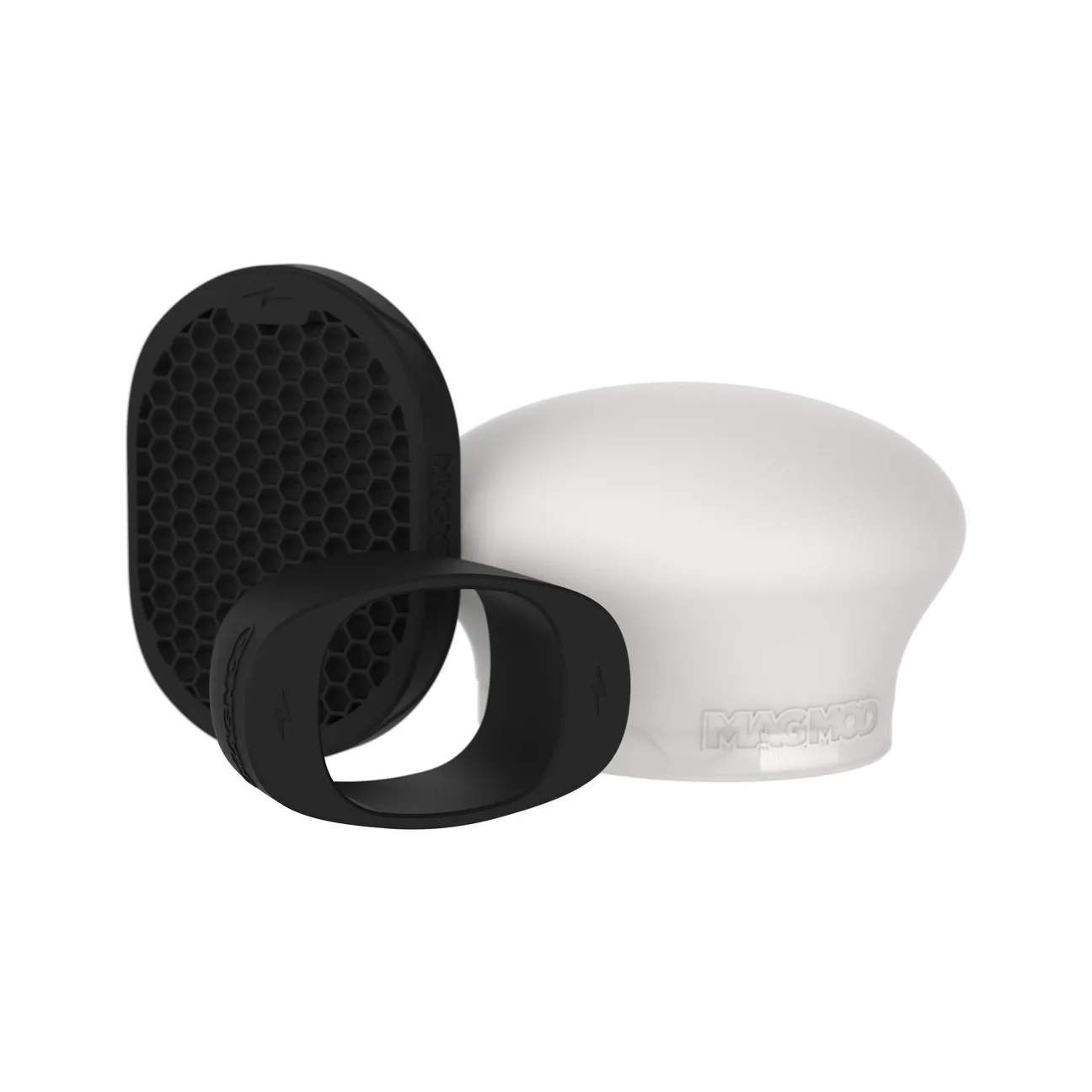
MagMod Starter Flash Kit 2
-
MagMod MagBounce 2: The MagBounce 2 is 30% lighter than the previous version. Its reduced weight makes it a practical choice for on-location portrait shoots where portability matters.
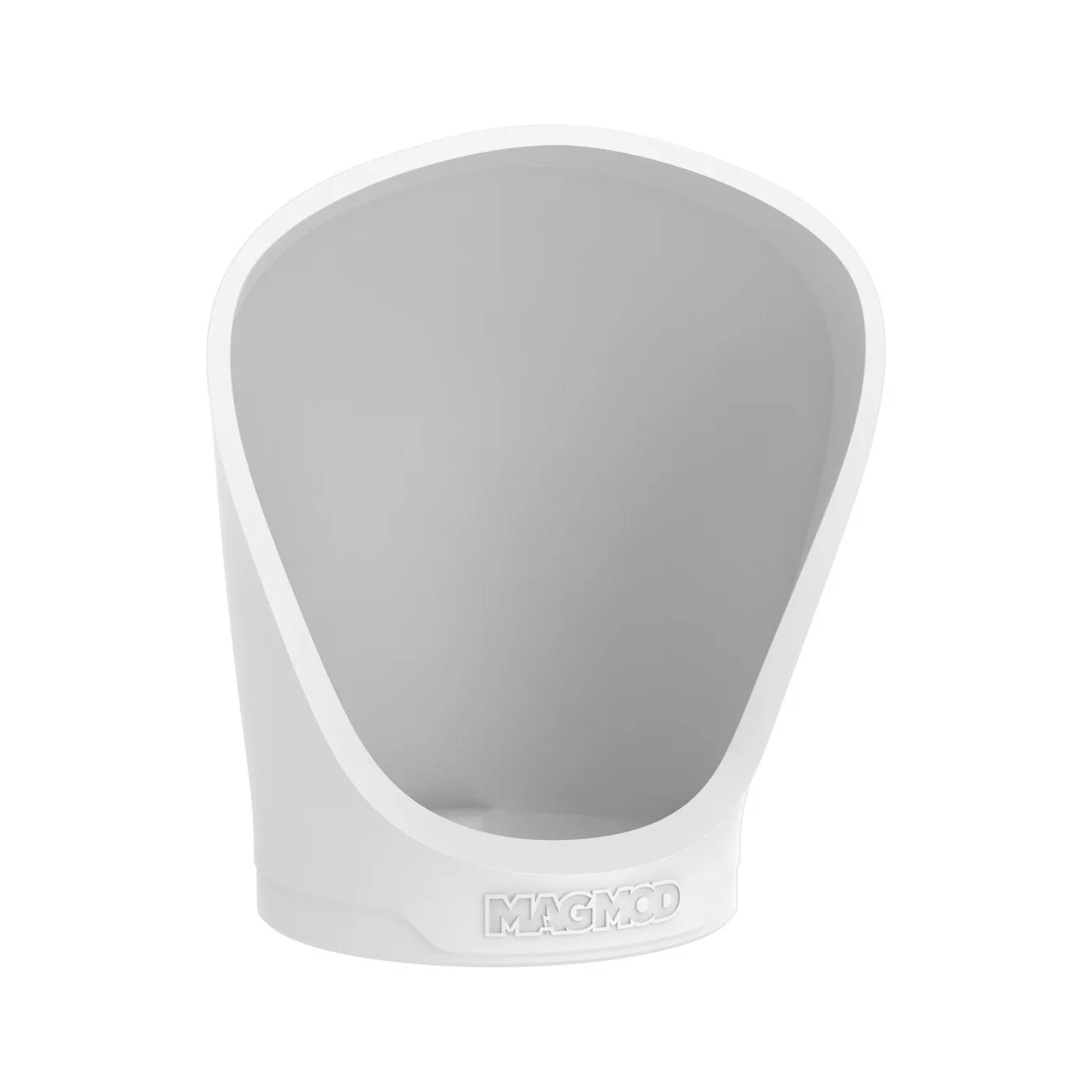
MagMod MagBounce 2
Tips for On-Location Portrait Lighting with MagMod
When shooting off-camera portraits, start with the MagSphere 2 for even, soft light. If the background is too bright or you want more drama, swap to the MagGrid 2 to focus light on your subject. For a quick bounce setup, use the MagBounce 2 with a wall or ceiling – it works well in small rooms or tight spaces. All modifiers attach magnetically, so you can switch between them in seconds without missing a shot.
What the Supplied Information Does Not Confirm
The supplied records do not include specific flash model compatibility, power requirements, or battery life for the MagMod system. For best results, verify that your flash head is compatible with the MagGrip 2 before purchasing. The MagBounce 2 and Starter Kit 2 are designed for standard hot-shoe flashes, but individual flash dimensions may vary.