Quick answer
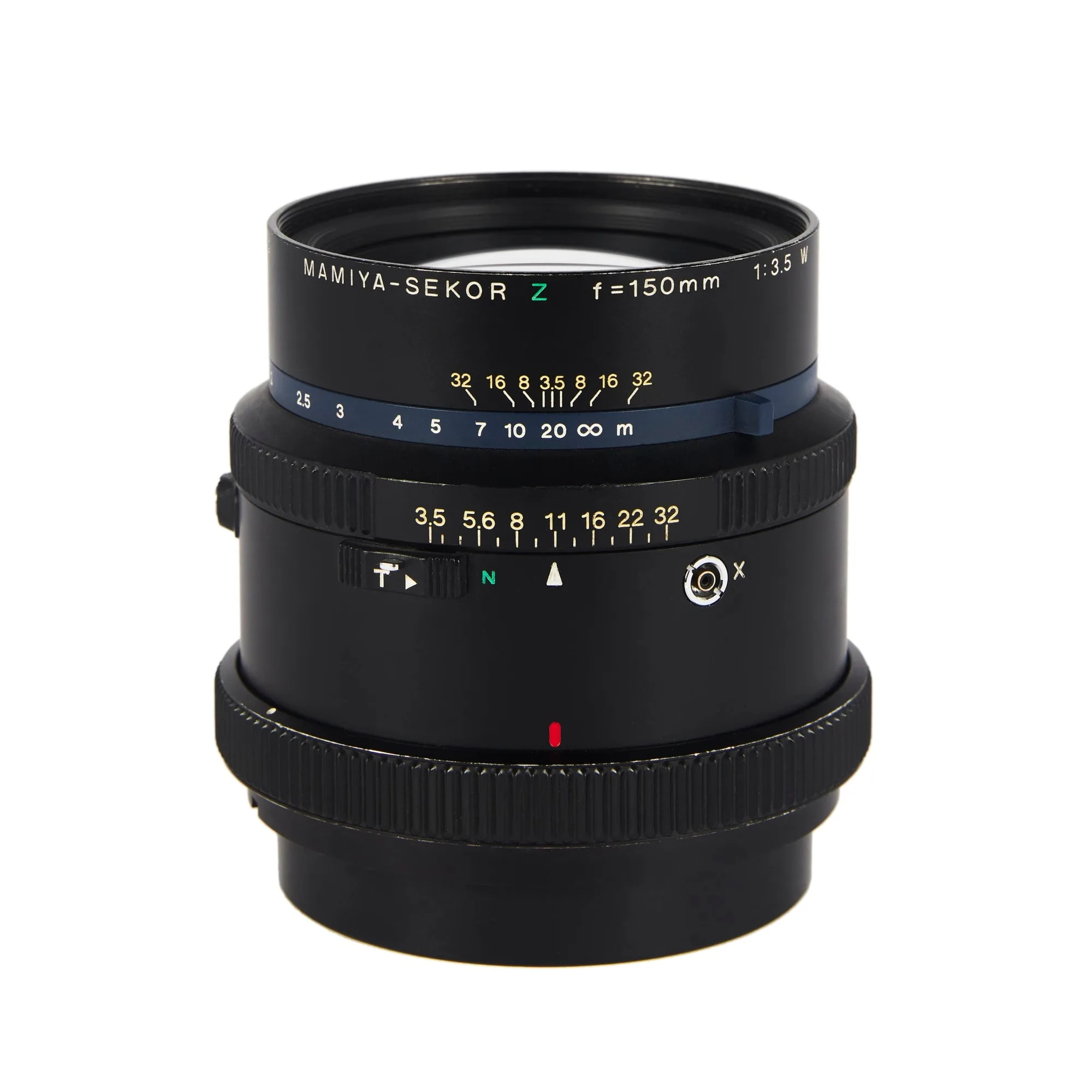
Rent the Mamiya RZ 150mm when you want a tighter portrait crop with more compression than a standard 110mm, and pair it with a controlled soft source plus a honeycomb or diffusion accessory to keep contrast predictable. Book it as a standard rental SKU, test the leaf shutter and focus ring before the shoot, and treat the 150mm as a head-and-shoulders lens rather than a full-length walkaround.
Why the 150mm sits in a useful portrait gap
On the RZ67 body, a 150mm lens gives a narrower field of view than the common 110mm standard, which means you fill the frame with a face or upper torso from a comfortable working distance instead of crowding the subject. That extra distance changes how people hold themselves: they stop performing for a lens pressed close and settle into a more natural expression. For studio work, the tighter angle also reduces how much background you need to dress or black out.
The tradeoff is working room. A 150mm on medium format needs more space between camera and subject than a 110mm, so measure your studio before you commit. If your room is tight, you will be backing into a wall to get a full head-and-shoulders frame. If you cannot get the distance, the lens will feel cramped rather than flattering.
Match the modifier to the look before you book
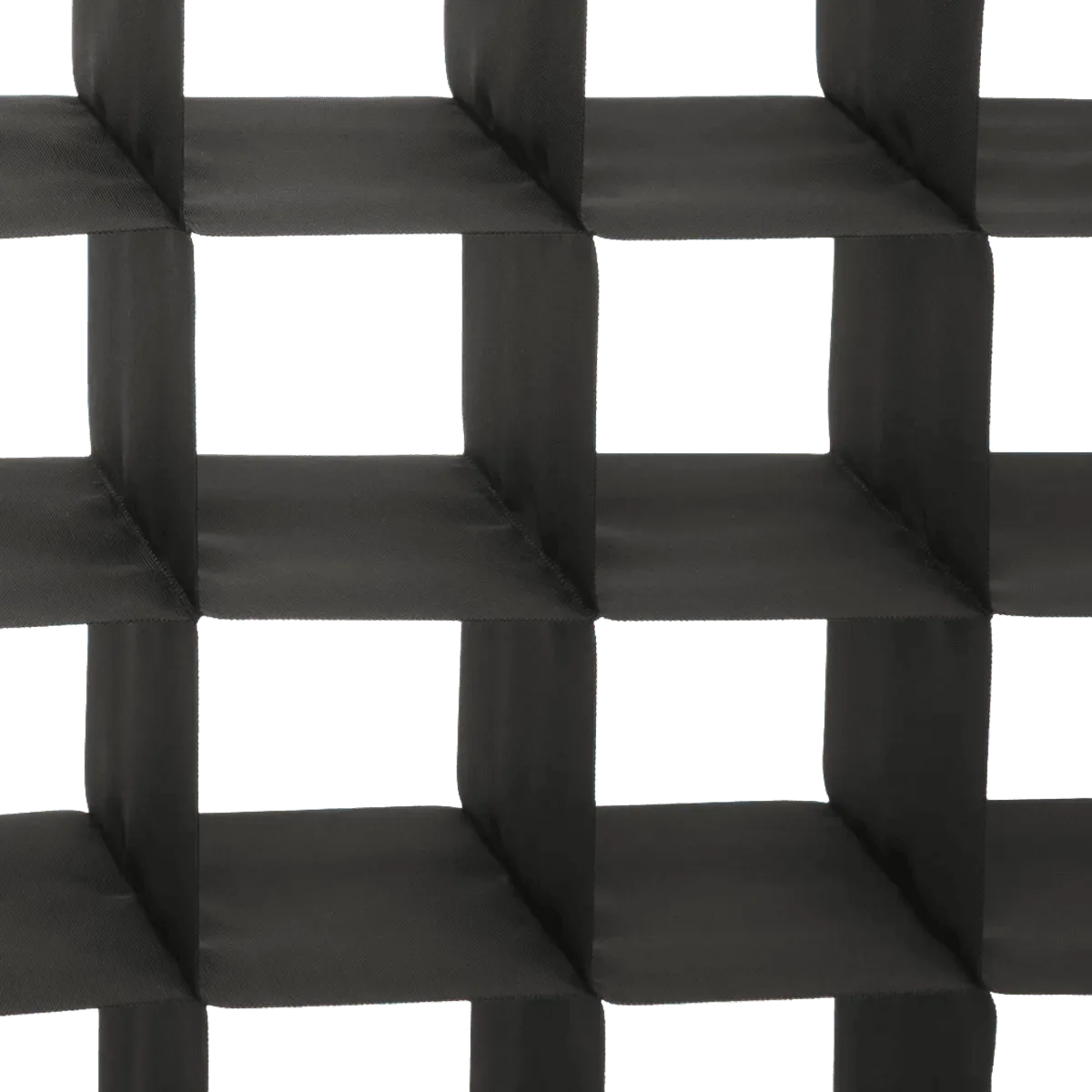
A 150mm portrait lens rewards light control more than light quantity. A honeycomb grid narrows spill so the falloff lands on the cheekbone rather than the background, while a small diffusion dot softens a hard source without turning the whole set into a flat wash. Rent these alongside the lens so you are not improvising on the day with whatever is left in the studio cupboard.
The practical sequence is: choose the lens, then choose the modifier that fixes the specific problem you expect (spill, hardness, or uneven falloff). Do not rent three modifiers hoping one works. One grid and one diffusion option covers most portrait setups, and you can add more only if the test frame shows a real issue.
Test the lens before the subject arrives
Rental glass has a history. Before your subject is on set, mount the lens, dry-fire the shutter at each speed you plan to use, and check that the focus ring moves smoothly through its full throw without grinding or slipping. Look through the viewfinder at a high-contrast target to confirm the focusing screen and lens agree. If anything feels vague, flag it before the shoot rather than discovering it on frame 40.
Also confirm the mounting and any needed adapter or collar for your specific RZ body. The listing describes the 150mm as part of the MAMIYA RZ system, so it is built for that mount, but your body configuration is yours to verify. A two-minute check at pickup saves a reshoot.
Build the frame around compression, not just crop
The reason to reach for a medium format portrait lens at this focal length is compression: the background appears larger and closer behind the subject, which lets you use a textured wall or a lit backdrop as part of the composition rather than a blur. Place your subject, then move the camera, not the subject, to fine-tune how much background fills the frame.
Watch your aperture choice against your lighting. If you open up for separation, your focus plane on a 150mm becomes very thin at portrait distance, and a slight sway from the subject will pull the eyes out of focus. If you stop down for safety, you need more light or a slower shutter, which raises the risk of motion blur. Pick one priority per setup and shoot a test frame before committing the whole roll or card.
Step-by-step: renting and shooting the RZ 150mm
- 1. Measure your working distance first: Stand where your subject will be and step back until a head-and-shoulders frame fills the viewfinder with the 150mm. If you cannot get that distance without hitting a wall, the lens will fight you all day. Checkpoint: if you are under roughly two meters of clear space, consider a wider RZ lens instead.
- 2. Book the lens and one modifier together: Reserve the MAMIYA RZ 150mm and a single light-control accessory at the same time so you are not solving spill or hardness with leftovers on shoot day. Common mistake: renting three modifiers and testing none of them before the subject arrives.
- 3. Inspect the lens at pickup: Dry-fire every shutter speed you plan to use, sweep the focus ring through its full throw, and check the glass for haze or scratches under a bright light. If the focus ring grinds or the shutter sounds inconsistent, ask for a swap before you leave.
- 4. Set your light before your subject: Place your key, add the grid or diffusion, and shoot a test frame with a stand-in at the exact subject position. Adjust the modifier, not the subject, until the falloff lands where you want it. Checkpoint: the background should read as part of the frame, not an accident behind it.
- 5. Lock focus and shoot a safety frame: At portrait distance the 150mm focus plane is thin. Confirm focus on the eyes, shoot one frame, then check it before continuing. Common mistake: trusting the viewfinder alone on a rental body you have not shot with before.
Rental gear that pairs with this workflow
- MAMIYA RZ 150mm: MAMIYA RZ 150mm is a rental lens option listed under the Matphoto store, associated with the MAMIYA RZ system and offered as a Standard rental SKU with code MAMRZOB150MM. Confirms mount and rental format, so you know it is borrowed rather than bought and can plan your RZ body and pickup accordingly.
- BRIESE NID D’ABEILLE POUR FOCUS 77: BRIESE NID D’ABEILLE POUR FOCUS 77 is a rental honeycomb-pattern light modifier intended for use with the Focus 77 system. A grid like this narrows spill, which is exactly the control you want when a 150mm compresses the background into the frame.
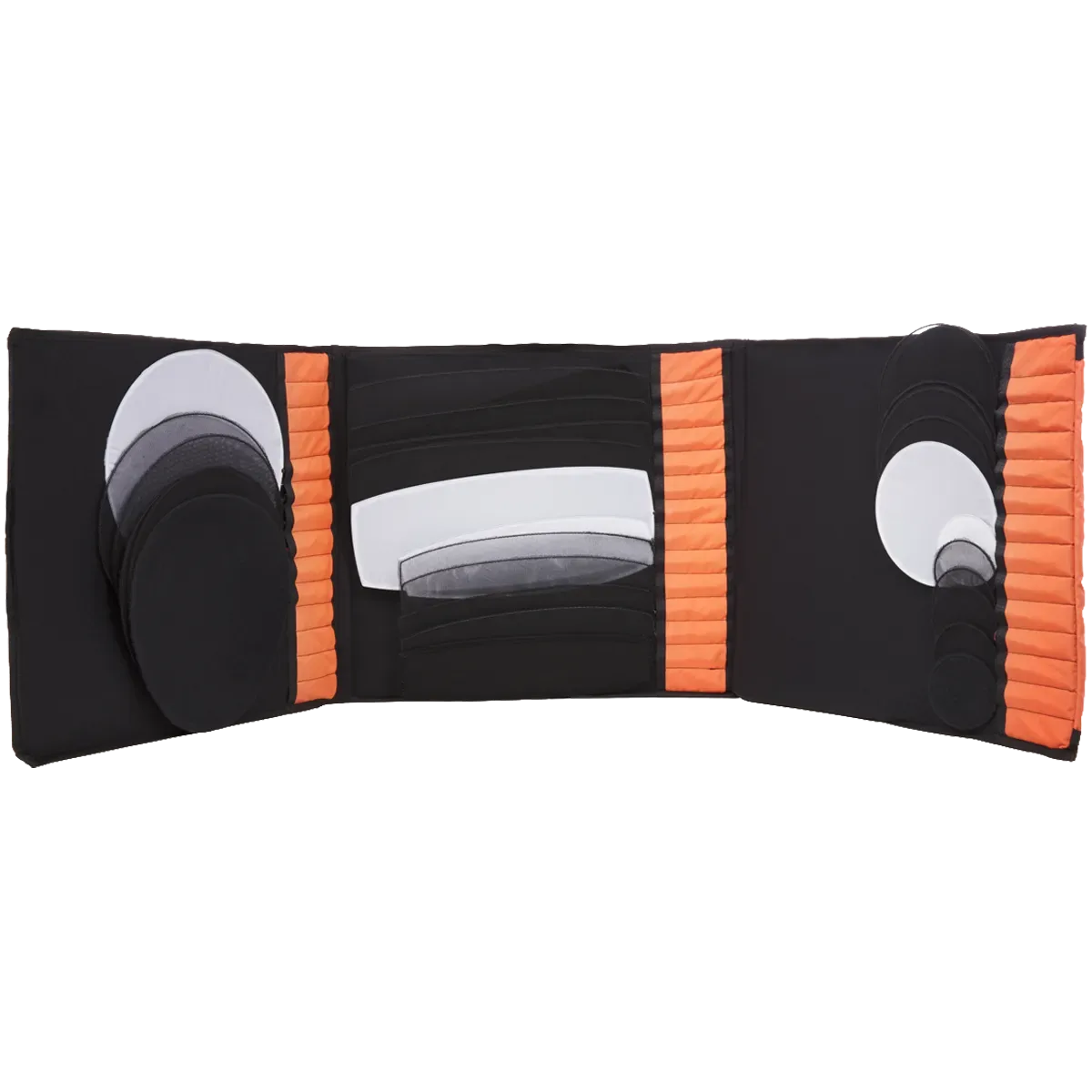
- DOT FINGER: DOT FINGER is a rental lighting item listed under the diffuseur and lumière tags, available as a single Standard option with SKU DOTFINGER. A small diffusion option lets you soften a hard source locally without flattening the whole set, useful for the tighter framing of a 150mm portrait.