Quick answer
If your Mega Man Pocket Player Pro won't power on, shows a blank screen, or has unresponsive buttons, start with the simplest fixes: check the batteries and reseat the game cartridge.
Why these steps first?
The Mega Man Pocket Player Pro is a handheld mini arcade that runs on batteries. Many common issues are caused by simple power or connection problems. Trying these before anything else saves time and avoids unnecessary troubleshooting.
Diagnosis and fixes
- No power / won't turn on: Symptom: Press the power button and nothing happens. Likely cause: Dead or incorrectly inserted batteries. Corrective action: Replace with 3 fresh AAA batteries, ensuring correct polarity. If still no power, check the battery contacts for corrosion. If the device still doesn't power on after fresh batteries, stop and contact support.
- Blank screen (backlight on or off): Symptom: Device powers on but screen stays blank. Likely cause: Game cartridge not fully seated. Corrective action: Turn off the device, remove the cartridge from the slot, and reinsert it firmly until it clicks. Also clean the cartridge contacts with a dry cloth. If the screen remains blank after reseating the cartridge, the cartridge or unit may need replacement.
- Unresponsive or sticky buttons: Symptom: One or more buttons do not respond or feel stuck. Likely cause: Debris or dust under the button membrane. Corrective action: Turn off the device and gently tap the side to dislodge particles. Use compressed air around the button edges. Do not use liquids. If buttons remain unresponsive after cleaning, the button membrane may be damaged and the unit should be replaced.
About the Mega Man Pocket Player Pro
-
Mega Man Pocket Player Pro: Mega Man is the iconic blue bomber who has been delighting fans for over 30 years. Mega Man is one of the most popular video game franchises of all time. This portable device lets you enjoy classic Mega Man gameplay anywhere, making it important to keep it working for on-the-go fun.
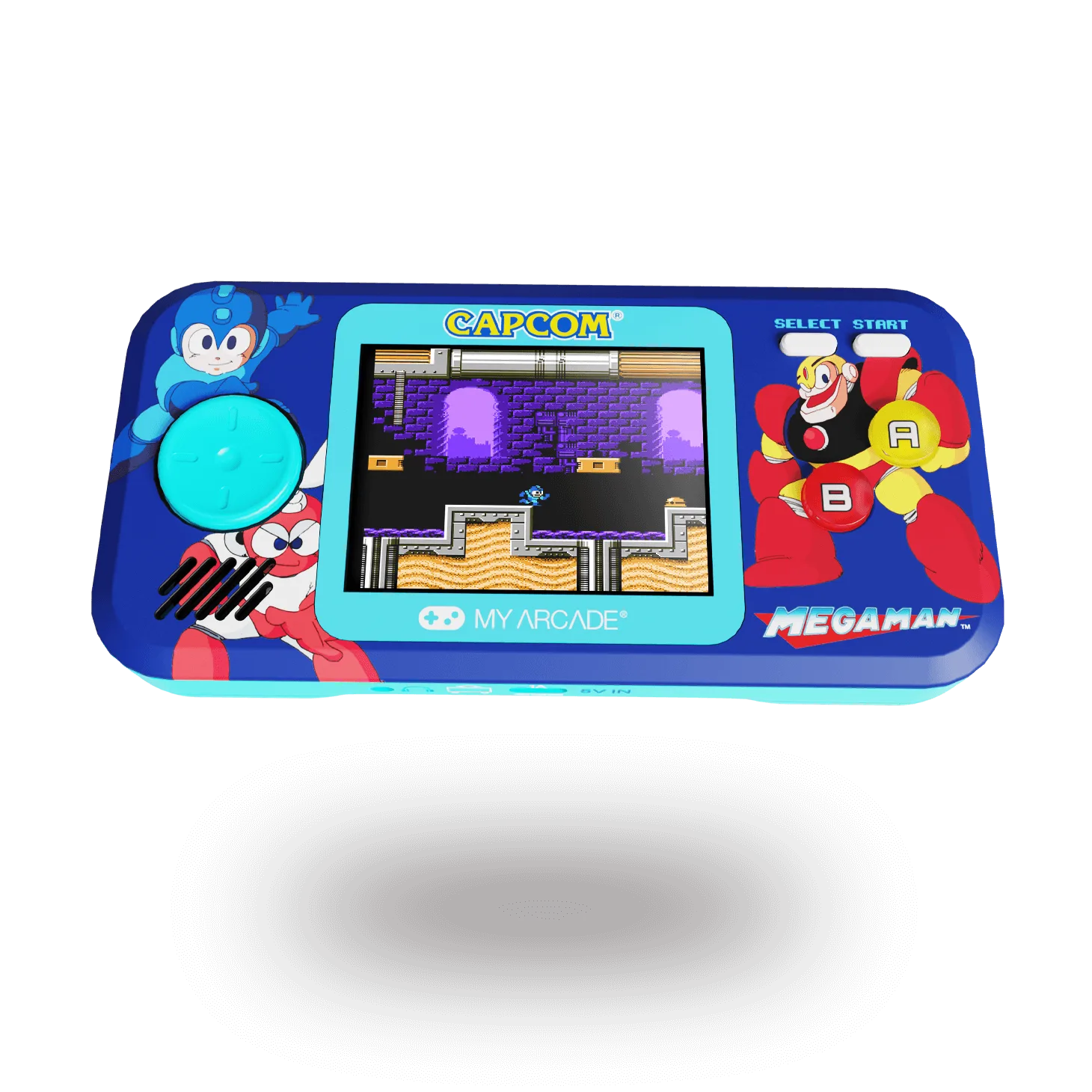
Mega Man Pocket Player Pro