Quick Answer
Use a clean, dry PLFX Microfiber Cloth in a gentle circular motion to remove smudges and dust from your FX filters. Wash the cloth regularly with mild soap and air dry to prevent scratches.
Why Microfiber Matters for Optics
Standard cloths or paper towels can leave lint or abrasive particles that scratch optical coatings. Microfiber is tightly woven to trap dust and oil without damaging the lens surface, making it the safe choice for FX filters.
How to Care for Your Microfiber Cloth
- 1. Use the Cloth Dry: Always use the microfiber cloth dry on your FX filter. Dampening it can push debris into the weave and leave streaks. Gently wipe in a circular motion from the center outward. Common mistake: using a wet cloth can trap grit and scratch the filter.
- 2. Wash After Heavy Use: When the cloth looks soiled or feels greasy, hand wash it with a drop of mild, fragrance-free dish soap and lukewarm water. Rub the fabric gently against itself, then rinse thoroughly until no soap remains. Do not use fabric softener or bleach—they clog the microfiber and reduce absorbency.
- 3. Air Dry Flat: Lay the cloth flat on a clean towel or hang it to air dry. Avoid the dryer, as heat can melt or warp the microfiber fibers. Once dry, fold it and store it in a sealed bag or case to keep it dust-free. Storing a dirty cloth in a pocket or drawer can transfer grit to your next cleaning.
Product Facts
-
PLFX Microfiber Cloth: Made of high-quality tightly woven microfiber materials to absorb and remove dust, oil smudges, fingerprints, and dirt. This construction ensures no scratches, streaks, marks, or lint on your FX filters during cleaning.
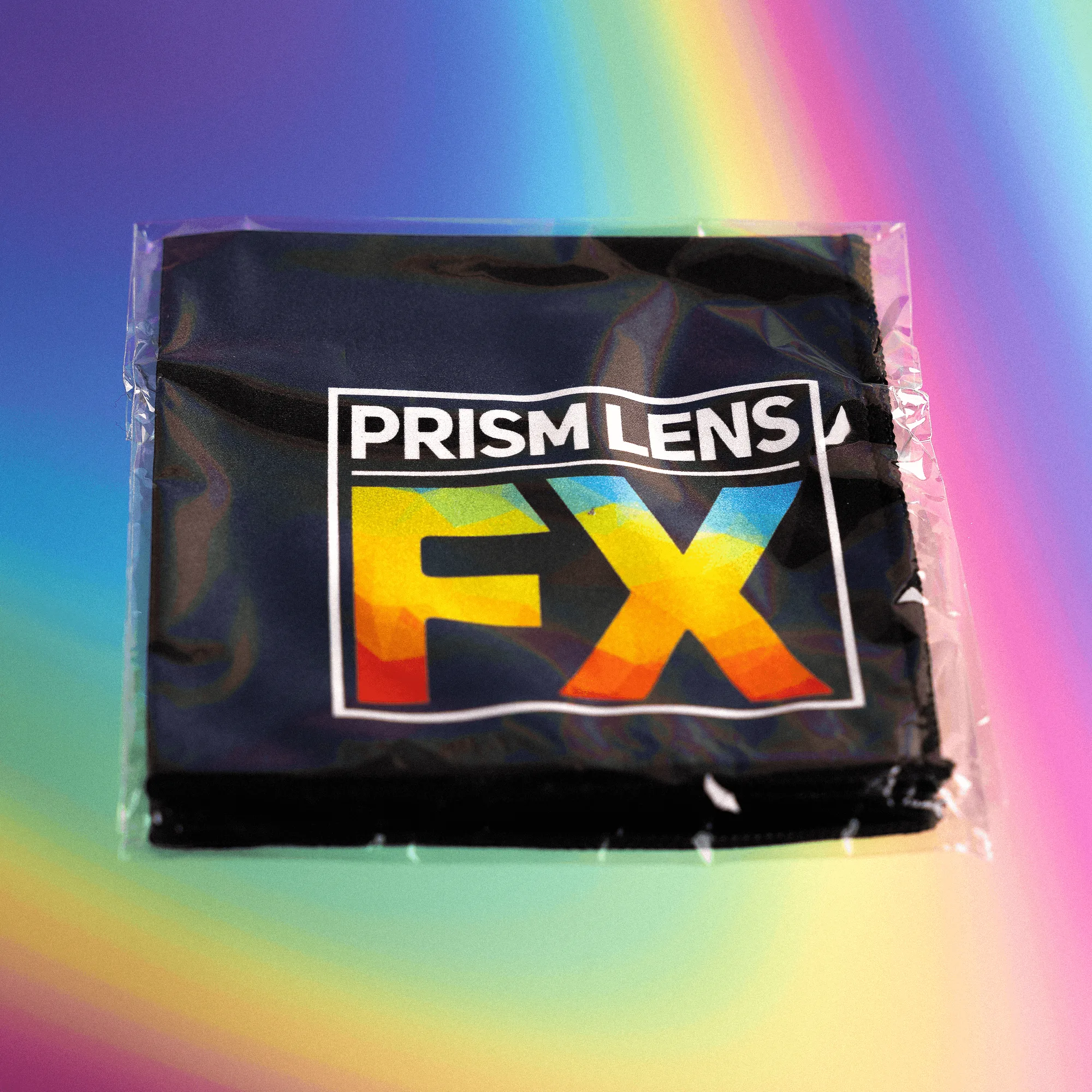
PLFX Microfiber Cloth