Quick answer
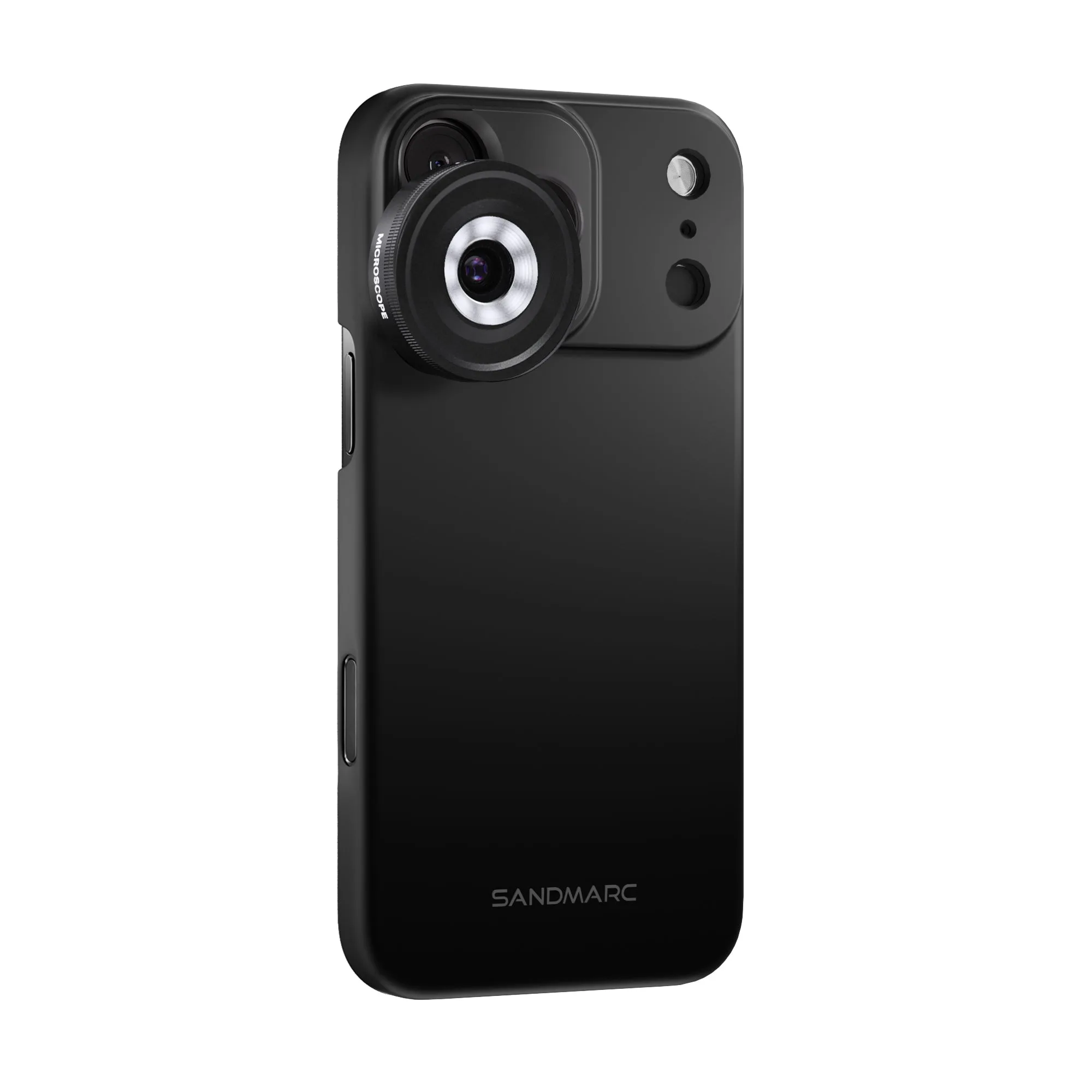
To set up an iPhone microscope lens, attach the lens over your iPhone's main camera, turn on the built-in LED ring light, and place the subject 10–15 mm from the lens. Use manual focus or tap to focus, and keep the phone steady with a tripod or stand. The SANDMARC Microscope Lens Edition for iPhone 17 Pro Max delivers 40x magnification with a USB-C rechargeable ring light, making it ideal for jewelry, nature, and tech close-ups.
microscope lens
Why lighting makes or breaks microscope shots
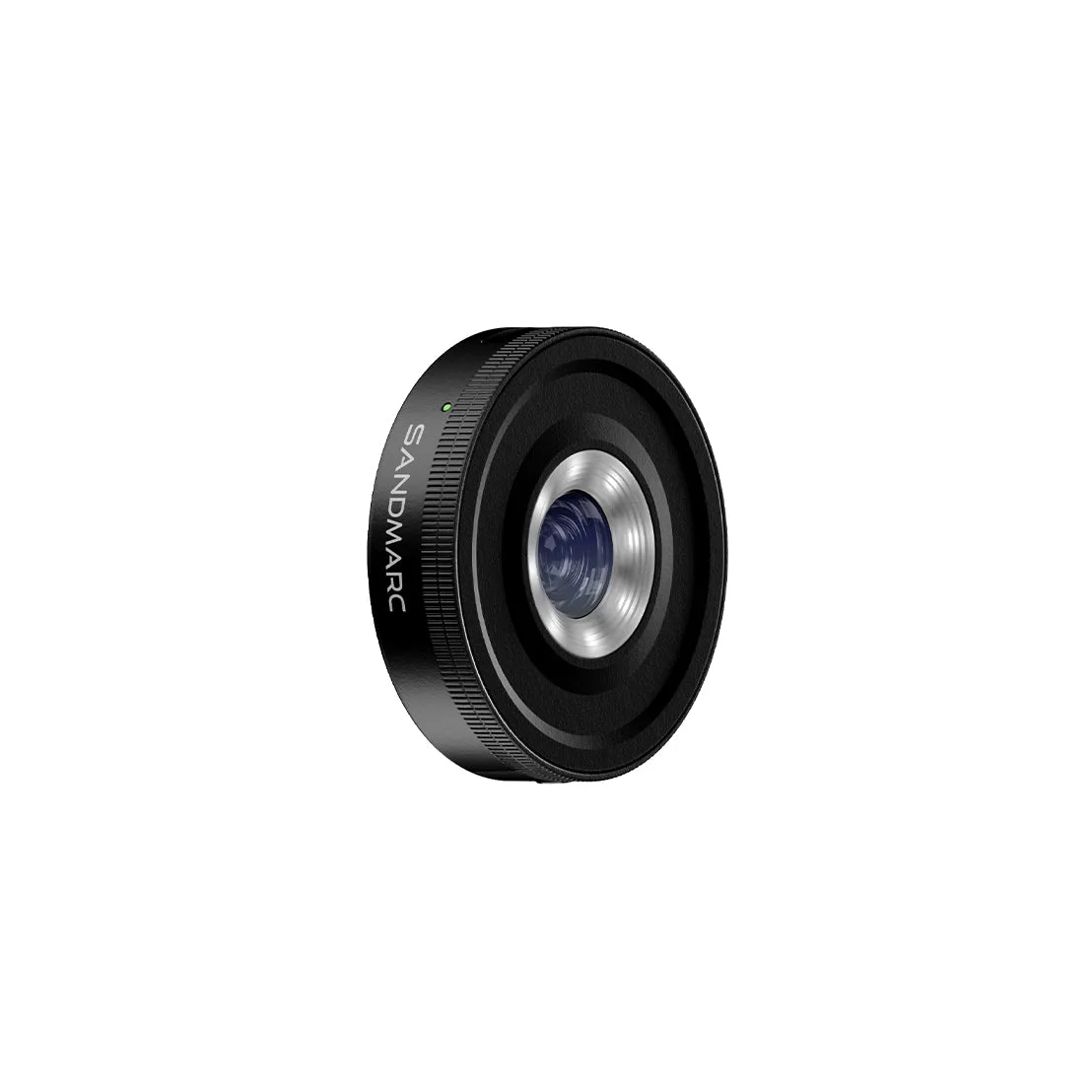
At 40x magnification, the depth of field is razor-thin and any shadow becomes a black void. The built-in LED ring light on the SANDMARC Microscope Lens provides even, adjustable illumination that eliminates harsh shadows and reveals surface texture. Without it, you would need an external light source positioned at a precise angle, which is difficult to maintain handheld. The ring light is USB-C rechargeable, so you can top it up between sessions and avoid being tethered to a wall.
Stabilization: the difference between sharp and blurry
Handholding an iPhone at 40x magnification amplifies every micro-movement. Even a steady hand introduces motion blur because the effective focal length is so short. Use a tripod or a simple phone stand, and if your subject is loose, secure it with tape or a clip. For living subjects like insects, a burst of shots increases your odds of a keeper. The SANDMARC lens includes a clip mount that fits over your iPhone case, but for maximum stability, remove the case and mount the phone directly on a tripod.
Step-by-step iPhone microscope setup
- Attach the lens and align it: Clip the SANDMARC Microscope Lens over your iPhone's main camera lens. Ensure the lens is centered and sits flush against the phone. If you use a case, remove it first for a tighter fit. A misaligned lens causes vignetting and soft edges. Check alignment by looking through the camera app before locking the clip.
- Power on the LED ring light: Press the button on the lens to turn on the built-in LED ring light. Adjust brightness to your subject—lower for reflective surfaces like jewelry, higher for opaque textures like fabric or leaves. Forgetting to charge the ring light is the most common mistake. Plug it into USB-C before your session and keep a power bank handy for longer shoots.
- Position the subject at the correct distance: Place your subject 10–15 mm from the front of the lens. This is the working distance for 40x magnification. Move the phone slowly closer until the subject comes into focus. If you see only a blurry blob, you are too close or too far. Adjust distance in small increments—millimeters matter.
- Focus and stabilize: Tap the screen to focus on the area you want sharp. Use a tripod or rest your elbows on a stable surface. For the sharpest results, enable a 3-second timer to avoid shake when you tap the shutter. Autofocus may hunt at extreme close-ups. If it struggles, switch to manual focus in a third-party camera app or lock focus by pressing and holding on the screen.
- Capture and review: Take several shots at slightly different distances to ensure at least one is tack-sharp. Review at full resolution to check for motion blur or missed focus. Zoom in to 100% on your phone to verify sharpness before moving the subject. Delete blurry shots immediately to save space.
Product facts
- Microscope Lens Edition - iPhone 17 Pro Max: 40x magnification in the palm of your hand. The SANDMARC Microscope Lens turns your iPhone into a precision imaging tool, revealing hidden details in nature, jewelry, tech, and watchmaking. Because lighting is everything at this extreme scale, the lens features a built-in LED ring light. Evenly illuminated, USB-C rechargeable, and ready whenever you are. Made from premium multi-coated glass, it includes our dedicated case and clip mount. The 40x magnification and built-in ring light let you capture detailed close-ups without extra lighting gear, while the included case and clip mount keep the lens secure and ready to use.